
Iain
Jump session with templates
Just updated to the latest version .13 and behaviour is now correct!
Thanks for sorting
Jump session with templates
Apologies for the delay.
I have tried on the same jump with Agent and Jump host. Same behaviour on both. No templates appear in my template list.
Jump session with templates
Morning,
This is present again on 2026.2.11
Launching a host session via jump (jump is using agent and has client installed)
I am now seeing a blank template list

I've checked the entry and its pointing to a group

Group consists of several entries

Launching the same session with out a jump works correctly

Inheritance not working on Scripts
Here the example
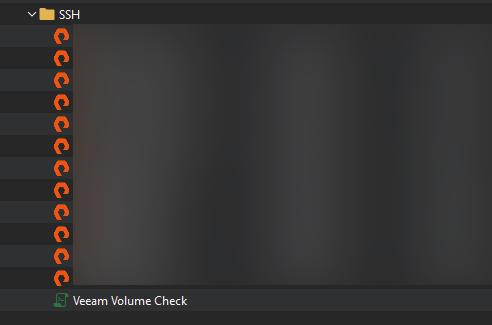
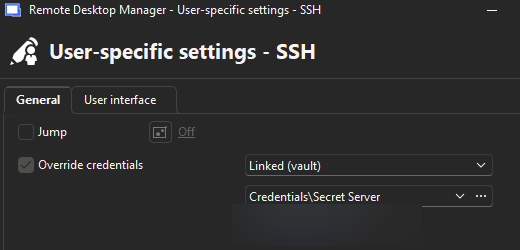
Folder SSH has creds set to by user specific:
If I select one of the entries in the folder and try to run the "Veeam Volume Check" against the session I get the following pop up:
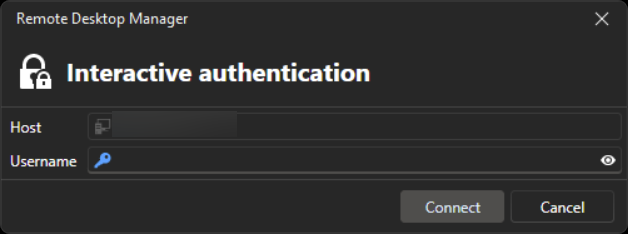
Rather than my cred's passing through.
However, if I set my cred's on the session using user specific settings it will log straight in and run the commands.
Inheritance not working on Scripts
Apologies I missed this reply!
I'll look to get these done today for you.
Template Group missing
Finally got to update to 2026.2
Thank you for sorting this, I can confirm it's working for me!
Inheritance not working on Scripts
We have a small terminal command that we run against a number of SSH sessions.
I noticed it was not working on several new sessions when attempting to launch it I would get a prompt to login
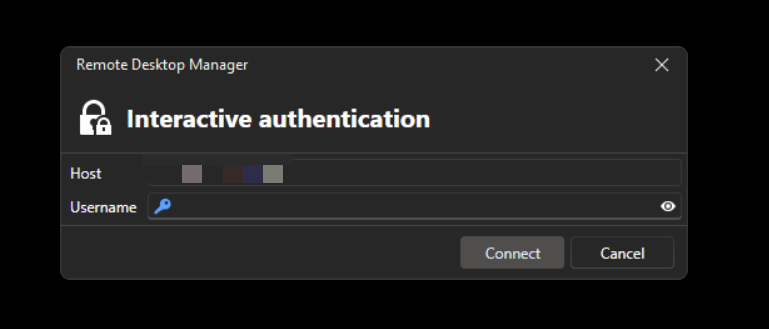
Yet when I just launched the SSH session it auto logged in with my saved credentials.
After some playing around and confirming with another user in the team who had it working I found the issue.
Currently all the sessions are saved under a folder and my cred's are linked to the folder. All the sessions are set to inherit. Launch the script and it ignores this.
If then override the credentials on the session its self (edit - User specific settings..) then launch the script it works!
Unable to work without internet connection - RDM removed all entries!
Yeah, on a SQL data source you have an option to set the type of cache.
Based on your first screen shot it looked identical as to what happens if its not set or has expired. So I assumed it was missing, looking at your new screen shots it would appear you have it correctly configured.
So not sure why it would not have cached it when connected.
Unable to work without internet connection - RDM removed all entries!
You need to enable a cache mode on the data soruce, as you are not connected your entires are not showing when offline.
VMware console Issue
Issue resolved, found the issue.
Once I located the logs and could see it was actually complaining about the login I just needed to change the format of the the username to domain\user and now consoles are working.
VMware console Issue
As the sync is now working once again:
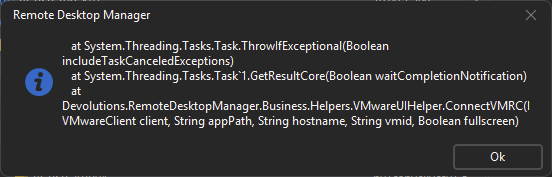
I have added one back in. I managed to get consoles to sync but when attempting to launch a session I keep seeing the following error:
Fortinet IPSEC VPN without RDM as admin?
Following thread for updates, as we have moved to the same VPN and I have been unable to configure it either.
Template Group missing
Similar to what I was doing before.
Fingers crossed whatever change that allowed me to do it in the past can be made available again.
Template Group missing
Hi Hubert,
Your understanding is correct, I am using a host session as a template. Not a template group.
If there is a supported way to achive the same result (or a result thats pretty close) i'm happy to take a look if it would work.
Thanks
Upgrade to RDM 2026.1.18.0 64-bit (JIT) Broke vCenter Synchronization
Following, as all ours broke and so removed consoles till I could resolve.
They either out right failed when using Default or legacy or returned "no new machines found" when using experimental.
I did have a filter on, if removed it would add in every vm it found but would also duplicate the entry. I would have 4 consoles per VM.
Template Group missing
Hi Jacob,
I can confirm (definitely with in a year though!) I could as I have some currently configured..
Here is a host session where the template is pointing to a template group..
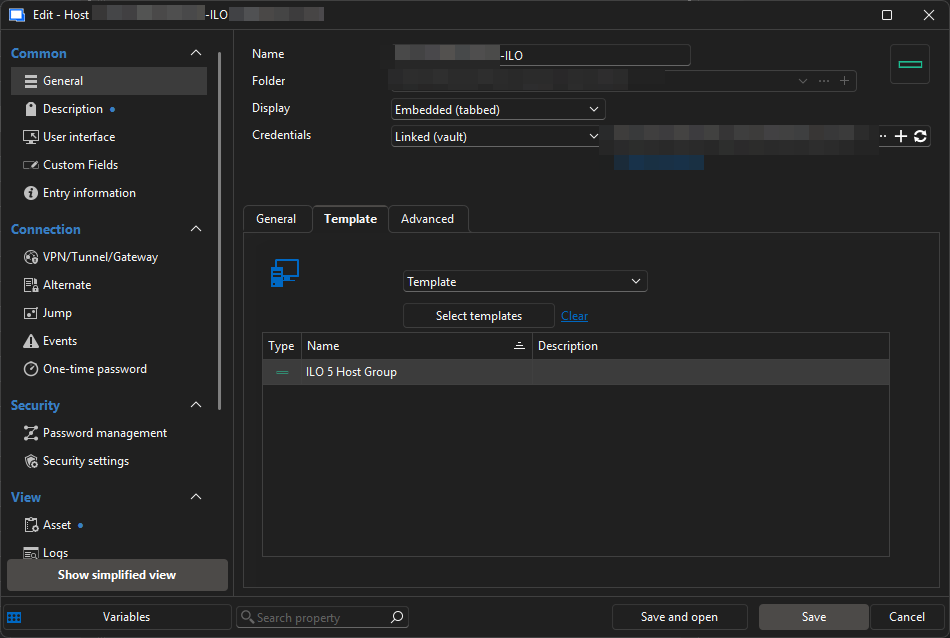
Template group is a host session:
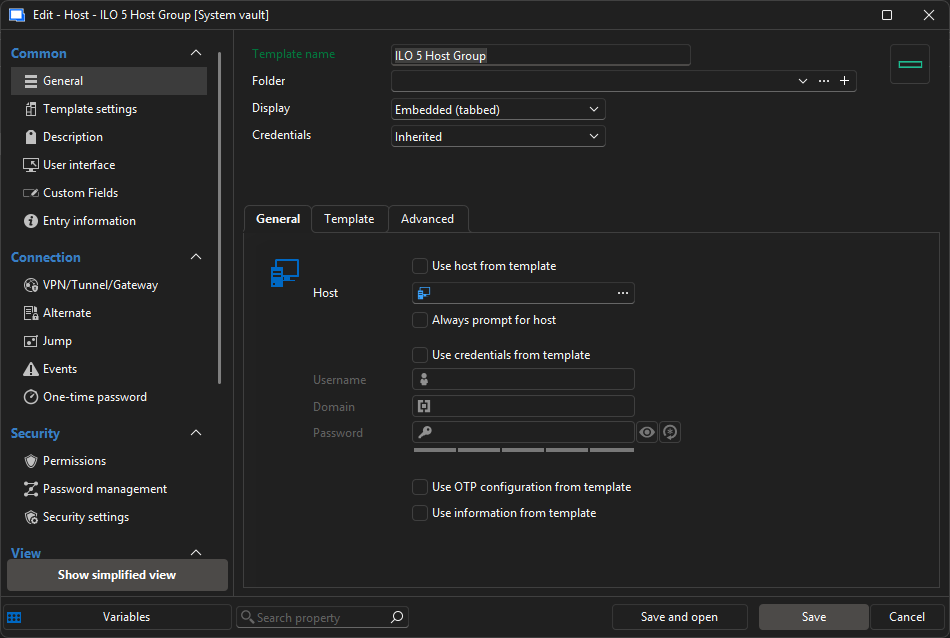
Which is then pointing to a set of templates:
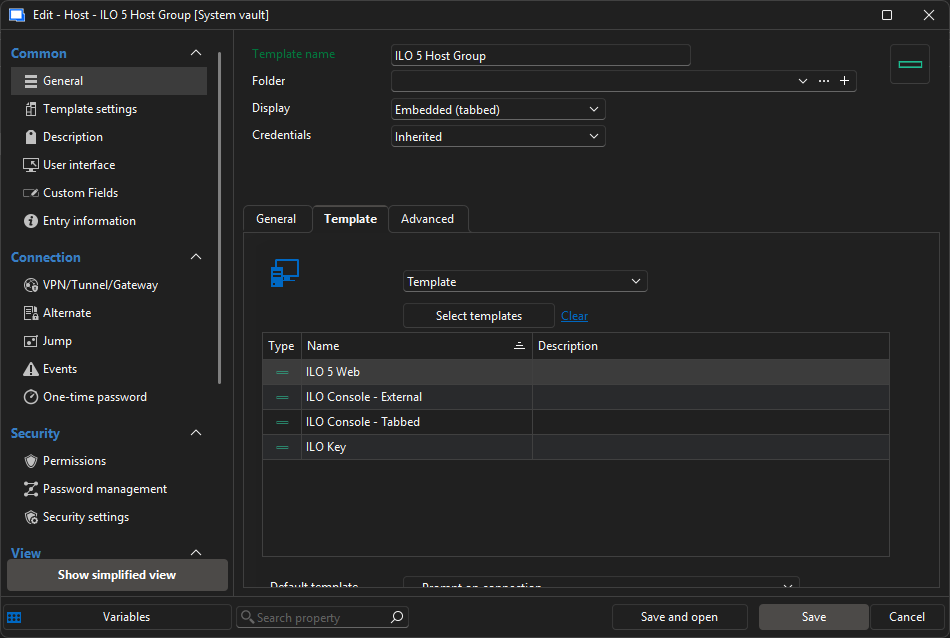
If I have managed to pull this off as some sort of fluke.. could I please request it as a feature request as it was a huge time saver!
Template Group missing
Updated this morning and issue is still present.
Template Group missing
So I created a copy of one the host session templates and placed it in the root of the template section.
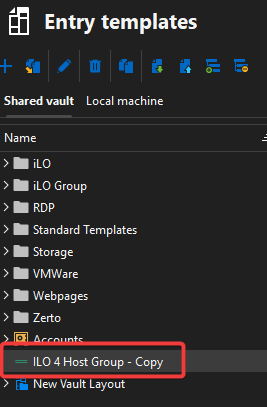
Checked its availability:
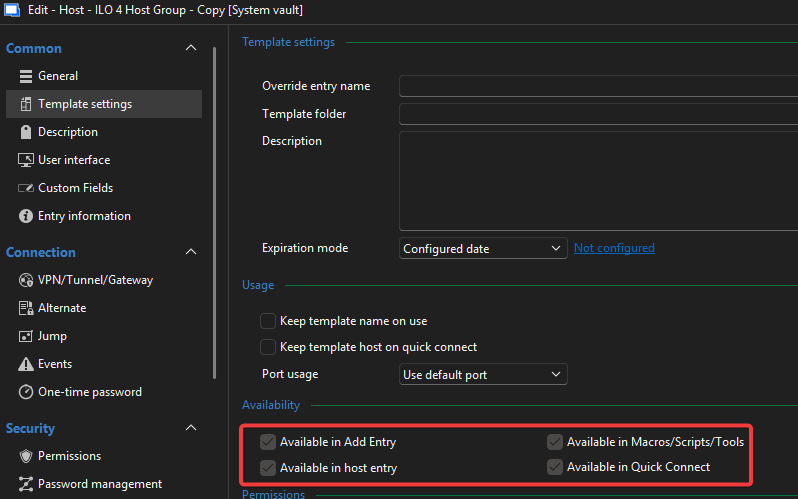
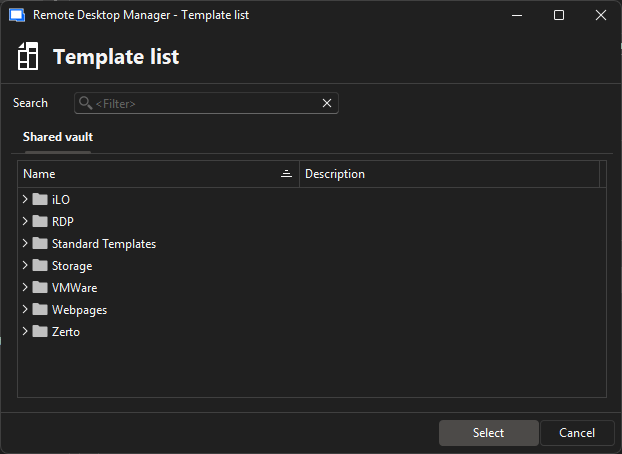
I go to an existing entry to add the host session and the template is not available for selection:
Template Group missing
Hi,
No option to edit the existing folder to check. as its the whole folder that does not appear.
Also the session type contained in the folder is "Host"
Happy to have a session and walk through it.
Regards
Docked Vault list
I already do this with the navigation un-docked you can then add tabs in, you can then set in up in any way you want.
Template Group missing
Afternoon, any news on this please?
Template Group missing
Am I best logging a support call for this instead?
Template Group missing
Morning,
Been meaning to raise this work a while but kept forgetting!
Not sure if it related to this issue: https://forum.devolutions.net/topics/44494/template-groups--not-showing-any-templates-available#207916
I have a set of templates created and I want to link a them to a host session:
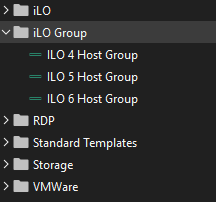
Specifically the ILO groups I have created.
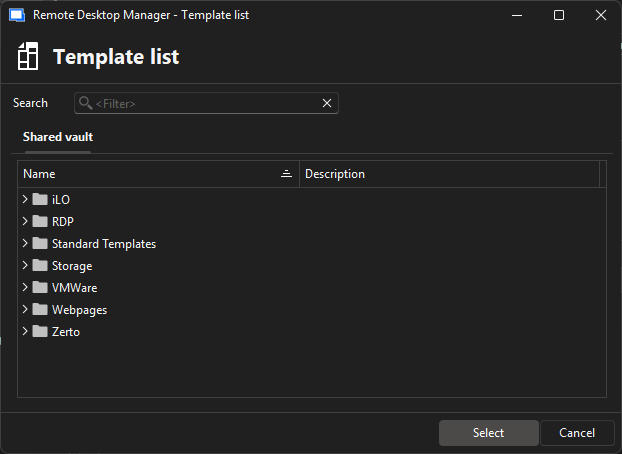
When I go to template list from with in the host session you can see here the folder and sessions do not appear:
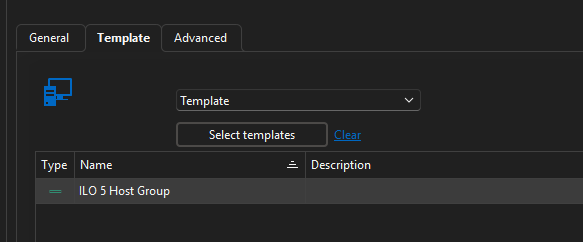
Yet I know it worked in the past as I have some session configured to point to them:
Web entry - extentions
Hi,
Is it or could it be possible to get extensions working with web entries.
Or a way to get dark mode on web entries!
I appreciate this is unlikely possible but just asking in case it is.
RDM keeps randomly closing
Yep looking good also, have had both thumbnail view and AD dashboard open without issue.