Inheritance not working on Scripts

We have a small terminal command that we run against a number of SSH sessions.
I noticed it was not working on several new sessions when attempting to launch it I would get a prompt to login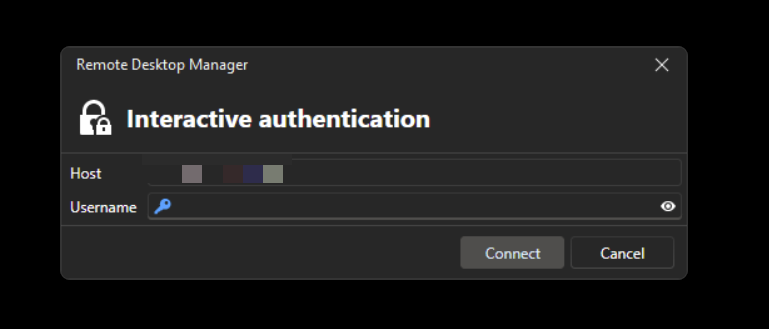
Yet when I just launched the SSH session it auto logged in with my saved credentials.
After some playing around and confirming with another user in the team who had it working I found the issue.
Currently all the sessions are saved under a folder and my cred's are linked to the folder. All the sessions are set to inherit. Launch the script and it ignores this.
If then override the credentials on the session its self (edit - User specific settings..) then launch the script it works!
Thanks
Iain
Version 2026.2.13.0 64-bit
Data Source SQL
b3a00763-a418-4ab7-941f-bd7a61983645.png
All Comments (4)
Hello,
Thank you for reaching out to us regarding this,
Would you be able to provide me with some screenshots of the configuration so that I can reproduce it more closely?
Let me know,
Best regards,
Samuel Dery
Apologies I missed this reply!
I'll look to get these done today for you.
Thanks
Iain
Version 2026.2.13.0 64-bit
Data Source SQL
Here the example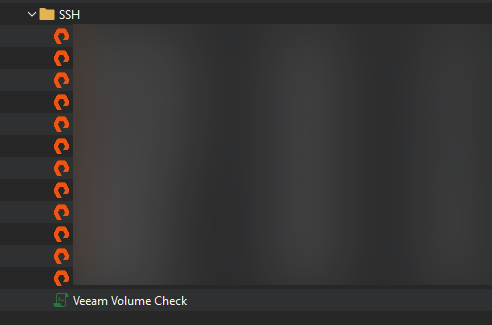
Folder SSH has creds set to by user specific: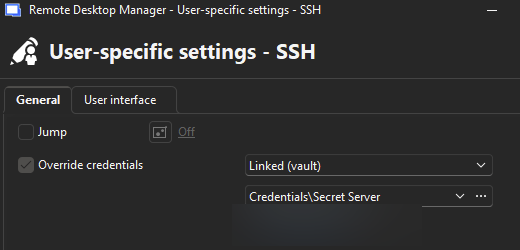
If I select one of the entries in the folder and try to run the "Veeam Volume Check" against the session I get the following pop up: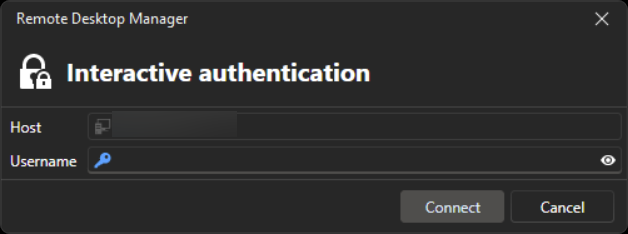
Rather than my cred's passing through.
However, if I set my cred's on the session using user specific settings it will log straight in and run the commands.
Thanks
Iain
Version 2026.2.13.0 64-bit
Data Source SQL
ec1a168f-7ebc-4ea7-8708-e8eec15440ee.png
2ffc34d3-6bd5-42f6-93b3-a0bcf1aa3b72.png
16b5f3c5-290f-4dad-ba41-8f28c19a130a.png
Hello,
Thank you for the screenshots they're very helpful.
Could you also let us know what the "Veeam Volume Check" script is doing? If possible, could you paste the script or its contents here (removing any sensitive information if necessary)?
This will help us determine whether the issue is related to how the script is being executed or how credentials are being inherited.
Best regards,
Carl Marien