
Anders Lund
Missing tree view culture on MacOS RDM
Hi Jacob,
Thank you. Didn't see the feature request on the front page of the forums but found it now.
Kind regards,
Anders
Missing tree view culture on MacOS RDM
Hi there,
On Windows, I can go to Settings -> User Interface -> Tree view and select the Tree view culture to make sure that entries are sorted correctly in my language. However, this option is missing on the Mac version of RDM.
Kind regards,
Anders
Mac Book Pro M3
MacOS 15.3.1 (24D70)
RDM: 2024.3.10.4
Mac:

Windows:

Copy/paste files from remote RDP Windows Server to local Mac not working
Hmmm... now i tried to do it with the session logging, it works. And tried other places. Tried restarting remote server and own computer and it still works.
I don't know what happened for the last couple of weeks but it works now 🙄
I will do session recording if I run into the issue again. Thank you.
Copy/paste files from remote RDP Windows Server to local Mac not working
Hello there,
Some time ago you introduced the ability to copy multiple files to/from Windows over RDP when you use a Mac. Thank yo for that! :-)
Mac: Copy multiple files to and from remote desktop on Windows Server
However in the last couple of weeks I can't copy any files (not even a single one) when copying from remote Windows to local Mac, using RDP. I can do it the other way, from the Mac to the remote Windows. What I see is that I right-click a file on the remote Windows and select copy and then I use CMD-V to paste to try to paste the file to my Desktop or Downloads folder and then nothing happens - no indecation of an error. Copy text works both ways.
Apple Macbook M3 Pro
macOS 15.2
RDM 2024.3.9.0
Windows Server 2022 21H2 (20348.2762) - I have tried multiple Windows Servers with different versions.
Kind regards,
Anders
Session Website missing OTP copy button
Thank you, Jesse!
Session Website missing OTP copy button
Hi,
We use the Website entry to hold a web address + username and password + OTP codes.
In Website (legacy) when viewing an entry, there are two buttons to view and copy OTP code.
In Website, the buttons are not there, and you have to right-click the entry and select Copy OTP
Info: Website (legacy) when linked to credential, fails to copy OTP, shows error "The OTP attached to this record could not be found", and copies a random (not OTP) code to the clipboard. However, this is legacy, so I accept that it won't get fixed.
Request: Bring back the buttons to copy OTP
Bonus request: 1) Create a new button to copy Username, Password and OTP. 2) Make it configurable what buttons that are visible.
Kind regards,
Anders
Reconnect does not resize RDP session - macOS
Hi Tommy,
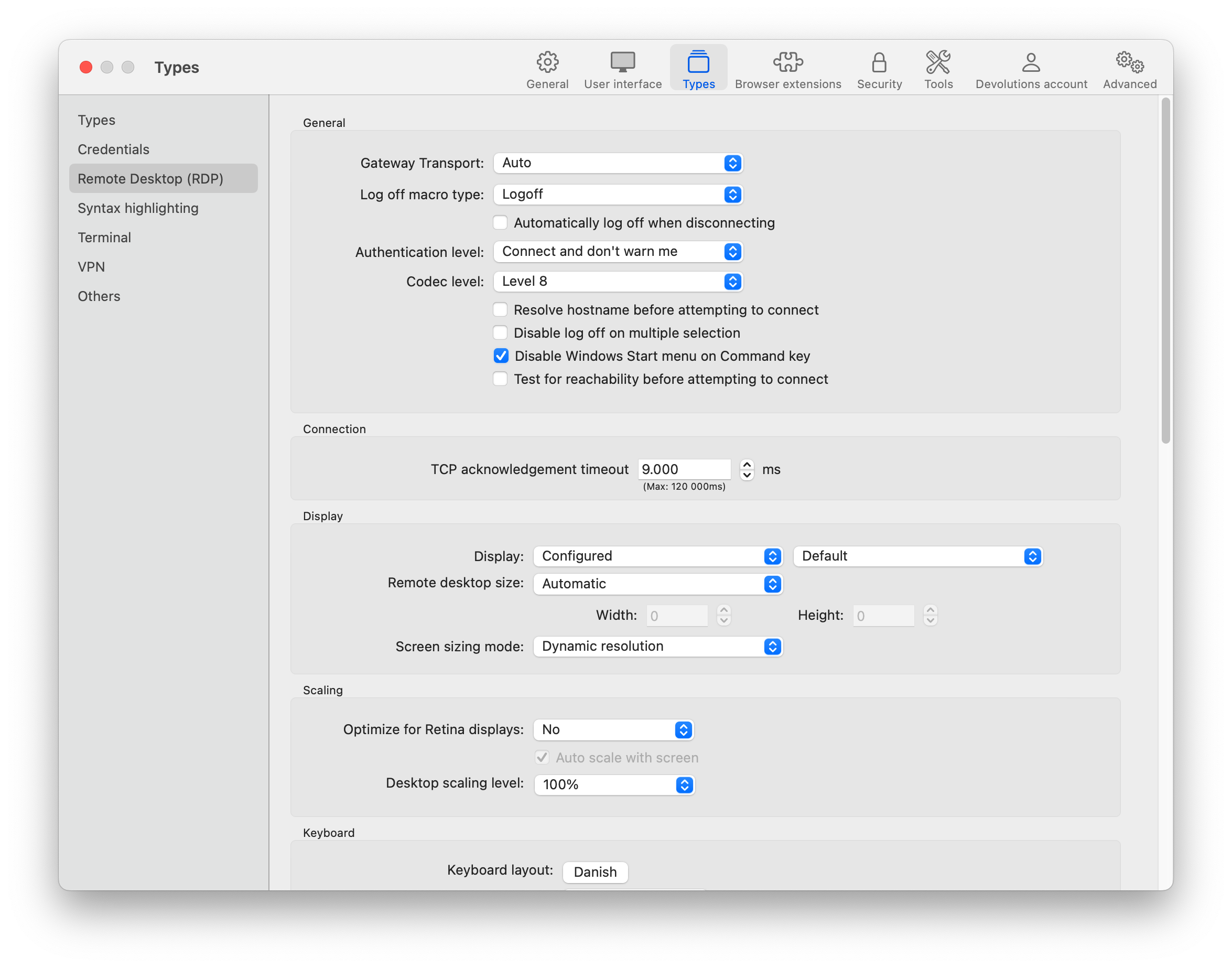
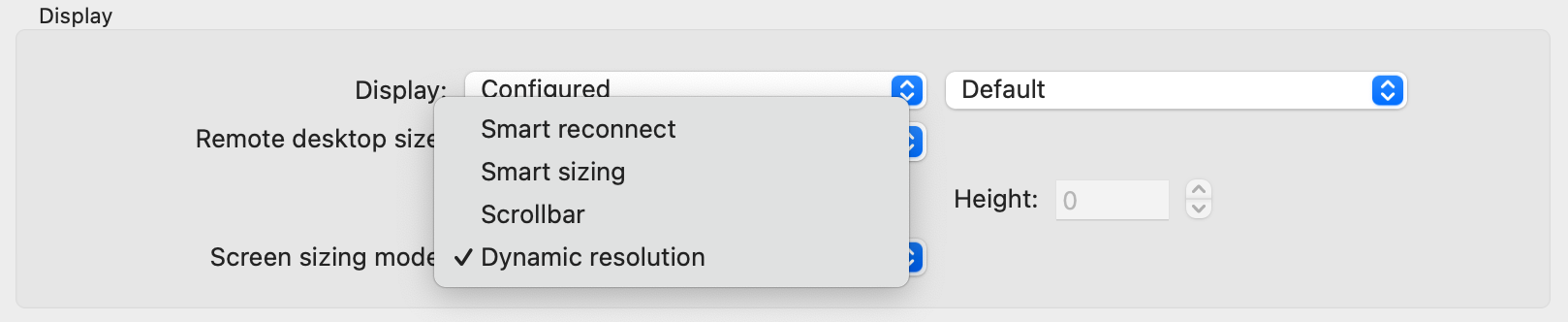
I tried going into the settings of RDM and look at the session, but I could swear that it was set to "none" or something similar indicating that it would do nothing. However, I don't see that as an option and RDM seems to function as I was used to on Windows.
Reconnect does not resize RDP session - macOS
Hi Tommy,
Thank you for showing me that - that work's better than smart reconnect. However, I still think RDM on Windows behaves differently than on Mac as I can get RDM for Windows to resize the session by clicking reconnect, but the RDM for Mac will not resize the session - in both cases Screen sizing mode is set to None.
Regarding the macOS forum, I'm not sure how to find it when I go to https://forum.devolutions.net/ - it all points to Windows support or other things not related to RDM.
Kind regards,
Anders
Reconnect does not resize RDP session - macOS
Hi
When I used RDM on Windows and had an active RDM session, then when I resized the RDM window so the RDP session did not fit, I could choose Reconnect and it would reconnect at fit the new window size.
When I do the same on macOS it reconnects but does not change the session size to fit the new window size.
Workaround is to use Smart Reconnect that will automatically reconnect and fit the new window size when the window size is changed.
Edit: This might had fitted better in the bug forum.
Kind regards,
Anders
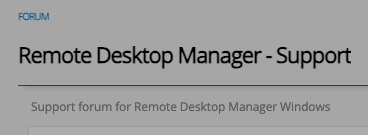
P.s. This forum has a subheading "Support forum for Remote Desktop Manager Windows" - is it only for Windows or is a mistake that it says Windows?
Mac: Copy multiple files to and from remote desktop on Windows Server
That's awesome Richard!
Thank you and your team.
(It seems that I'm a little confused about who I'm logged in as ;))
Mac: Copy multiple files to and from remote desktop on Windows Server
Thank you for the suggestion of a mapped drive. Not always avilable for me (customer servers) but on our internal servers no problem. However, I usually only have to copy 5-10 files that are less than 1 MB in total, so copy-paste world be the fastest way to do it.
It's not a major issue for me just a minor annoyance when it's 10 files.
/Anders
Updater is not launching
Just tried to do the latest update (2024.2.16 -> 2024.2.17) and while updating (downloading update), the RDMUpdate folder had these files:
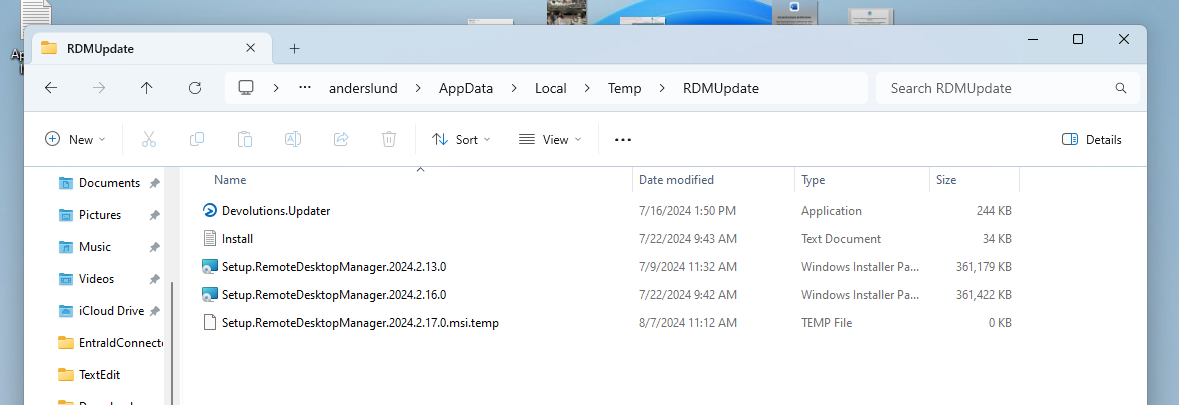
and after the update was complete the folder still existed but had the (old?) Devolutions.Updater.exe file:
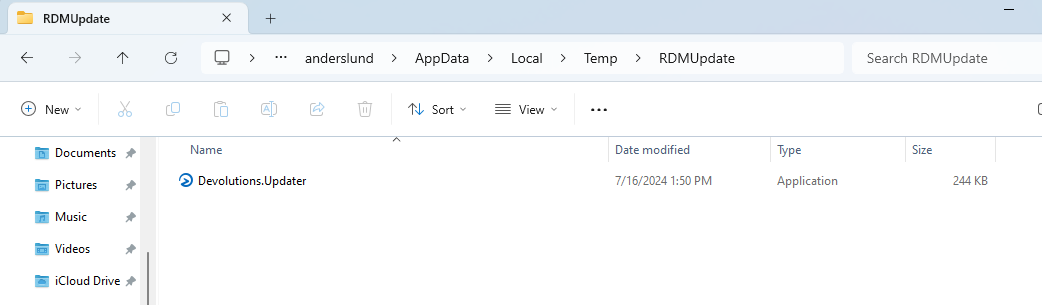
So, we do get the big update files cleaned out now. Don't know if Devolutions.Updater.exe should be included or if that is just a relic of an "old" updater that we should not see in the future. Everything else seems good.
Updater is not launching
I was also some versions behind - no mentioned of new version avilable. The same with my college.
Updater is not launching
RDM just did the 2024.2.11 to 2024.2.13 update without issues. What I did was deleting the installer from %temp%\RDMUpdate folder and clicked check for updates and selected Download and install now and that downloaded and installed the update.
Maybe the issue is if one click download and install after closing RDM (can't remember the option name) but it doesn't install later. Then next time when you click check for updates, it's now in a limbo mode of having already downloaded the update but thinking it's a new update session and now fails to launch the update as it hasn't just downloaded it.
I'm not getting any 2024.2.14 or 2024.2.15 updates when clicking check for updates but I will keep an eye out for this and enable debugging level 1 next time I update to see if I can catch some debugging info for you.
Updater is not launching
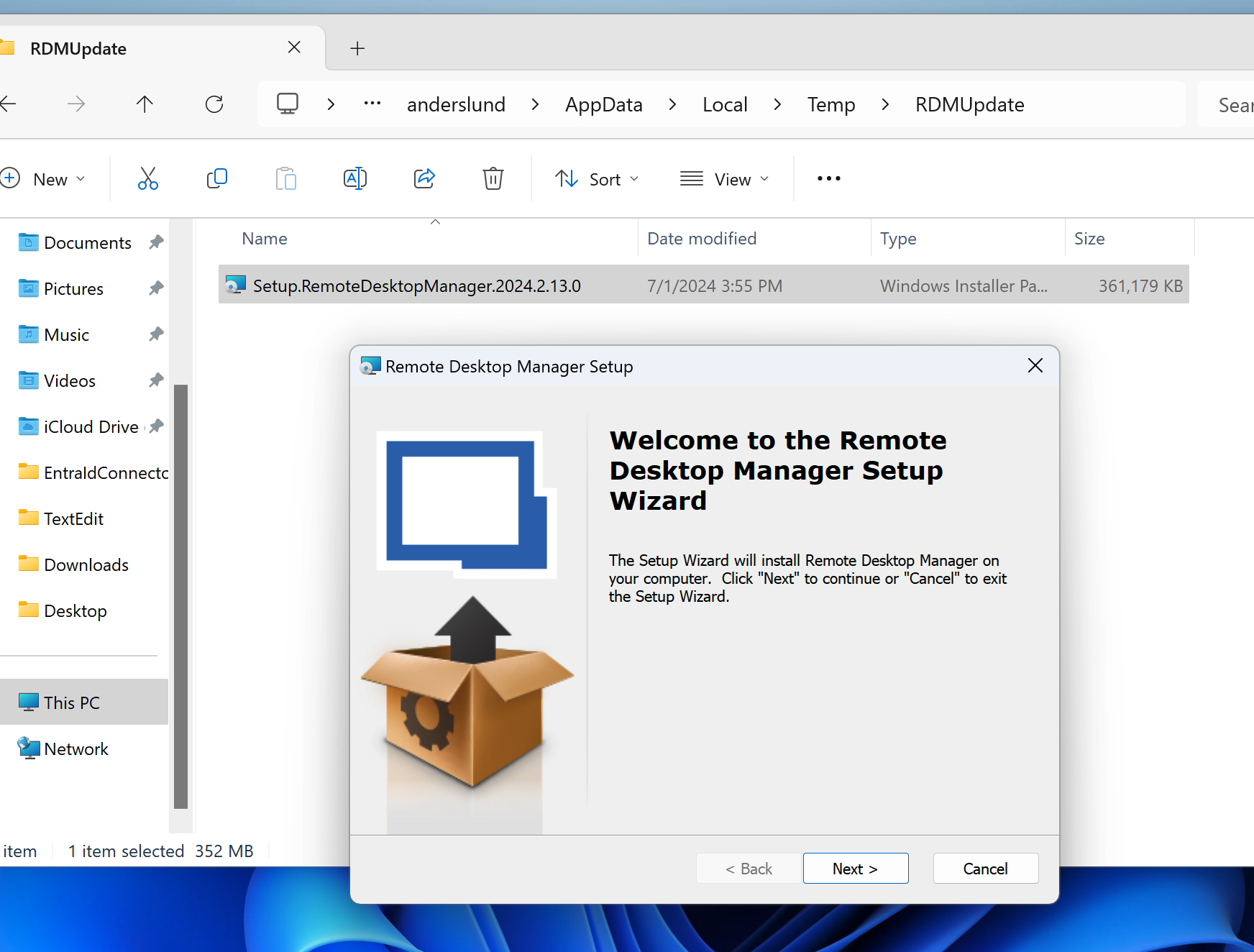
If I lunch the update manually from %temp%\RDMUpdate, then it seems to update.
So, it seems like the updater UI has an issue starting the update.
Updater is not launching
Just tried updating it though the UI after manually starting the update application. It downloaded the update, closed RDM but then just re-lunches RDM on the old version.
Updater is not launching
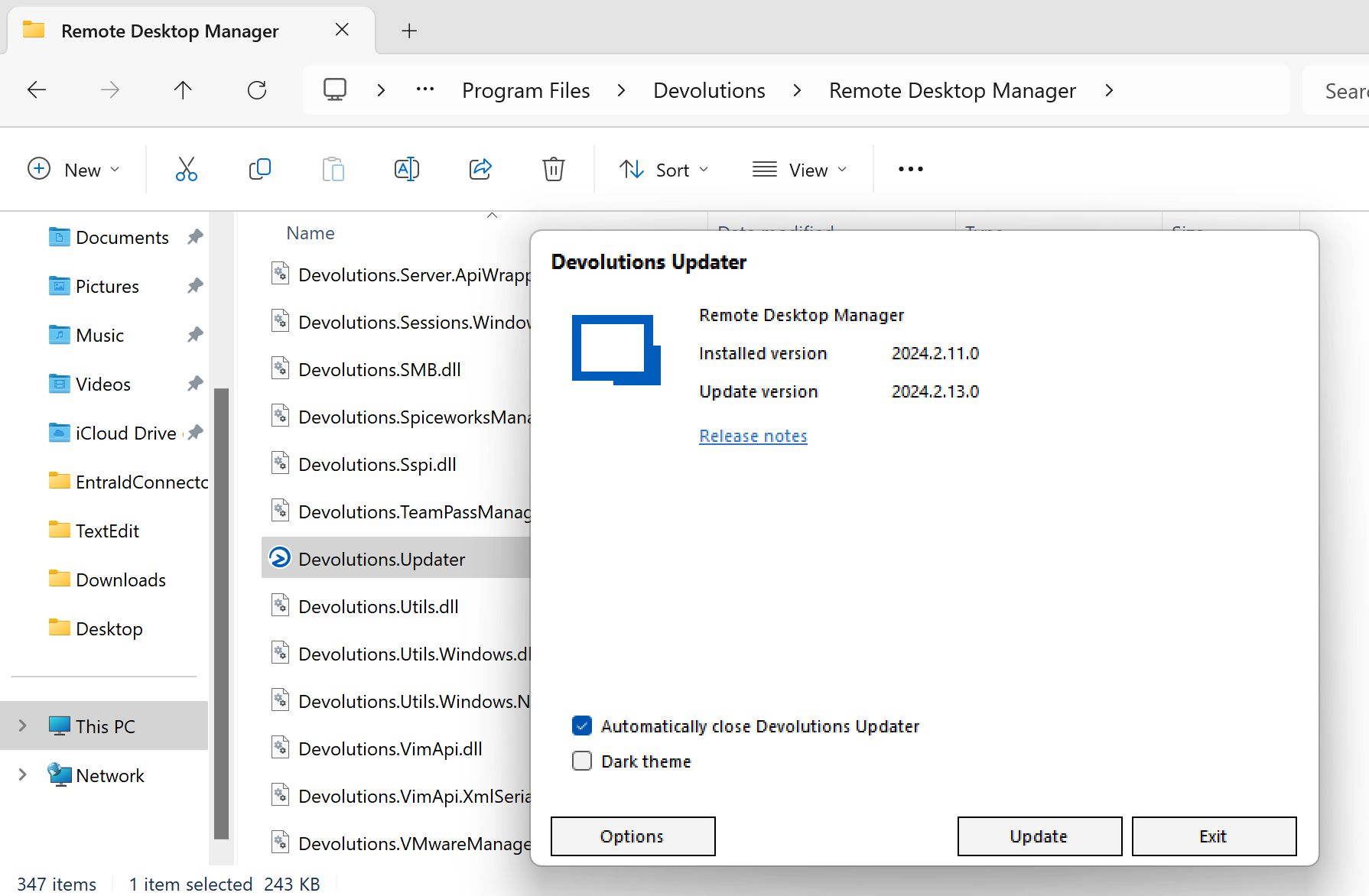
@david Just tried that and it opens correctly:
Updater is not launching
Yes, I see the exact same. Running RDM for Windows 11 in Parallels on Mac M3, so using RDM Arm 64-bit version.
Don't know if it's an issue for RDM for Mac - newly installed it and it haven't had any updates.
Hide application on copy
Hi Michel,
Thank you for the explanation!
Kind regards,
Anders
Hide application on copy
Hi,
I recently discovered the option "Hide application on copy" and have tried to figure out what it does. Have Googled, Binged, been though Devolutions knowledge base and forum but haven't been successful.
I recently changed to a Mac (still somewhat green here), so I'm not sure if it's a Mac-thing or not.

User Specific Credential -> Linked (Vault) -> No longer sorted
Thank you, Jafran
User Specific Credential -> Linked (Vault) -> No longer sorted
Good to hear that it's not just me.
Thank you, Patrick!
User Specific Credential -> Linked (Vault) -> No longer sorted
Hi
Normally when I want to override credentials and choose some exiting credentials from the vault, the list is sorted by Path and name but now everything is sorted at random. This seems to have come around the 2023.3 update but might have come before then.
My screenshot (partly translated to Danish) where you can see all the first letters - it should have been alphabetic.

Extra ellipsis on the "Delete folder" menu
PS: btw there's a difference between ... and … (Alt+0133)
Of cause there is…
Reminds me of when one of our developers discovered the different kinds of dashes - and learned not just to copy text from Word-documents into code 😂
Extra ellipsis on the "Delete folder" menu
Ah, now I see the problem. I see it now when I do it on an empty folder. My translation (in Localizer) actually had the three dots mening that the original text must have had it at some point, but after removing I'm down to three dots in RDM.
It is weird that the three dots are not part of the text as it is so many other places. I guess it's something new(?) where RDM automatically will insert the three dots on entries that opens up some kind of dialog. Just a wild guess.
So, either RDM should not try to insert three dots everywhere or RDM should insert them everywhere.
I would suggest that you make a modification to the field (eg. adding a 1 at the end), save and deploy and then modify it back to the correct (with no dots) and see if that fixes the problem.
Edit: Having two accounts in Devolutions messes up the login and who I post with - hence my two personalities in this forum thread
Edit 2: Fixing a few typos and clarify