Reconnect does not resize RDP session - macOS

Hi
When I used RDM on Windows and had an active RDM session, then when I resized the RDM window so the RDP session did not fit, I could choose Reconnect and it would reconnect at fit the new window size.
When I do the same on macOS it reconnects but does not change the session size to fit the new window size.
Workaround is to use Smart Reconnect that will automatically reconnect and fit the new window size when the window size is changed.
Edit: This might had fitted better in the bug forum.
Kind regards,
Anders
P.s. This forum has a subheading "Support forum for Remote Desktop Manager Windows" - is it only for Windows or is a mistake that it says Windows?
1116dc79-4b4c-40d2-ad1c-7dce89e52fd0.png
All Comments (5)
Hello,
Thank you for reaching out to us regarding this matter.
Could you please check your RDP entry settings and verify if the screen sizing mode is set to Dynamic Resolution?
In the meantime, I will transfer your case to the RDM Mac section in our forum for further assistance.
Please let me know if this suggestion resolves the issue.
Best regards,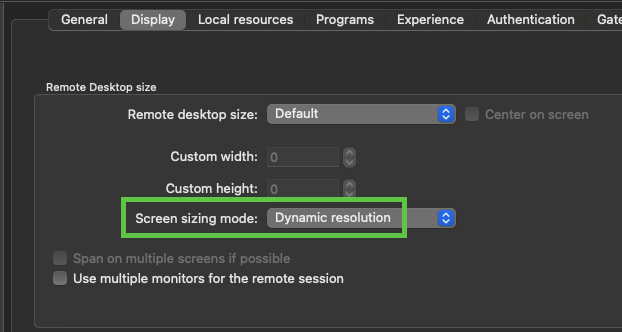
Tommy Sanders
image.png
Hi Tommy,
Thank you for showing me that - that work's better than smart reconnect. However, I still think RDM on Windows behaves differently than on Mac as I can get RDM for Windows to resize the session by clicking reconnect, but the RDM for Mac will not resize the session - in both cases Screen sizing mode is set to None.
Regarding the macOS forum, I'm not sure how to find it when I go to https://forum.devolutions.net/ - it all points to Windows support or other things not related to RDM.
Kind regards,
Anders
Hello Anders,
Thank you for your response.
Could you please send me a screenshot of your screen settings and the result you are seeing on your Mac?
In the meantime, here is a link to forums related to Mac support:
Remote Desktop Manager - MacOS Support
Best regards,
Tommy Sanders
Hi Tommy,
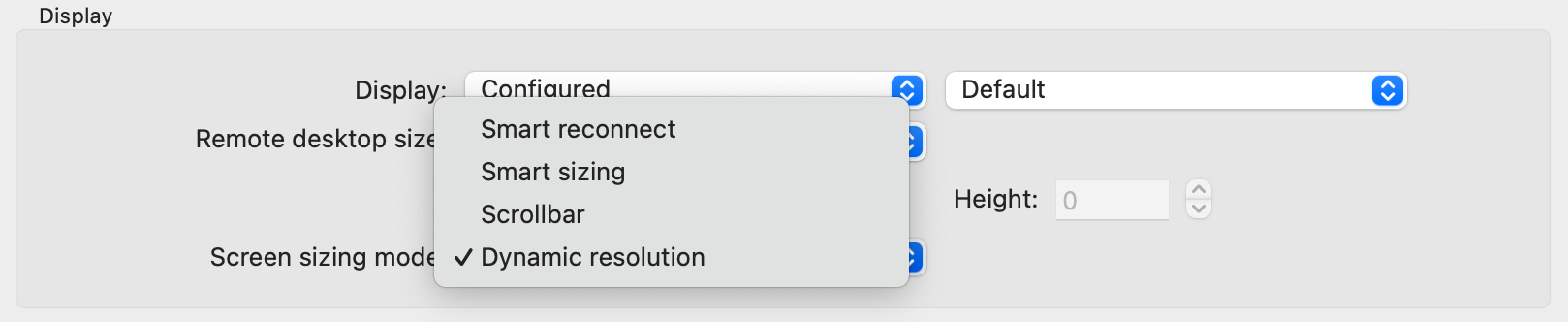
I tried going into the settings of RDM and look at the session, but I could swear that it was set to "none" or something similar indicating that it would do nothing. However, I don't see that as an option and RDM seems to function as I was used to on Windows.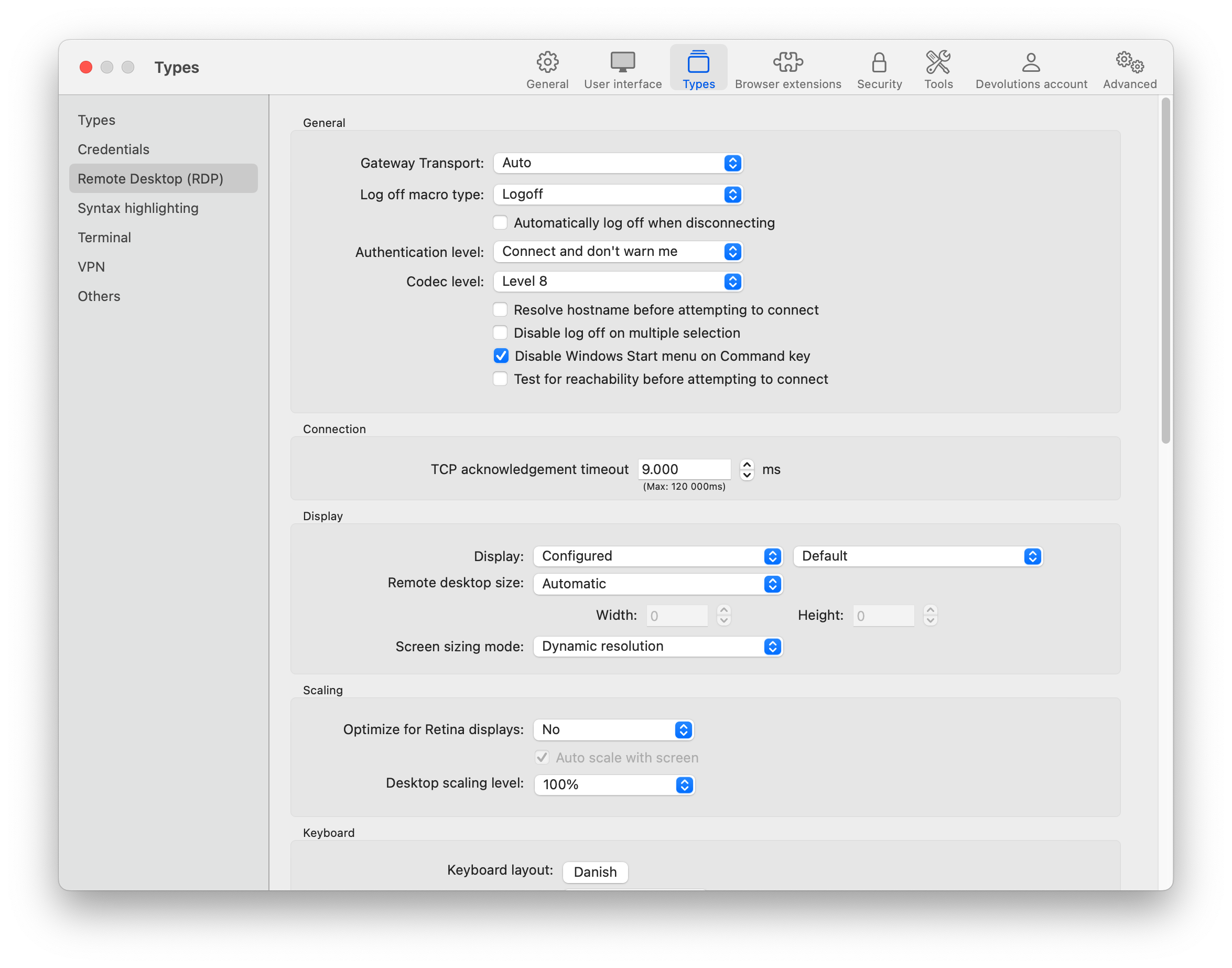
c9f17b1c-95ae-49bb-bb19-b26fc5cefef9.png
9f9feaae-f019-469d-a15e-f7089f36aebe.png
Hello,
Thank you for your response.
From what I understand, everything appears to be working as expected.
Please feel free to reach out if you need any further assistance.
Best regards,
Tommy Sanders