
cavaliersa
Open mode global or default setting
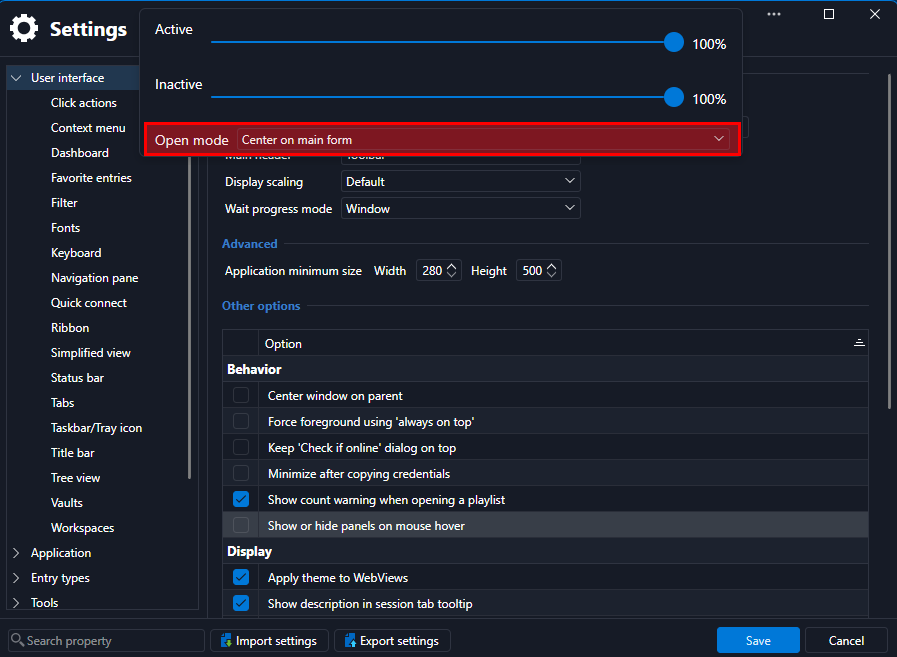
Is there a global or default setting that can be set for open mode for all windows/prompts/dialogs? Is the UI setting Center window on parent related to this in any way?
RDM not resolving localhost
Hi Richard,
Thanks for the additional info, the insights are helpful to understand the process and mechanics involved. Between the inability to connect are some other related but smaller issues that confuse the issue somewhat.
The "flash" and then failure to connect are simply RDM not waiting for approval.
I've attached a recording, between 0m5s and 0m12s I attempt to connect to my Windows desktop. At 0m7s the screen draws/renders as though it has connected, this is where I'm seeing fragments of previous sessions when connecting to machines. I say it looks to be from previous sessions, because quite regularly it shows the "Signing out" dialog from said machine... when I'm signing in. It is almost as though it is loading the cache before the session has actually been created properly. I see the same flash for some session failures where for whatever reason I attempt the connection, the connection fails, but I connect again a second later and it connects just fine.
Then, at 0m15s I attempt to connect to a local machine that I know is not online, because I wanted to show that when it doesn't connect the message with reason it could not connect shows for between one and two seconds (0m33s). Another example of this was the previously mentioned attempts at connecting to AnyDesk tunnelled sessions where the RDP is made to localhost and a specified port, at 0m41s I attempt to connect to a machine where I know it isn't there, but to demonstrate that it fails instantly but the message being there for between one and two seconds makes it quite difficult to understand what has transpired without having to resort to the logs. And even then, when looking at the logs it doesn't show the "friendly" message, just the code for it. So without a lookup for these codes it doesn't mean much to an end user.

To aid with understanding what is happening here, I've attached the session diagnostics from this time so that it can be correlated to the system time you can see in the recording.
Some questions in respect of this:
Might it be an idea to do a test connection to the specified host and port combination to see that the machine can be connected with before trying to instantiate the Remote Desktop connection?
Is there somewhere that controls how long failure messages are shown for?
Assuming the answer to question 2 is no, might it be an idea either to increase this time in code or optionally expose it and increase it to a more meaningful default (e.g., five seconds) or create a pop up or toast notification for these failures?
RDM not resolving localhost
I experienced this again after updating to 27.2 this morning. When I went to look, RDM was not listed in local network, yet other applications that I have not used since the update are. I'm not sure whether the persistence of RDM through a Mac OS update is something in RDM's power of control, but RDM didn't prompt either to request these permissions if it doesn't have them?
After granting RDM local network access it still wouldn't connect and a restart seemed to remove RDM from being on the local network access list. Adding it back to the list did not seem to resolve connectivity, initially at least. I say initially as I eventually tried connecting to a VM in my local network after which the localhost connections then started working properly. But, the first connection to my local VM "flashes" with what looks to be the last screen of when I was previously connected to that host and doesn't connect, but the subsequent connection attempts then do work. I can't put a timeframe to the behaviour whether it corresponds to the update of Mac OS to 27+ or RDM to 2026.3+.
RDM notifications badge
That was it, not sure how I didn't see that as I had used the "Search settings" function. Not sure how this came to be the case across so many of my RDP connections, but I did I batch update and this has cleared all of the notifications.
Thanks for the help, David, it is much appreciated!
RDM notifications badge
Hi David,
Thanks for this info and context. What is strange that I went to the Action center yesterday as you can see in the screenshot and there appeared to be nothing there, when I closed RDM I must've left that pane/view open so when I opened RDM today there are a whole host of entries shown.
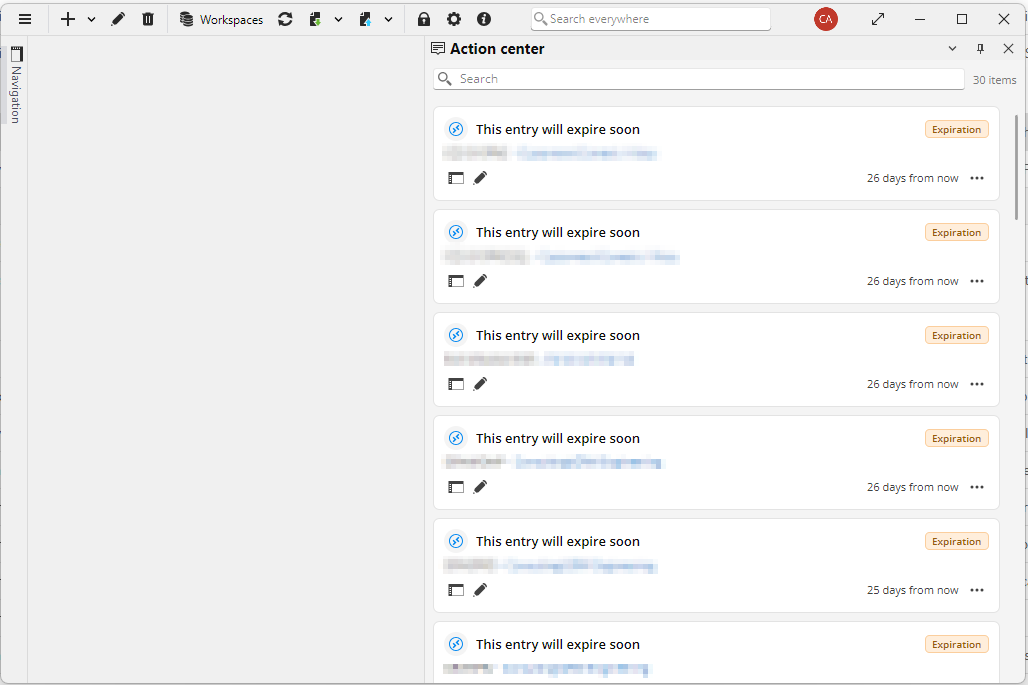
I'm not sure why nothing would've shown yesterday but they do today, that is an issue in and of itself, but all of the entries relate to RDP connections. Why would all of these be giving a notification for "This entry will expire soon"? I've had a look at the properties for some of these connections and don't find any property or attribute related to expiry set for any of them.
RDM notifications badge
Hi David,
Thanks for the info. I would prefer to see that there are notifications as there may be something that needs to tended to, but they are not of any use of I can't get at them.
I'm not sure if I'm being dim though, because I don't have a status bar (screenshot below) and can't see how to switch it back on (I searched in Settings and see a whole section for this, so a setting I'm likely overlooking), and I had to fiddle around to find the action center but there are no notifications there (in the same screenshot below).
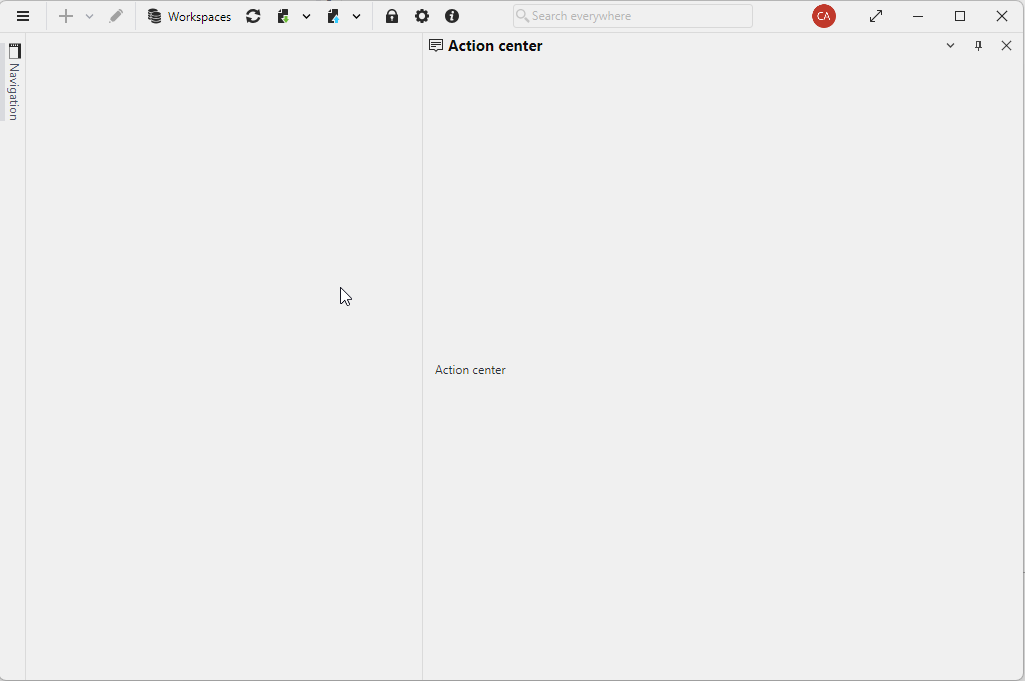
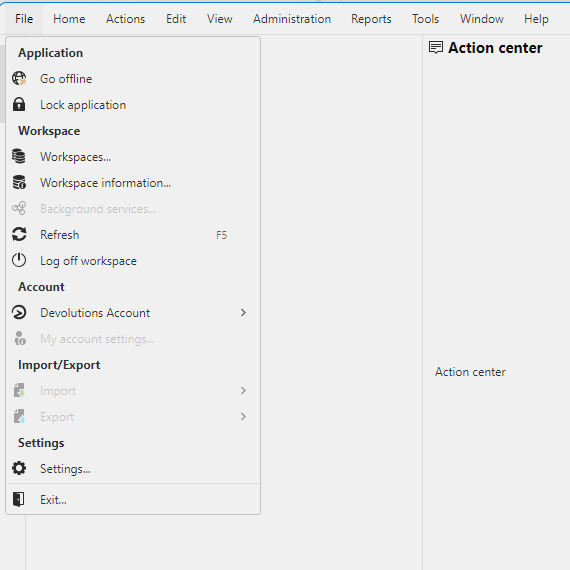
I also don't see data sources from any of the menu options on the toolbar after selecting the hamburger menu.
High Memory usage - Growing up
I actually noticed this last night while looking into something else where I had two connections open and RDM was using just shy of 4GB of memory and thought that was a bit crazy. Thanks for having raised this.
RDM notifications badge
I've been using RDM for a few years now and have never seen a notification badge count against the application taskbar icon until the last day or so, with no update having been done, i.e., same version etc.
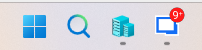
I'm sure it is ignorance on my part, but I have looked around and simply cannot see where to "see" these notifications.
Navigation pane display issue
Thank you Antoine and Maxim, I can confirm that this looks to be fixed now. Appreciate the quick time and attention to this. I know the new 2026.3.x builds have brought with it some issues, but am seeing some nice aesthetic changes and performance is looking reasonable too (not sure if this was a directly addressed factor in these releases).
Navigation pane default
Thank you Carl and Jesse, much appreciated.
Add navigation pane to the toolbar
Thanks Jesse, appreciate the feedback. Looking forward to these changes as they start to align better/more with the Windows equivalent.
Add navigation pane to the toolbar
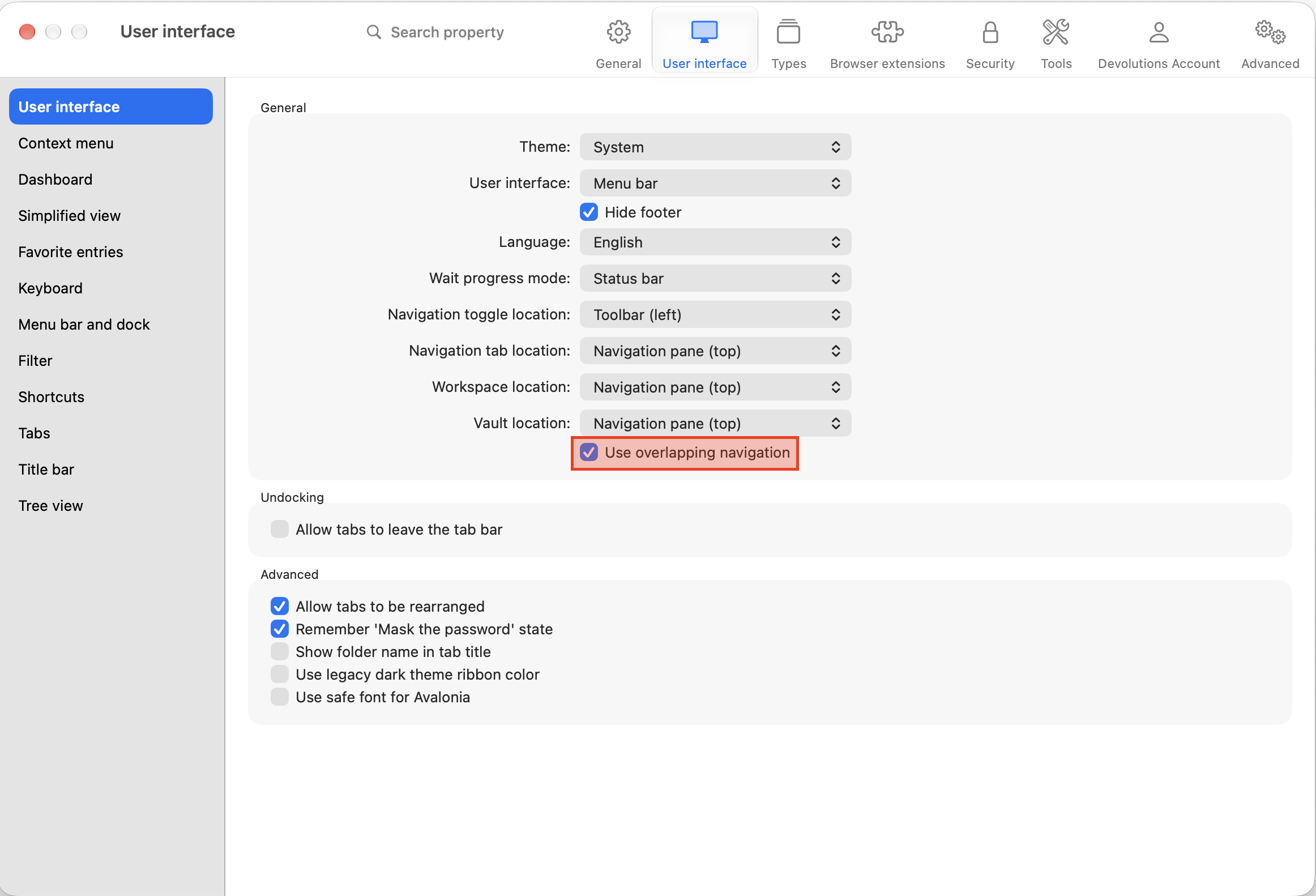
I'm using RDM Mac 2026.3.0.5, I have RDM configured to have the user interface configured to Use overlapping navigation, I like it this way as it means the screen real estate is maximised for RDP use.
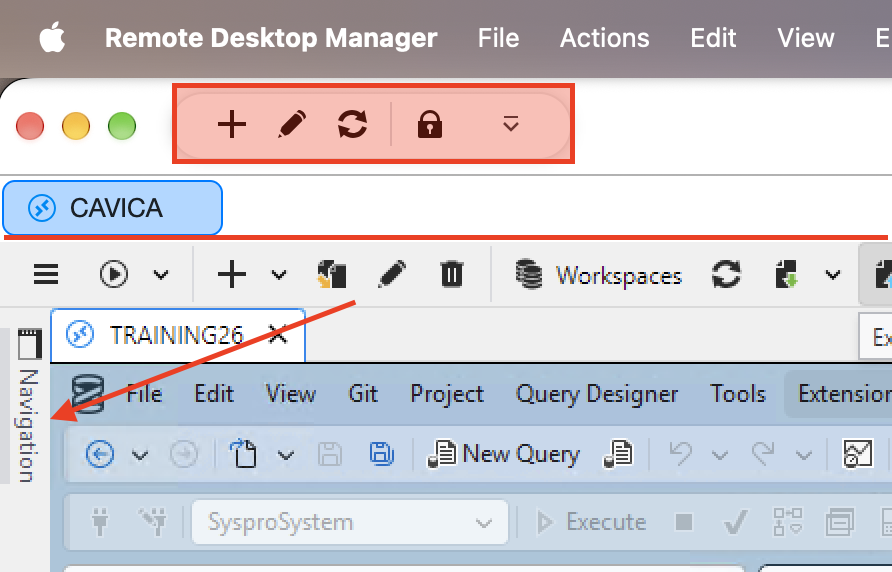
For the lack of a better word, the main difficulty I have with this is that if you are in an RDP session and need to open another in order to get the navigation pane to display you have to take focus out of the remote session and press Cmd+N, I accomplish this by clicking the RDM menu and pressing this keyboard shortcut.
With this latest build of RDM introducing a toolbar on the main window makes it an ideal place to put a button or shortcut to the navigation pane. Is this possible or could this be added?
For reference, in the screenshot below I am connected to my Windows desktop that I need to use for a VPN connection that has no Mac equivalent. On the Windows RDM you can have the navigation pane off to the left for quick and easy access to it. The highlighted red block is the new toolbar on RDM Mac where I'm asking/proposing this could be - better yet, if this was done on the new toolbar in RDM Windows then it would mean the UI/UX would be more closely aligned between the two.
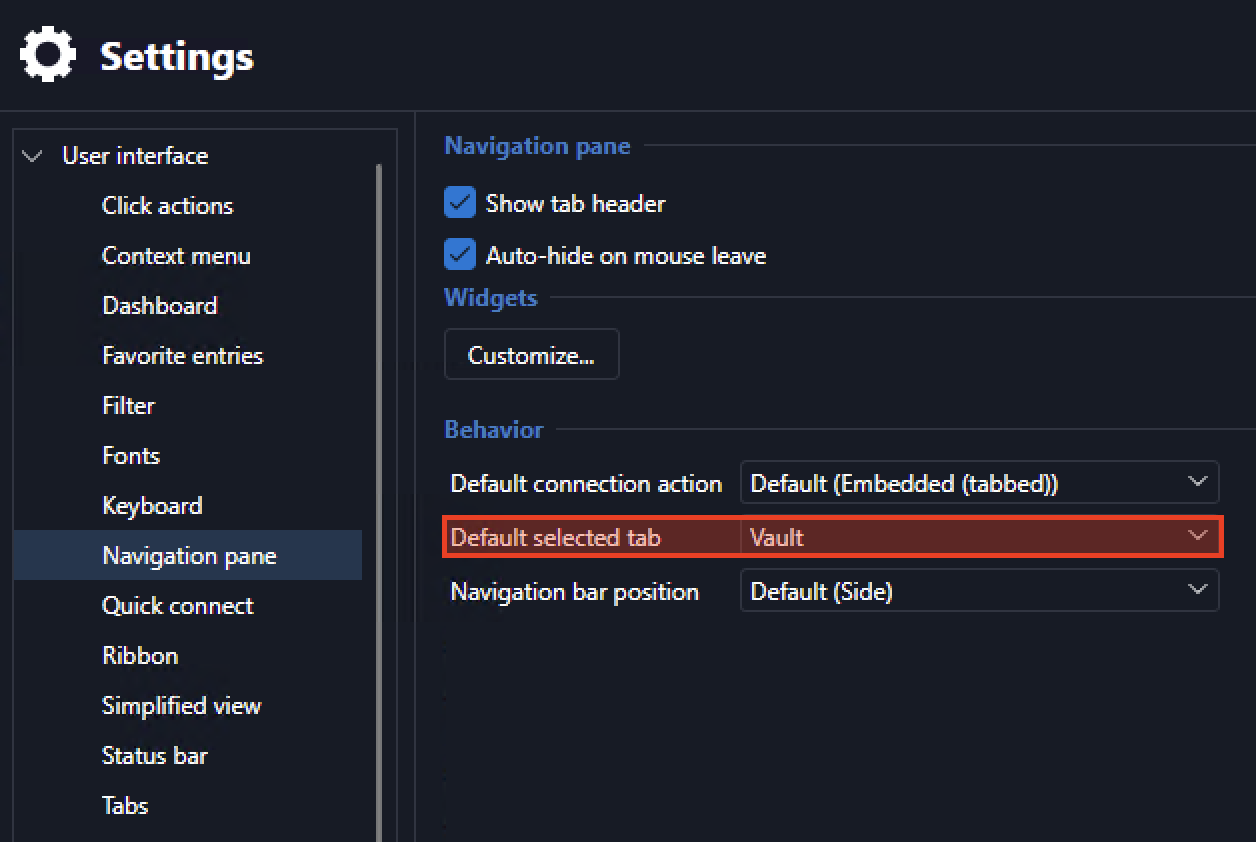
Navigation pane default
Is there a way to set the default tab in the navigation pane like there is in Windows RDM?
Navigation pane display issue
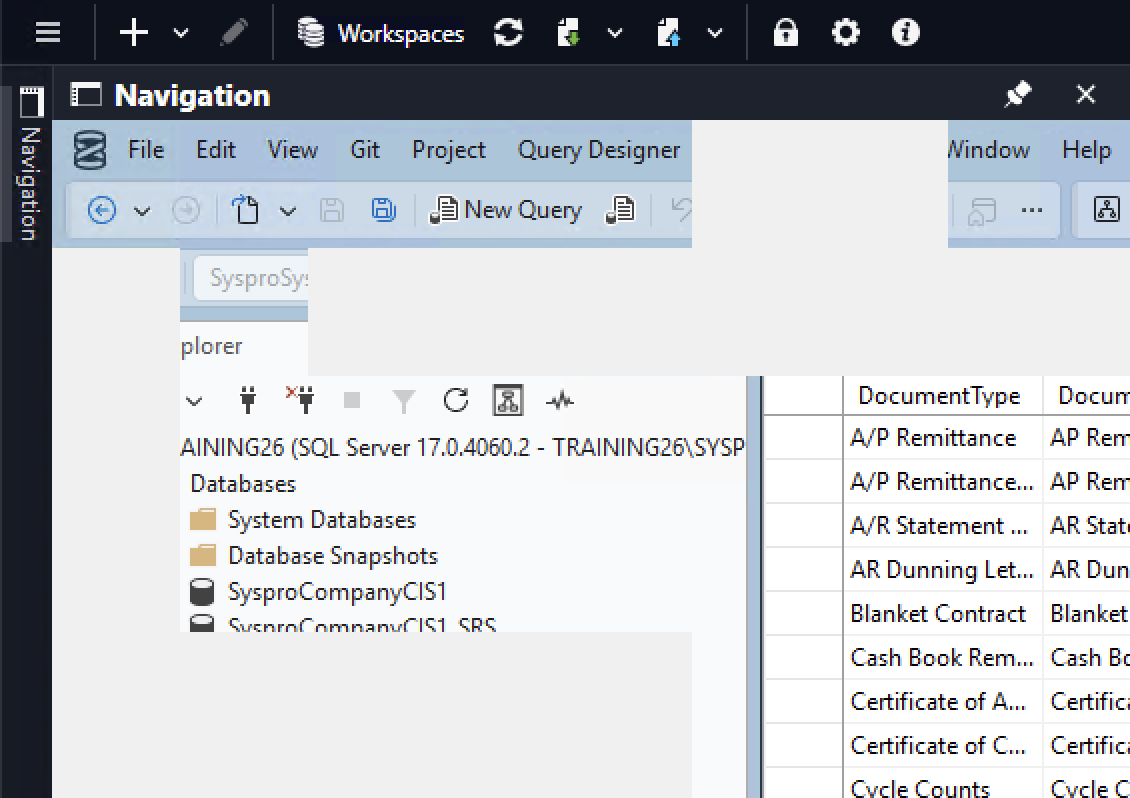
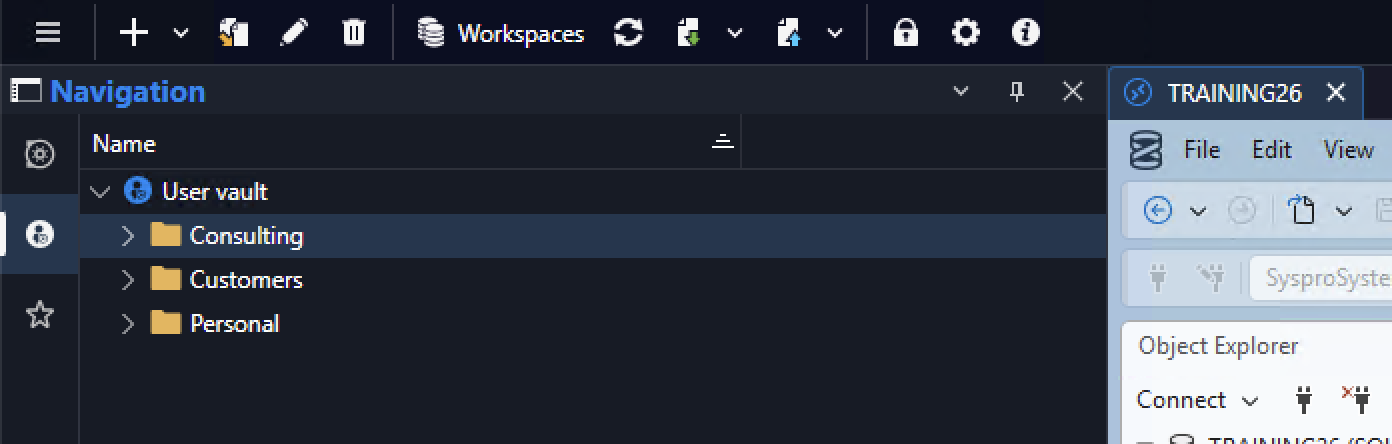
Running 2026.3.9.0 and the navigation pane contents do not display unless it is pinned.
Here you can see the navigation pane is selected to be in view but its contents are not drawn.
But if I pin it then the contents are drawn.
Remote audio default
Thank you Michel
Remote audio default
Where is the default set for RDP's remote audio property/setting? I can see the setting in the Windows equivalent version of RDM, but I don't seem to be finding it in the Mac one.
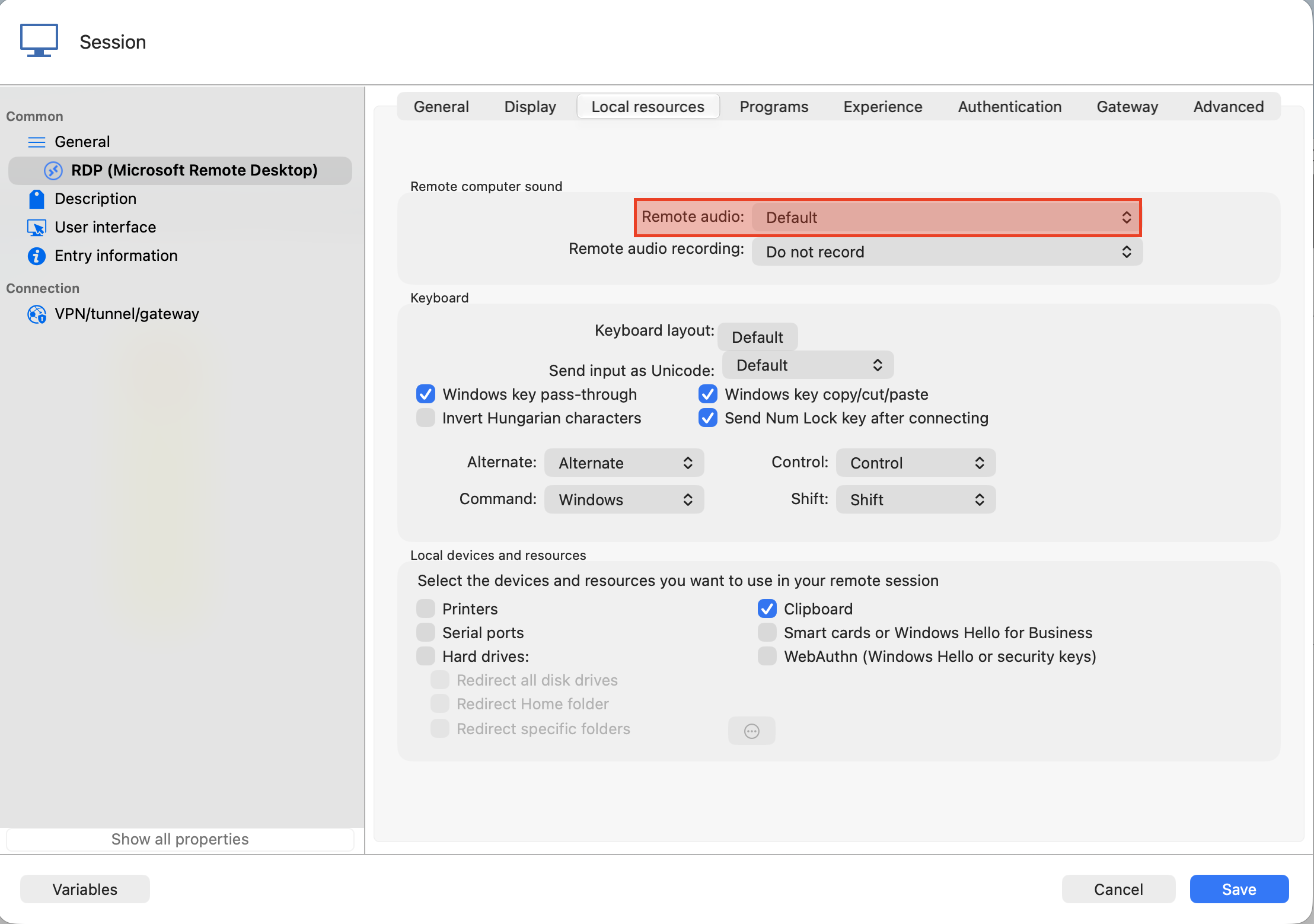
I think I'm being stupid here, but I'm going to ask instead of accepting defeat and not knowing or finding out 😅
RDM not resolving localhost
Oh, and thank you for the quick reply @Richard Markiewicz, it is appreciated. I was busy losing my mind 😅
RDM not resolving localhost
Everything has started functioning again, the only thing I did was toggle Local Network Access off and on again. I did this on its own with RDM closed and it still didn't work, I did it with a restart after toggling off and after toggling things back on again after the restart it still didn't work so tried a restart with it too... still no joy. I must've cycled this three times and then randomly while try try trying again and again it just came right. I'm confused as all hell about it, as I'm sure you are too... but it is all working again. The timelines are too tight for me to separate in my mind between Mac OS update to 27, the update of RDM, and things working and not working again. So for now I'm considering it resolved.
RDM not resolving localhost
Ok, the local IP one was false positive... the machine had been shutdown by someone. So we're back to the rest of what I posted.
RDM not resolving localhost
Hi Richard,
This is most definitely looking like a "my machine" problem now - it has gotten worse as it is not connecting to local IP as though it does not have access to the network. I had looked at the local network permissions and RDM is enabled there. I closed RDM and disabled it though, restarted my Mac (overkill), then re-enabled network for RDM, and still the same.
I tried 127.0.0.1, it didn't work, but as with how I started my reply, it is now not connecting to a (local) IP address. Toggling the local network access has now changed the message to Connection failed (0x00020006), and this is trying to RDP to a local IP address.
I'm at a loss as to what is going on.
RDM not resolving localhost
Update: it looks like anything requiring name resolution is not working properly.
RDM not resolving localhost
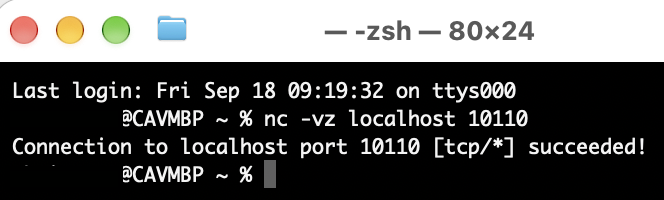
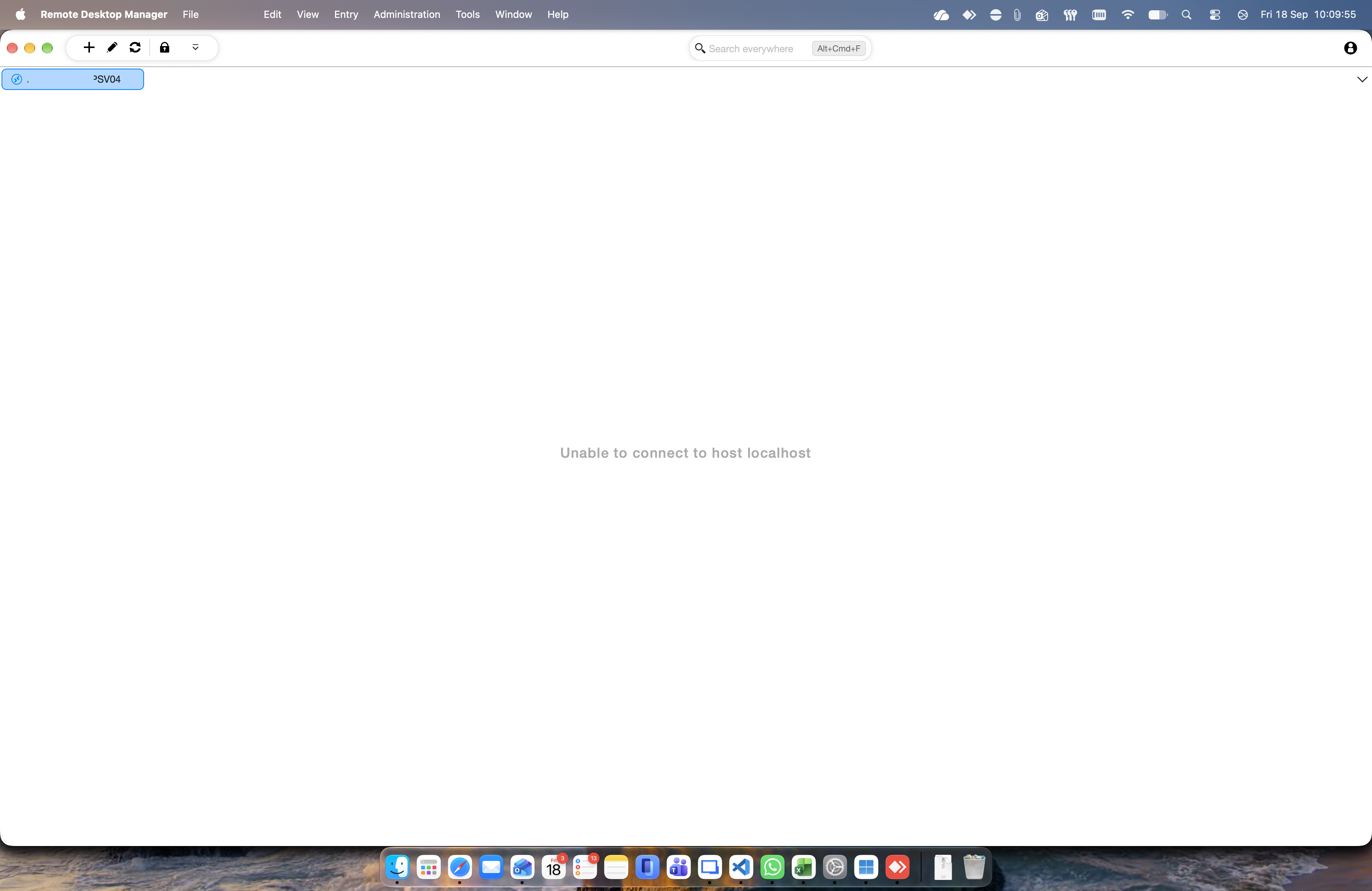
I have a situation where I connect to customer sites using AnyDesk making use of its TCP tunnelling feature (it is tons more stable than their big name VPN). The TCP tunnelling allows mapping a local port to a remote host port, then locally I connect to localhost and a custom port number. The custom port number isn't a requirement, but I have created a register of customer servers I connect to and assigned a unique local port number so that I can connect to multiple sites at the same time, i.e., instead of mapping 3389 on the remote host to 3389 locally I map local ports in the range of 10000-11000 to 3389 for the different servers.
This has all been working great until either of Mac OS 27 or the new RDM Mac version (2026.3.0.5) where now RDM is stating Unable to connect to host localhost, however a test connection to the same is working fine and the backup RDP tool (Windows app for just in case) is connecting just fine.
RDM v2026.3.5 - Open Tabs Moving and Undocking on single mouse click
Updated to RDM 2026.3.5 and open several tabs and if i single click a tab it with either select like normal, select and become draggable, or undock from the main RDM window. Results seem to be random.
I am also seeing RDP instability. Screen writes are not stable, switching between tabs (open RDP sessions) I will get blank screens, half written screens, slow response screens in a session, or a normal screen. Results are random.
I am on RDP'd into Windows Server 2025 in an Enterprise environment, running RDM on my jump box.
@chrispoulter
I'm seeing the same with the new version and tabs undocking super (unintentionally) easily. I'm currently trying to click on the tab (or double-click) and keeping the mouse still, but even then sometimes it is undocking.
Unable to connect to host XXX Unknown error (0x0000001C)
Thanks Richard, much appreciated.
Unable to connect to host XXX Unknown error (0x0000001C)
Not a problem, I appreciate the insights and reply given. It is interesting to read about a lot of these nuances, we take it for granted from our (the users) end of RDM where RDP is seen as a "simple" process and thing but it has a lot of intricacies within itself.