
Patrick.Kish
Error adding user in MySQL
I'm using the latest at the time of this writing. 11.5.4.0
Yes I am attempting to use a special character as was stated in the problem description I am attempting to make a user with a period in the name.
An example user is: test.user
This is a valid user with mysql as I can create a user named test.user from mysql workbench.
Thanks!
Error adding user in MySQL
When attempting to add a user with a period in the username, example: test.user
with a MySQL database I get the following error:

I then verified I can add this username from MySQL Workbench with no issues (I deleted it after though)
Encrypted, Authenticated, Dual-stack, Single User Data Source that supports attachments
Bump, can MySQL/MariaDB connect over TLS? I setup MySQL with SSL and created a REQUIRE SSL user and the connection just fails. Its possible I've misconfigured something though.
SSL Encryption for MAC
Any news regarding how this is working out? Connection encryption is a requirement for us and we do have some Mac users that would like to use your product. Thanks!
The application cannot be opened.
The security setting is set to: Mac App Store and identified developers. The permissions code is: drwxr-xr-x@
However mysteriously it started working with no change other than having rebooted over the weekend.
The application cannot be opened.
When attempting to launch RDM on the Mac the error: "The application Remote Desktop Manager can't be opened" appears and the application does not launch. It will launch fine from the installer however as well as if you open up the bundle and run the file inside. Double clicking the app itself however results in the error mentioned. Attached is a screenshot of the error. (This is with version 3.5.2.0) Any assistance would be appreciated!
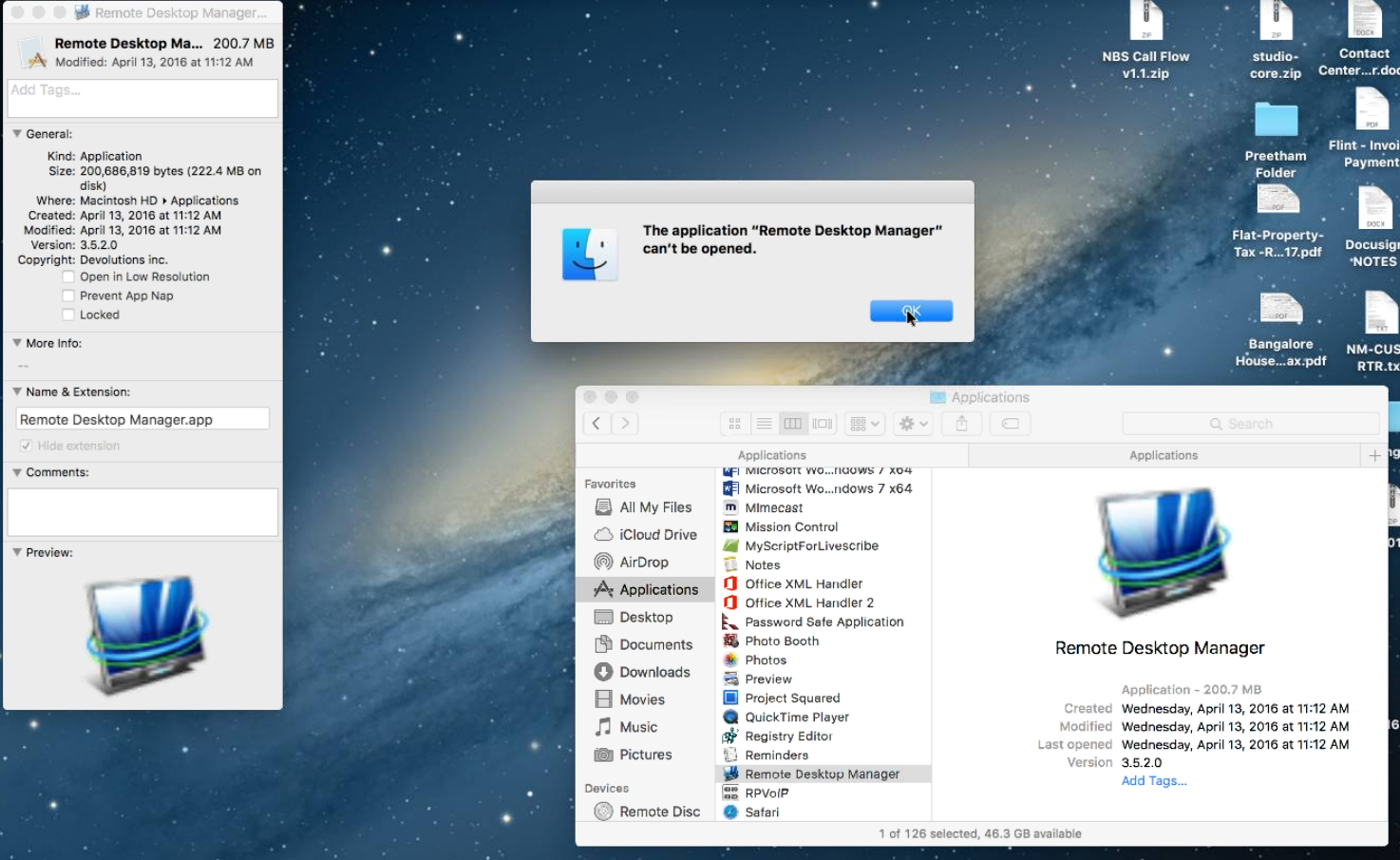
SSL Encryption for MAC
When%20attempting%20to%20connect%20to%20a%20SSL%20Encrypted%20MSSQL%20server%20with%20a%20Mac%20an%20error%20is%20generated%20about%20SSL%20encryption%20not%20being%20supported.%20%26nbsp%3BThis%20may%20be%20related%20to%20using%20Mono%2C%20as%20I%20understand%20it%20doesn%27t%20support%20SSL%20encryption%20for%20SQL.%20%26nbsp%3BIf%20this%20is%20the%20case%20MS%20has%20added%20a%20cross-platform%20SQL%20client%20to%20recent%20CoreCLR%20https%3A//blogs.msdn.microsoft.com/webdev/2015/11/18/announcing-asp-net-5-release-candidate-1/%20but%20I%27m%20unsure%20if%20that%20is%20something%20you%20could%20leverage.
SSL Encryption for MAC
When attempting to connect to a SSL Encrypted MSSQL server with a Mac an error is generated about SSL encryption not being supported. This may be related to using Mono, as I understand it doesn't support SSL encryption for SQL. If this is the case MS has added a cross-platform SQL client to recent CoreCLR https://blogs.msdn.microsoft.com/webdev/2015/11/18/announcing-asp-net-5-release-candidate-1/ but I'm unsure if that is something you could leverage.
2-Factor Authentication at Database Level
But if the datasource is locked they won't be able to go in and edit it. Is there a way do to this with a locked datasource?
2-Factor Authentication at Database Level
I had initially posted this in the Feature Request but perhaps it is a bug instead of a feature.
When attempting to setup 2 factor authentication for a database connection so that it is per user rather than per application it prompts you to link your google authenticator as soon as you select that as the method. The problem with this lies in the case where you are attempting to create a .rdd file to be distributed to people. RDD files support someone changing the username/password even when locked but you obviously not want to distribute an RDD file with a pre-linked authenticator. Is there a method to create an RDD file that will prompt the user to link an authenticator to the datasource? Attempting to turn on force 2-factor from the datasource settings requires you to have pre-configured it in the database settings.
Google Authenticator at the Account Level
I see an option to set 2 factor at the database level, but my problem is that the Google Authenticator Code is generated as soon as you click save and it cannot be cancelled. This is a problem because I'd like to distribute an .rdd file that team-mates will use to connect with, they will supply their own username/passwords as this functionality works I would also like them to be able to have their own Authenticator token. However I did want to lock down the .rdd file so that its not edited other than the username/password.
Private Vault Search not working with Variables
Cool, Thanks!
Google Authenticator at the Account Level
I'm using Microsoft SQL, is there a way to do it there? If so, how would that be done?
Private Vault Search not working with Variables
Here you go, its pretty simple. Only 2 items in it so far. The 1st item is the I'm trying to use.
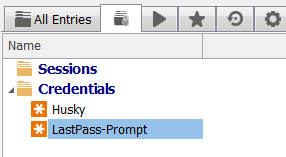
In the all entries window I have the following (sorry no picture)
Sessions
-folder1
--folder2
---Husky (This is a Company object, but have tried as a folder object)
----Server1
----Server2
----Server3
----Server4
----Server5
----Etc
All of the server entries have inherited set and the Husky folder I have Private vault search for Credentials and have tried: $NAME$ and $COMPANY_NAME$. Both just prompted me for the credential to select. I could then select the Husky credential and it worked fine. However if I typed Husky in instead of $NAME$ or $COMPANY_NAME$ it correctly selects the right credential
Google Authenticator at the Account Level
Would it be possible to have the Google Authenticator be at the account level rather than the machine level for team based installs?
The last thing I want to do is have a whole bunch of different Google Authenticator accounts for each VM I have RDM installed on. (I run a VM per client as a consultant, this helps to deal with different VPN client requirements)
Private Vault Search not working with Variables
Using $NAME$ or $COMPANY_NAME$ does not appear to work as a search string for Private vault search.
I created a command line session and used an echo script to verify that $COMPANY_NAME$ was the same was the value I entered in the Credentials section.
Top section of remote desktop non-usable.
That seems to have resolved it. Is there any way for you to adjust that within the application or make a setting for it? The problem is that every time the application updates that step would need to be done again as the shortcut is recreated. Thanks!
Top section of remote desktop non-usable.
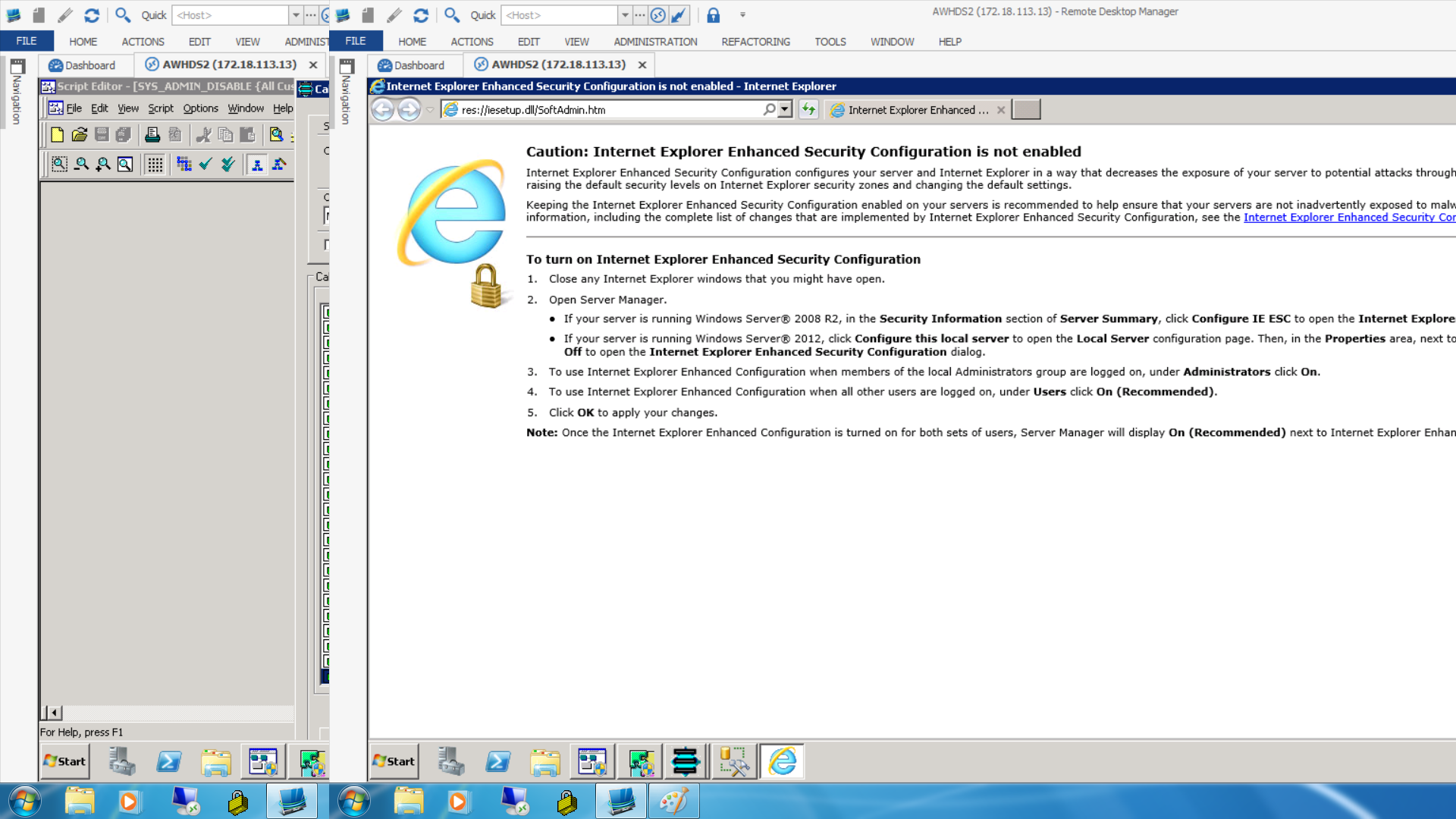
Here is the screenshot you requested. In it I am unable to click on any of the buttons in the upper right corner of Internet Explorer. I can still close it by right clicking the icon in the task bar and clicking close though.
Unable to close footer
This appears to resolve it, not sure why closing them at the bottom would not work as well as toggling them at the top since closing them at the bottom turns off the selection from the top.
Top section of remote desktop non-usable.
When I am connected with RDP to a machine the top section of the screen seems to not respond to clicks. If I have a maximized window for example I cannot click on the X in the upper right. I typically have the top ribbon minimized.
Unable to close footer
I seem to be unable to turn off all of the items in the footer. Turning them all off still leaves whatever the last one was in the bottom. Attempting to close them all via either turning off the option under view or clicking the X for that tab all result in the same outcome.
Accessing credentials stored in private vault
I have downloade and installed 11.0.1.0, however the issue is still as depicted above.
Accessing credentials stored in private vault
So I have a LastPass account configured as shown:
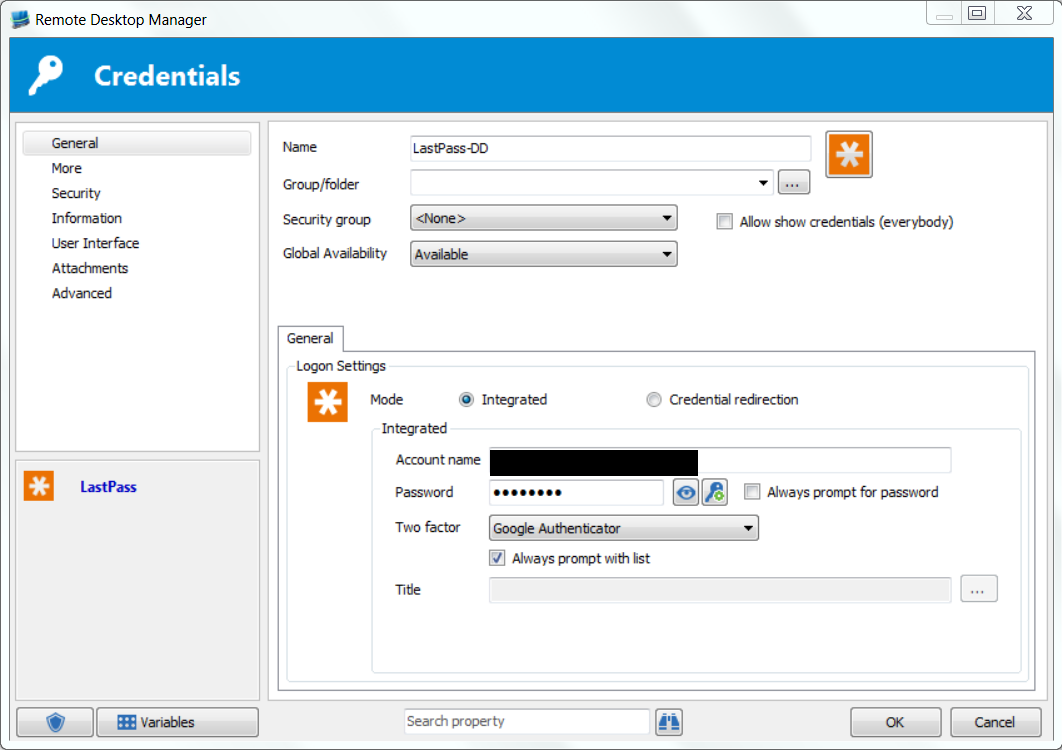
I then created a Test Connection as shown:
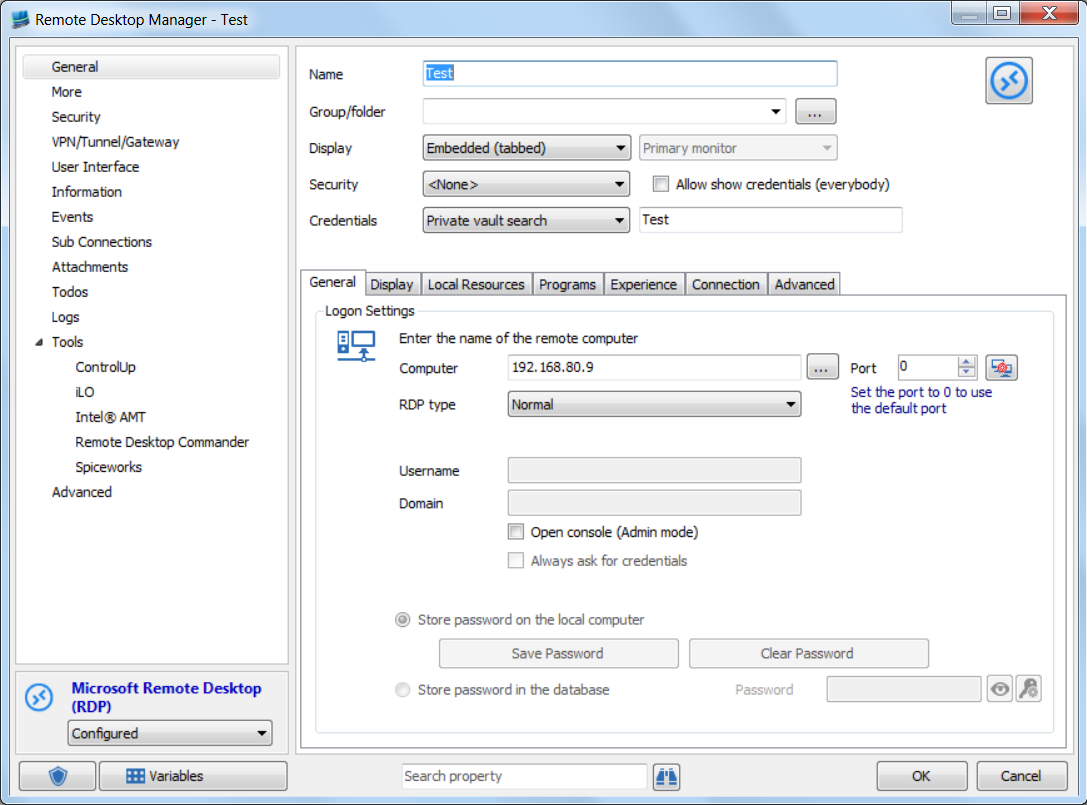
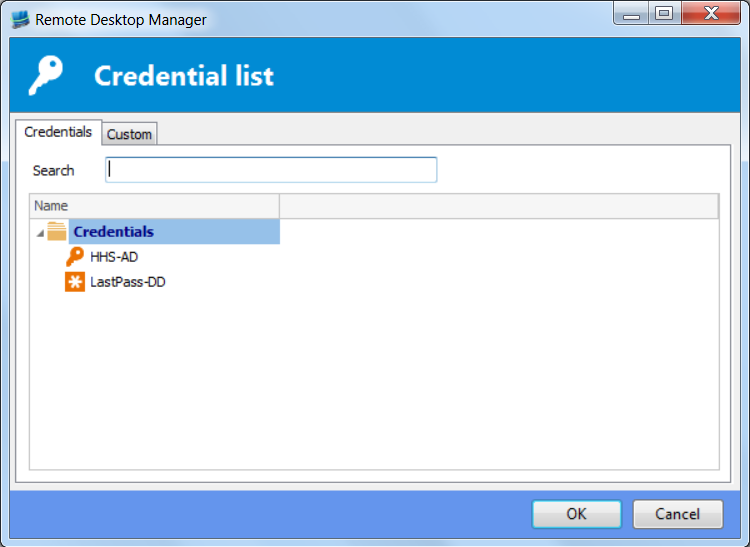
When I double click the Test connection I get the following:
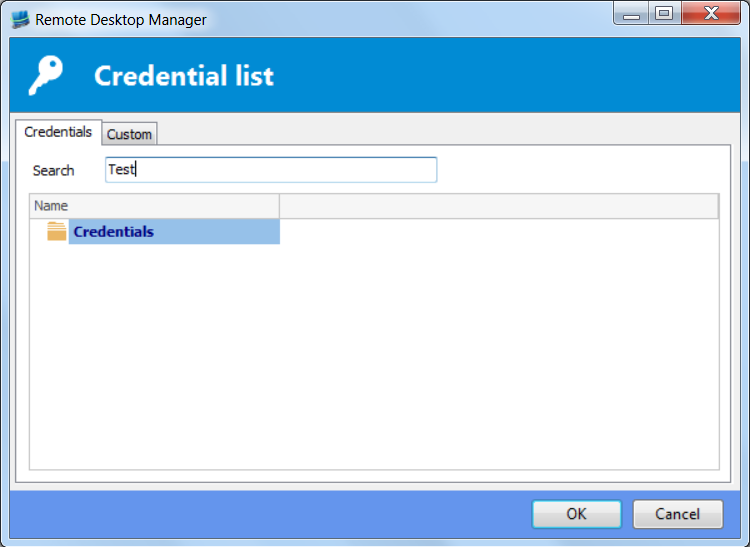
Typing Test into the search field results in this:
Double clicking the LastPass entry you can see that there is a stored password called Test:
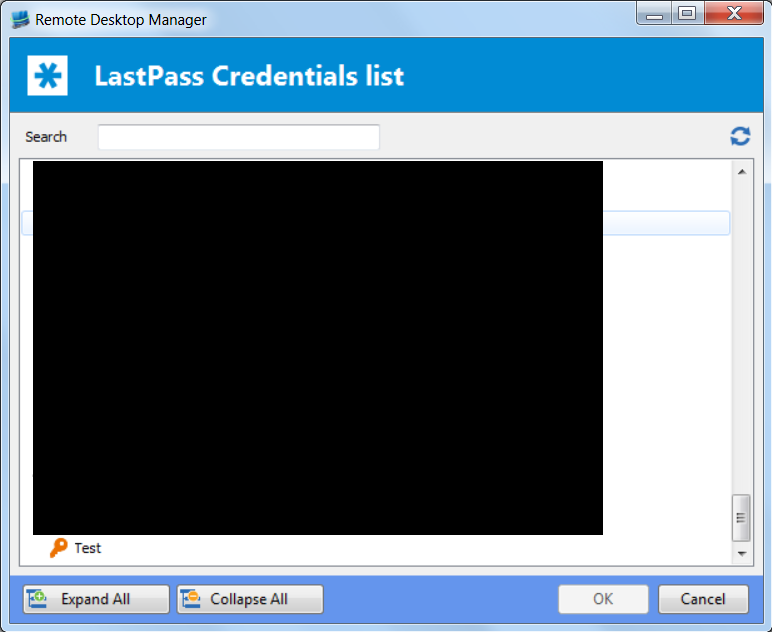
Credentials like Hubert shows works fine, the problem is searching with a LastPass credential repository. Hope this helps!
Accessing credentials stored in private vault
This feature sounds great, however I can't seem to get it to search within a credential repository for example LastPass. I created a LastPass entry named Test and selected Private Vault Search and put Test in for the name. It was unable to select the appropriate login credential. I can manually navigate and select it so the visibility/login is fine.
List Selection missing from Dynamic Credentials
I've sent a video via PM to David Hervieux.
You are coorect, the method is right click RDP session, user specific settings