Top section of remote desktop non-usable.

When I am connected with RDP to a machine the top section of the screen seems to not respond to clicks. If I have a maximized window for example I cannot click on the X in the upper right. I typically have the top ribbon minimized.
All Comments (5)
Hello,
Is it possible for you to post a print screen of the issue.
Best regards,
Jeff Dagenais
Here is the screenshot you requested. In it I am unable to click on any of the buttons in the upper right corner of Internet Explorer. I can still close it by right clicking the icon in the task bar and clicking close though.
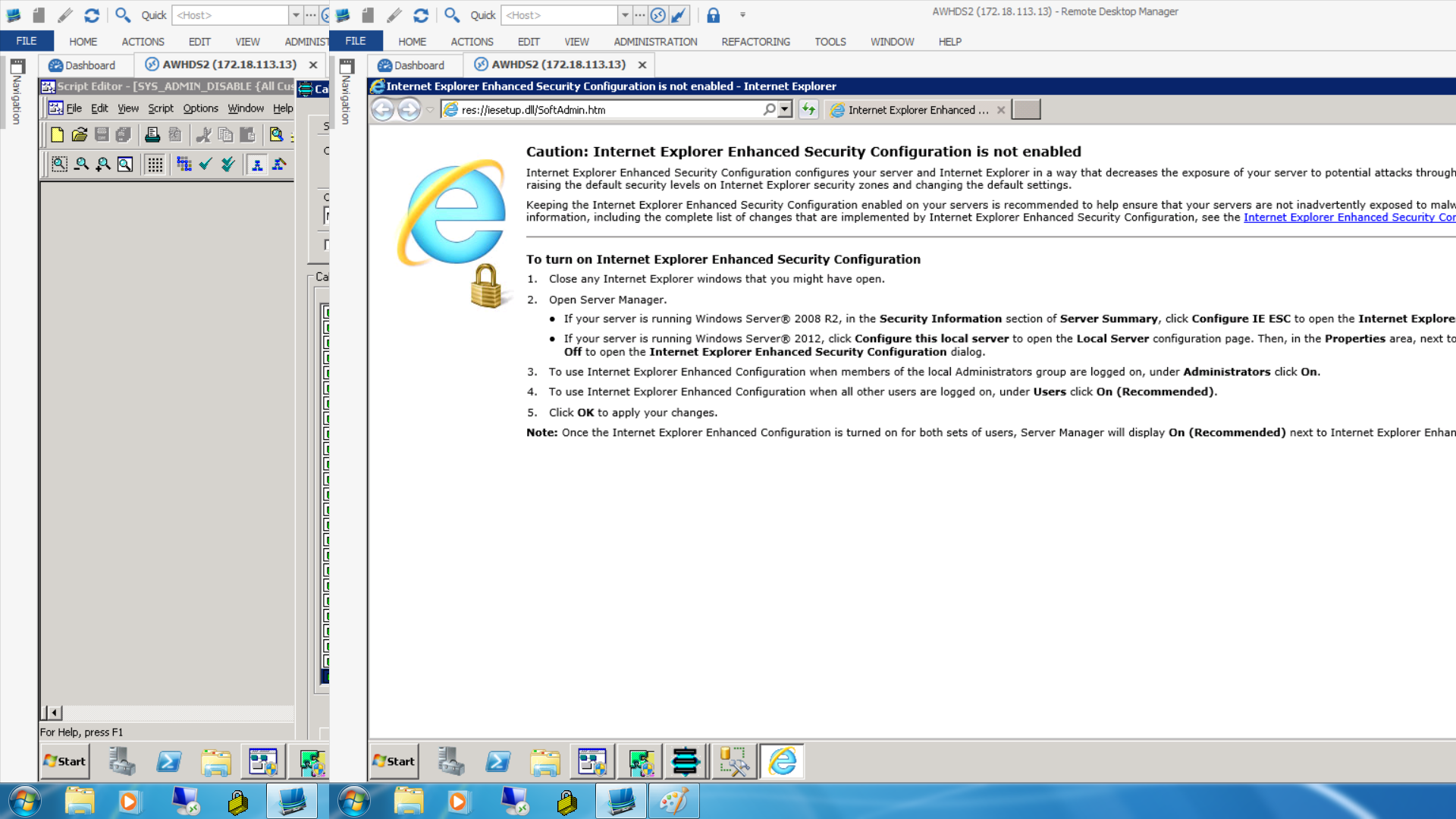
Example.png
Hello,
Could you check the section about the unresponsive area in the trouble shooting section?
http://help.remotedesktopmanager.com/troubleshooting_rdp.htm
David Hervieux
That seems to have resolved it. Is there any way for you to adjust that within the application or make a setting for it? The problem is that every time the application updates that step would need to be done again as the shortcut is recreated. Thanks!
I'm not sure if we can do anything for that. I will investigate
David Hervieux