
kknopp
Azure Bastion on MacOs
This last update made a lot of progress. Now I see the screens you see, but still get an Unexpected Error when I try to connect.

I tried both the Azure CLI and Prompt for credentials (with my email entered). With Prompt, my browser opens a new tab for authentication, which is promising.
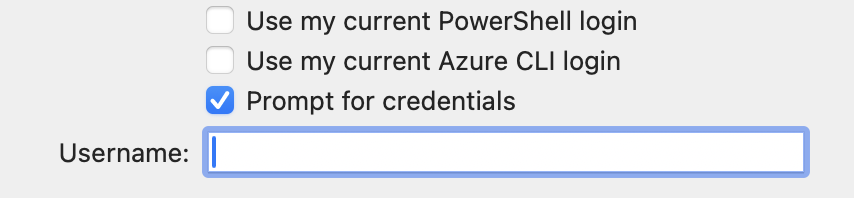
Azure Bastion on MacOs
Confirmed. My Settings tab doesn't look like yours at all. It's like it's not updating to the right settings screen.
Ah, I just found that my Settings tab doesn't update when I select Azure Bastion. I can set the Type on the General tab to anything but Azure Bastion and the Settings tab changes to reflect the selection, but if I choose Azure Bastion, it remains on the Type choice settings page that I had selected BEFORE Azure Bastion. This is true on multiple MacOS computers with the free version of RDM on them.
Azure Bastion on MacOs
I have a Bastion created in my host group and it doesn't show up in this Settings drop down of the host I want to use the Bastion to connect to. Am I in the right place?
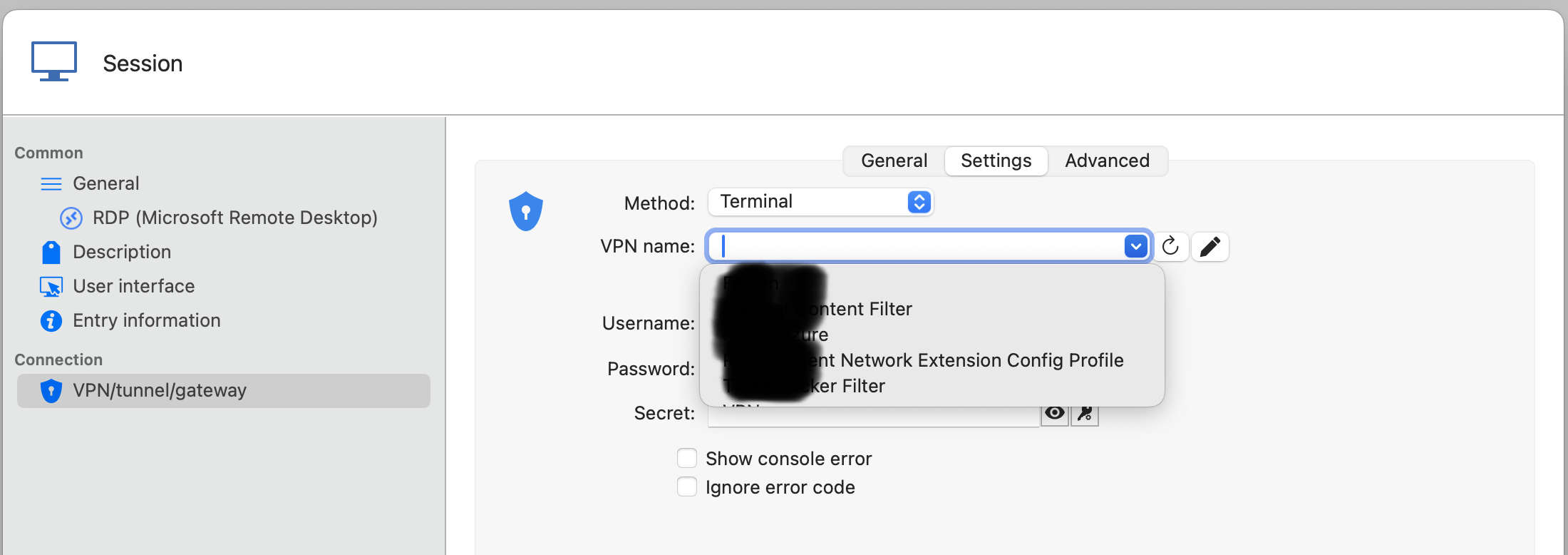
Azure Bastion on MacOs
Thanks! Trying to set it up now and using this doc to set it up
Configure an Azure Bastion entry in Remote Desktop Manager - Devolutions Documentation
On Mac, I don't see the 3 dots next to the Type drop down menu
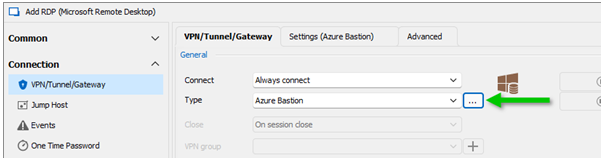
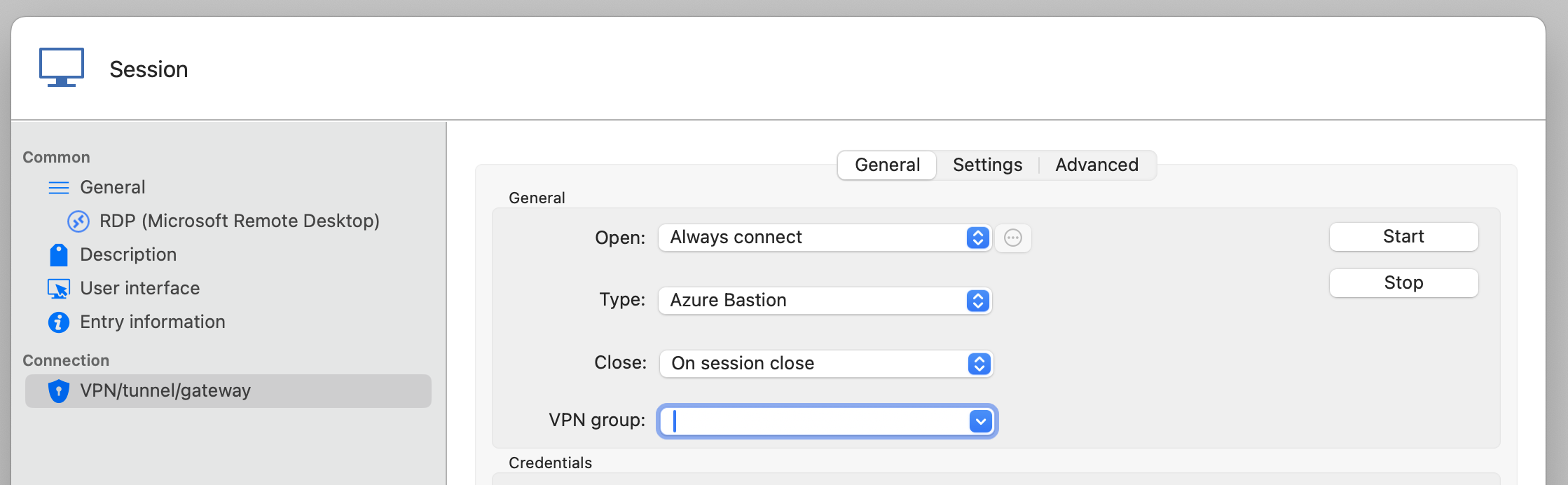
And I can't see how to set it up on the individual host either. No authentication choices are there
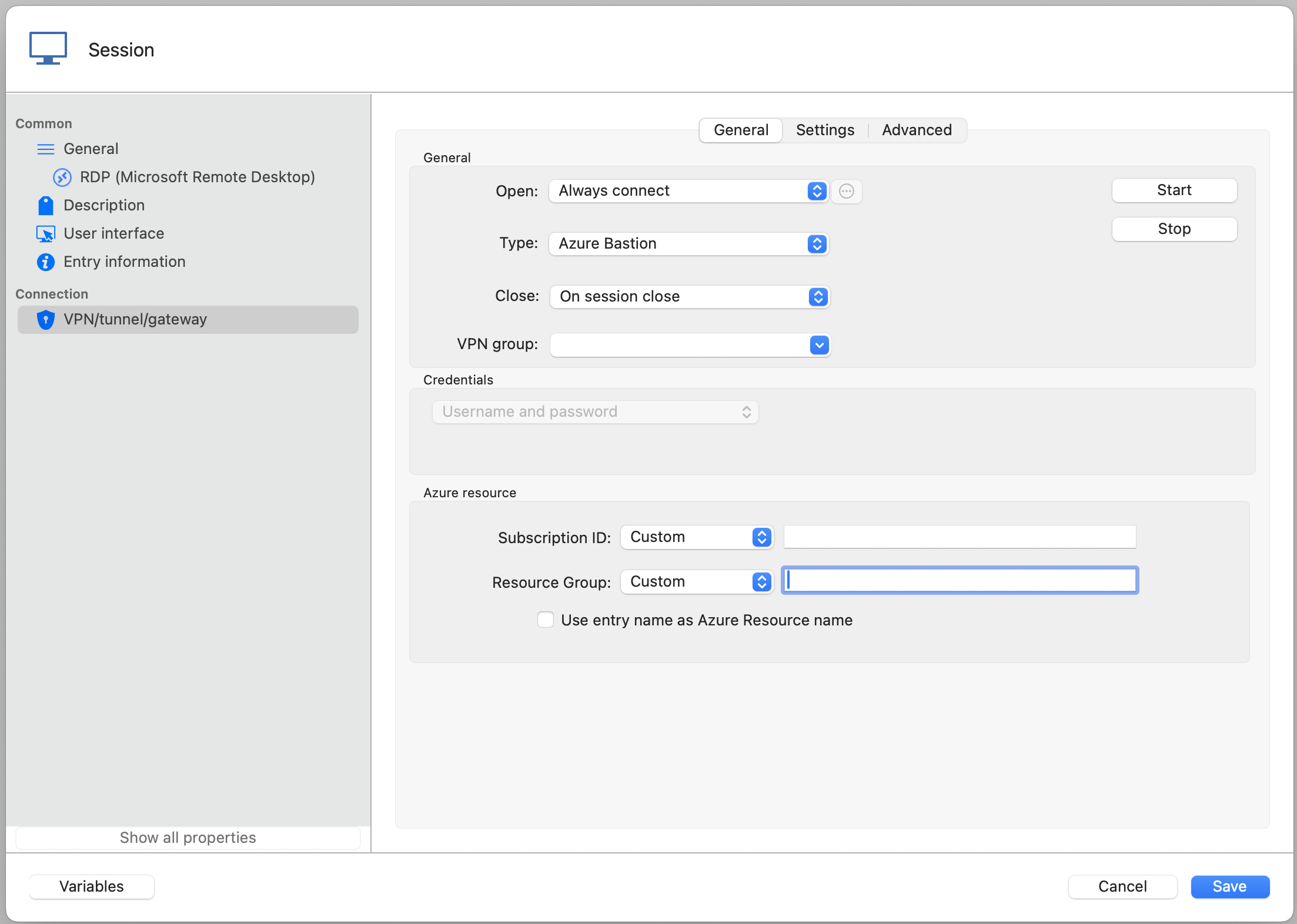
Azure Bastion on MacOs
It does seem to fix the crashes, but I don't see a way to authenticate with OAUTH to the bastion using EntraID. Is that feature in there somewhere that I'm missing?
Azure Bastion on MacOs
any idea when this release might happen?
Azure Bastion on MacOs
nothing in the application logs and I just sent over the profiler level 1 with a subject of Azure Bastion on MacOs
Azure Bastion on MacOs
I see you added Azure Bastion to the latest MacOs release! I tried to set it up today, but couldn't find any official documentation. I tried using what I found in the forums from Windows, but all I get are errors and I can't find a way to set up a Bastion once and use it on multiple hosts. The one I create doesn't show up in the "Existing" list.
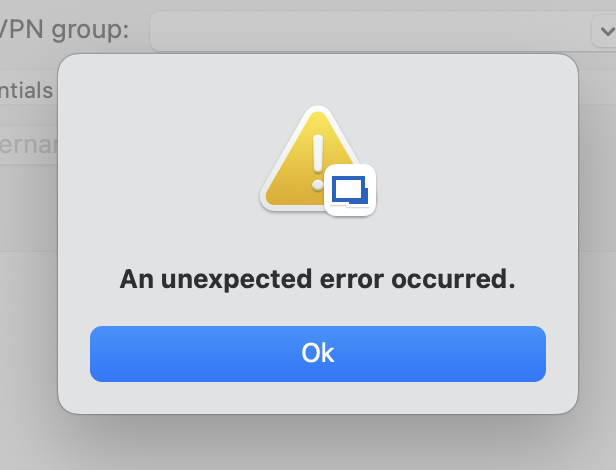
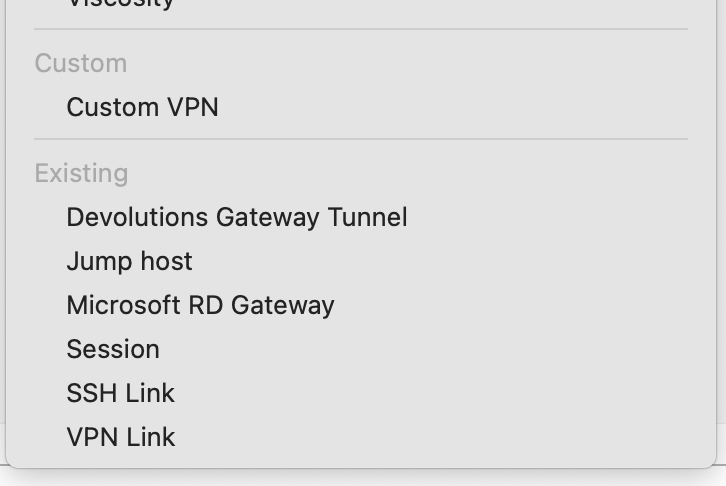
Azure Bastion Support for MacOS
Thanks! That's great news.
Azure Bastion Support for MacOS
I found this article, but can't find these settings on MacOS. Is it not supported? If not, are there plans to add it?
Configure an Azure Bastion entry in Remote Desktop Manager - Devolutions Documentation
403 - User Already Migrated
this was resolved with 2023.3.7.0
403 - User Already Migrated
I'm getting the same error as reported by this Android user on my MacOS Sonoma laptop. I upgraded my Hub on hub.devolutions.com

v2023.2.6.2 errors with 0x0000000D when using Duo Network Gateway
Just installed 2023.2.7.1 and all my connections work! Thanks for the great communication and quick fix. Love this tool!
v2023.2.6.2 errors with 0x0000000D when using Duo Network Gateway
Thanks for the quick response. That makes up for the inconvenience. I've reverted back to 2023.2.5.1 for now.
v2023.2.6.2 errors with 0x0000000D when using Duo Network Gateway
bingo. Same issue. Setting "Authentication > SSPI > SSPI Module" to "System" allows it to connect.
v2023.2.6.2 errors with 0x0000000D when using Duo Network Gateway
Hopefully this doesn't turn in to finger pointing, but RDM v2023.2.5.1 works fine with MacOS 13.4.1(c) and v2023.2.6.2 gives me 0x0000000D when connecting through the RDP proxy that Duo Network Gateway (DNG) provides. Direct RDP connections seem to work fine.
the DNG logs show this
2023-07-13 20:46:25+0000 [HTTPConnection,69,] Using ws spec (draft 17)
2023-07-13 20:46:25+0000 [portal] req_trace_group=fb99188d7504bd116b3734a5 - req_trace=f5794c267a57a7f1c0c0b8ec794f57c3 : Upgraded Connection SID (19c368a4-63a2-4743-8a7c-5ed47e855eca) to websocket
2023-07-13 20:46:25+0000 [portal] req_trace_group=fb99188d7504bd116b3734a5 - req_trace=f5794c267a57a7f1c0c0b8ec794f57c3 : Buffer shrink failed. Ack number is negative. ack: (-1) relay_session.read_count: (19)
2023-07-13 20:46:25+0000 [portal] req_trace_group=fb99188d7504bd116b3734a5 - req_trace=f5794c267a57a7f1c0c0b8ec794f57c3 : Error: Connection SID (19c368a4-63a2-4743-8a7c-5ed47e855eca) Unable to shrink buffer.
2023-07-13 20:46:25+0000 [portal] req_trace_group=fb99188d7504bd116b3734a5 - req_trace=f5794c267a57a7f1c0c0b8ec794f57c3 : calling loseWriteConnection()
2023-07-13 20:46:25+0000 [portal] TCPProtocol: writeConnectionLost
2023-07-13 20:46:25+0000 [portal] TCPProtocol: Lost connection to server. Reason: [Failure instance: Traceback (failure with no frames): <class 'twisted.internet.error.ConnectionLost'>: Connection to the other side was lost in a non-clean fashion.Support for Windows 365
I'd love to see this too.
Command Shift Arrow Changes Remote Hosts when Editing Entry
Installed and tested. All good now. thank you!
Command Shift Arrow Changes Remote Hosts when Editing Entry
that's the answer I was looking for and expecting from such a great product. thank you!
Command Shift Arrow Changes Remote Hosts when Editing Entry
The shortcut to move between connected hosts on a Mac (Command-Shift-[Left|Right]Arrow) switches desktops when editing entries instead of letting you move the cursor as you normally can on a Mac.
To reproduce, edit a host. Put the cursor in a text box (Name) and then press Command-Shift-Left, which should highlight all to the left. If you have multiple desktops open, it cycles between them instead.