
miguel01
The Devolutions Cloud version (0.0) and Remote Desktop Manager version are mismatched. Your datasource is in read-only mode.
Hi,
I have the same problem, any solution?
RDM Crash - M3 Pro
Hi Maxim,
Any news? The problem continues to happen, it is impossible to work with RDM...
Thank you
RDM Crash - M3 Pro
Hi,
It happens when I'm using the connection and sometimes even when I'm not doing anything and just have the session open.


RDM Crash - M3 Pro
Hi Michel,
The problem persists, is there anything you can do to identify the problem?
Thank you
RDM Crash - M3 Pro
Hi Michel,
Yes, I already tried but same result. At this point I returned to OpenGL.
Thanks
RDM Crash - M3 Pro
Hi,
It is random, whether it happens with 2 open sessions or with 5 or 6 sessions.
Thanks
RDM Crash - M3 Pro
Hi,
Since the last 2 versions, my RDM for macOS has been crashing for no apparent reason. Now I have: 2024.1.7.2
If I have 4 or 5 open RDP sessions I have constant crashes and it is impossible to work...
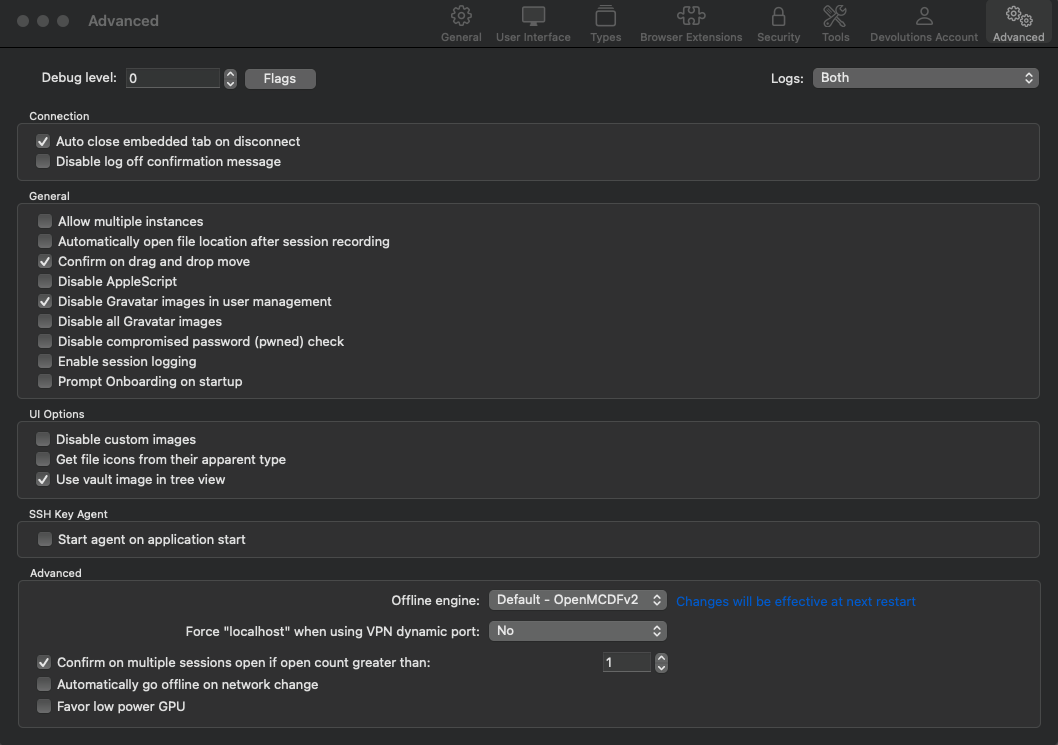
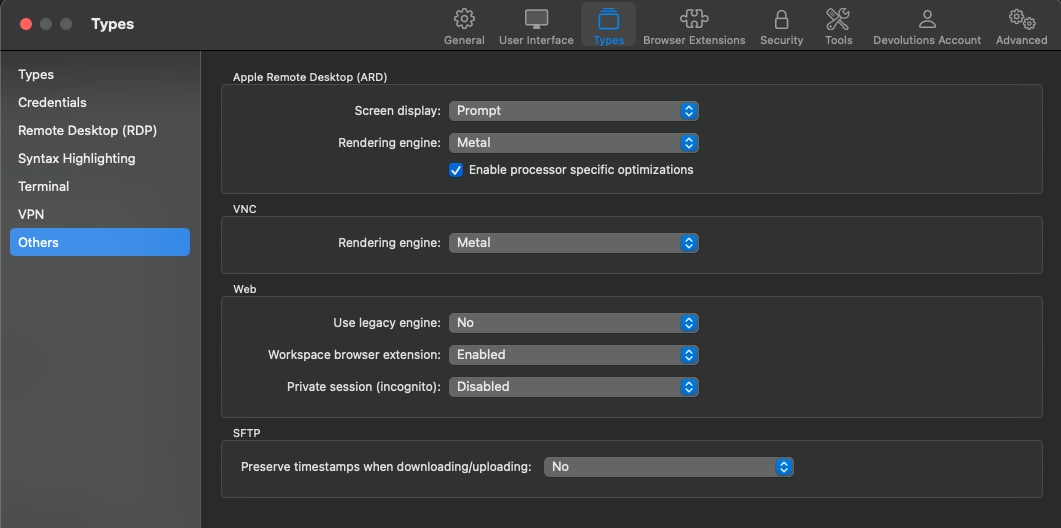
I've already changed the engine and the Rendering Engine but nothing works.
Macbook Pro M3
macOS 14.4.1 (23E224)

Log in attach.
Thank you
Macbook M3 Pro - Remote Desktop laggy
Hi,
"Does the performance in that case approximate the Microsoft RDP client?"
Yes, everything is fine and normal for now.
Macbook M3 Pro - Remote Desktop laggy
Hi,
I set up Metal with "Use unified memory" and I can tell you that my Macbook crashed completely, twice, as soon as I tried to open an RDP connection.
It crashed to the point where the screen went black and I had to do a forced shutdown in power button.
Macbook M3 Pro - Remote Desktop laggy
The problem has not been solved. I still get lag in RDP sessions even after changing the above parameters.
I tried installing RDM inside the Windows 11 VM I have in Parallels and it works without any problems.
On the mac, I've completely uninstalled RDM and re-downloaded the latest version, but it hasn't solve the problem.
Connect when available feature for MAC client
Hello,
+1, I've always used this feature on Windows and it's a shame it doesn't exist on the Mac version.
Is it on the roadmap? Any ideia for it to be made available?
Macbook M3 Pro - Remote Desktop laggy
It's all, thank you!
Macbook M3 Pro - Remote Desktop laggy
Hi,
Thank you for your help.
With these changes "Detect network automatically" and "Dynamic resolution" it has improved a lot and is identical to the official MS one.
One question: is it possible to apply "Detect network automatically" globally?
Thank you
Macbook M3 Pro - Remote Desktop laggy
Hello Richard,
Thank you for your answer.
My monitor/keyboard/mouse are the same, I just changed the Mac.
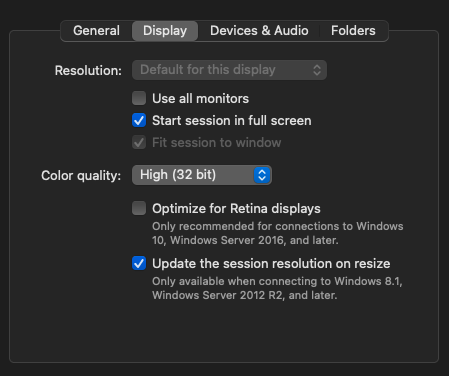
I have all the default settings.
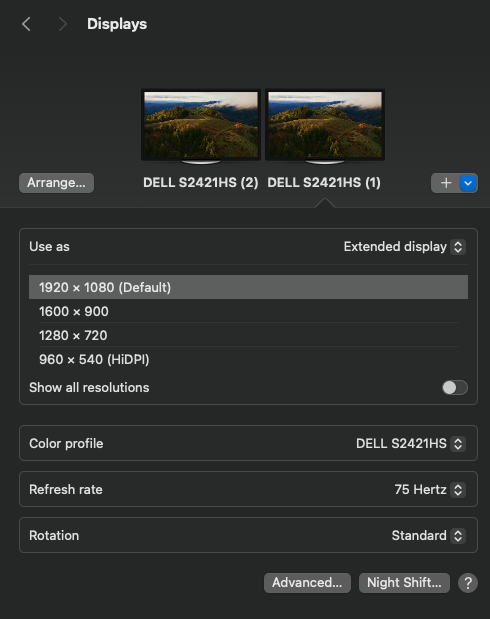
I'm using 2 external monitors directly:
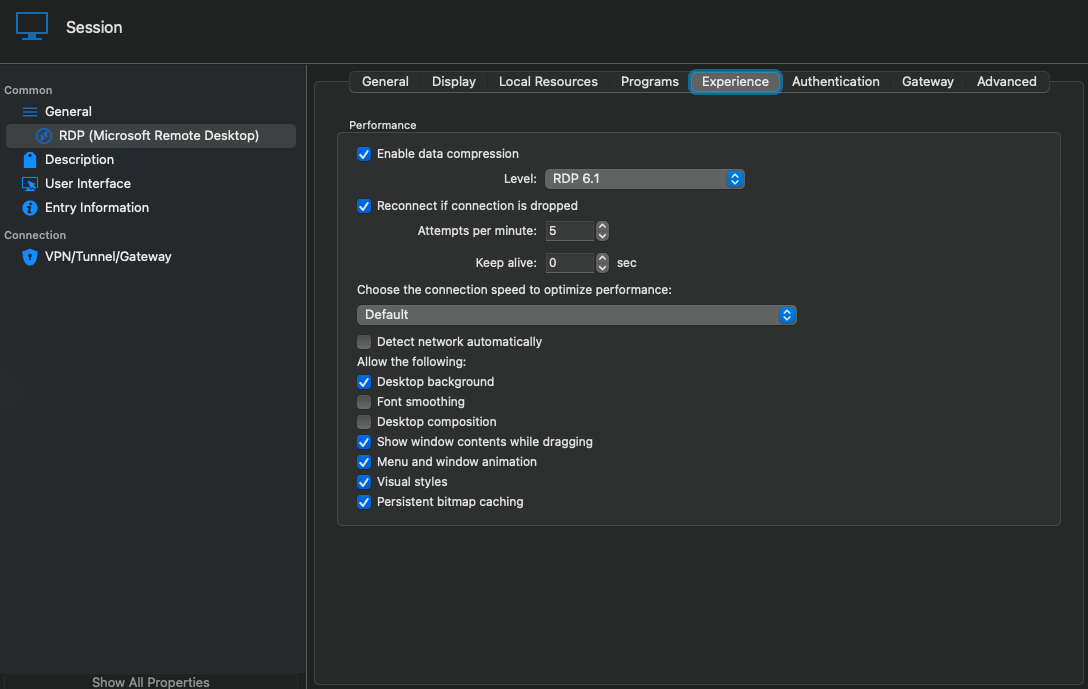
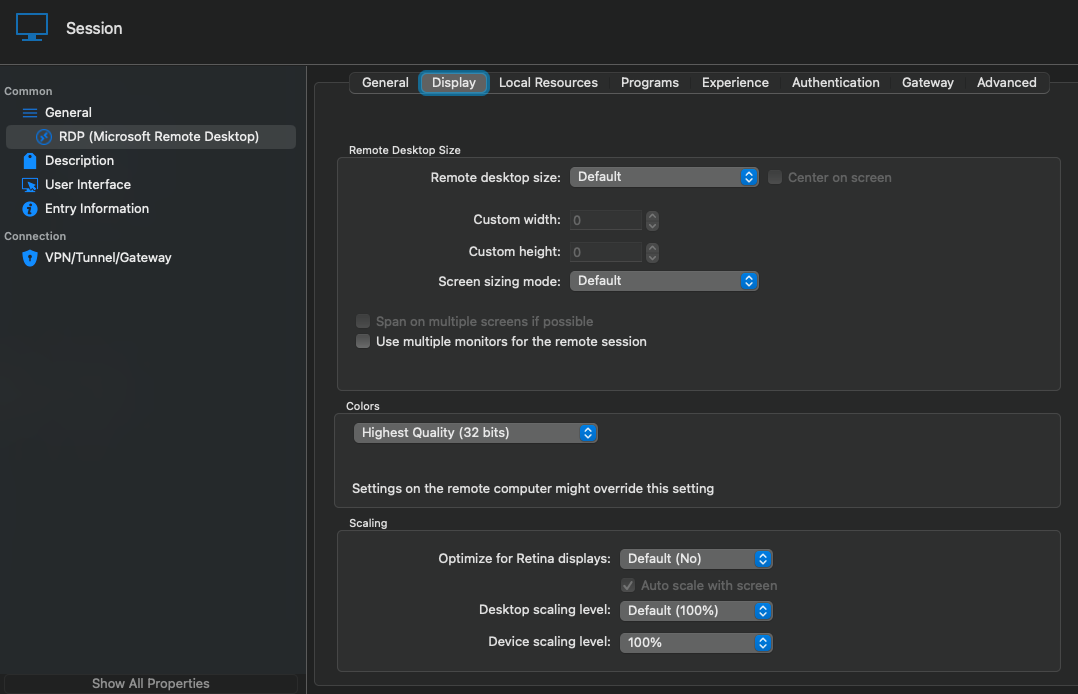
Thank you in advance.
Macbook M3 Pro - Remote Desktop laggy
Thank you for your reply.
We're talking about corporate servers and I can't make a video.
Even in terms of image/text quality in the external RDP app, I have much better quality than inside RDM with the window in Embedded.
I have all the default settings, what is your recommendation on this point?
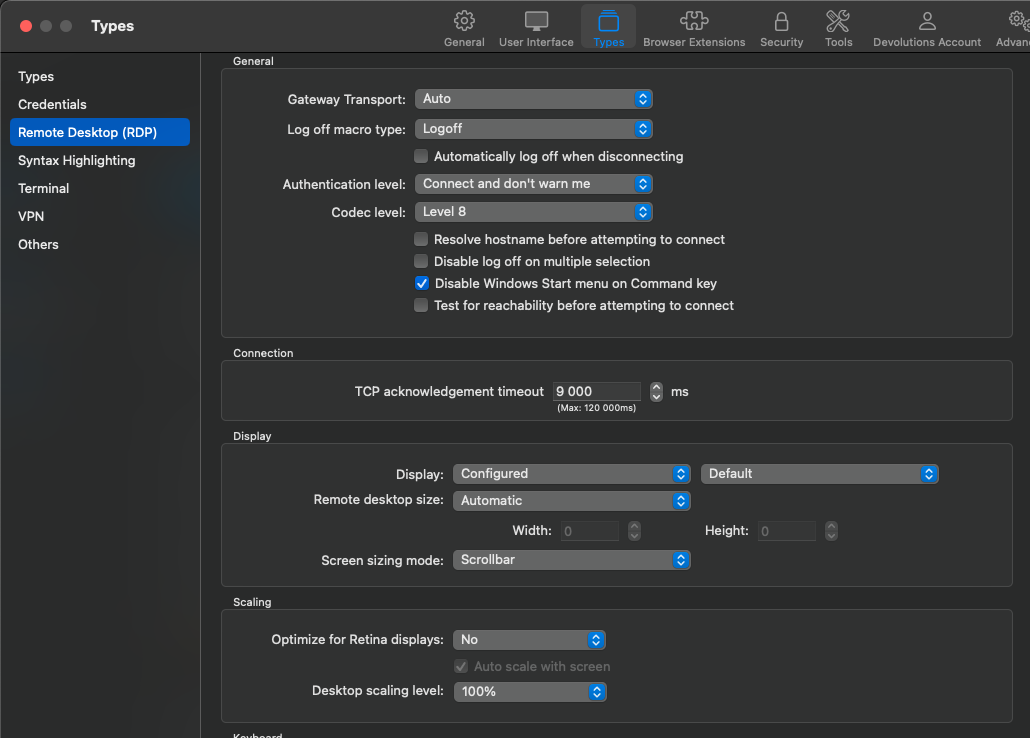
Macbook M3 Pro - Remote Desktop laggy
Hello,
I recently switched from an M1 Pro to an M3 Pro and every time I'm inside a Windows Server, I get a huge lag in every task I run.
The servers are performing normally, for example, after clicking to open a folder, I see the folder appear but drag. Sometimes I have to wait almost 1s for my task to be visible.
This only happens with Remote desktop Manager, if I use the official Microsoft one it works perfectly and I don't have this lag.
Is it something to do with the application's graphics settings?
Thank you