
Equerm
Is there an Powershell connection
How should i configure the Powershell connection? I have added a connection like so:

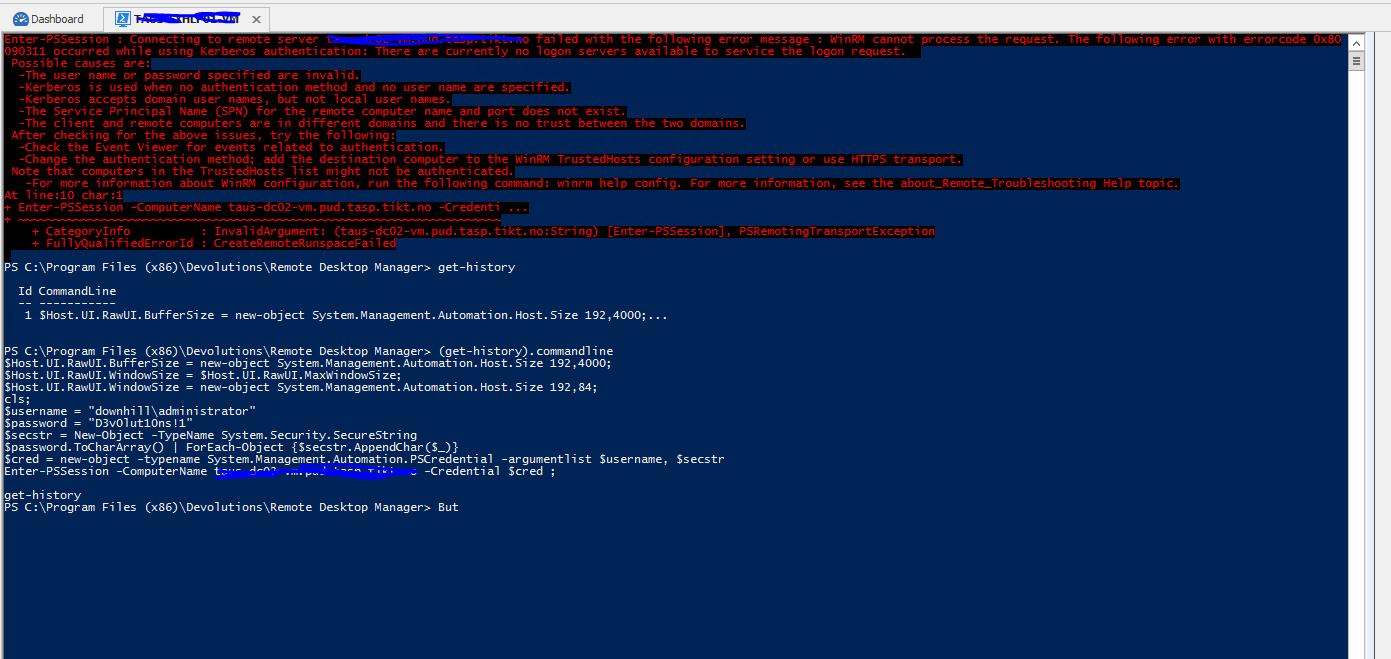
But when i try to connect i get the following error, looks like a bug to me?
The domain\username and password is not mine :)
And why are you using this method to create a securestring? (ToCharArray() | foreach-object with the .appendchar method? )
The you are slowing down the process when piping the password variable, it would be much more efficient to use the convertto-securestring cmdlet.
Or have i misunderstood?
It would also be nice to choose authentication type, can i do this in the configuration input box?
Active Directory Console - unable to connect
Hello,
I am trying to set up a Active Directory console using the LDAP mode to remote domain.
I have specified the path like this: LDAP://server.fqdn:389 and i have also tested that the credentials are correct.
tcp port 389 is opened in the firewall and i am able to connect to the domain with the Active Directory Explorer from Sysinternals as well as in a powershell script.
Still i am unable to connect to the domain. When i click the test connection button i get a "connection failed" error from RDM.
Thanks :)
Powershell tab
I have added it to the script that is executed yes, but i would like Remote Desktop Mananger to fix it automatically.
It's a problem if you're using another computer/resolution and it would be better if Remote desktop manager could set the values dynamically based on the computers screen resolution :)
Information on the Dashboard
Even better if we could customize what appears on the dashboards.
Say per folder / host we could have a separate tab to set what kind of information should appear on the dashboard page
Powershell tool against multiple hosts?
Ok, thanks :)
Powershell tab
Hey Devolutions developers!
Can you please fix so that the tabs for powershell gets a proper window width?
Not like this
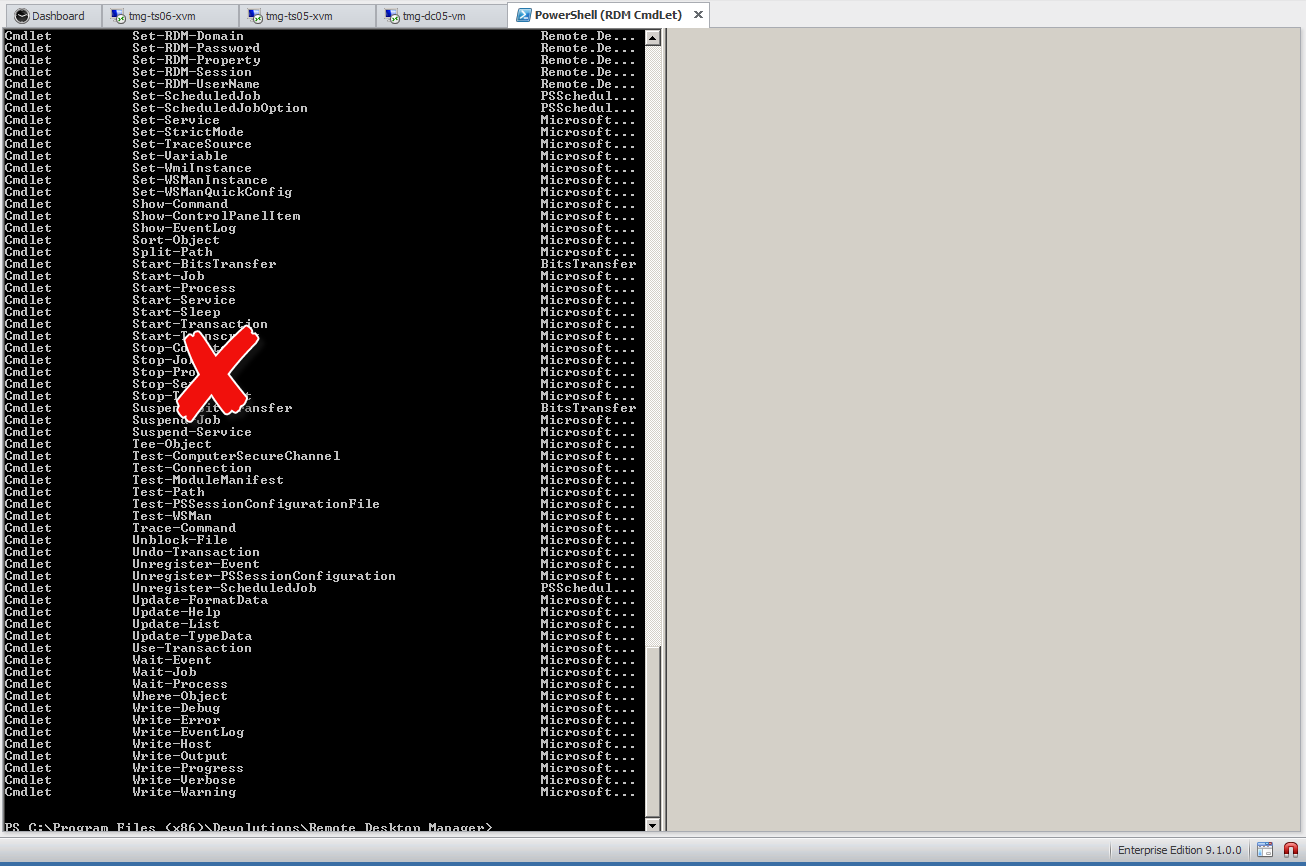
But like this
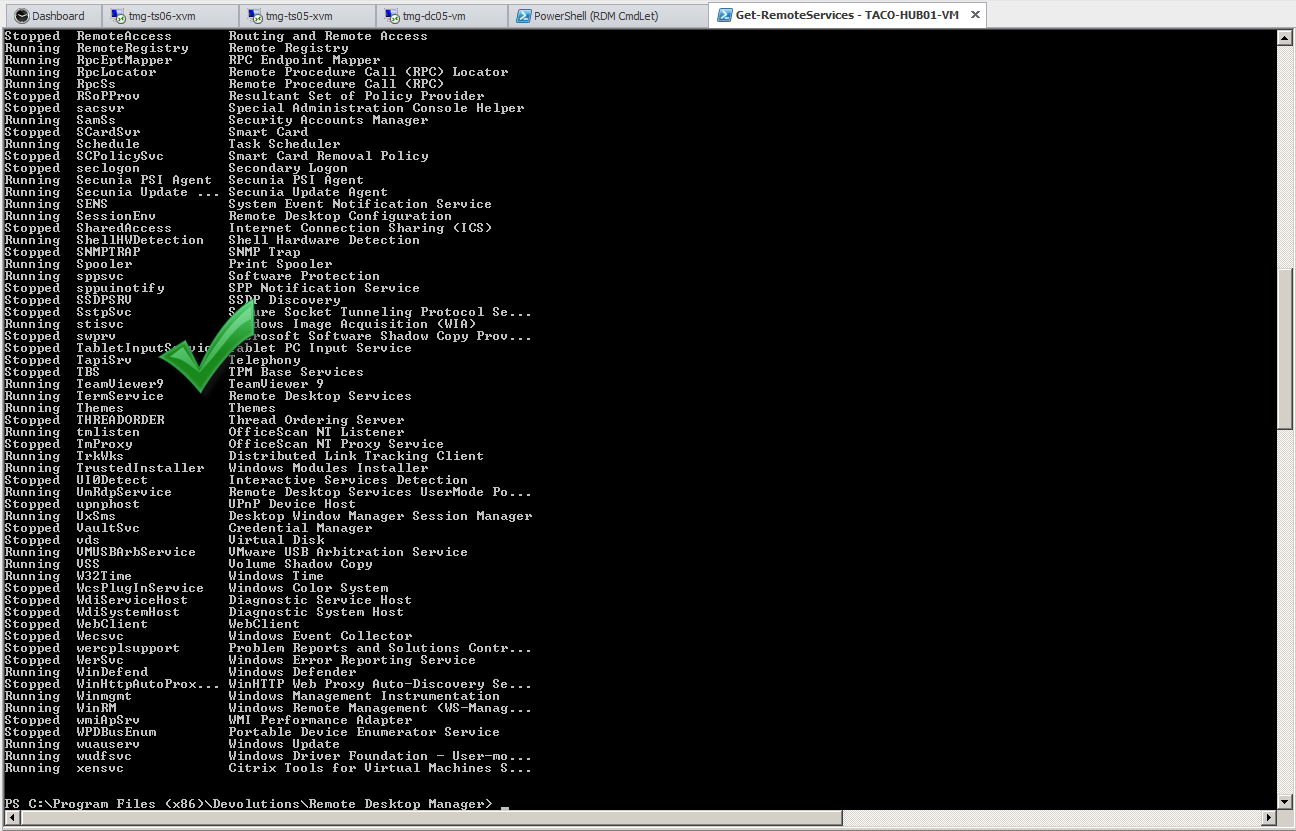
:)
Powershell tool against multiple hosts?
Hi,
I have created a powershell tool to get the status of exchange services on a server, is there a way i can run this tool against multiple servers/group of servers?
For example the built in tools like ping and netstat can run against a selection of servers from the menu, but my tool does not appear in this list, this is not 100% perfect as it opens a new tab for each command, the best for me would be to have it all in a single tab.

Or even better, can i create a new powershell tool that can be programmed to run against all computers in a folder? This would be great to have in order to run the powershell cmdlet invoke-command against a group of servers.