
robertodilello
Cannot import data source since last update
Hi Nicolas, sorry my delay I had some health issues, and were dealing with many things.
I know it supposed to be something simple, but it fails many times. Today I tried a different thing and works, I have upgraded my pc version to beta 2026.2.3.0 64-bit (PreJIT). Do an export of the vault, uploaded to the phone, an then import them and works fine. Finally I got a big server list with everything I need there.
Thanks a lot for your help and the time you had provided. Have a greet week.
Cannot import data source since last update
Hi Nicolas, i share the video with you and the file exported from PC. As you can see I got previous files from older versions.
Thanks in advance, and thanks for the effort to try to solve it.
Robert
Cannot import data source since last update
Hi Nicolas, the RDM android is 2026.1.2.9 29/4/2026 5.52pm (my local time) thats becuase as part of the troubleshooting I reinstalled the app.
The RDM-PC is this one (sorry I believe it was in my last post):
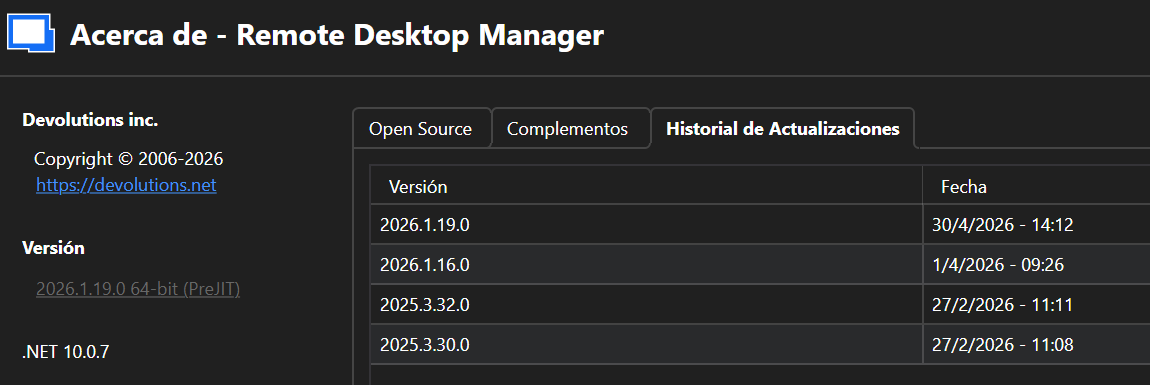
Thanks a lot. Robert
Cannot import data source since last update
sure, here you got the video.
and i do not have server history update, just: 2026.1.2.9 29/4/2026 5.52pm (my local time) thats becuase as part of the troubleshooting I reinstalled the app.
thanks a lot!!!
Cannot import data source since last update
thanks a lot Nicolas, sorry for my delay.... but it doesn't works.
I exported the file from desktop app without problems
in RDM mobile, the screen you shared is different to mine (mobile-1)
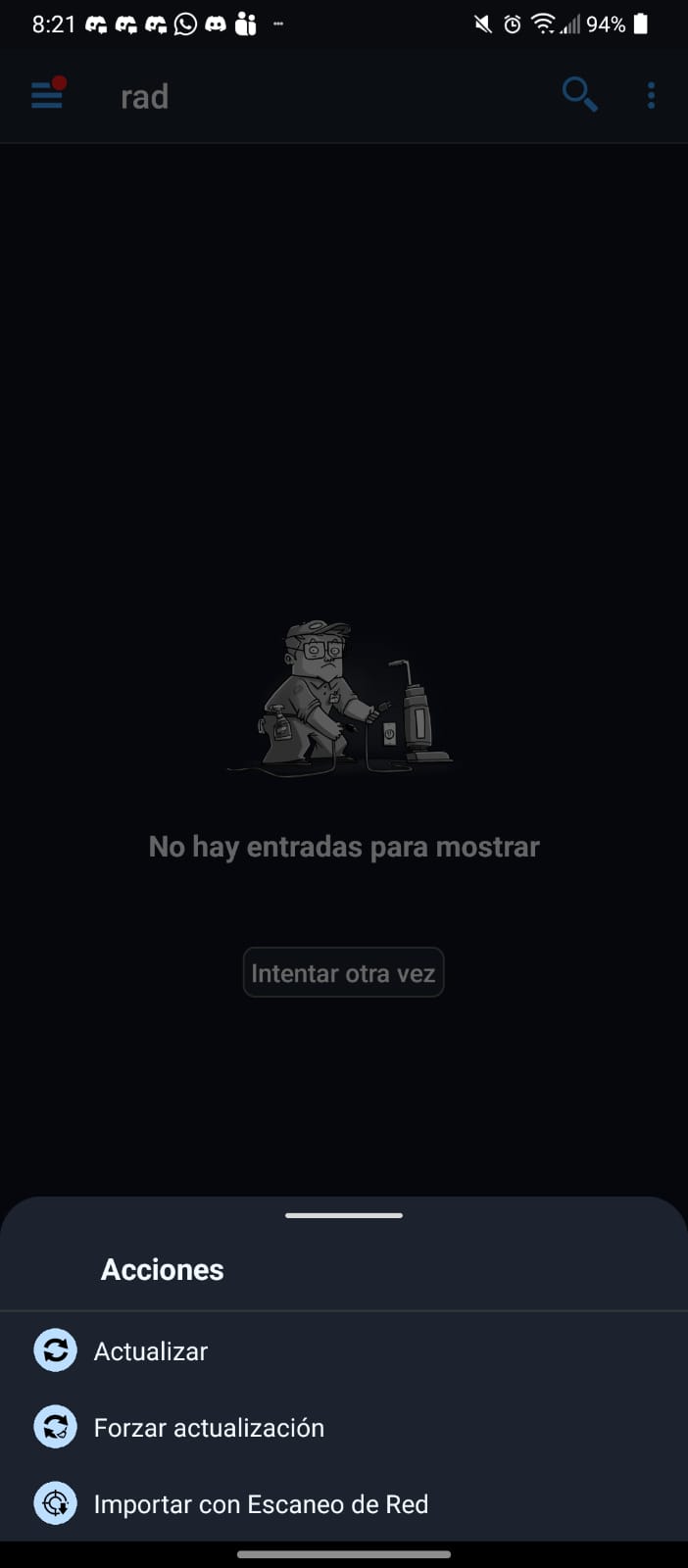
searching I could try going to vault, and trying to add new one, but got the first error reported:
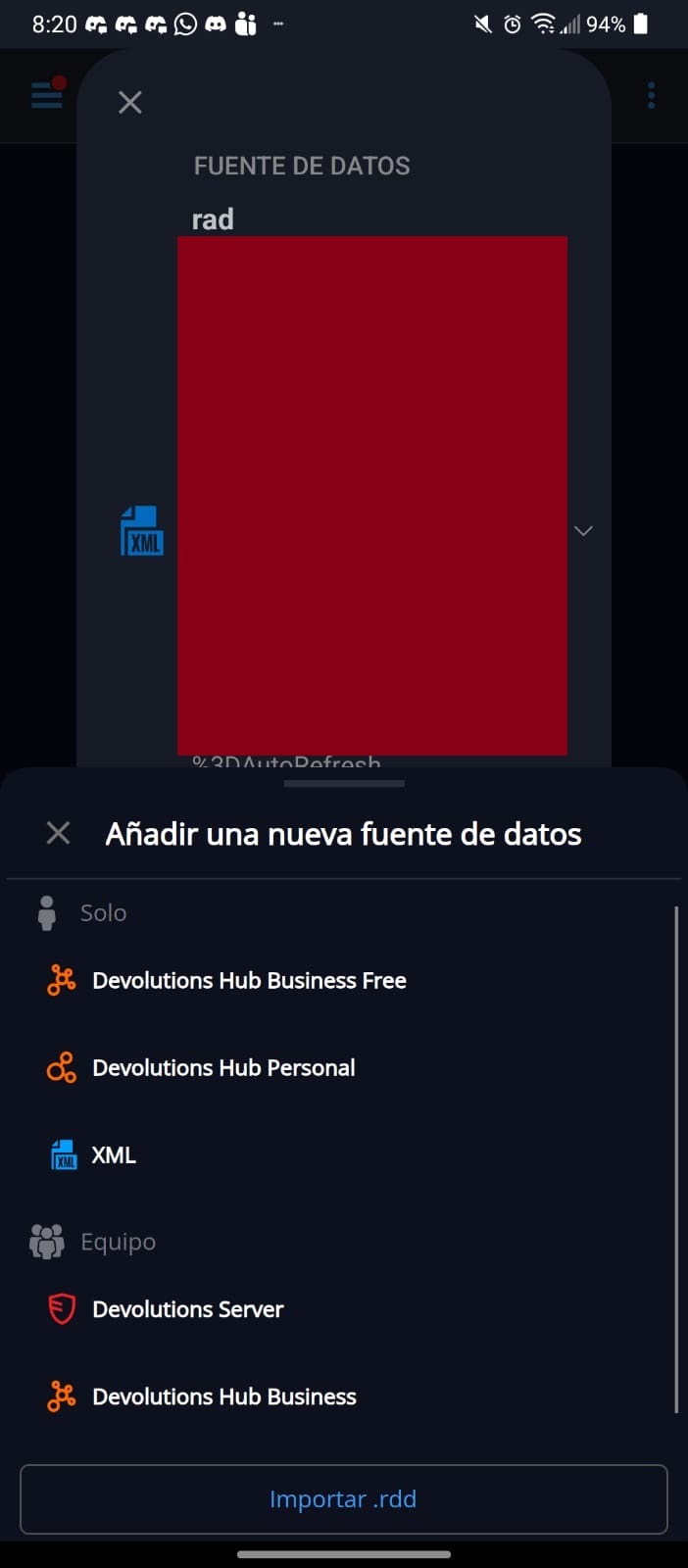
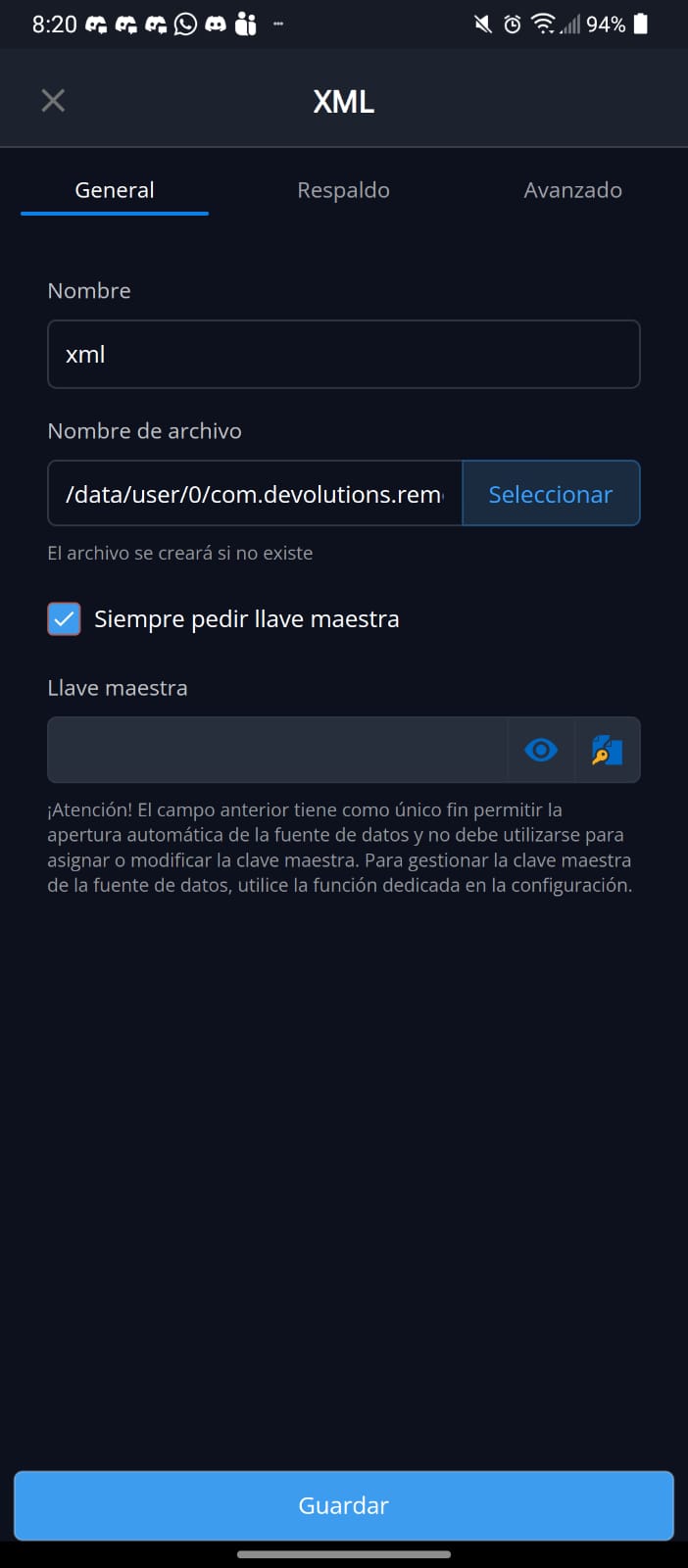
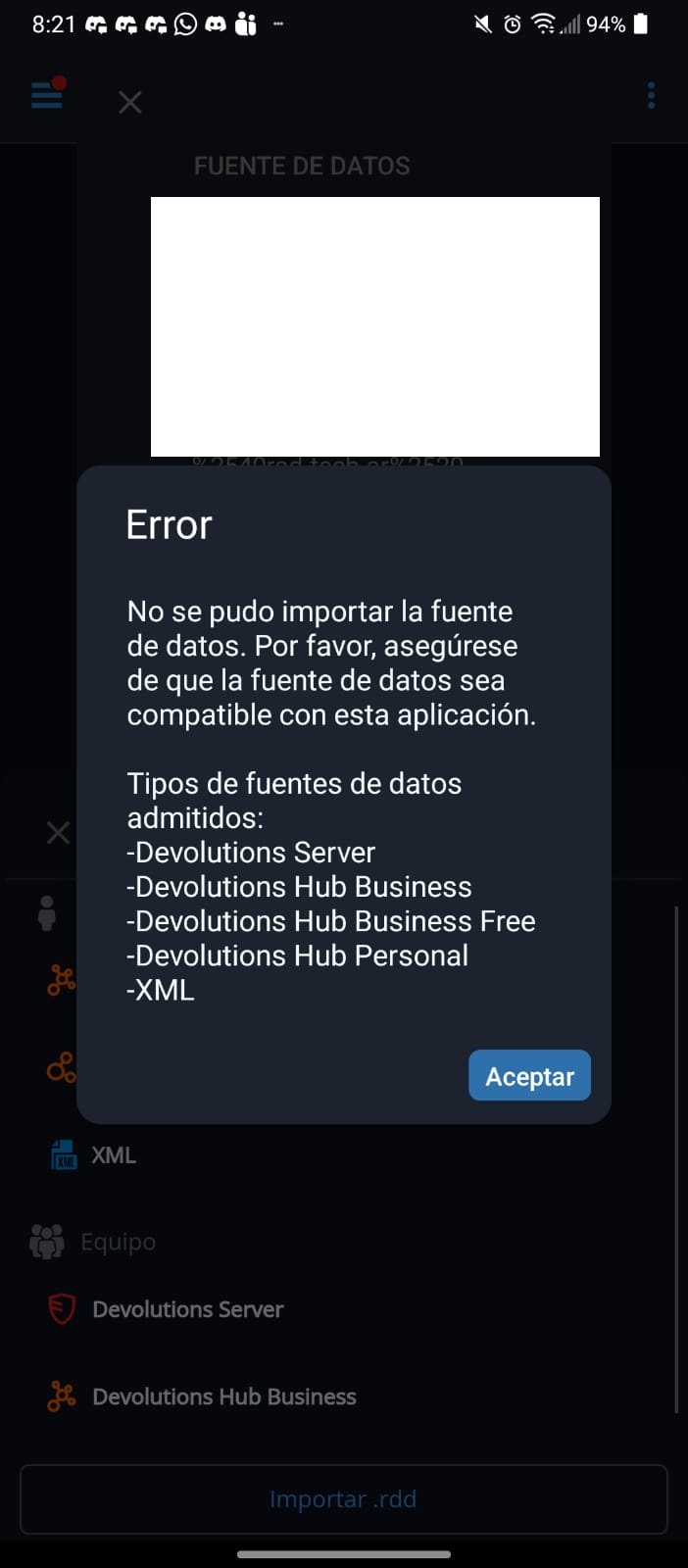
Cannot import data source since last update
Hi, we have several questions:
1. Did you lose your existing data source after updating the application? If so, what data source type or types were you using?
2. What data source type or types are you exporting your data from in RDM Windows and trying to import into RDM Android?
Also, could you open the main application navigation screen by tapping the hamburger icon at the top left of the main window, then tap About, then Update History, and send us a screenshot of the update history?
If you are unable to take a screenshot, it may be due to a security setting in the application. To enable screenshots, tap the hamburger icon, go to Settings, then Security and Privacy, and uncheck “Protect data from screen capture.” You should then be able to take screenshots within the application.
Best Regards,
@Nicolas Dufour
Sure I can, thanks a lot.
I updated the androidApp and lose all server list. I have a local vault since vault in google drive stop working months ago, so everytime I update something in the PC I need to update it on the phone. I got a local vault in the phone with all server list exported from time ago.
This time I cant get the server list from the PC-RDM.
Sorry as I tried a lot of things, like: delete cache, delete data, uninstall the app and then reinstall it, i do not have server history update, just: 2026.1.2.9 29/4/2026 5.52pm (my local time)
Thanks a lot for your interest and help. Robert
I just can restore list from old file, but cant get the last one.
Cannot import data source since last update
My android app has updates, and all server list were removed. Lost everything.
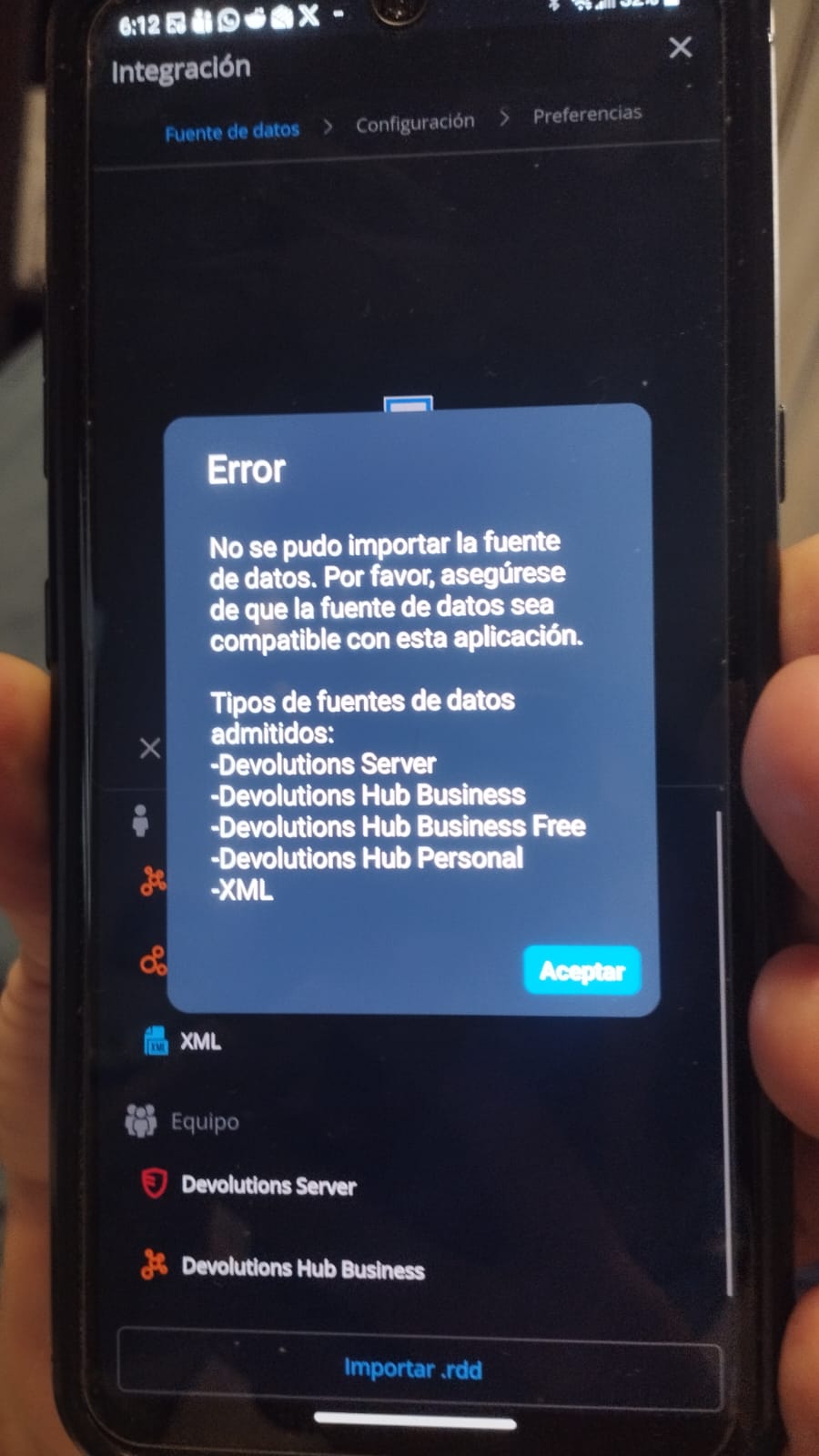
I tried to import it again from the Windows RDM App and got a an error that do not allow me to use the android app. I have tried different exports RDM, XML and RDD.
Any idea? It is an useless app since I do not have any server in the list. Am I doing something wrong?
Desktop Manager - All stored credentials deleted after upgrade
Hello,
Thank you for contacting Devolutions Support.
I recall working on a ticket with you in August regarding Google Drive integration. If I’m not mistaken, you transitioned to OneDrive at that time. Are you still using this solution?
Best regards,
sorry my delay, i started to use local config. i wil try to move to onedrive
Desktop Manager - All stored credentials deleted after upgrade
After last upgrade i lost all stored credentials in all servers i got. this is a bug problem because i got a long server list there.