
jneufeld
After failed connection server connection stays active
Hello,
we are currently experiencing an issue where servers that cannot be reached remain in the active state.
Unfortunately, the active status also persists after sessions have ended, which prevents the VPN connection from being terminated.

Best regards,
Jan Neufeld
Text in the Spreadsheet Editor doesn’t change color in Dark Mode
Hello,
changing the font color to Automatic has fixed the issue.
Thank you for your quick reply.
Best regards,
Jan Neufeld
Text in the Spreadsheet Editor doesn’t change color in Dark Mode
Hello,
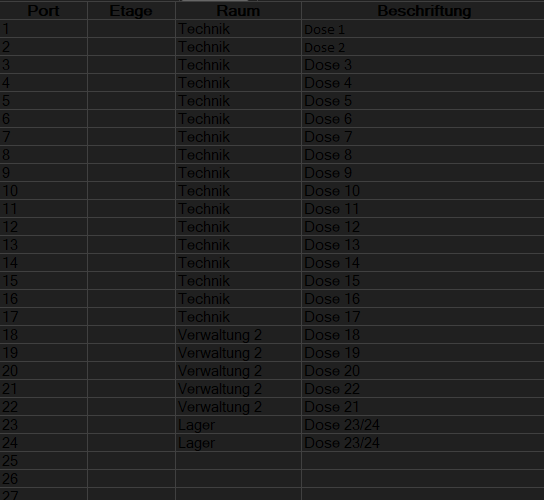
I recently tried to add documentation in RDM using the Spreadsheet Editor. I created an Excel sheet in light mode and added it to RDM, which I am running in dark mode. Unfortunately, the text is barely readable because it appears as black text on a black background.
Could you please advise if there is a workaround or if this could be fixed in a future update?
thank you in advance!
Best regards,
Jan Neufeld
SonicWALL VPN credentials wiped after RDM connection
Hello,
this is the Version I am currently using .

If I save login credentials in the SonicWALL Global VPN Client, they are cleared after a single connection launched through RDM.

Best regards,
Jan Neufeld
saveable column arrangement in the "activity log"
Hi there,
I noticed that whenever I change the column arrangement in the Activity Log, it resets as soon as I refresh or reopen it. It would be really great if the log could remember my setup and keep the column arrangement saved.
Is this something that might be added in the future?
Thanks a lot!
Best regards,
Jan Neufeld
SonicWALL VPN credentials wiped after RDM connection
Hi,
I’m using Remote Desktop with the SonicWALL Global VPN Client . When I launch a VPN connection through RDM, the credentials that were previously saved in the SonicWALL client are being cleared.
This means I have to re-enter them manually every time after RDM initiates the connection.
It would be great if RDM could just keep the stored VPN credentials instead of clearing them each time. This would make reconnecting a lot easier. Is there any way to avoid this? Or is it something that could maybe be added as a feature?
Thanks a lot
Best Regards,
Jan Neufeld
RDM creates a temporary connection everytime I use NetExtender
Hello,
Thank you, I have uploaded the video with your requested file name.
Best Regards
RDM creates a temporary connection everytime I use NetExtender
Hello,
I have recorded a short video showing the issue, a secure link would be very helpful.
Best regards
RDM creates a temporary connection everytime I use NetExtender
Hello again,
This is the configuration I use, I hope it helps.
Best regards.

RDM creates a temporary connection everytime I use NetExtender
Hello everyone,
I have the following problem, everytime is use NetExtender, RDM creates a temporary connection that has to be deleted manually. Is there a fix for that Problem ?
Thank you

RDM support NetExtender
Hello everyone,
does anyone know when the new NetExtender version will support RDM ?
Thank you