
telmop
ERRCONNECT_SECURITY_NEGO_CONNECT_FAILED (0x0000000C)
I don't have that luck! not even the Microsoft RDP client works.
ERRCONNECT_SECURITY_NEGO_CONNECT_FAILED (0x0000000C)
let me know if I can help in any way to diagnose this issue.
ERRCONNECT_SECURITY_NEGO_CONNECT_FAILED (0x0000000C)
I've tried legacy engine also and same result...
ERRCONNECT_SECURITY_NEGO_CONNECT_FAILED (0x0000000C)
Hi,
I've tried without success.
I can't give any details about the server because it's the first time connecting to it (new customer).
ERRCONNECT_SECURITY_NEGO_CONNECT_FAILED (0x0000000C)
session log sent by PM
ERRCONNECT_SECURITY_NEGO_CONNECT_FAILED (0x0000000C)
I'm getting this error connecting to a RDP server.
Is something wrong in my setup?
Copy-paste to win32 app on the server with strange characters
or here, if you prefer
Copy-paste to win32 app on the server with strange characters
if it asks for foxpro runtime, you can download it on:
Copy-paste to win32 app on the server with strange characters
I made one, a really simple one! :D, for you to test.
It's a FoxPro exe with a single form with a single textedit object.
I include MSVCRT71.DLL in case your system does not have it.
Just run it on the remote host and paste.
If you need anything more, don't hesitate to ask.
Thanks.
Copy-paste to win32 app on the server with strange characters
Yes, my host (Mac Ventura ) is using PT-PT at OS Level, the connection is set to PT-PT and remote host is Windows Server 2016 Standard set with PT-PT keyboard.
Let me know how you want to do the remote session.
Thanks.
Copy-paste to win32 app on the server with strange characters
Hi,
When using MS RDP client everything works as expected.
But when I use embedded, if I copy text with Portuguese characters, i.e. coração, it pastes with strange characters on the server.
I attach images for you to see the origin and client side.
Host:

Client:


The origin app is Visual Studio Code and the document is in UTF-8.
The destination App is a Win32 App using windows-1252.
If I paste in notepad, on the client side, it pastes correctly. But Notepad is also in Windows-1252!
Any way to solve this?
Thank you.
Open RDP external in secondary monitor
I apologize. I didn't reported the issue to you yet.
I'll open a new thread.
Thank you.
Open RDP external in secondary monitor
You are right! Thanks.
Too bad I must use external, so to use MS RDP.
When using your embedded RDP client, I'm still having the problem of copy/pasting to win32 apps with different codepages that pastes strange characteres.
I already reported this issue to you, but you said you can't solve it because it's a thing about the internal software used.
Thanks.
Open RDP external in secondary monitor
I changed to "undocked" with no change.
Double click e it continues to open externally and using Microsoft RDP Client.
Open RDP external in secondary monitor
I apologise for my confusion.
Yes, I'm in the latest version of Devolutions RDM: 2023.2.8.1
Open RDP external in secondary monitor
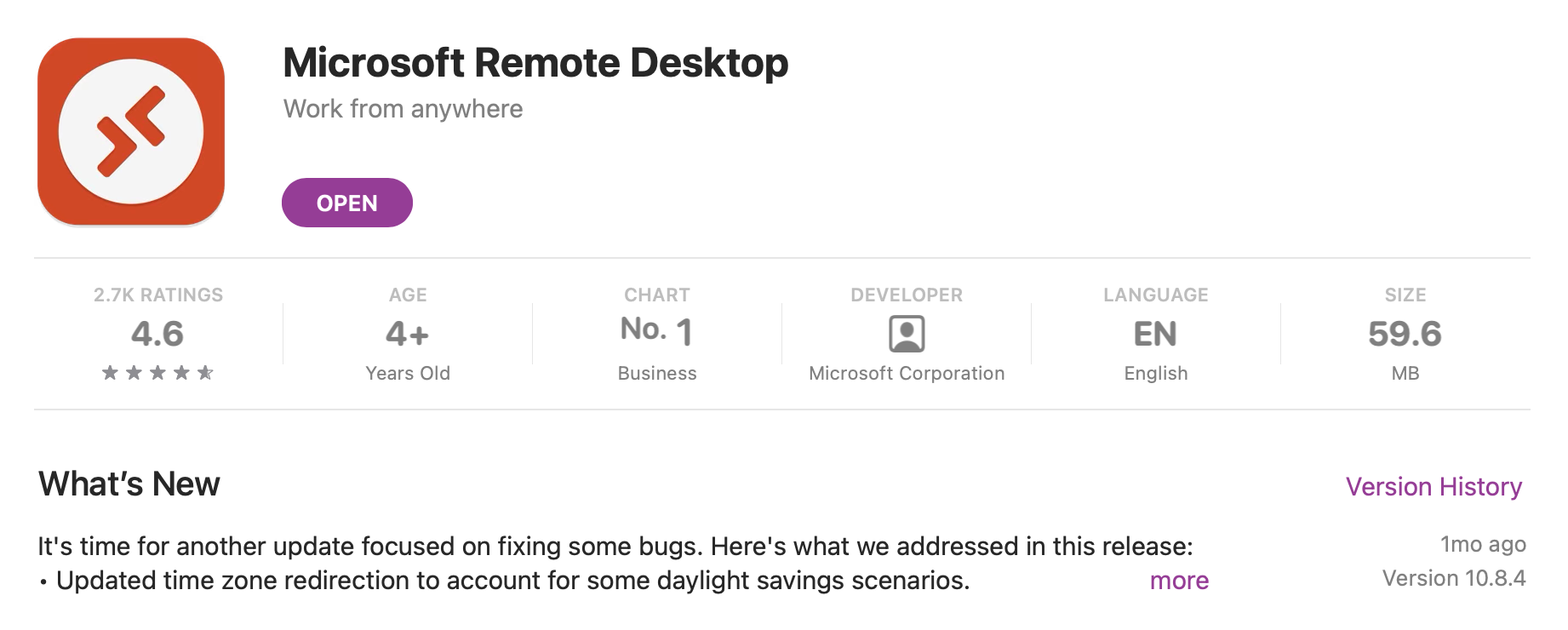
I have the latest version available in Mac App Store: 10.8.4.
Open RDP external in secondary monitor
Hi,
the version is 10.8.4 (2111)
Open RDP external in secondary monitor
Hi,
No. MS RDP opens in primary monitor and so does the external RDP session window.
Also, I have, under RDP config of the connection, in display settings, set to Remote Desktop size: full screen.
Open RDP external in secondary monitor
Hi,
I have a RDP configured to open in external (general -> display -> external and secondary monitor), but it always open on the monitor where Microsoft RDP Client is positioned in MacOS.
Is there any configuration I can change to always open in selected monitor, disregarding the monitor where MS RDP app is opened?
Thank you.
RDP session not work anymore after RDM 2023.2.5.1
Thank you.
I can confirm it works as expected now.
RDP session not work anymore after RDM 2023.2.5.1
here you go.
RDP session not work anymore after RDM 2023.2.5.1
Correct.
RDP session not work anymore after RDM 2023.2.5.1
adding that I have Microsoft RDP Client Version 10.8.4 (2111)
RDP session not work anymore after RDM 2023.2.5.1
Hi,
I'm having the same issue and the work around does not work.
version 2023.2.5.1
File Explorer Share name contains $ sign
Hi,
I'm on Mac and trying to setup a file explorer session to connect to my server.
The share name is EXE$
When I click, the server is mounted on Finder, but on embedded window, it doesn't go the folder.
Any help?