Open RDP external in secondary monitor

Hi,
I have a RDP configured to open in external (general -> display -> external and secondary monitor), but it always open on the monitor where Microsoft RDP Client is positioned in MacOS.
Is there any configuration I can change to always open in selected monitor, disregarding the monitor where MS RDP app is opened?
Thank you.
All Comments (14)
Hello,
Thanks for contacting us regarding this,
Out of curiosity, if the MS RDP app is closed when you run the RDM entry, does it then open in the secondary monitor ?
Best regards,
Hi,
No. MS RDP opens in primary monitor and so does the external RDP session window.
Also, I have, under RDP config of the connection, in display settings, set to Remote Desktop size: full screen.
Hello,
Thanks for confirming and the added details,
Which version number of RDM MacOs are you currently using ?
Best regards,
Hi,
the version is 10.8.4 (2111)
Hello,
The latest version of RDM MacOS is 2023.2.8.1, could you update to this version for me if you haven't yet ?
Best regards,
I have the latest version available in Mac App Store: 10.8.4.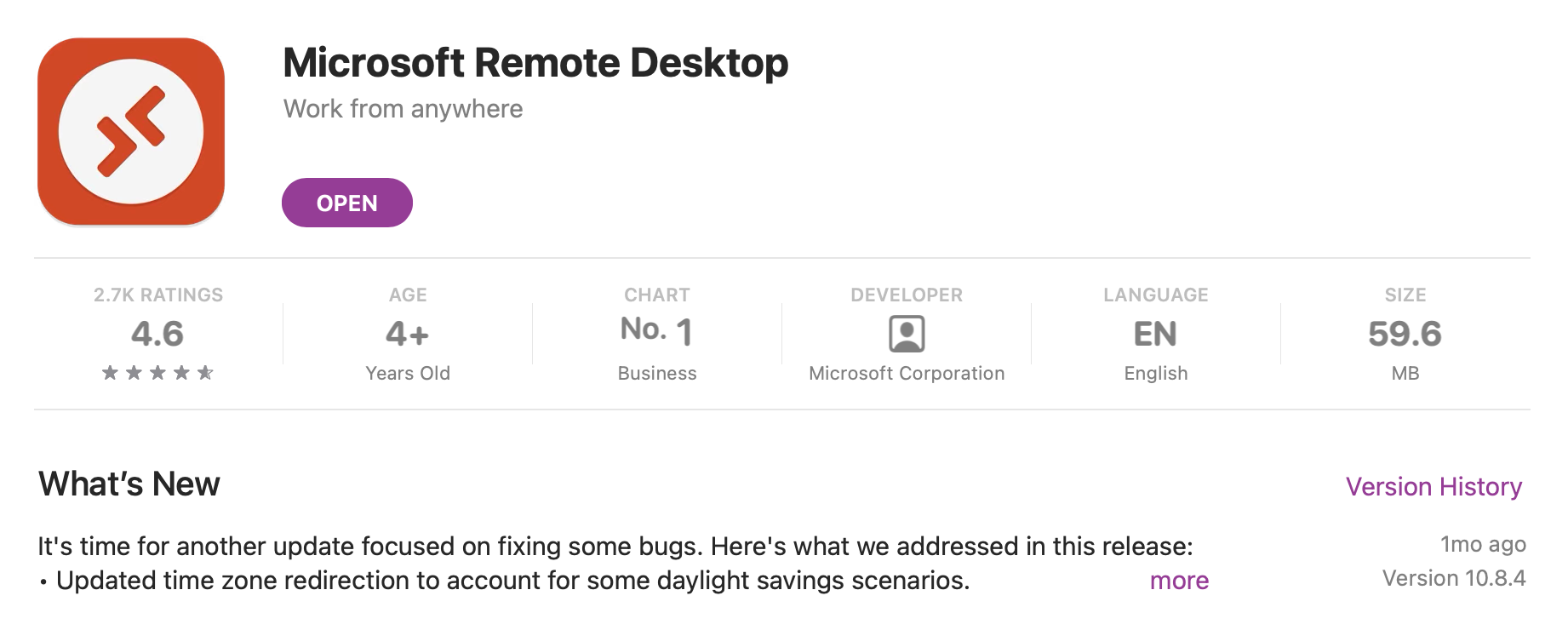
SCR-20230811-rhhz.png
Hello,
It seems this is for Microsoft Remote Desktop, however I'd like to if you're using Remote Desktop Manager from Devolutions ?
If so, I'd like to know the version you're using. The latest version for the MacOS application is 2023.2.8.1 and the version number you're using (if you're indeed using RDM) can be found under Help > About, or alternatively at the bottom-right corner of the application.
If you're not using Remote Desktoip Manager then there is unfortunately nothing we can do to help, as we do not handle Microsoft Remote Desktop.
Best regards,
I apologise for my confusion.
Yes, I'm in the latest version of Devolutions RDM: 2023.2.8.1
Hello,
Thank you for confirming this,
I will see if we can reproduce this behaviour internally and get back to you with my results.
Best regards,
Hi telmop,
Unfortunately, this is not supported. When we launch a session externally, we simply create a .rdp file and make Microsoft Remote Desktop open it. What it does with it, how it opens the session and where is from then on out of our control. If you want to chose the screen where the entry opens, I would suggest using the Undocked mode.
Best regards,
Xavier Fortin
I changed to "undocked" with no change.
Double click e it continues to open externally and using Microsoft RDP Client.
You probably have the app Settings -> Types -> Remote Desktop -> Display -> Display setting set to Undocked instead of "Configured":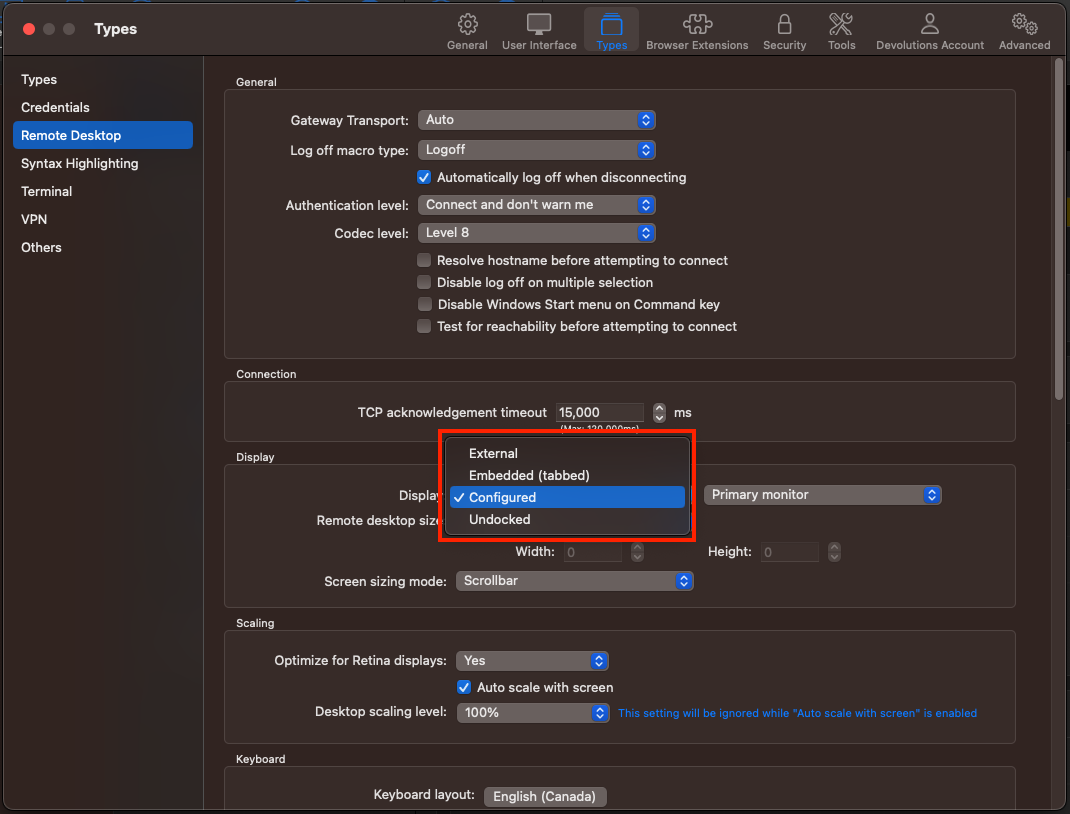
Best regards,
Xavier Fortin
AppSettingsRDPDisplay.png
You are right! Thanks.
Too bad I must use external, so to use MS RDP.
When using your embedded RDP client, I'm still having the problem of copy/pasting to win32 apps with different codepages that pastes strange characteres.
I already reported this issue to you, but you said you can't solve it because it's a thing about the internal software used.
Thanks.
I apologize. I didn't reported the issue to you yet.
I'll open a new thread.
Thank you.