
ru230
Host Entry with Web Template - Not showing in DWL
I have a host entry. It has multiple templates, one of which is a Web template. If I open it within RDM, it fills the password and logs in.
If I go to the website in Edge (which has DWL and is connected to RDM), the URL is not matched and no entries show up.
If I save the credentials and make a new entry in RDM, it matches the URL.
RDM 2023.1.29.0
DWL 2023.1.6.1
Do web templates not support DWL? How do I get this to work?
Unable to connect to Linux server through bastion [(10053L)
This is the SSH output from the SSH Tunnel:
[6/9/2023 3:47:42 PM] User authenticated successfuly by password interactive
Listening on 127.0.0.1:3390 D
Read error, ending dynamic negotiation 127.0.0.1:3390
[(10053L) An established connection was aborted by the software in your host machine.]
Closed tunnel: 127.0.0.1:3390 -> ?:0
Read error, ending dynamic negotiation 127.0.0.1:3390
[(10053L) An established connection was aborted by the software in your host machine.]
Closed tunnel: 127.0.0.1:3390 -> ?:0
Unable to connect to Linux server through bastion [(10053L)
SSH Tunnel, used as an SSH gateway for another entry.
Unable to connect to Linux server through bastion [(10053L)
I'm having the exact same issue. I can't pinpoint which release broke it, but it's been a few weeks. Nothing changed on the network/bastion and I can use Putty to do a port forward without issue.
Devolutions, can we please get this addresses?
Adjust many folder properties at once
Sorry for the delay, your suggestion worked, thank you!
Adjust many folder properties at once
I just upgraded from 2021.1.26.0 to 2021.1.30.0.
I have a folder structure such as "Customer Name" -> "Network" -> "Site Name" -> SSH Entries
The entries themselves have the VPN set to inheritance. Historically the SSH Entries worked. With the most recent update, they do not. After looking through this, it appears our "Site Name" folders do not have inheritance selected for the VPN Gateway "Connect" field.
I need to update many (> 1000) folders to change it. I've tried batch edit, selecting all the entries and folders, etc. to no avail.
Can you advise on a way to change many folders VPN "connect" field to "Inherited"?
Import Sessions from CSV - ConnectionType SSHShell
Thank you very much for that detail. I've always wondered about it and why there were so many options, maybe they can remove the legacy ones in an upcoming version. I'll use Generic CSV Wizard instead.
Import Sessions from CSV - ConnectionType SSHShell
Ok thank you. So then what does "session" mean? I guess I'm confused when you would use generic vs session, since when you create a new entry of SSH it's creating a new session.
Import Sessions from CSV - ConnectionType SSHShell
Thanks Samuel, I'll give that a try.
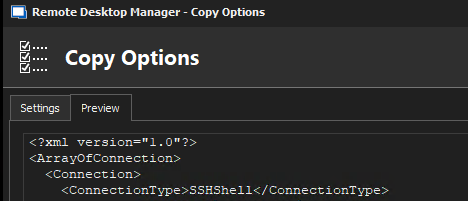
May want to log a bug. When you look at the connection entry XML via Clipboard copy, it shows as "SSHShell" with no space.
Add Columns to entry pane
Thank you!
Add Columns to entry pane
Where sessions are displayed in RDM, I know you can right click and add columns via the column chooser, but I don't see a few columns I was looking for, specifically MetaInformation\Manufacturer and MetaInformation\ModelInformation. In future versions, would it be possible to have a feature where we could add any column? Even if it's not possible to list all columns due to the dynamic nature of the entries, if I could manually enter "MetaInformation\Manufacturer" and "MetaInformation\ModelInformation" that would be more than sufficient.
Thanks!
Import Sessions from CSV - ConnectionType SSHShell
Hello -
RDM 2021.1.26.0
Importing a CSV containing session data that I would like to be SSHShell sessions. I looked at an existing entry (Clipboard -> Copy) and it shows "ConnectionType" is "SSHShell". I have a column for ConnectionType with a value of SSHShell but all sessions are imported as Remote Desktop sessions.
I also noticed that these there is a Terminal\Host and Terminal\PrivateKeyPromptForPassPhrase, so I added columns for those (Terminal\Host containing the same IP address in the host field and Terminal\PrivateKeyPromptForPassPhrase containing "false") but it didn't make a difference, they still import as Remote Desktop connection types.
For now, since the imported items remain selected after importing, I'm able to use batch edit convert to change their type, but I am trying to establish a repeatable process and would like the session type date in our CSV import to be honored.
Any advice?
$DYNAMIC_PORT$ is overwritten
As always, thanks to you and the dev team for
1) Believing the customer
2) Working with the customer quickly and efficiently to gather the pertinent details
3) Working efficiently to quickly create a fix without a bunch of back and forth with the customer
I know that's just how you always operate, but it's a large deviation from many other vendors. Thanks!
$DYNAMIC_PORT$ is overwritten
There's actually a bunch of items linked together that would be pretty difficult, anyone available in the next hour for a quick screen share?
$DYNAMIC_PORT$ is overwritten
Let me know if I need to start a new thread for this, but I have an issue which might be the same as above but also might be different.
Using a dynamic tunnel with an web entry where the entry has something like "https://10.1.5.1:8443".
When I open the entry in RDM, it opens https://10.1.5.1:50128:8443 (the dynamic port with the original port appended.
If I choose "open external" so it opens in a browser, it just opens https://10.1.5.1 and doesn't even include the dynamic port.
If I manually put https://10.1.5.1:50128 in my browser, underlying connectivity works correctly.
Let me know if you need more detail. This is in RDM 2020.3.29.0.
Thanks!
Notification of new version release
Hello - How can we be notified of new releases for DS and RDM?
SSH Entry Error
Ah ok, I was starting to code it in powershell with the RDM cmdlet, this is awesome and I didn't know this existed, thanks Min and Hubert.
SSH Entry Error
I was trying to batch edit a bunch of entries in a directory to check the "Skip environment variable setup" box, but see that it is not supported for the "SSH Shell" type. Is this going to be added in the future? 2020.3.27.0
Can this be done with the powershell?
Enter credentials in form but don't submit them
Boom, RSA SecurID worked perfectly.
It may make sense to rename this to something a big more generic since the model of "append to the end of password" is used by many auth mechanisms. Specifically I'm using it with yubikey in this case.
Thanks so much!
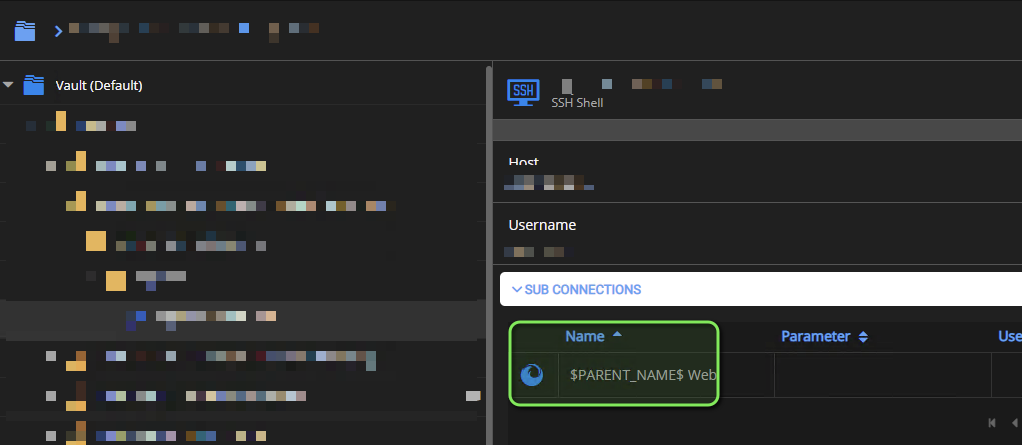
Variables not resolving in sub-connection name
2020.3.17.0
Enter credentials in form but don't submit them
Many of our devices are 2FA. The 2FA method is appended into the password.
So I would login as such:
user
password<otp>
Users have private vault entries containing "user" and "password". We want the prompt for the session to pop-up and fill in both username and password but not actually submit it, so we can append the OTP to the end and submit it.
I don't think I see a way to do it today, can we get a feature request in for this?
RDM Registration Certificate Error
On a Windows device running 2020.3.27.0, receiving the following:
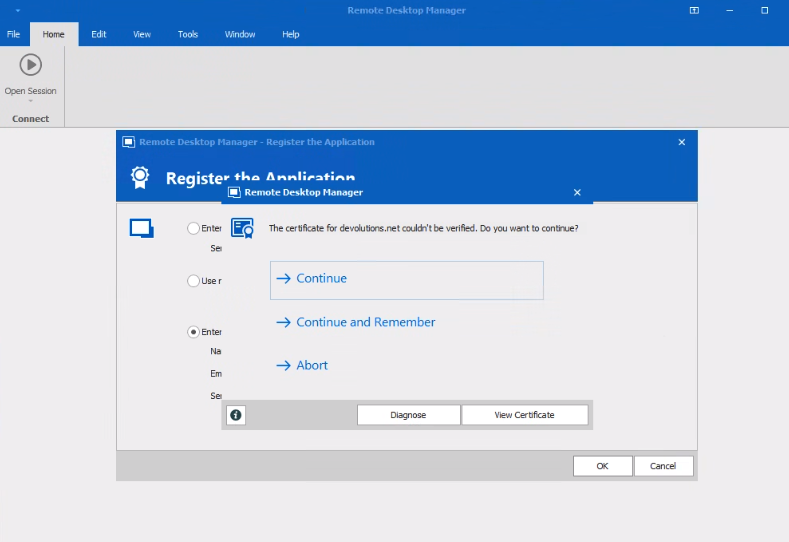
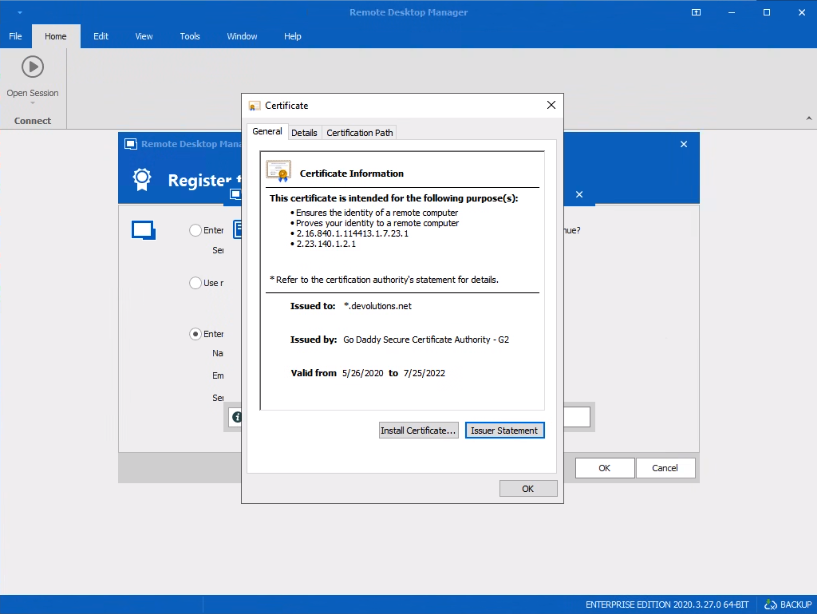
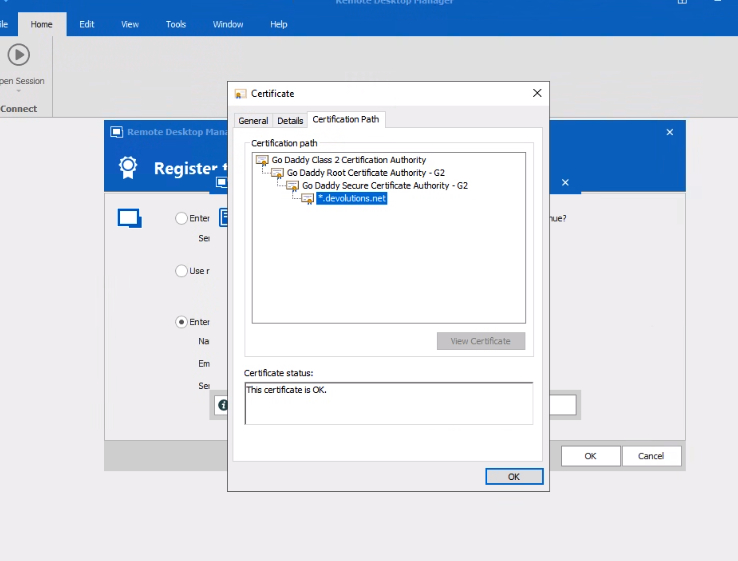
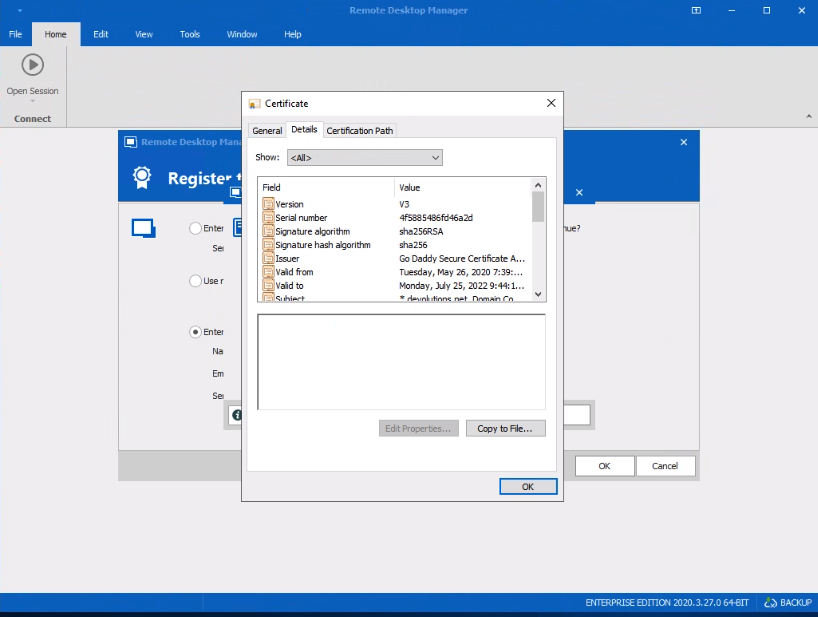
Wanted to report it. I'm also seeing RDM hang entirely if I tell it to use registration from datasource (DS).
Mandate 2FA for Domain Users but not local DPS User
Ok, in theory could I create an MFA bypass for 127.0.0.1 for local logins when the user is on the DS server itself? Any risks behind that?
Mandate 2FA for Domain Users but not local DPS User
DS 2020.3.17.0
We want to leverage user auto-creation so I guess we'll have to go 2FA on all for now. If we can possibly put in a feature request for disable 2FA on a per user basis that would help. Our use case is that we do prefer to have 1 backdoor non-2FA account. However, if it's possible to just disable 2FA when you are on the local DS server itself by modifying the web.config or something like that, that would be sufficient.
Mandate 2FA for Domain Users but not local DPS User
Hi,
I need to enforce mandatory 2FA for all users except 1 or 2 local DS administrators which we need 2FA disabled on. When I turned on require 2FA, it did as expected and required it for all accounts. Is what I'm attempting possible?