
Milan R.
Missing alternate host menu in RDP
Thank you for your quick response.
It’s indeed there, and it works. I couldn’t find this mentioned anywhere in the change logs, so I didn’t look elsewhere—especially since the blue dot is still visible next to the "Description" field, which usually indicates that something is configured (while the other fields here are empty, as we don’t use them). If the blue dot had also appeared next to the "Alternate" tab, I probably would have found it.
Once again, thank you for the prompt resolution, and I wish you much success with this amazing software.
Missing alternate host menu in RDP
Hello support,
I have a problem after upgrade to version 2025.1 from 2024. i have missing alternate host setting in description setting.
previous version looks like https://webdevolutions.blob.core.windows.net/cms/support_for_alternate_hosts_in_rdm_6c42928a67.png

my current state:
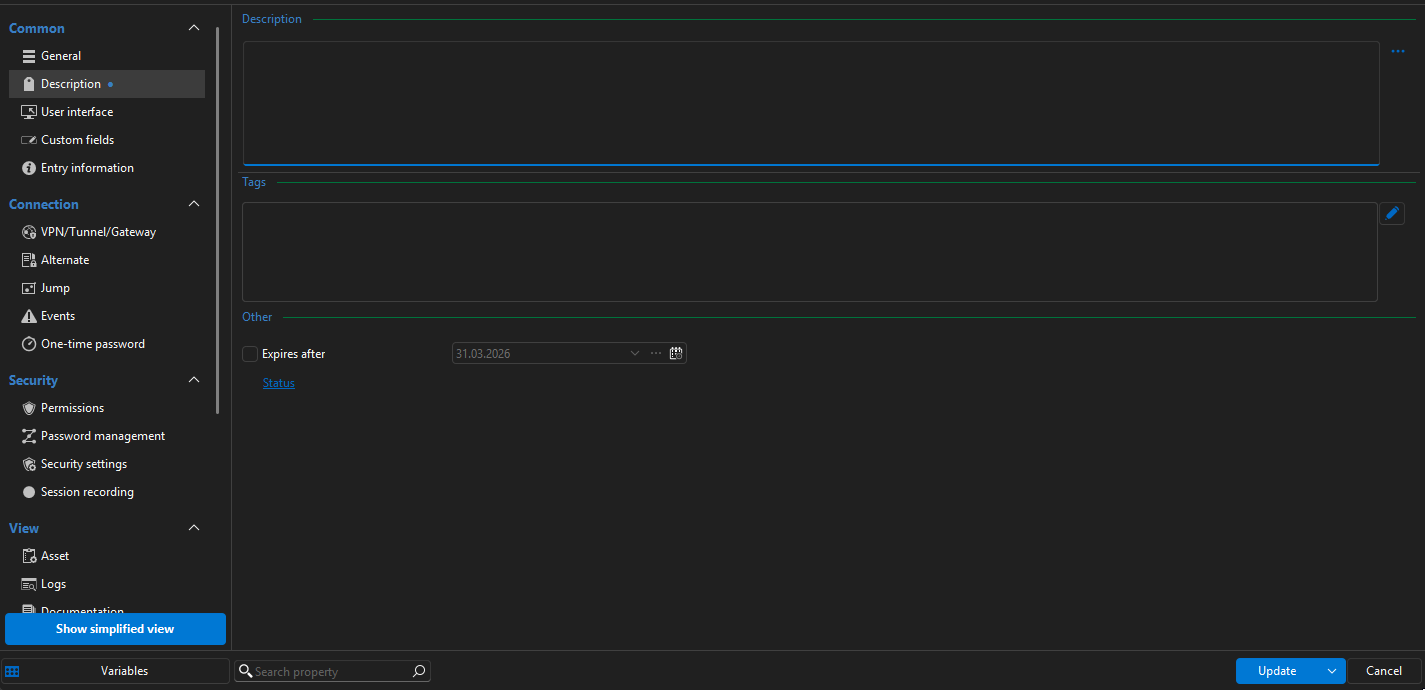
this i see in all installation on different computers
BUG - Copy One-time password from menu doesn't work
Hello, apologies for the delay in responding. The issue we were experiencing has now been resolved by upgrading to one of the newer versions 2024.3.
Thank you for your assistance.
BUG - Copy One-time password from menu doesn't work
Hello Tommy,
I Use MS SQL server as datasource for RDM.
When I use copy password as admin user all works fine:
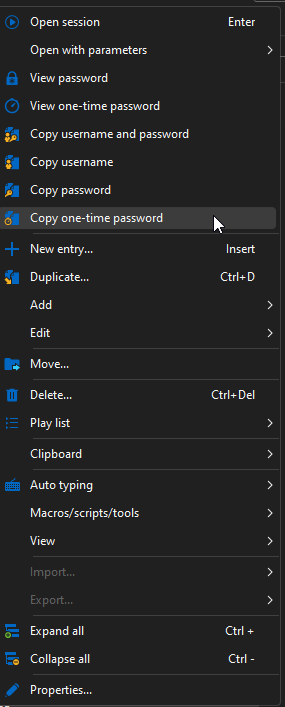
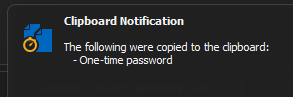
password is copied to clipboard and notification windows popups.
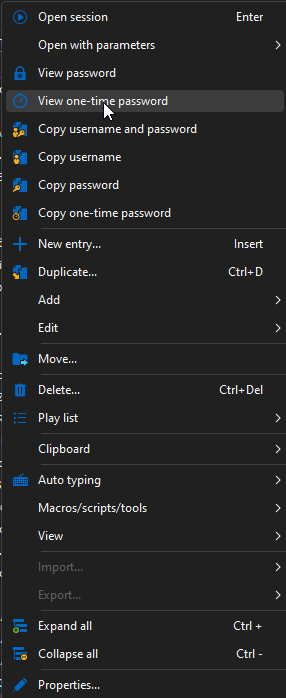
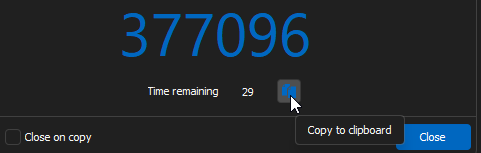
When i Try same as operator user nothing happens, but when I use View One-time password and then use copy button all forks fine.
BUG - Copy One-time password from menu doesn't work
Hello Devolution,
After we update RDM to some version after 2024.2. we experience this issue for users that has not full permission to on object. (they have default set permission as Operator)
For this user don't work context menu on right mouse click and select copy One-time password. But when select view one-time password and then click on button copy, password is copied without problem.
Thank you for quick solution.
It's time consuming and annoying workaround.
Thanks for a great product and keep up the great work!
Expiration date picker
Thank you.
Expiration date picker
Hello,
yes that's the function.
It's about automation for most users. It often happens that this manual setting is not set and the password expires.
If I choose the template as the default setting for all new objects of type "Username / Password", the password is valid for one year from the creation or change of the password.
If I do this now, a fixed date is inserted instead of a variable representing one year. And if someone creates a new name and password in half a year, it will be valid for only 6 months.
Thank you
Expiration date picker
It would be good to make the expiration dates editable. Each customer has a different security policy. For example, we use the default password validity of 13 months.
I would also like the option to set this value as the default for all credentials. (Not a specific date, but the time since the creation of the credential.)
Thank you for your great software