
thomas05
KeePass kann keine Verbindung zur DB herstellen
Hallo,
ich habe Keepass als Plugin installiert. Wenn ich den RDM als Administrator ausführe, funktioniert alles. Sobald ich den RDM wieder mit meinen lokalen Rechte starte geht es nicht. Hier kann er keine Verbindung zur DB herstellen. Ich habe auf das KeePass Verz. bereits für meinen User vollständige Berechtigung darauf gegeben. Allerdings ohne Erfolg. An was kann es noch liegen? Danke!
Gruß
Thomas
Setting the column caption after each restart in the search dialog
Thanks a lot!
Setting the column caption after each restart in the search dialog
Hello Etienne,
my RDM Version is 2020.1.10.0 64bit and Datasource type Microsoft SQL Server 2014
Thanks
Setting the column caption after each restart in the search dialog
Hello,
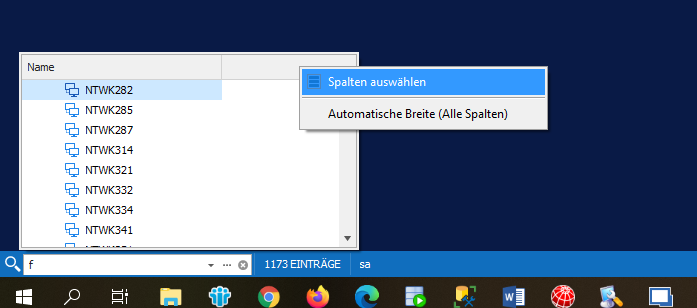
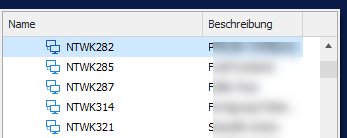
after each restart we have to reset the columns for the search dialog. Why is this not saved. Also, after right clicking on the column, the selection dialog disappears into the background. Thanks!
Dameware Mini Remote Control not embedded
Yes we all have the same version. And yes we are all local admins. With this options in Dameware (like in the screenshot) now it works.
Dameware Mini Remote Control not embedded
But my colleagues can double click on the computername and damewere open the session embedded in RDM. See Screenshot below.
Dameware Mini Remote Control not embedded
Hello,
how can i embed my Dameware Mini Remote Control (Version 12.1) in RDM (Version 2019.1.41)?
At the moment i get alwas a separate window of Dameware. Thanks
Password list - CTRL/SHIFT+CLICK for display credentials in new window
Please always open it non modal. I have the same problem as @Haller Martin
Automation import KeePass xml
Hello,
sorry but i'm here again :)
can i import/sync the KeePass XML-File/DB automatically?
Thanks
New Template for Username/Password without template name
Hello,
i use the version 13.5.8.0 64-bit. Thanks
New Template for Username/Password without template name
Hello,
i have created a new Template for Username/Password. I can't name the new template. Why? Is it a bug?
Batch Processing -> Standard Action -> Edit
Thanks for your quick response. It works! :)
Batch Processing -> Standard Action -> Edit
Hello,
i have imported my KeePass DB into RDPM. I would like to change the standard Action for a double click on the entry. How can i do this with batch processing. There are a lot of entrys. I would like the same behavior like in keepass if i double click the entry. Thanks
raspbian jessie vnc connect fails
Many thanksfor yourdedication David. Now it works. Great i'm so happy!!!
raspbian jessie vnc connect fails
real VNC server is installed
raspbian jessie vnc connect fails
RealVNC works. But i want to connect with RDM
raspbian jessie vnc connect fails
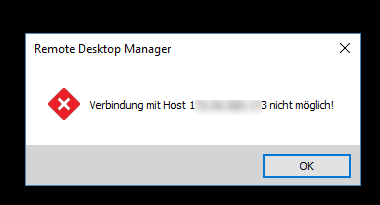
It doesn't work. That is what i mean.
raspbian jessie vnc connect fails
Hello David,
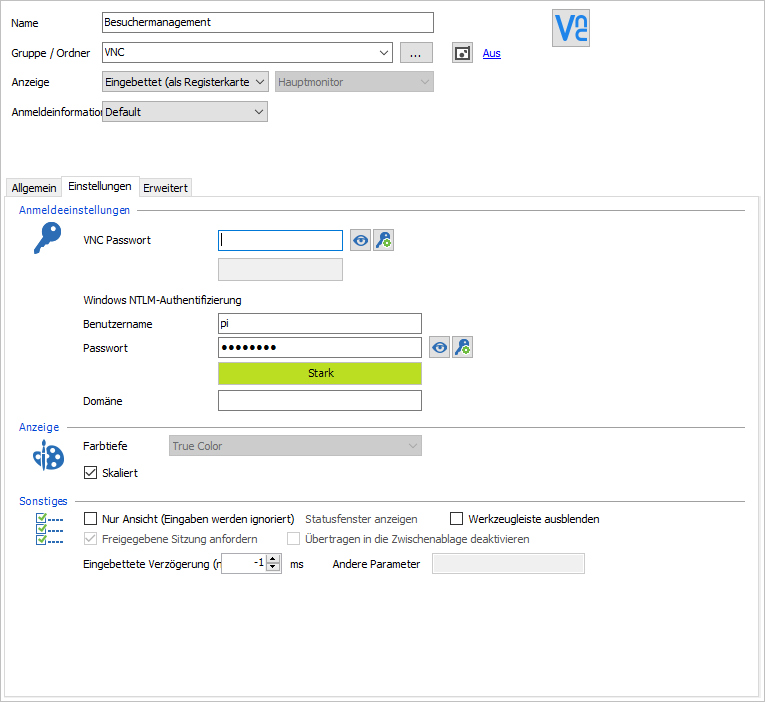
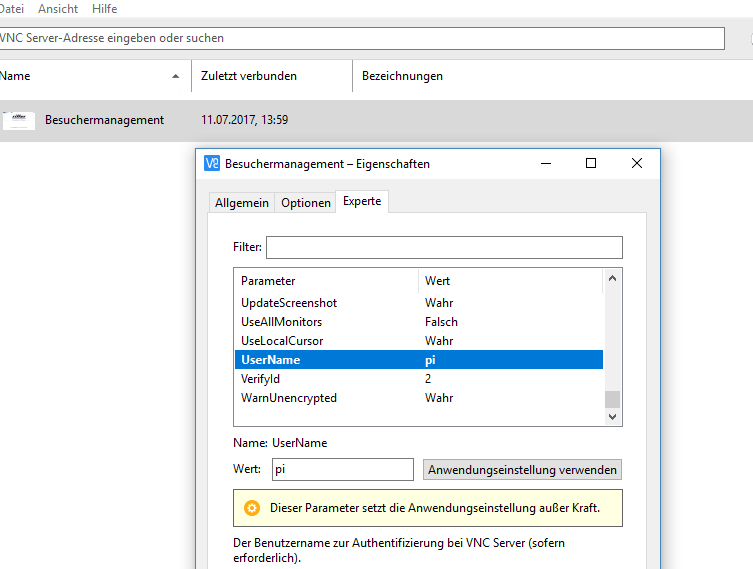
thanks for your answer. To connect to VNC on raspberry (raspbian) i need a user and password field. Usually i nee only a password. But now i need both.
Like in RealVNC
raspbian jessie vnc connect fails
Hello,
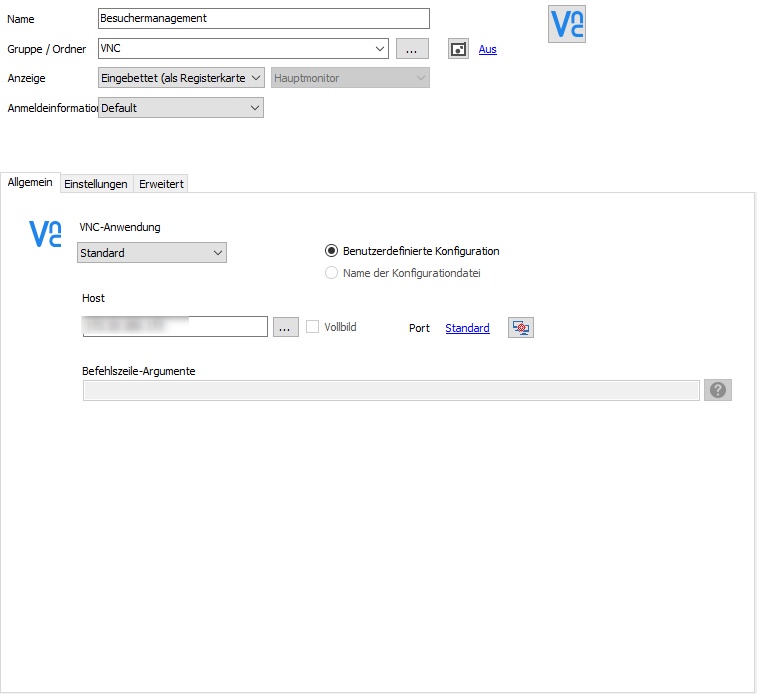
i have enabled vnc via raspi-config. Now i can't connet via vnc to raspberry.
With ultravnc it says "to many security failures". with standard rdpm says "connection not established".
This VNC Server needs a user and password login to connect. How can i transmit user and password credentials?
Thanks
Active Directory sync automatically
Hello,
is it possible to sync the active directory automatic. Can i define a "cronjob" for that in the software.
Thanks.
owncloud AddOn
WebDav is ok. I didn't saw that you support webdav in your software. Sorry!
owncloud AddOn
Yes i think that:
https://doc.owncloud.org/server/10.0/developer_manual/app/index.html
owncloud AddOn
your RDM Software is great.
It would be very helpfull if you can develope an owncloud addon. Thanks!