
grenik
Text too small when using Remote Desktop on pc with High DPI Screen
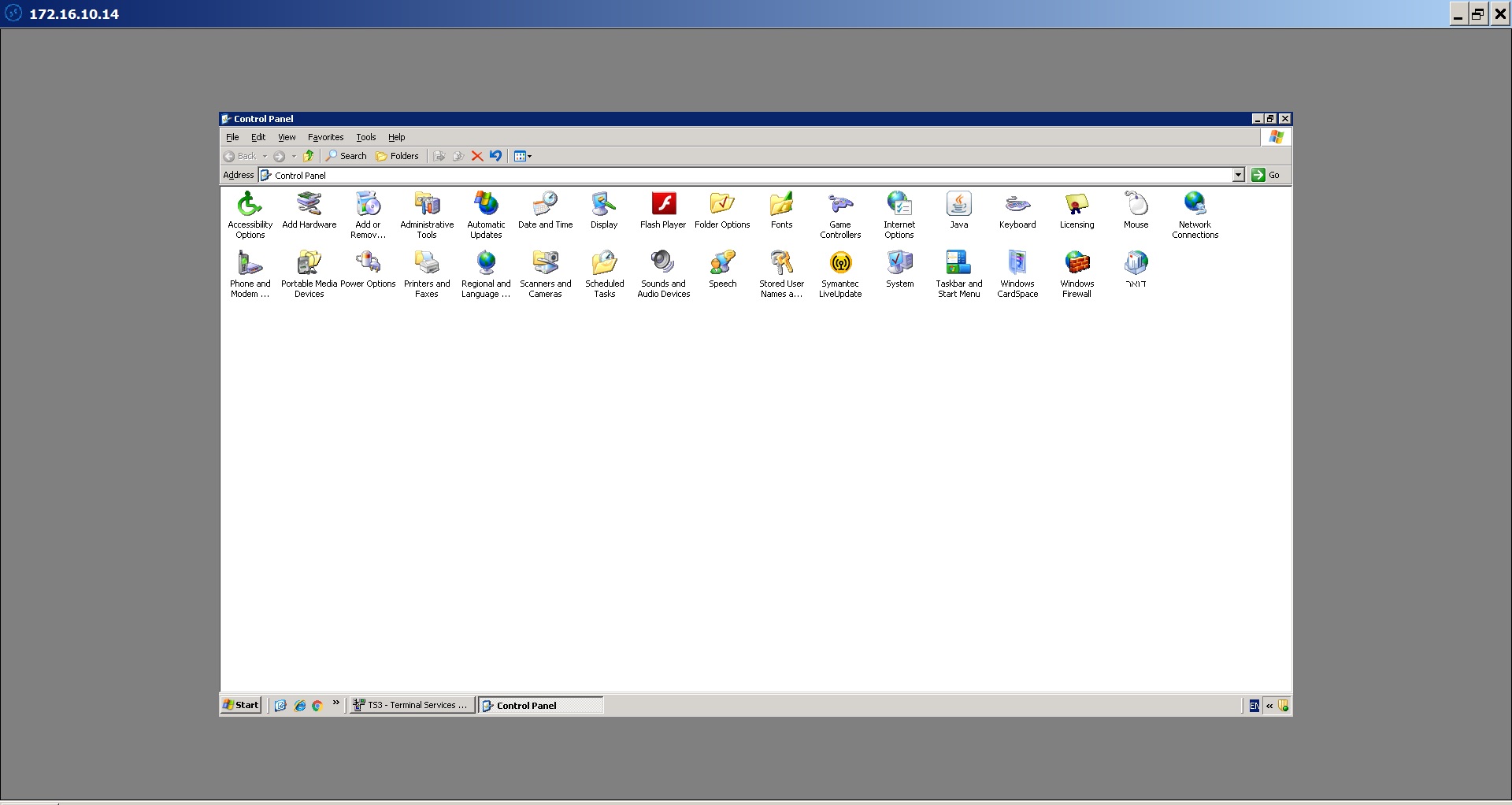
This is undocked full screen window:
And this is only undocked window:
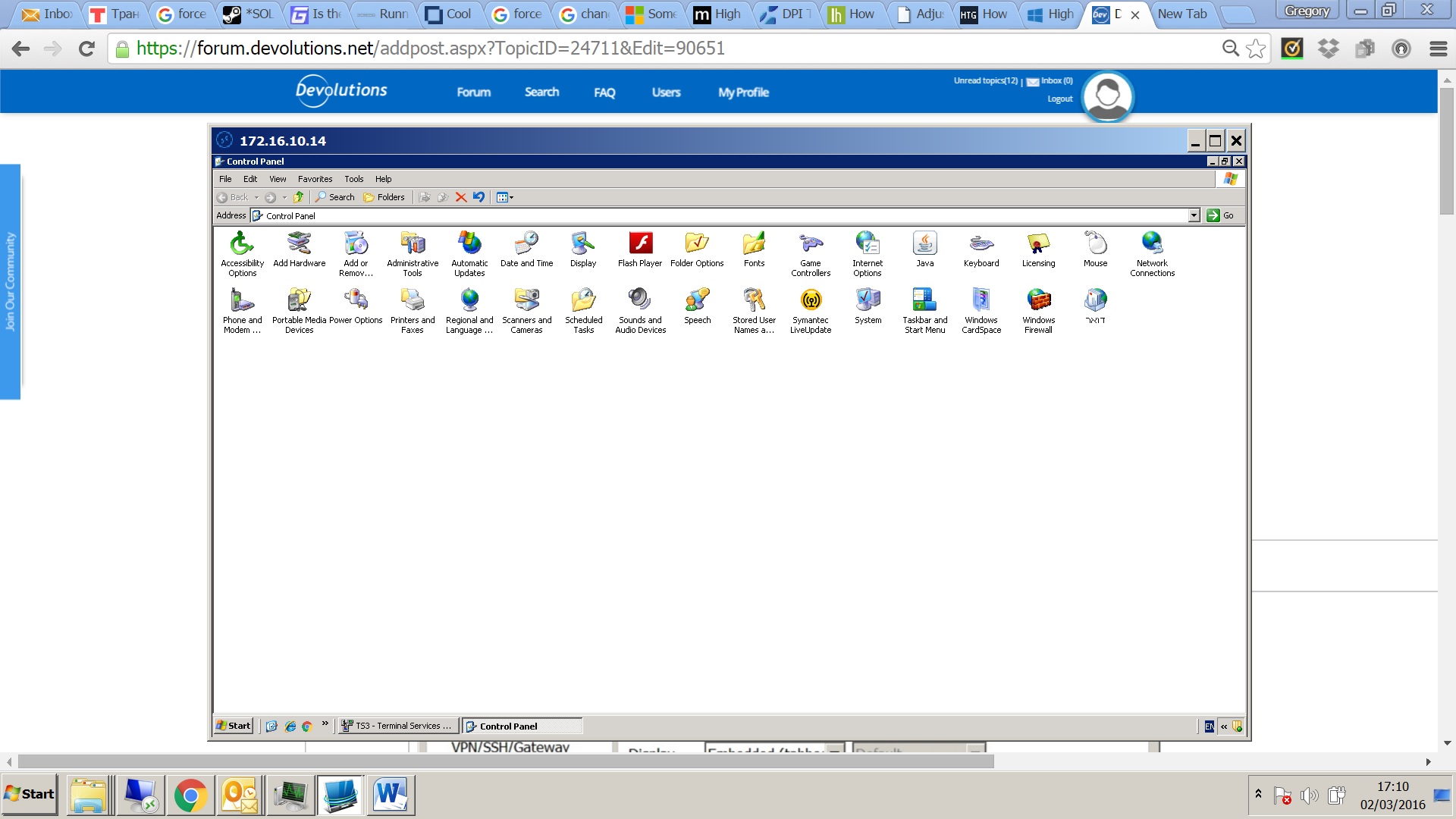
You can see, that objects and text is very small.
Can i to "zoom" this window?
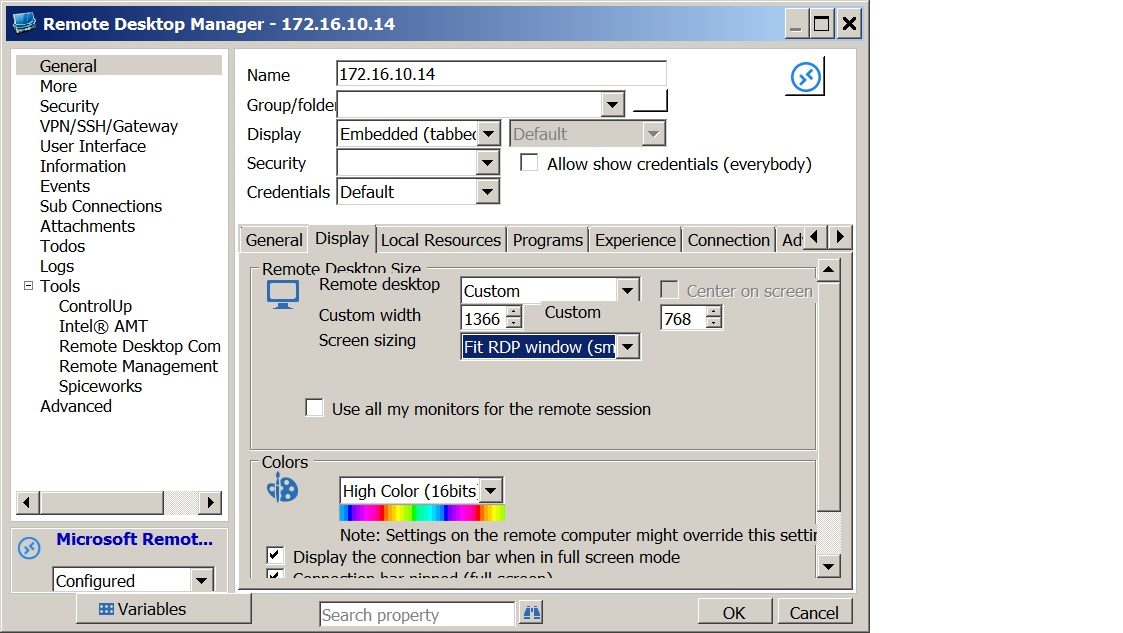
If i change resolution in properties (like full screen), the window will on full screen, but objects still tiny.
Text too small when using Remote Desktop on pc with High DPI Screen
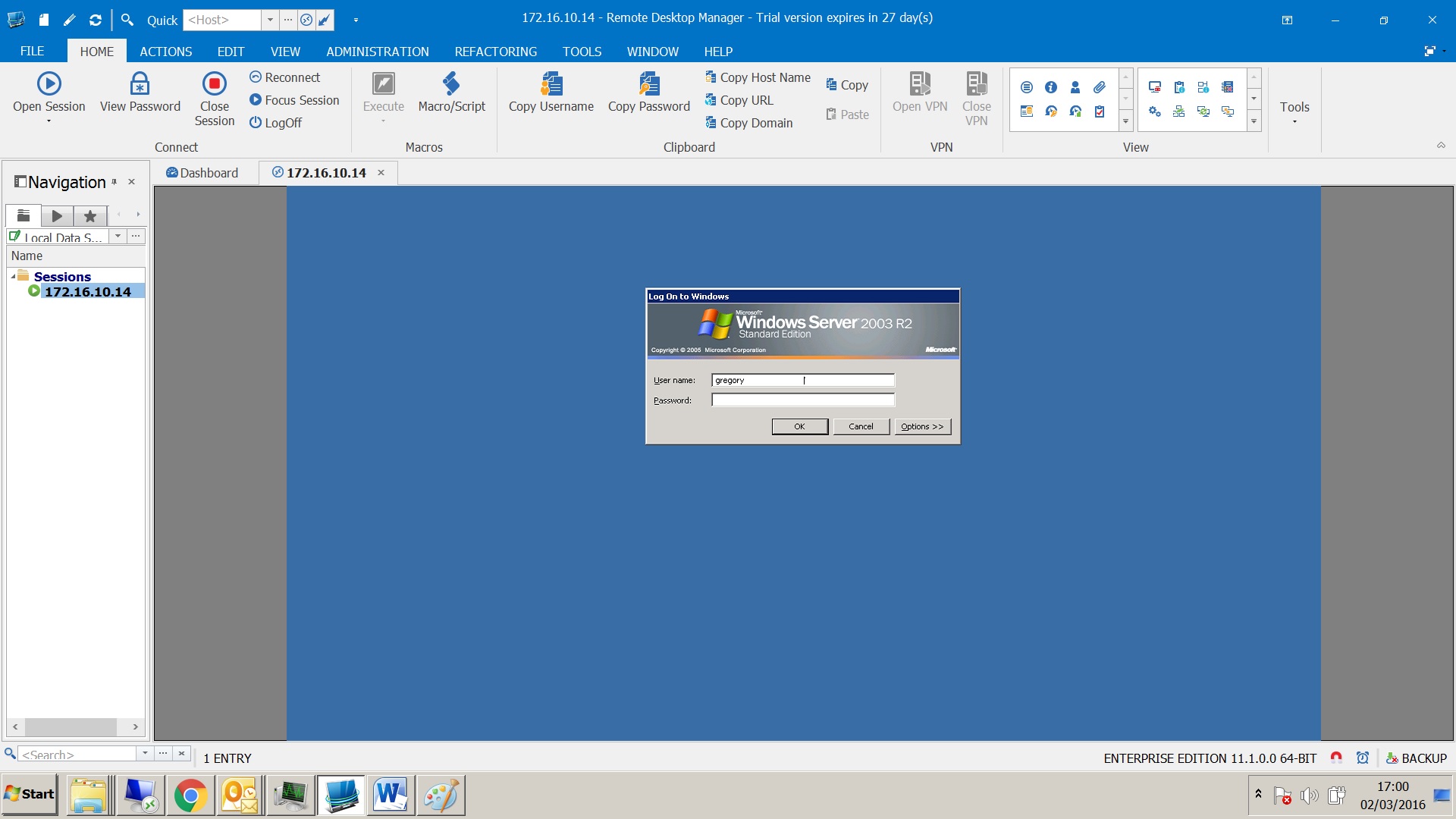
Now i am connecting:
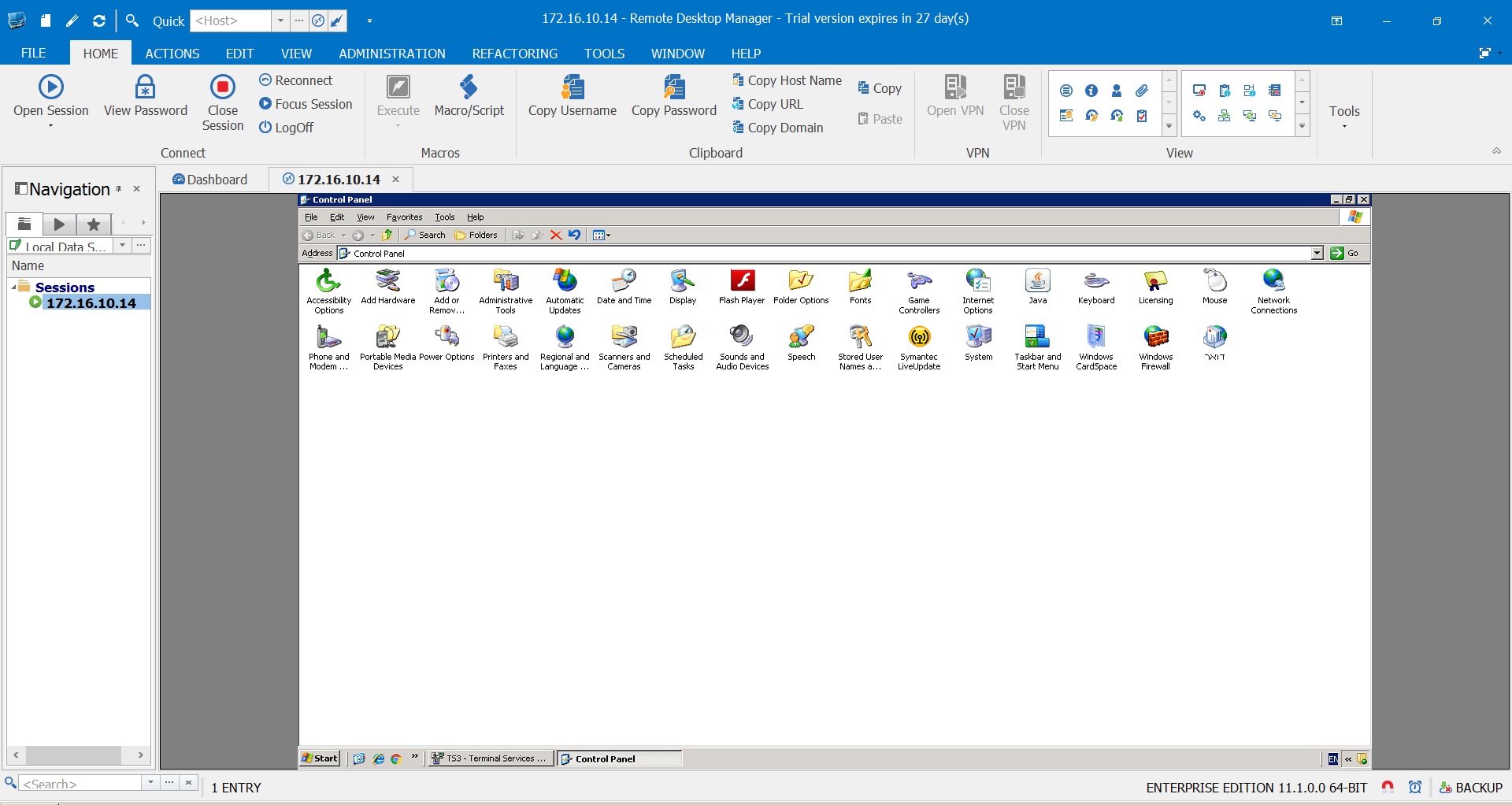
Text too small when using Remote Desktop on pc with High DPI Screen
How can i insert PrintScreen in Reply?
Text too small when using Remote Desktop on pc with High DPI Screen
I did it.
sfc, disable display scaling, tried to change session properties . .
I don't see any difference.
Objects on the remote window appear very small and text is difficult to read.
Text too small when using Remote Desktop on pc with High DPI Screen
I am connected to server 2003 from win7 notebook with High-DPI Screen (FHD) and 125% of normal size.
Text is too small when I use Full Screen. If I use other remote desktop size, like 800x600 or other, I get very small window and can’t zoom it up. Can I zoom or scale up this window?
Thank you,
Gregory
Android FHD 10” tablet – very small window of remote pc.
Thank you, this is what i do.
And will wait for news :)
Android FHD 10” tablet – very small window of remote pc.
Hi,
i use android 10" tablet with resolution 1920x1080, and connecting to Terminal Server 2003.
The window that i get of TS is very small with tiny objects.
I tried to change Display configuration in RDM, but it didn't help.
Can you help me to resolve it?
Thank you,
Gregory