Text too small when using Remote Desktop on pc with High DPI Screen
Text too small when using Remote Desktop on pc with High DPI Screen

I am connected to server 2003 from win7 notebook with High-DPI Screen (FHD) and 125% of normal size.
Text is too small when I use Full Screen. If I use other remote desktop size, like 800x600 or other, I get very small window and can’t zoom it up. Can I zoom or scale up this window?
Thank you,
Gregory
All Comments (7)
Hello,
Could you try to disable the scaling on RDM.
Please follow instructions in the Screen areas unresponsive in embedded sessions section of the topic below:
http://help.remotedesktopmanager.com/troubleshooting_rdp.htm
Best regards,
Jeff Dagenais
I did it.
sfc, disable display scaling, tried to change session properties . .
I don't see any difference.
Objects on the remote window appear very small and text is difficult to read.
Could you post a print screen?
David Hervieux
How can i insert PrintScreen in Reply?
Now i am connecting:
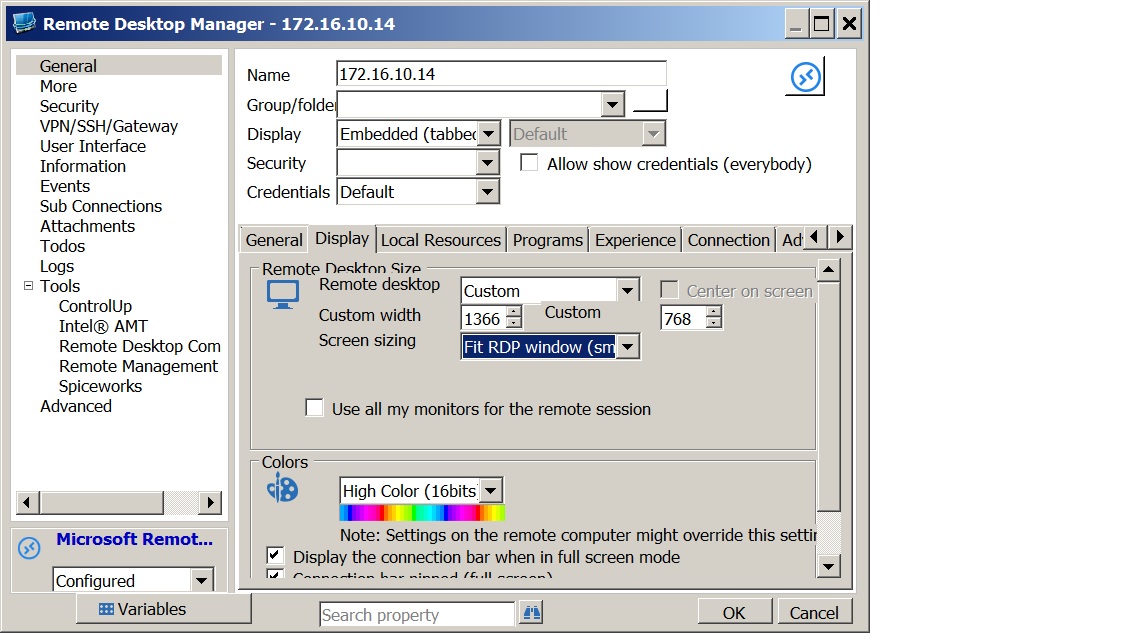
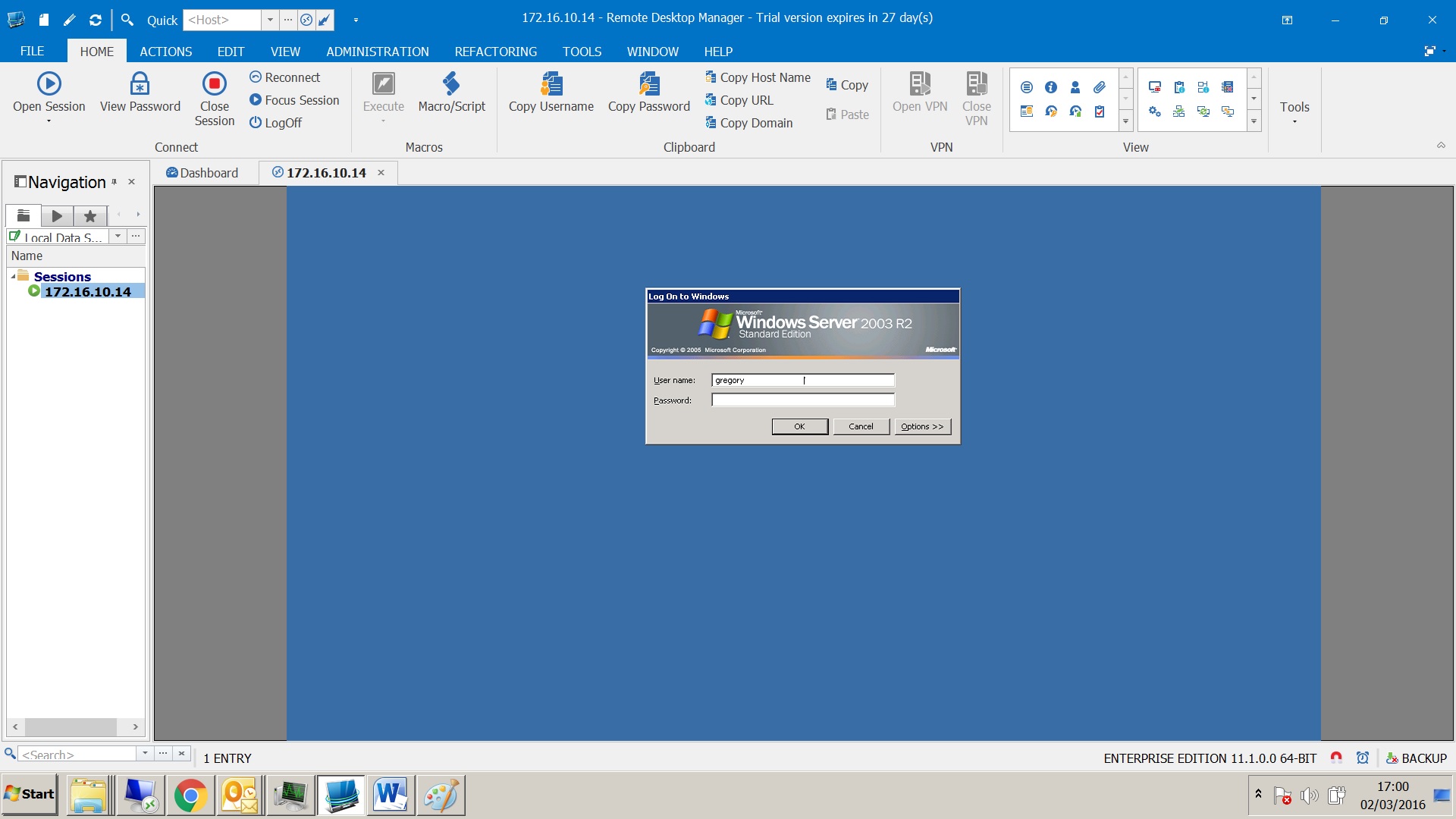
Untitled 4.jpg
Untitled 3.jpg
Untitled 2.jpg
Untitled 1.jpg
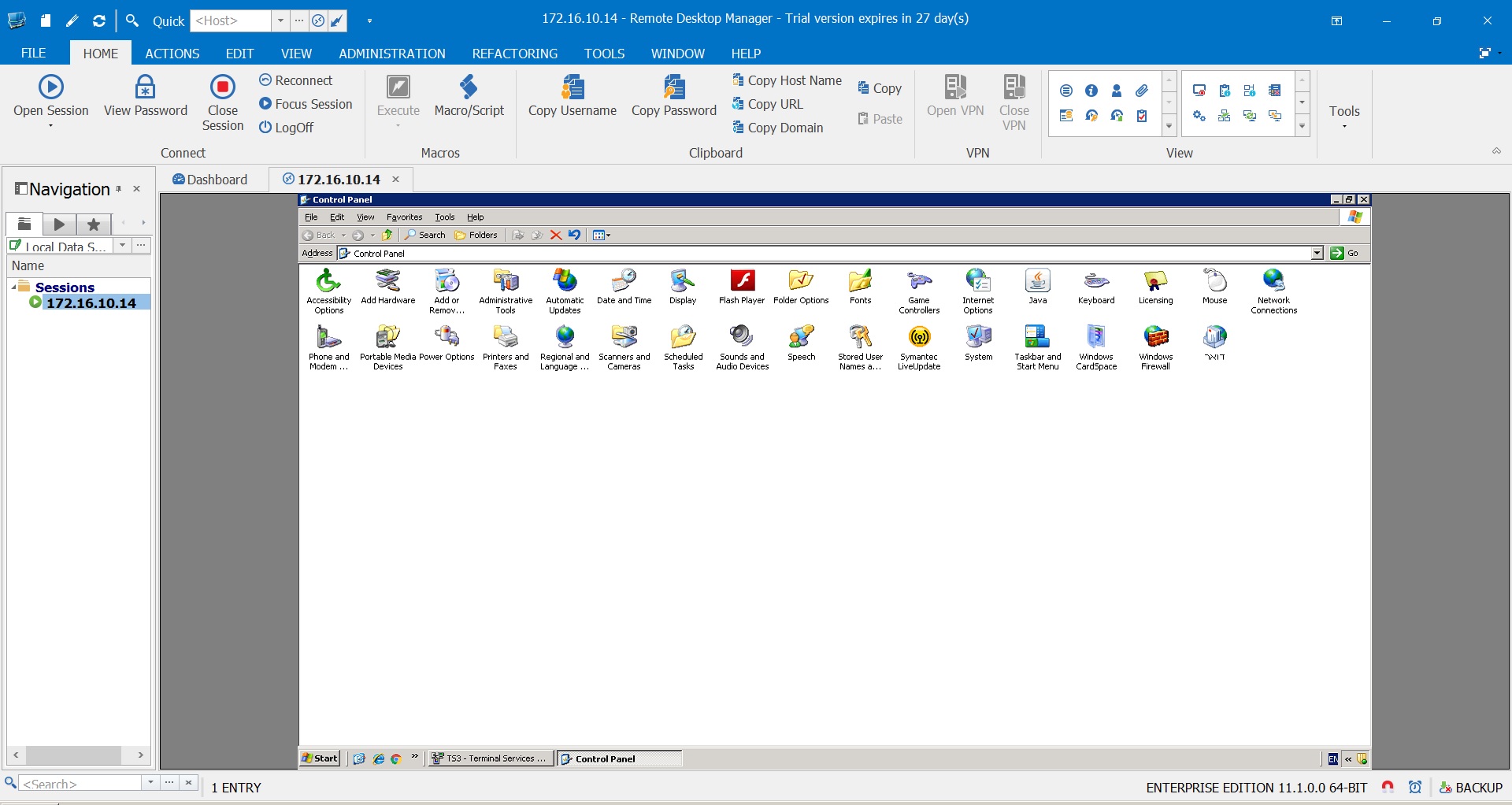
This is undocked full screen window:
And this is only undocked window:
You can see, that objects and text is very small.
Can i to "zoom" this window?
If i change resolution in properties (like full screen), the window will on full screen, but objects still tiny.
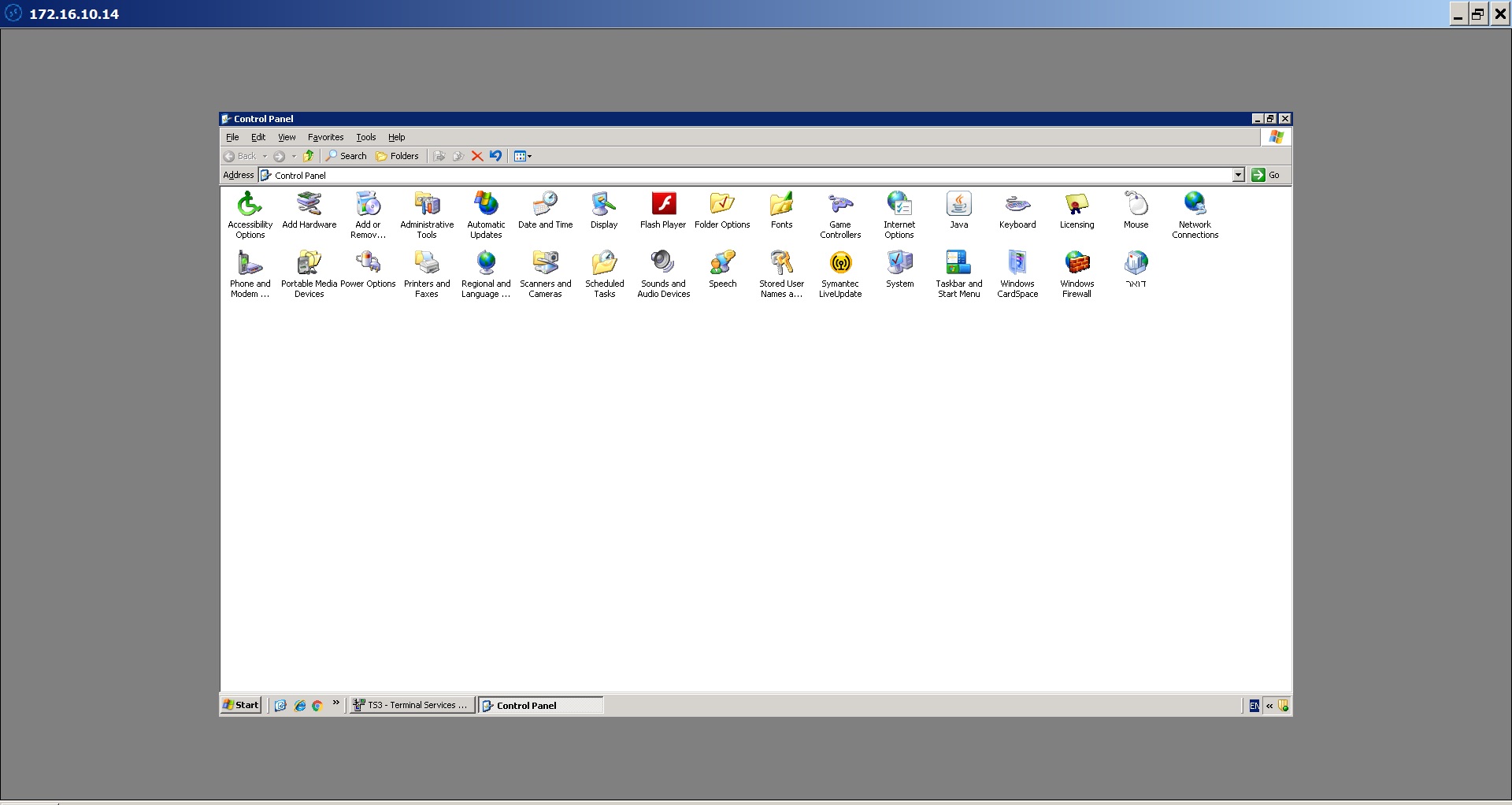
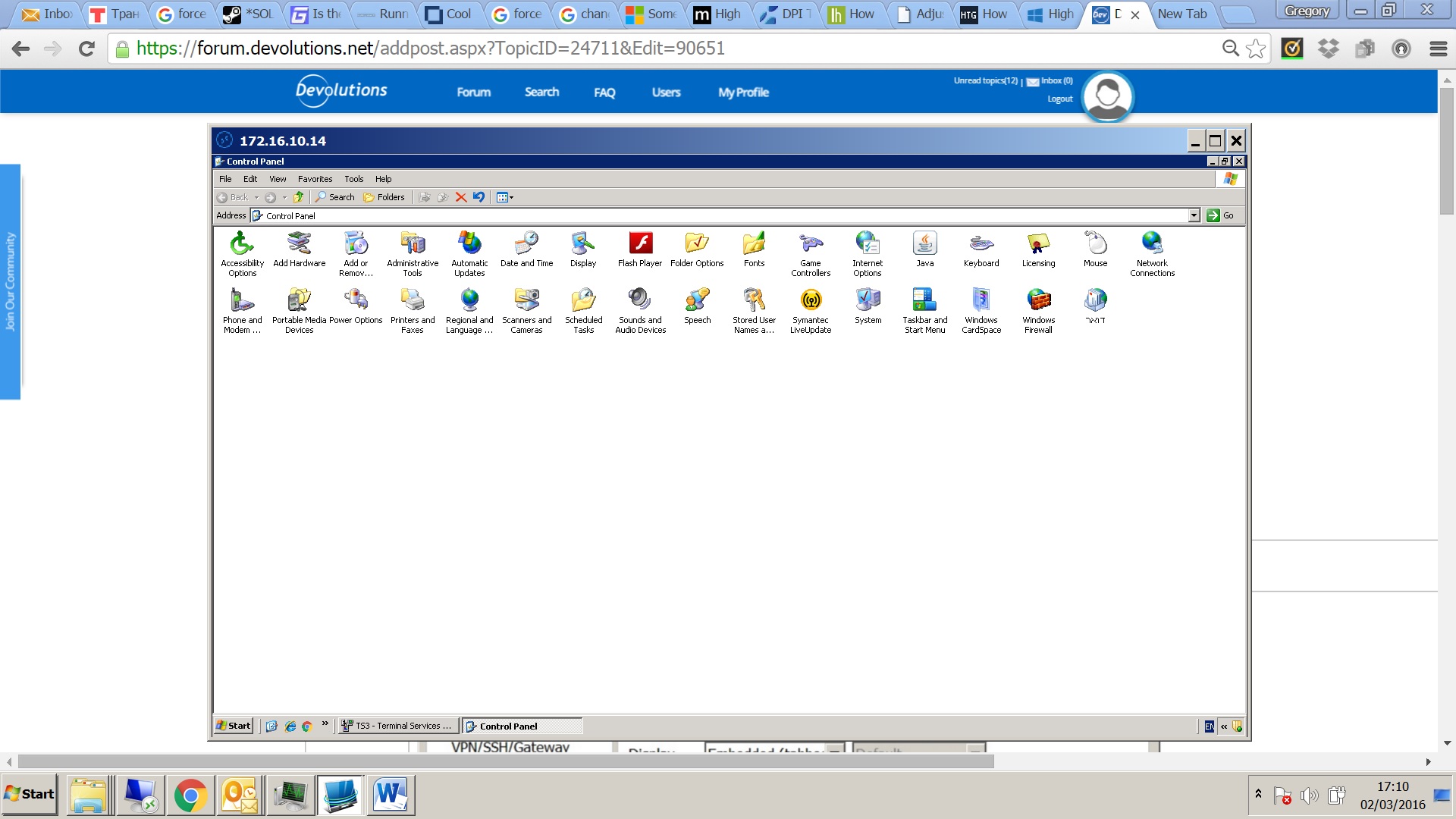
Untitled 6.jpg
Untitled 5.jpg
Hi,
I'm not sure if it will help but could you try RDM 11 beta?
http://remotedesktopmanager.com/Home/ThankYou?f=RDMsetupBeta
I did a lot of improvements for the High DPI but I tested 150% and 200% only.
David Hervieux