
zhazell
Windows 10 Installer Freezes at 100%
Update: Ran it on my other PC and rebuilding the .net assemblies went through with no problem and seemed to fix the issue! Installer went though perfectly. Not sure why this PC keeps getting stuck partway through the OptimizeRDM.bat script.
Windows 10 Installer Freezes at 100%
Okay found part of the problem, I was running it from a network share, not local drive, but now seems to be paused on this part.
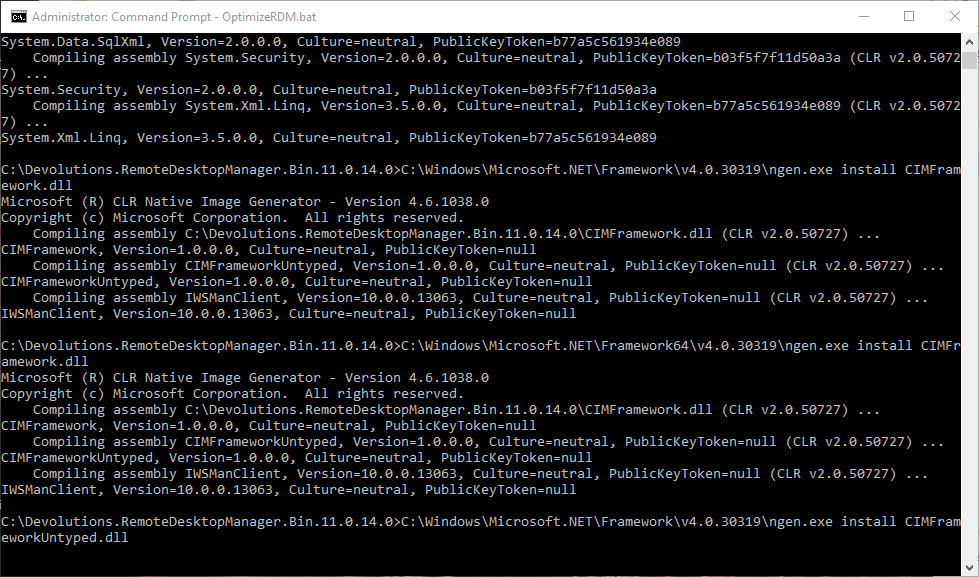
Windows 10 Installer Freezes at 100%
Rebooted and tried again. Seemed to give more output...
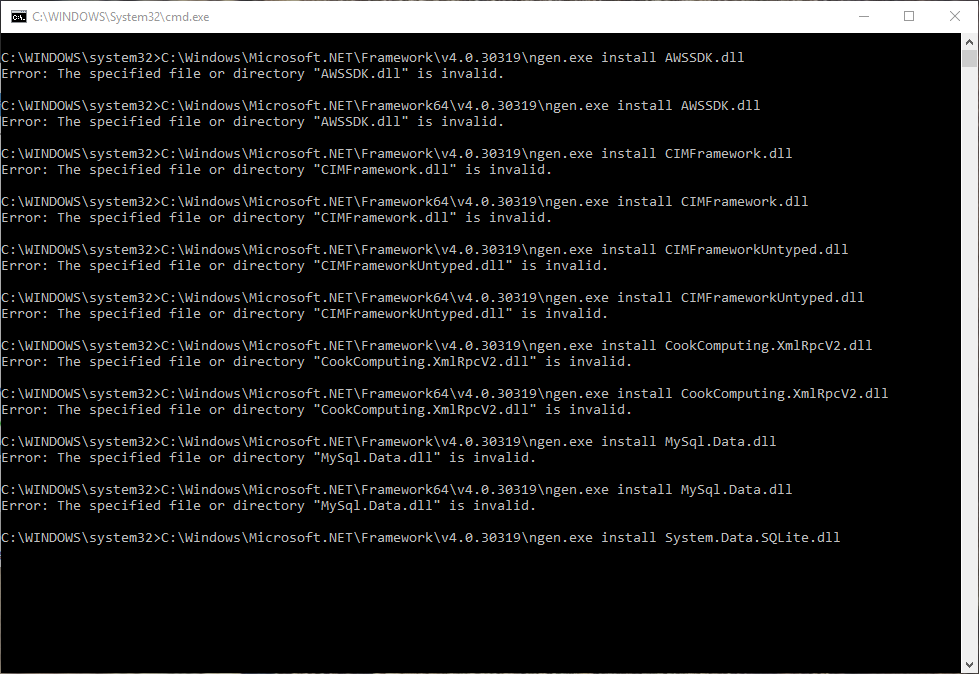
Windows 10 Installer Freezes at 100%
Okay, downloaded the .zip package on the download page. Extracted and ran "OptimizeRDM.bat" as administrator and doens't seem to be doing anything. Going on 30 minutes now.
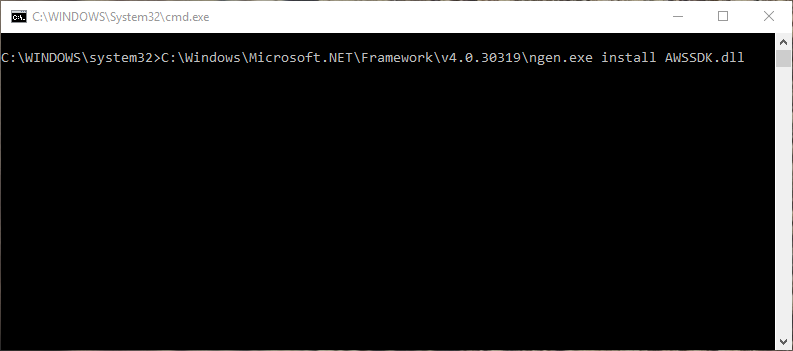
Windows 10 Installer Freezes at 100%
I've waited all night on multiple occasions. So 10+ hours. If I look at the task manager, the CPU for the installer sits at 0%
Windows 10 Installer Freezes at 100%
Hello,
I have this issues on 2 computers running Windows 10. 1 is a physical laptop, the other is a Windows 10 VM that I run. When I try to update the software, it freezes right at 100%. My guess is when it's trying to create shortcuts or something as it's trying to finish the last part of the install. I can't seem to get past and unable to install/update.
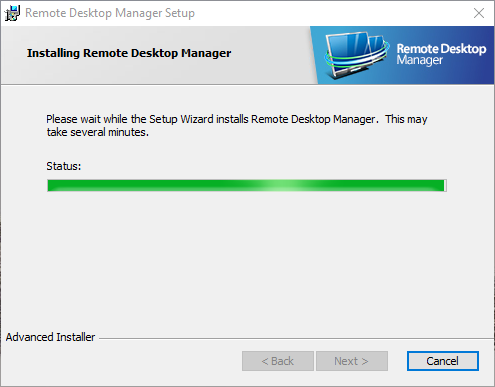
Any idea why? Been happening for a few months and finally bothered me enough to post this.
RDM hangs "not responding" at least once a week for me
Yes agreed. At least a few times a week for me. Always when logging off a session.
Edit .rdp file in Windows 8.1
The solutions for all the machines is as followed:
As first I had to change the node in following screen:

After I change it to RDP.File, originally it was Devolutions inc..Remote Desktop Manager.rdp The Edit is not back yet.
After this I had to do what you sad as last:
Could you try right-click on an .rdp file and select "Open with" -> Chose default program then re-select Remote Desktop Connection (MSTSC.exe), does it work now?
Than all I had to do was exit regedit.exe and the problem was fixed!
I did this on the machines that needed the fix and it still works.
Awsome and Thank you very much for the good and fast help!
+1 to Devolutions Forum!
Glomaster,
This worked perfectly!! This was really bugging me after installing version 9.2.10.0 after setting up a new computer. My icon for .rdp files was a white paper with a small RDP icon on the paper, it was weird and I couldn't edit them! After changing the value of the "(default)" key from RDP_AUTO_GENERATED.File" to RDP.File and then doing the "Open with" and choosing MSTSC.exe again, bam! Icon fixed and now I have the edit button :)
Created a forum account just to say thanks!