
PolishPaul
Unable to get rid of footer
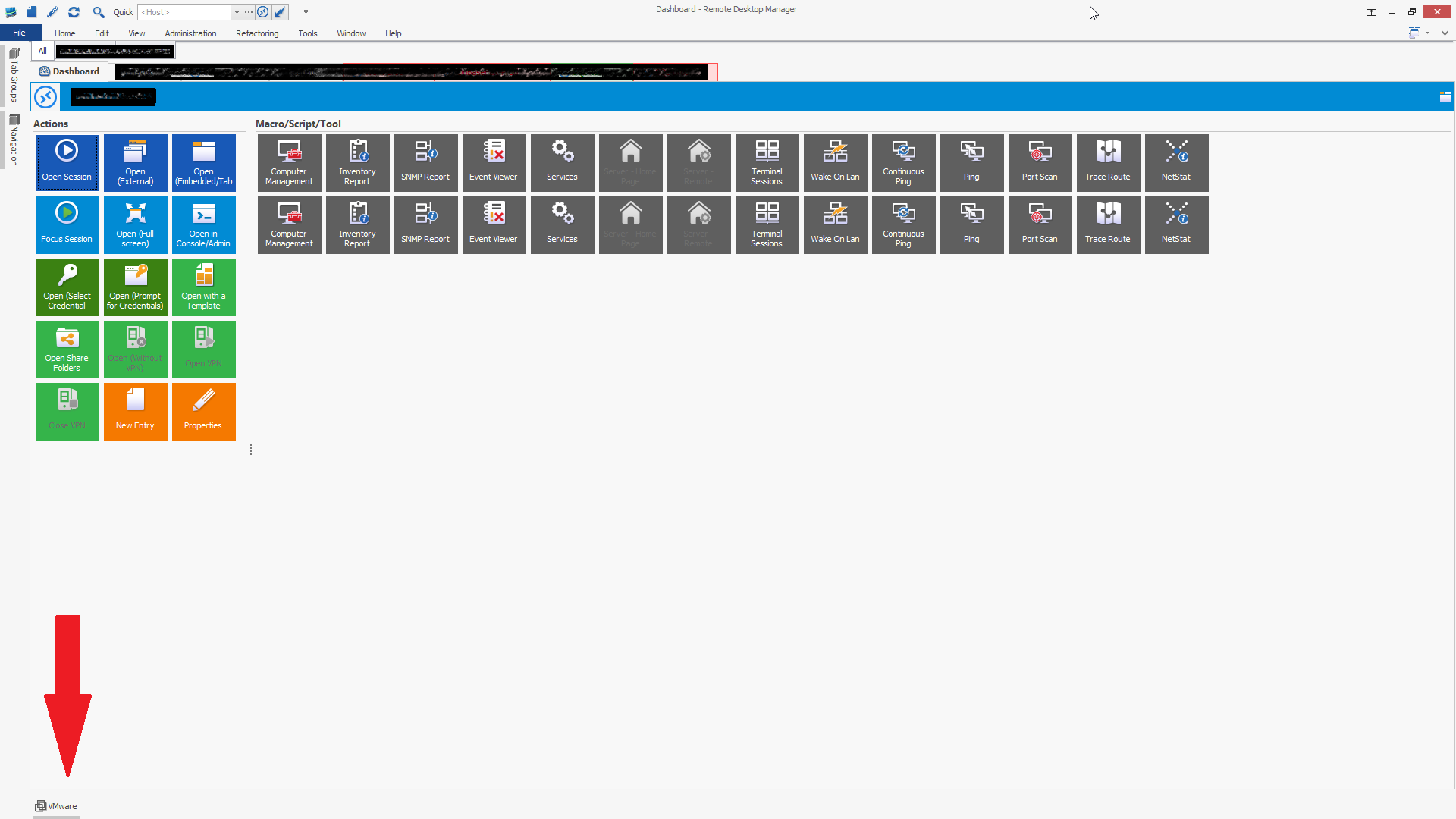
In order to free up screen real estate, I turn off all the footers, however, there's always one remaining. It would be great to be able to turn off the footer completely. See screenshot.
Dropbox - Can't Validate
Would it be possible to at least be able to cancel the dialog box when the DropBox authentication is not working? Currently the only way to exit is to kill RDM via task manager.
Dropbox - current datasource unavailable
I'm still having problems with this issue, on a regular basis and now its been more regular. Currently I'm on version 9.1.2.0 and I try to stay up to date on the releases, but it seems like the issue is still present.
Will this ever be addressed?
Dropbox - current datasource unavailable
I upgraded to 9.0.8.0 recently but I kept getting disconnected. Seems like for the last two days I have NOT been disconnected.
Dropbox - current datasource unavailable
I just upgraded and also experiencing this issue. This is beginning to drive me nuts too :P
Dropbox - current datasource unavailable
I've had this issue since a few days from my original posting. I've been running version 9 from the start and did not experience this. This is still continuing to happen.
Dropbox - current datasource unavailable
Hello,
I've been using Dropbox for my datasource for a few weeks now with RDM v9.0.2.0 and now I'm getting this error every few hours it seems:
The current datasource is unavailable. The request was aborted: Could not create SSL/TLS secure channel.
In the navigation pane, I just click on local sessions and then back on All Sessions and it reconnects.
Navigation panel pops out each time i switch tabs
That solved it for me. Thanks!
Navigation panel pops out each time i switch tabs
Hello,
I've hidden the navigation panel (auto hide) to get more screen space for my sessions, but each time i switch to a different tab, the pane pops out for a second and hides. This behavior is very annoying and covers up the left side of the session i'm working with. Can this be disabled somehow? Or did i just find a bug...
Thanks,
Paul
Update: I noticed that if the navigation panel is the last thing i accessed, it will cause this behavior. My workaround now is to click on the Tab Groups panel that's hidden. Once i focus on that, the behavior stops.
edited by PolishPaul on 11/1/2013