
devolutions88
No shortcut works when Focus is running
Hi,
I just upgraded from 2026.2.28.0 to 2026.3.8.0...
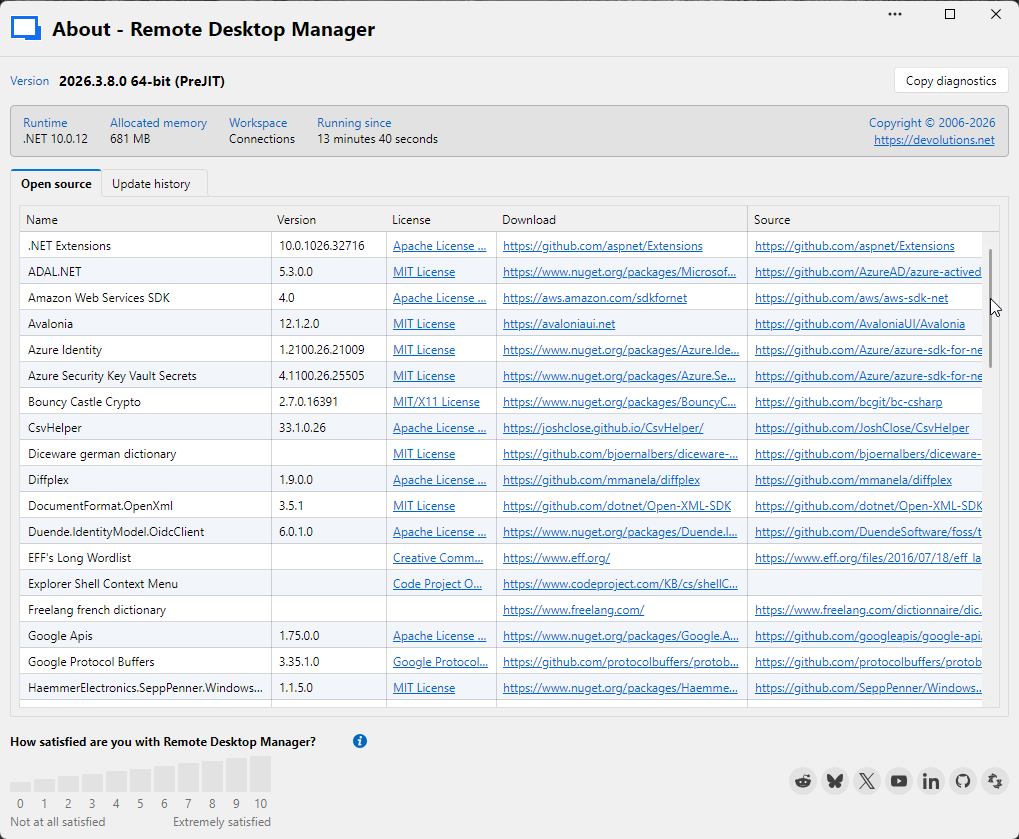
...and got lot of different bugs/problems:
Ribbon settings partially lost
Sidebar settings partially lost
Some Session settings lost (e.g. display resolution)
Session setting "Shortcuts on remote computer" only worked after setting has been reapplied.
ReadOnly Session results in an gray Window without content.
Sometimes Remotesession conent doesn't render after switch back to tab.
What happened?
No shortcut works when Focus is running
Here my results...
No
No
No
...by the way, how can you live with Ctrl+L bound per default, this is one of my most often used default shortcuts in Windows to focus the pathbar in explorer an the adress bar in any browser. If this would work, I already had changed it #shortcut-heavy-user ;-)
Ok, if the problem is in my Windows 11 environment, we're probably back to the some kind of Windows Update Issue I mentioned initially?
b.r.
Dirk B.
No shortcut works when Focus is running
Hi,
Ctrl-Alt+Right/Left doesn't seem to be available in the list of shortcuts, I tried Ctrl-Alt+PageUp/Down, but it doesn't work.
Yes, please create a "Feature Request" :-)
No shortcut works when Focus is running
Hmm,
I can't set "On the local computer" because I also need shortcuts in the remote session, probably I can't
do the same as in RDCMan, where it is possible to have a shortcut to switch the active session although
the shortcut focus is in the session and windows shortcuts are handled on the remote mashine. This is
some kind of "Killer-Feature" for me :-)
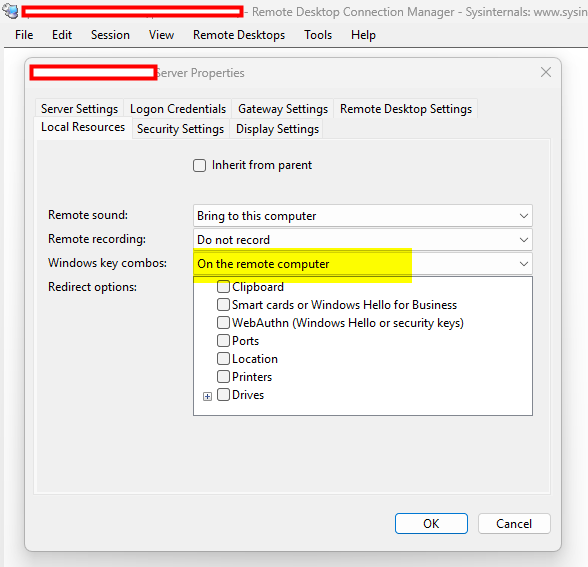
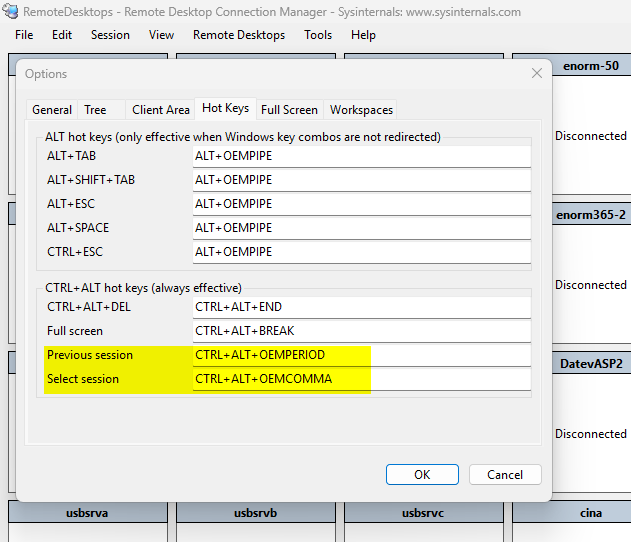
Do you think there may be a way to replikate RDCMan's capabilites?
Here the answers to your questions:
yes
yes
yes
"View only" can not be added to Quick Access bar.
I'm glad that someone is actually responding to suggestions — I'm used to such ideas always being silently ignored ;-) Nice!
No shortcut works when Focus is running
Hi,
I tested the "Default" setting but couldn't get any other result, shortcuts still not working for me.
hmm....
"View only" can not be added to Quick Access bar.
Ah, ok,
I'm a software developer myself and would have implemented it a little bit different:
I would disable the icons in the quick access bar, if the context is not preset where they can interact with.
b.r.
Dirk B.
:-)
No shortcut works when Focus is running
Hi,
thanks for your replay, but all the suggested settings I already tested in advance with many different key combinations.
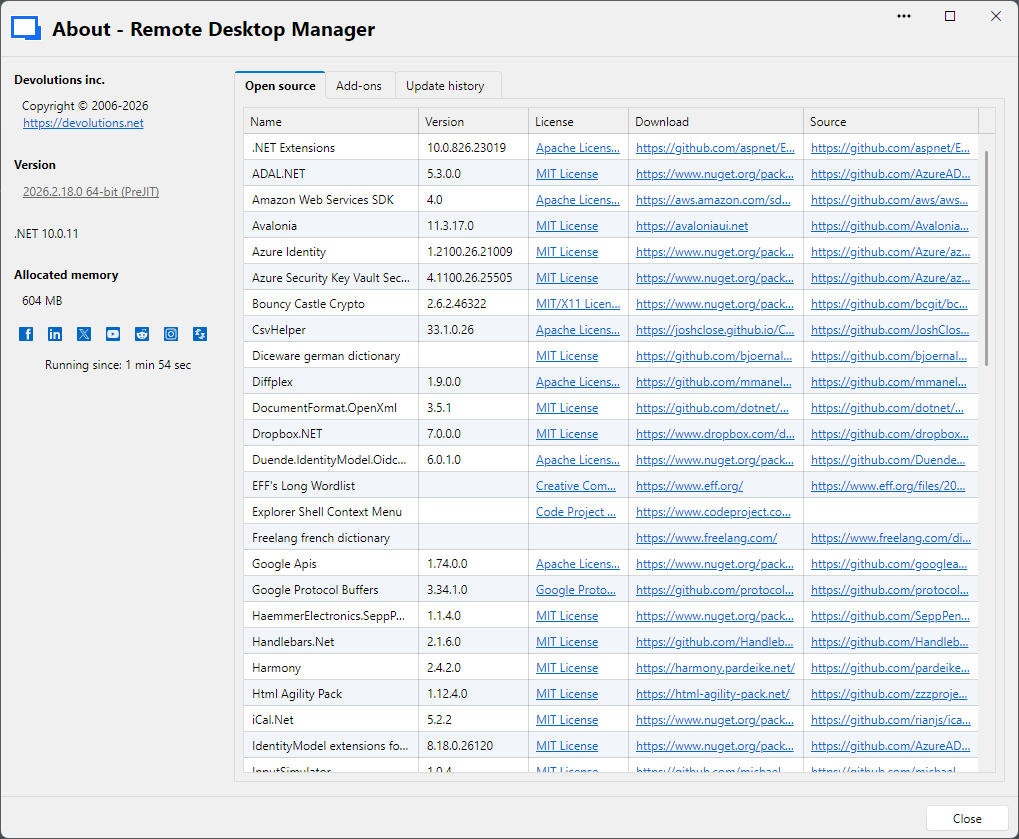
I repeated the test to create some screenshots. A screencast wouldn't lead to addition information, because simply nothing happens / could be seen in the moment when I hit the shortcuts.
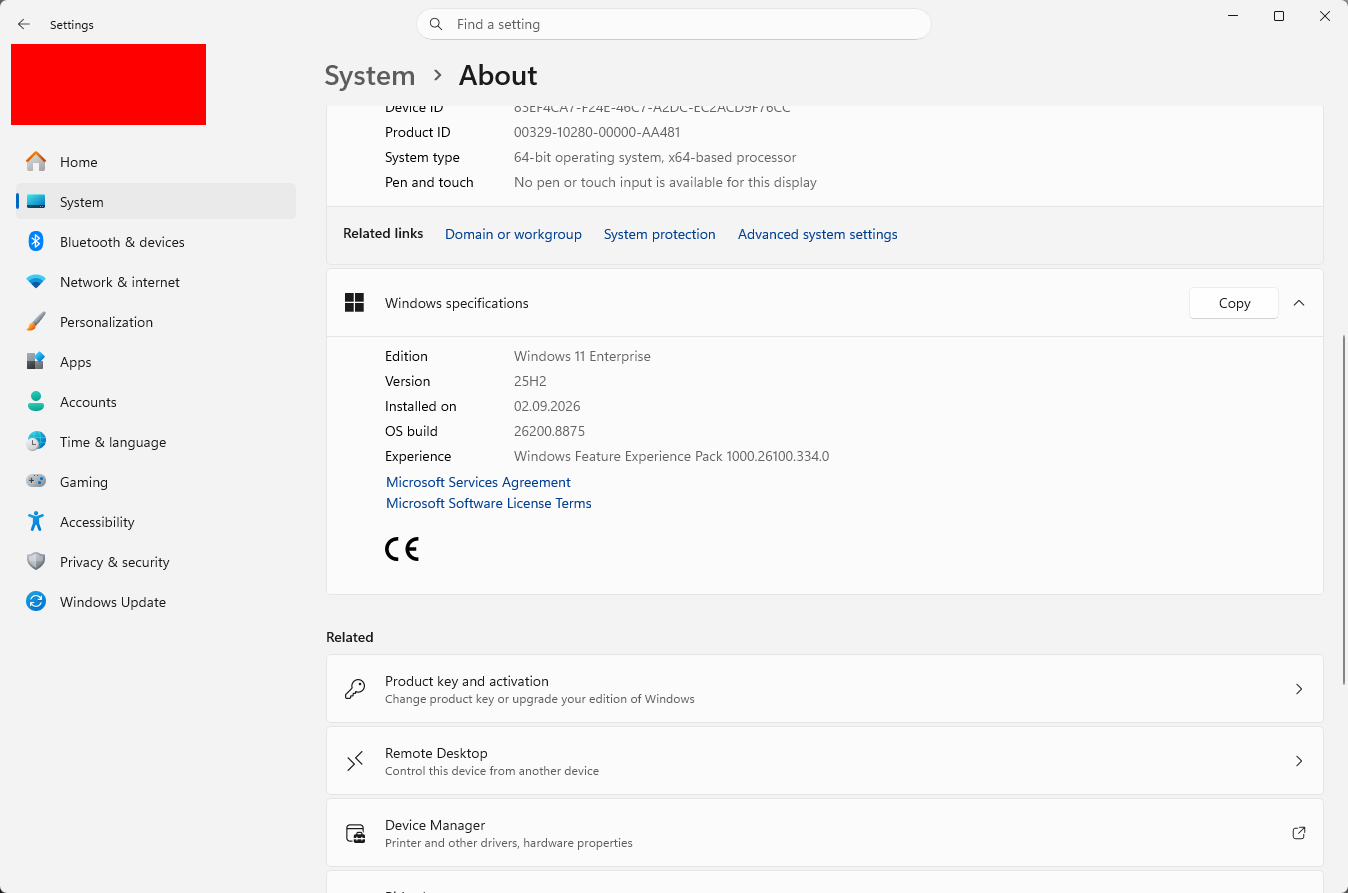
The about dialog:
My test setting with two opened sessions and the focus inside the visible session:
My Windows 11 system where I use a local installation of RDM:
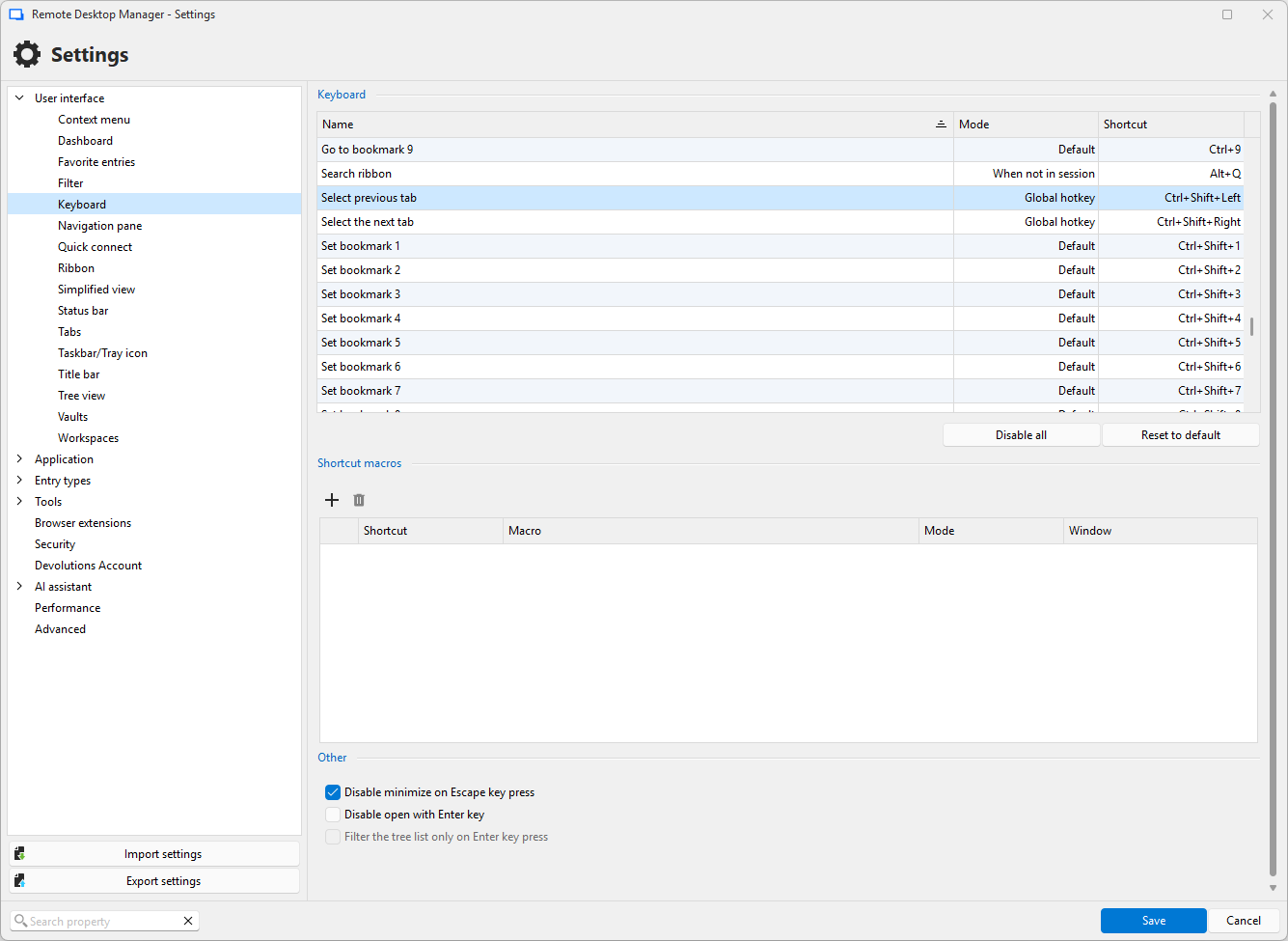
One of many tested global hotkey shortcut settings:
But I think, it may also rely to some known bugs in Windows or be related to a same issue in RDCMan:
"View only" can not be added to Quick Access bar.
Hi,
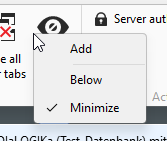
why can't I add "View only" to the Quick Access bar? The menu point has no context menu...

...like other commands like "Hide":
No shortcut works when Focus is running
Hi,
I currently switched from Sysinternal RDCMan to your RDM but I have one massive issue:
No matter what I try, I can't get defined shortcuts to work when the focus is on a remote desktop. I need— as is possible in RDCMan —the ability to switch between different open RDP sessions using a shortcut when the focus is in the RDP session. I’ve checked various forum posts (e.g., https://forum.devolutions.net/topics/55803/ctrl---tab-move-to-last-active-session), but none of them work.