
iscs-mark
Smart Sizing not working?
I tried to set a bunch via Batch Edit and found that it set them all back to
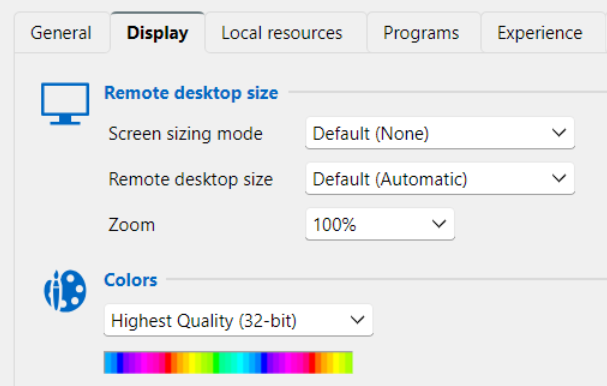
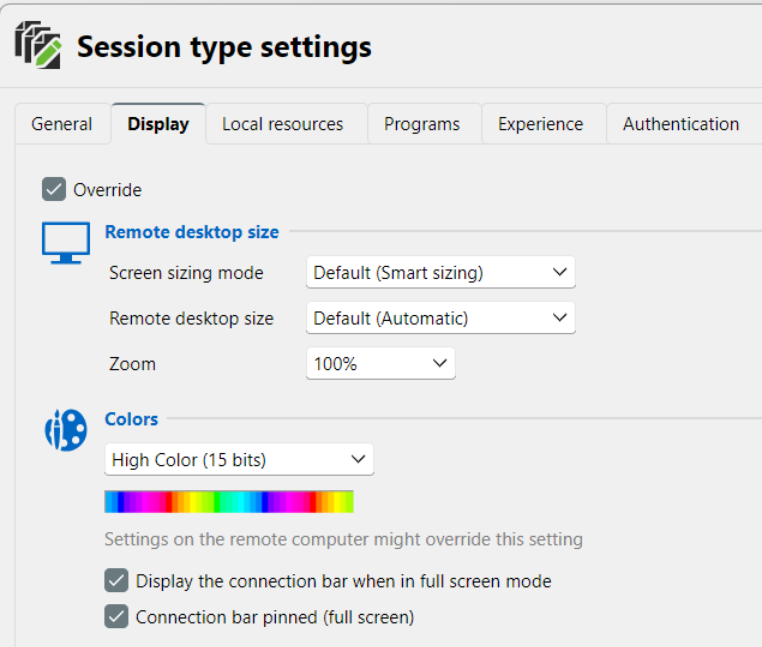
Even though I set to Smart Sizing, Default, 15-bit
I went to Navigation, went to a folder with the RDP Sessions listed, highlighting everything (tried with just 5 as well) Edit, Batch Edit, Session Type
Save and when it finishes, end up with an empty entries list
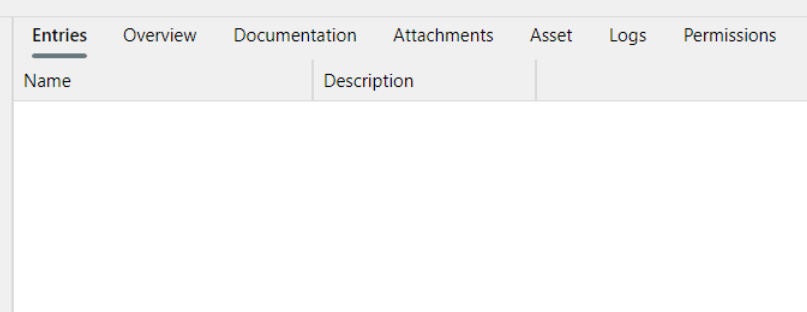
and the settings didn't change.
Smart Sizing not working?
Noticed since 2016.3.x.x that when I open an RDP session I have scroll bars.
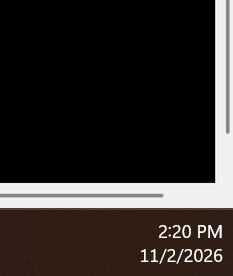
This is the bottom right corner of RDM on the monitor. If I open another RDP session, the same thing happens.
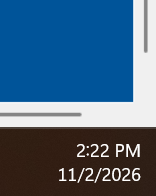
If I go back to the original tab, sometimes it will auto-size without scrollbars, but since going to 2026.3.16.0, it does not any longer....it was with 2026.3.13.0 when I would go back and forth between tabs.
If I right click on the tab, Settings, Smart Sizing, it will go to the right size with no scrollbars.
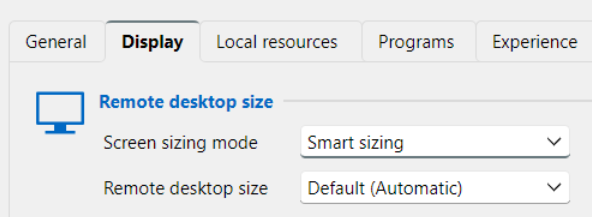
I did verify that Smart Sizing is selected on the entry under Display, Screen Sizing Mode and the Remote desktop size is Default (Automatic).
How to remove menu bar?
Just upgraded to 2026.3.16.0 and Alt+F11 does not change anything in RDM. I will click on the title bar, press Alt+F11 and nothing happens. If I click on

I will get File/Home/Actions, etc, and pressing Alt-F11 does nothing. Then I can't remember how to get rid of File/Home/Actions! I found it by right click at the very top, Layout Options, Ribbon. Uncheck and it removes File/Home/Actions. Then I get back to this
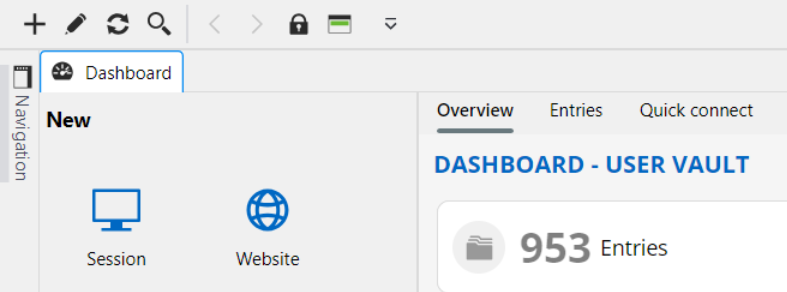
Did verify my Fn is locked on my keyboard so it is not trying to do some other function.
Not the end of the world....but I swear I would toggle it with Alt+F11 before. :)
How to remove menu bar?
I am trying to remove the menu bar (File/Home/Edit/View/etc) from RDM 2026.3.12 and I swear that Alt+F11 used to do that. Is it buried somewhere now?
Capture certain keypresses in RDM - or how do I get the bottom bar with the magnet back?
Thanks to all for the suggestions. Do like the toggle button and also see that ALT+F7 toggles it.
Reason I turn it off is to have as much 'real estate' for the remote sessions as possible....so I have the ribbon, menu bar, and status bar hidden - but that stemmed when I had a 1400x900 screen, now with 4k and other higher resolution laptop screens.....not so much of an issue. I'll give the status bar a try and see what I have been missing. :)
Capture certain keypresses in RDM - or how do I get the bottom bar with the magnet back?
Thanks. That was what I was looking for. Was digging through settings...
Is there a toggle somewhere for the status bar at the bottom? Or just through resetting the view?
Capture certain keypresses in RDM - or how do I get the bottom bar with the magnet back?
There are certain Windows key combinations that don't work inside an RDP session when using RDM. I recall there being a 'magnet' at the bottom of the screen that would grab or capture those keystrokes. I have turned off so many of the status bars in RDM that I can't get to that magnet....nor can I find the way to bring it back.
How can I toggle that capture setting in Settings, or how can I get the bottom bar back that has the magnet?
Thanks for any assistance!