Smart Sizing not working?

Noticed since 2016.3.x.x that when I open an RDP session I have scroll bars.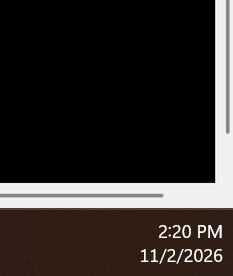
This is the bottom right corner of RDM on the monitor. If I open another RDP session, the same thing happens.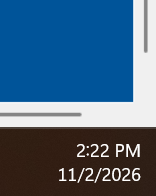
If I go back to the original tab, sometimes it will auto-size without scrollbars, but since going to 2026.3.16.0, it does not any longer....it was with 2026.3.13.0 when I would go back and forth between tabs.
If I right click on the tab, Settings, Smart Sizing, it will go to the right size with no scrollbars.
I did verify that Smart Sizing is selected on the entry under Display, Screen Sizing Mode and the Remote desktop size is Default (Automatic). 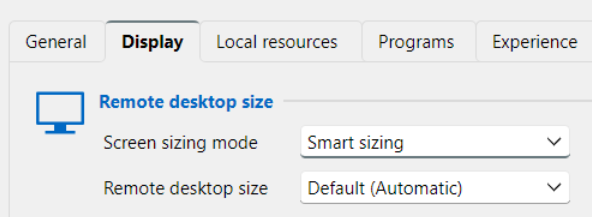
49c3b46a-d096-4a9d-b6e6-776f7cdd4362.png
3afdbb12-f0b8-4506-9268-8679f8ce5090.png
6ee6f9b2-a1ea-4af6-92a4-dc6eb1808c63.png
All Comments (1)
I tried to set a bunch via Batch Edit and found that it set them all back to 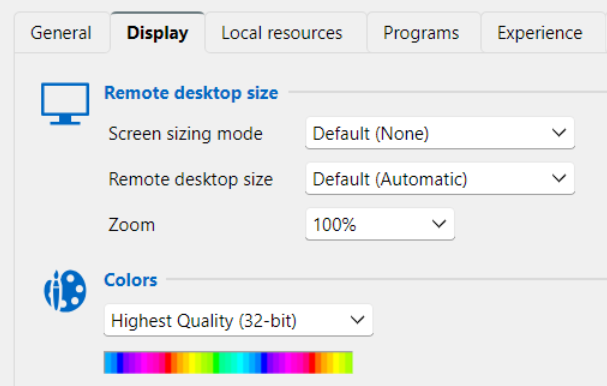
Even though I set to Smart Sizing, Default, 15-bit
I went to Navigation, went to a folder with the RDP Sessions listed, highlighting everything (tried with just 5 as well) Edit, Batch Edit, Session Type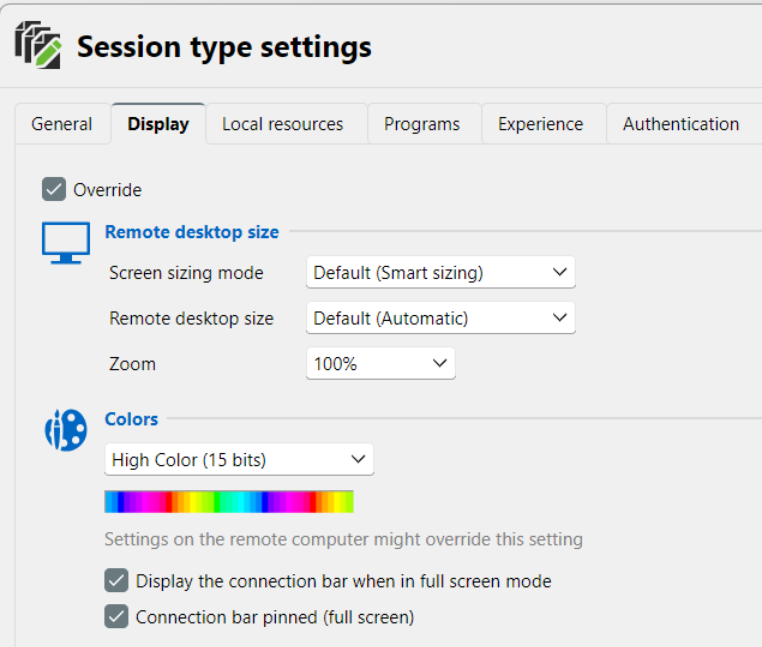
Save and when it finishes, end up with an empty entries list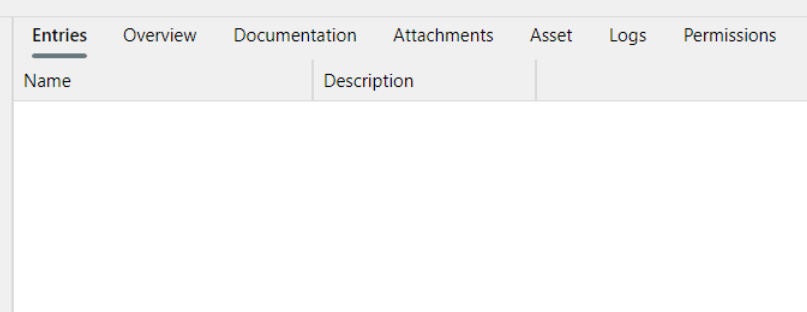
and the settings didn't change.
beeb6d66-0c7e-4e91-8957-d029f9a25134.png
75401797-1282-45d5-8ad3-c8613c58d809.png
df179da2-b8b5-45af-81cf-30c82130fc84.png