
sacchigiorgio
App crash
The last crash was on Friday, September 12.
The Event Viewer reports
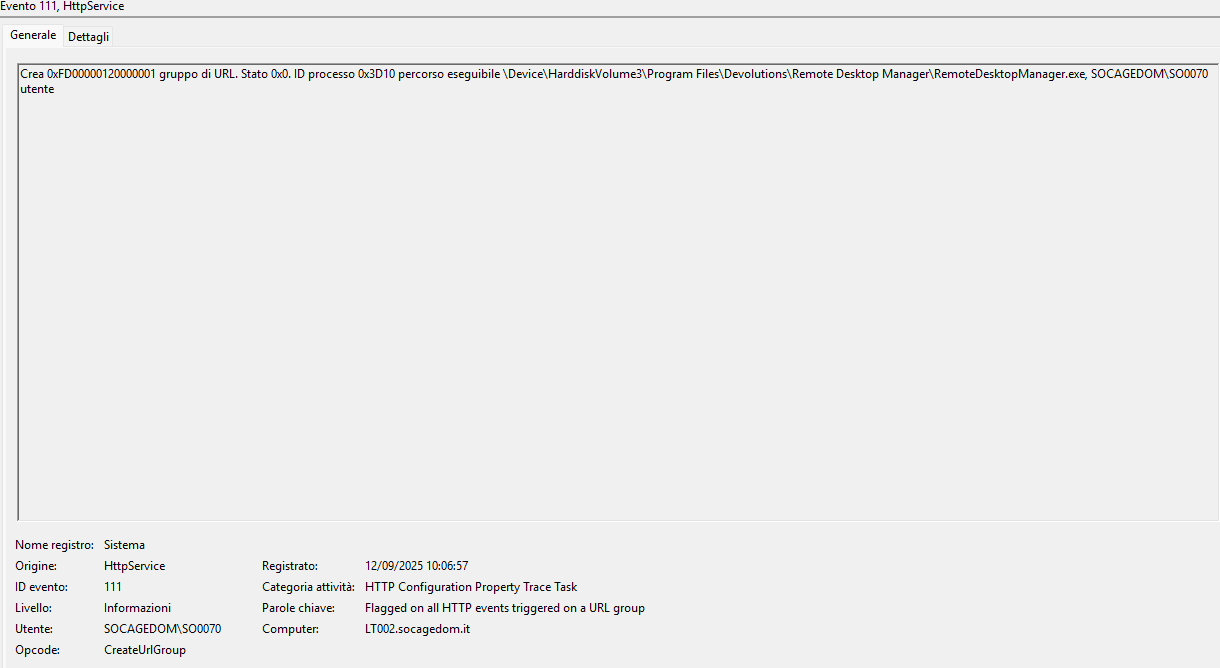
While RDM
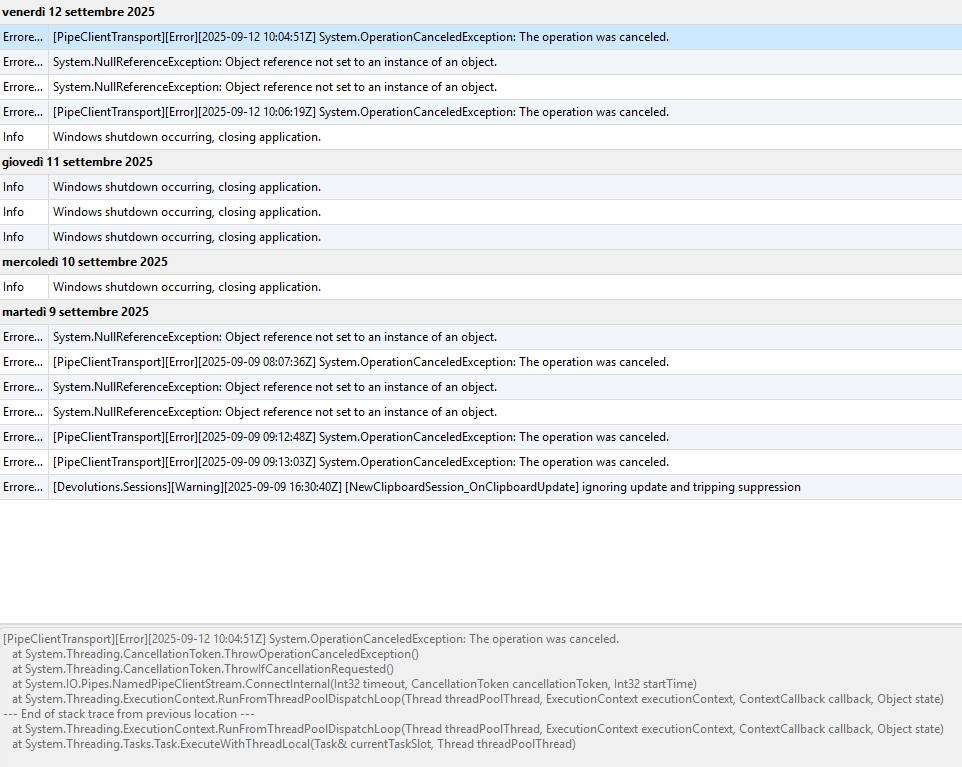
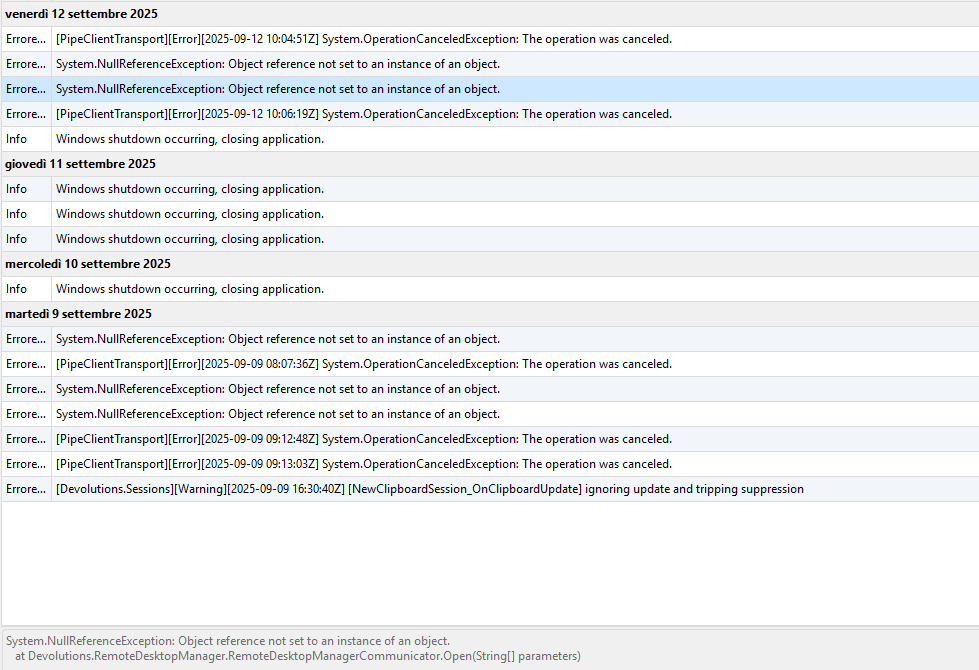
While using it, it doesn't give me any problems.
I leave the app open in the background, but then I realize that it has closed in the meantime.
I've already uninstalled (with a complete cleanup) and reinstalled.
Up until 2/3 releases ago, I never had any problems.
App crash
When the app is running in the background (it's open in the icon tray), it closes randomly
This happens 4 or 5 times during a work day, and I have to reopen it each time
My version is 2025.2.28.0 64-bit installae on Win11 24H2
Until a few versions ago I had never encountered this problem.
Quick Connect Password
Why is it impossible for me to save all the potential clients I connect to and associate a password with them in advance
There are about 500 computers that change continuously
Every day we receive dozens of support calls where each user tells us their computer name (LT001, LT002 or DT300, DT459, etc...) and each time you have to choose which password to use hoping it is the right one (almost never, ahahahah)
It would be useful to have an option to save credentials during connection that can be checked and that can be reused at a later time creating a history as time goes by
Quick Connect Password
In the company we use VNC to connect to internal clients to provide assistance via Quick Connect
The problem is that some computers have one password and others use another to allow the connection
We would like to store, for each computer name to which we connect, the default access password
Thank you
Status icon
The configuration is correct
I hadn't thought to click on Refresh :(
The icons actually turn red
Thanks a lot for the help
Have a good day
Status icon
I already had these options active
this does not allow me to understand in real time whether a given host is online or not (without using the tool)
because the icons in the tree don't change color for me
Status icon
I think it might be interesting as feature (if it's already present, I haven't found how to activate it) to be able to have the icon of each individual host colored based on the ping.
Or add something in the overview tab that helps me understand if the host is online or not.
It happens that I have to connect to 50-70 hosts in RDP to update the OS and I have to reboot every single host in turn.
I would like to be able to understand when I can reconnect
Thank you