kuvejusanith
ManageEngine Password Manager Pro missing from My Account Settings in RDM Mac 2026.3
Looks good, thank you very much
ManageEngine Password Manager Pro missing from My Account Settings in RDM Mac 2026.3
Hi, Thank you for confirming that! Could you please let me know roughly how long it might take to bring those options back in an update?
Thanks again for your help.
Best regards,
SM
ManageEngine Password Manager Pro missing from My Account Settings in RDM Mac 2026.3
Hi Devolutions Team,
I noticed that the option for ManageEngine Password Manager Pro is missing under 'My Account Settings' in the Remote Desktop Manager for Mac client (version 2026.3).
Key details:
- It was working as expected up until 3 days ago.
- The same setting/integration remains visible and accessible on the Windows client for the same setup.
- I have performed a complete clean re-install on macOS (including clearing preferences, Application Support folders, and cache at ~/Library/Application Support/com.Devolutions.RemoteDesktopManager), but the integration entry is still missing under My Account Settings.
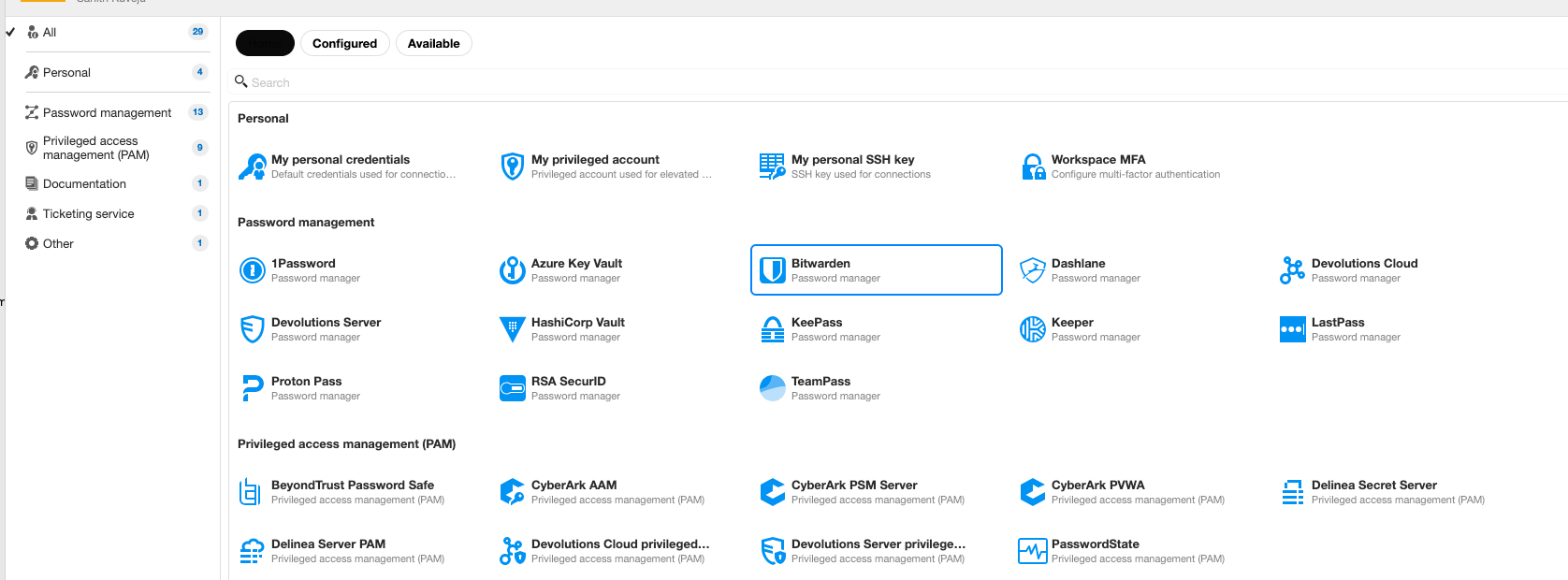
Could you please confirm if this is a known UI regression in the latest macOS build, or if there is a specific configuration step required to restore it?
Thank you!
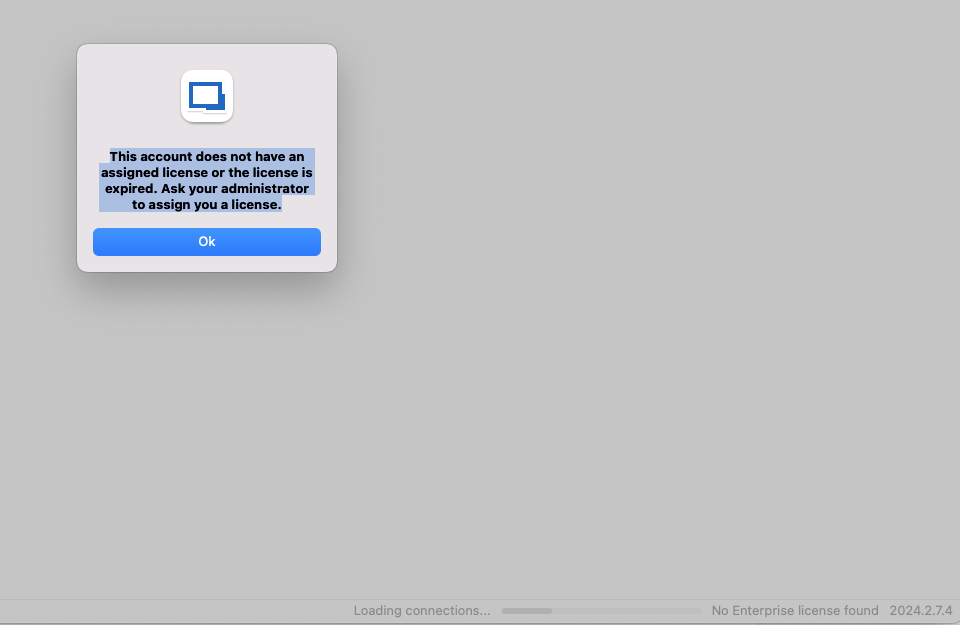
No valid license on RDM macOS 2024.2.7.4 (but Windows works)
Remote Desktop Manager
Valid until: 30.06.2025
No valid license on RDM macOS 2024.2.7.4 (but Windows works)
Hi Michel
English.
No valid license on RDM macOS 2024.2.7.4 (but Windows works)
I also tried the 2024 versions listed below, but they didn’t work. Unfortunately, I cannot use other versions due to the version enforcement policy from Admin. Is there any update regarding the next version with a bug fix?
Thank you

No valid license on RDM macOS 2024.2.7.4 (but Windows works)
Hi Michel
I have normal sql user (without Windows AD Authentication), and my user do not have any Admin rights. And also we have a MS SQL database.
BR
Sanith
No valid license on RDM macOS 2024.2.7.4 (but Windows works)
Dear Jeff
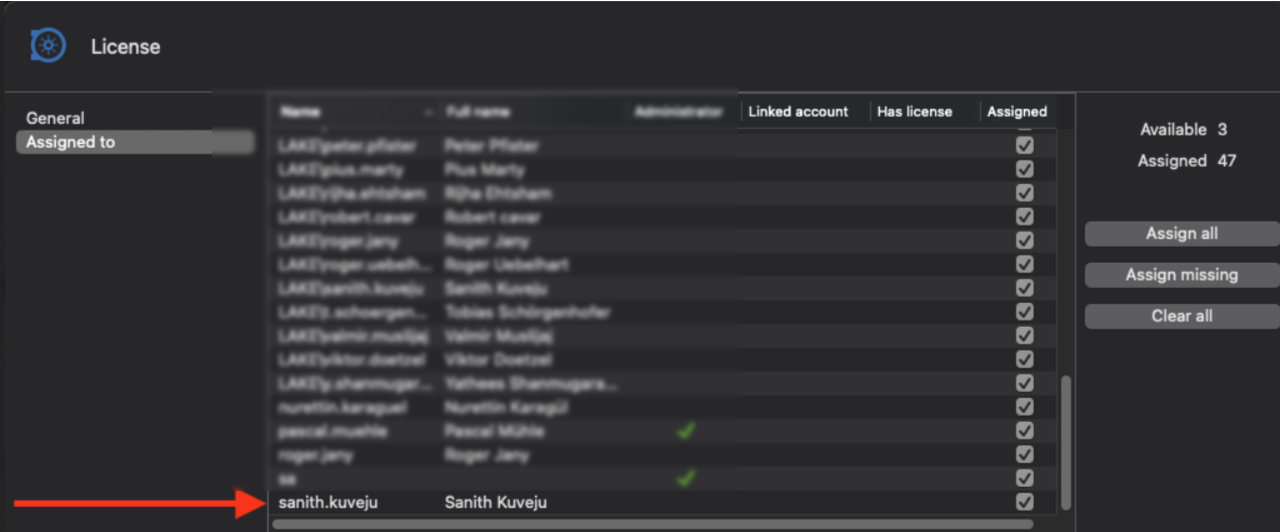
Yes, the license is assigned. As I mentioned, with the same user, I can work with a Windows client. However, on my MacBook, I am getting the given error. I have already tried reinstalling and removing the data source several times, but nothing has helped so far.
No valid license on RDM macOS 2024.2.7.4 (but Windows works)
HI dear Michel Lambert
I also have the same issue with may Macbook. Everything works fine in Windows client with the same user. Do you have any updates on when the fixed version will be released?
BR
Sanith