
kbuckley1
2024.1.24.0 - Search in the Navigation Panel
Since updating from 2023.3.37.0 to 2024.1.24.0 the workflow to search within the navigation panel has changed and become impossible.
Workflow in 2023.3.37.0
Click on any connection or folder within the Navigation panel > Start typing to search for a connection. Character by character the search highlights connections in yellow > enter to start connecting to the entry.
Workflow in 2024.1.24.0
As soon as clicking any connection or folder within the Navigation Panel the Dashboard panel becomes active and focused making search impossible.
The only work around I have found is to tab through the entire interface until the Navigation panel is active and then start typing to search
Hopefully this can be fixed quickly in a patch update or I'll jump back to my last known good version
Cheers
Keith
Copying folders duplicates sub connections
Thanks for the quick reply Samuel,
Just updated to 2024.1.24.0 and the issue still exists when click+drag Ctrl+Drop the folders.
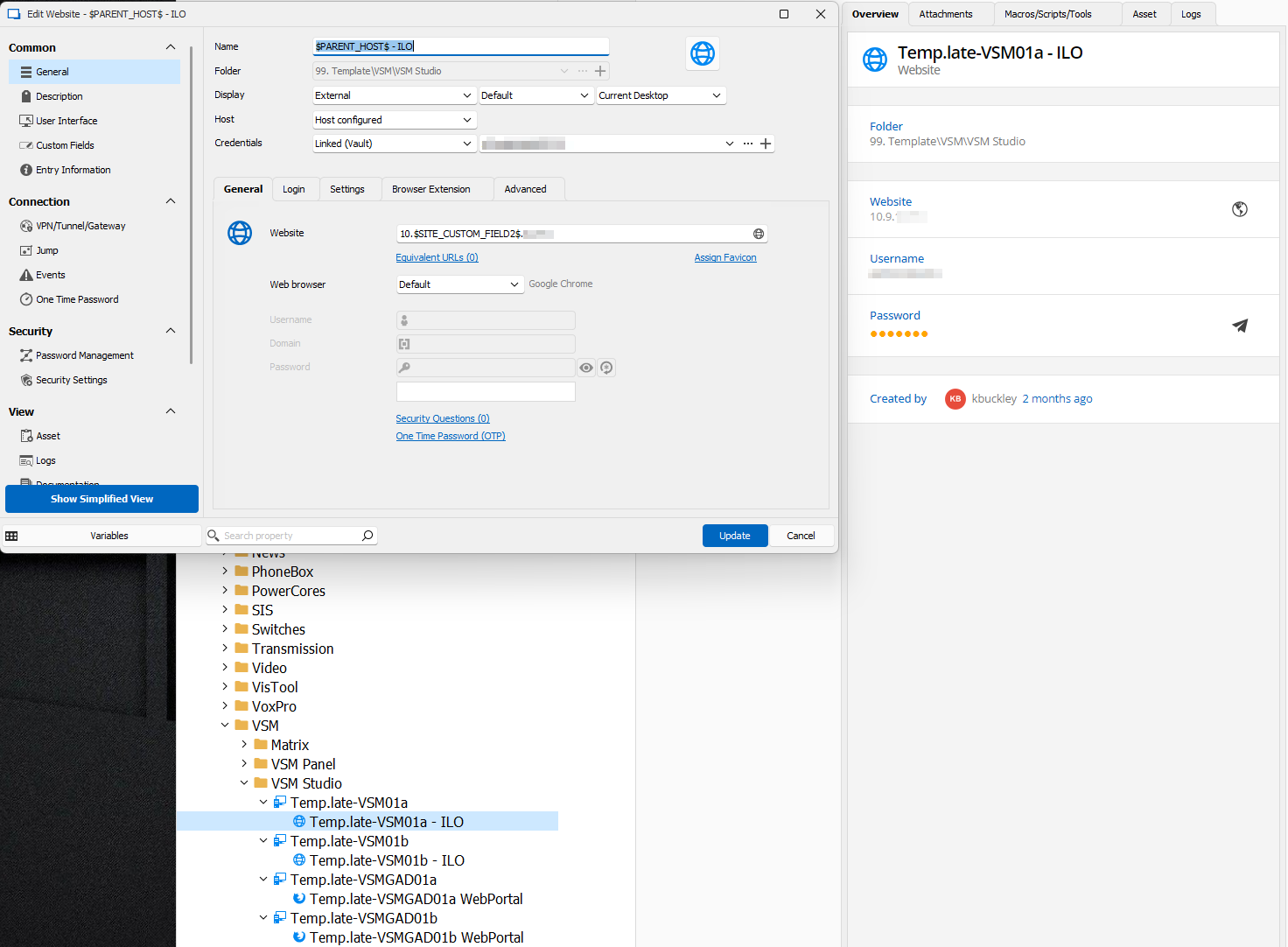
Copying folders duplicates sub connections
Version: 2023.3.37.0 64-bit
Database Type: SQL Lite
My folder structure is mostly Hosts with Connection Templates set and a heavy use of variables to control Site specific values. This enables me to maintain a single 'Template' folder and can delete every entry in a Site Folder and Copy+Paste my 'Template' folder structure which will inherit the local site specific values (eg human readable host names, site specific IP address octets)
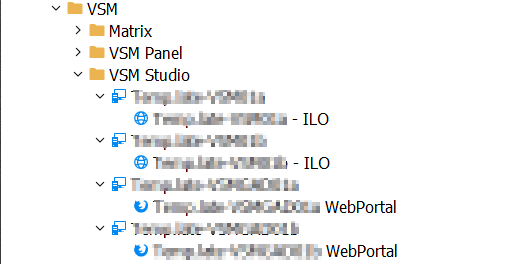
My issue is, as I have increased the value of this tool by adding Sub-Connections with additional specific connections (eg, specific URLs based on the Parent_Host value, or an SSH connection to the same Parent_Host address), when I ctrl+drag the folder around my database, all the sub-connections are added twice in the destination folder; once as the correct sub-connection but a second time at the same hierarchy level and the Main-connection but with rubbish names due to the inherited 'Parent_Name' values being corrupt/valueless
An example of my 'Template' Folder:
An example of what gets pasted in my 'Site' Folder when click+Drag then CTRL+Drop a folder:
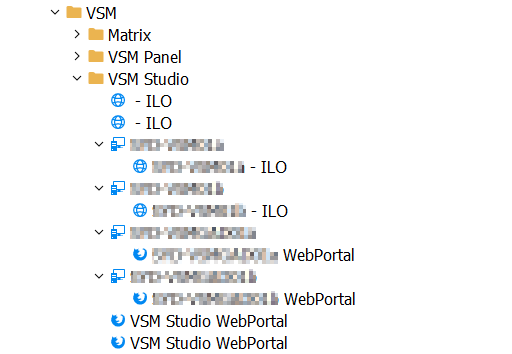
You can see all the Sub Connections are copied correctly but duplicate a second time in the Root folder
This behaviour does not exist if I use the Home > Clipboard > Copy and Paste functions. Why does it exist when Click+Drag and Ctrl+Droping the same connections?
thanks!