
abdallahhammami06
Desactivate "Exclude Notifications"
Hi Tsanders,
Thank you for your response. I confirm that RDM is updated and we are using the latest version.
The data source is "Microsoft SQL Server" , or what do exactly do you mean by "data source"?
Regards ,
Abdallah
Desactivate "Exclude Notifications"
Hi RDM Support Team,
I am facing an issue. When I try to exclude this option, it gets reactivated after I reopen RDM. However, when I create a new entry, this option is not automatically activated.
Do you have any solution for this?

Dashboard missing informations
Hi,
Thank you very much for all the information.
I have no further questions; everything is clear now.
This case can be closed.
Regards,
Abdallah
Dashboard missing informations
Is there a way to make it automatically unchecked?
Dashboard missing informations
Hello ,
Finally ! , that was causing the problem.
Thank you ;)
Dashboard missing informations
Just for your information: I can see new entries on the dashboard, but ONLY the new entries, not the updated ones.
Dashboard missing informations
Hi,
Sorry for the late response.
After every update, I keep hoping it will work again, but unfortunately, it still doesn’t.
Let me know if you’d like further refinements!
Best regards
Dashboard missing informations
Hello Marien,
Thank you for your reply.
Are there any updates for this case ?
Regards,
Abdallah
Dashboard missing informations
Hi,
Unfortunately, I still have the same problem...
Are there any updates?
Dashboard missing informations
Hi,
Unfortunately, I still have the same problem...
Are there any updates?
Dashboard missing informations
any help ?
Dashboard missing informations
This configuration used to work:
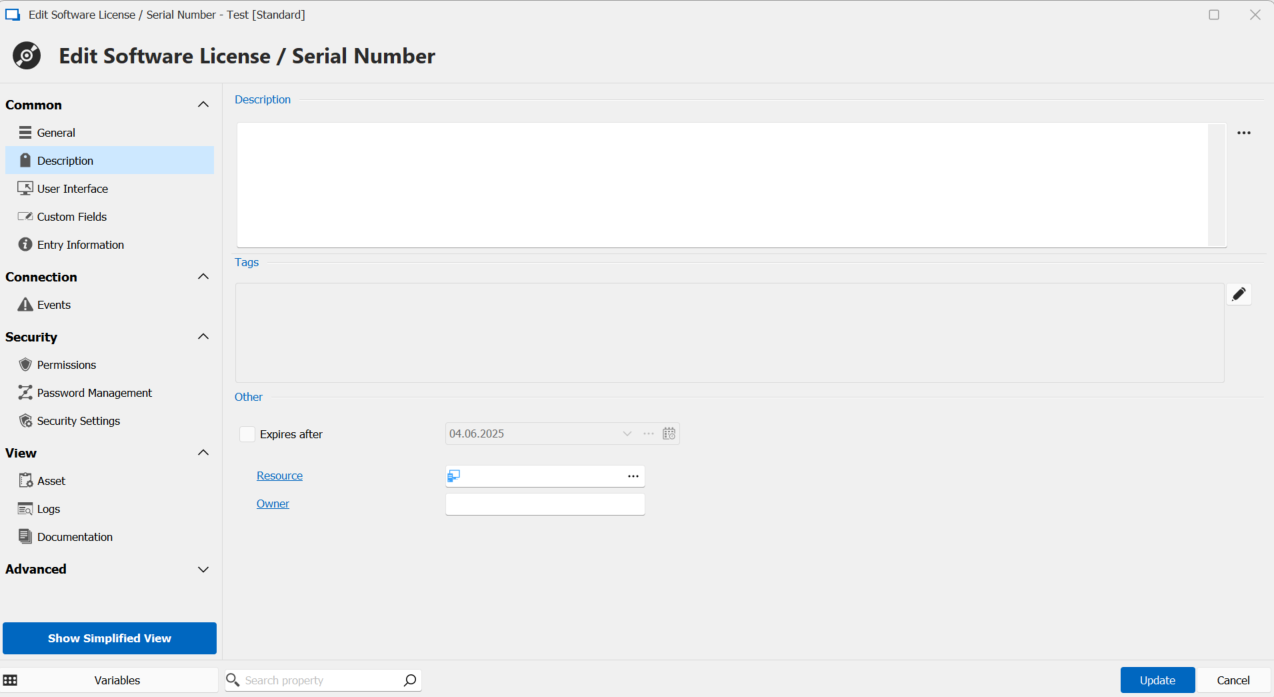
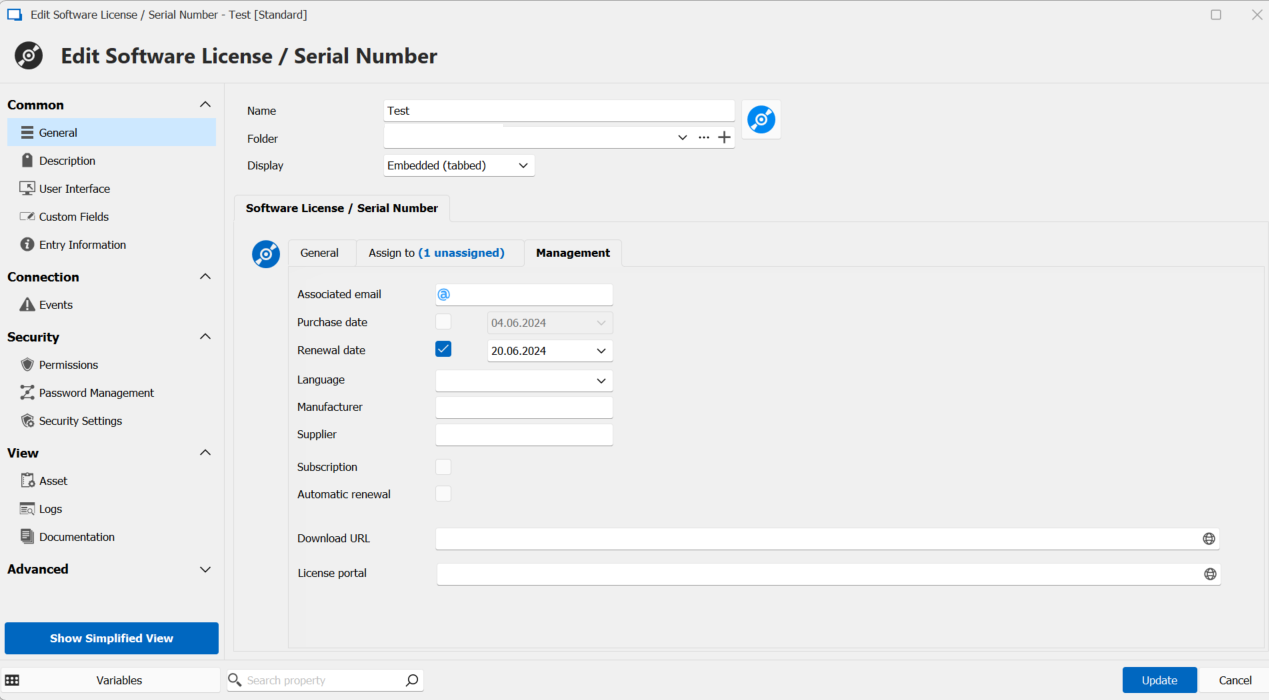
Dashboard missing informations
Hi David ,
And Today there is no entries displayed ..
PS : all the entries are configured the same
Best Regards,
Abdallah
Dashboard missing informations
Hi David,
Thank you for your answer.
The problem that not all licenses are displayed
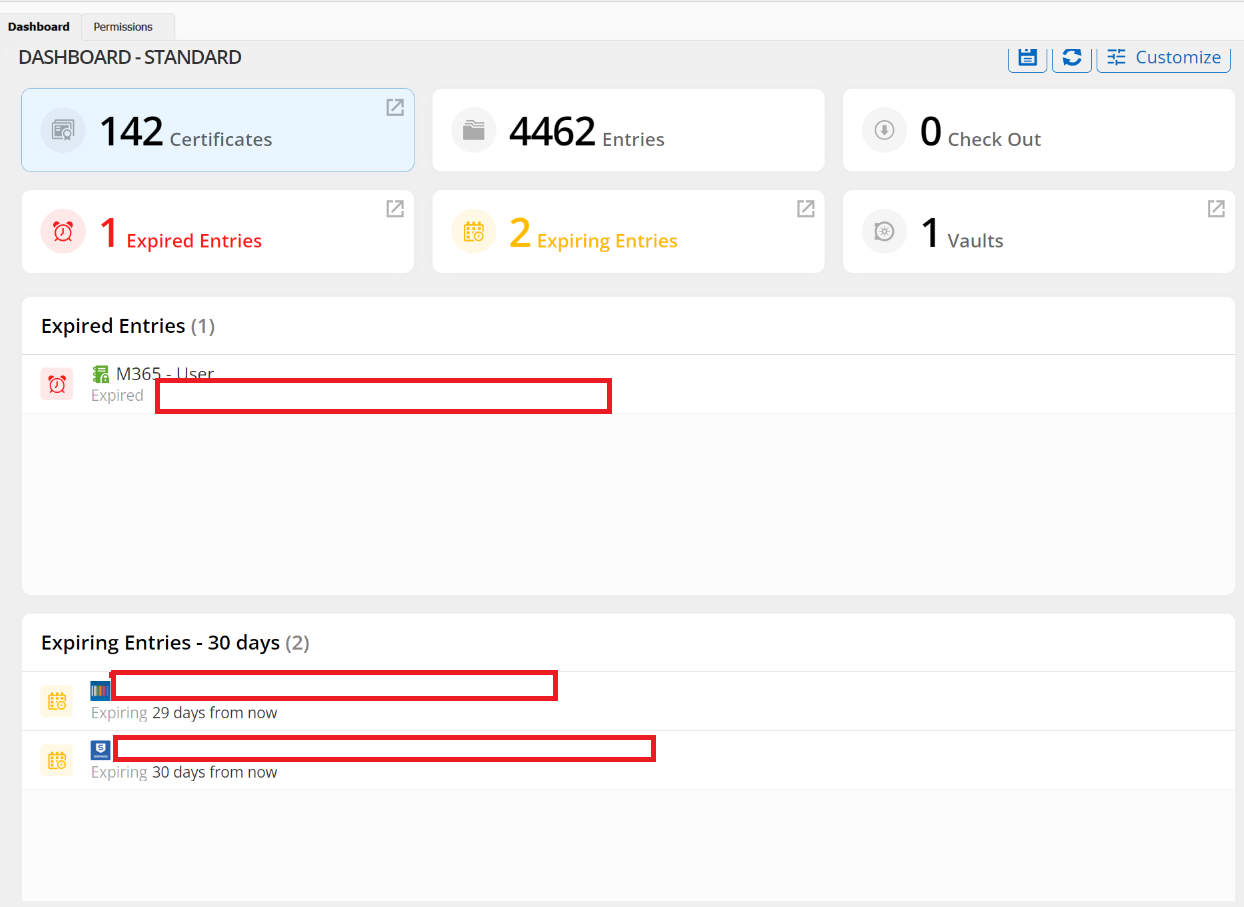
Dashboard missing informations
Hi David,
Data Source: Microsoft SQL Server .
Best Regards,
Abdallah
Dashboard missing informations
Hello RDM Support Team,
The RDM Dashboard used to display licenses, software, passwords, etc., 30 days before their expiration. Recently, this feature seems to be missing
I have attached screenshots to illustrate the issue.
Thank you in advance for your support.
Best regards,
Abdallah
Need Assistance with PowerShell Script for Customizing Report in RDM
Hello Erica ,
Thank you for your feedback.
https://docs.devolutions.net/kb/remote-desktop-manager/knowledge-base/configure-report-entry-type/
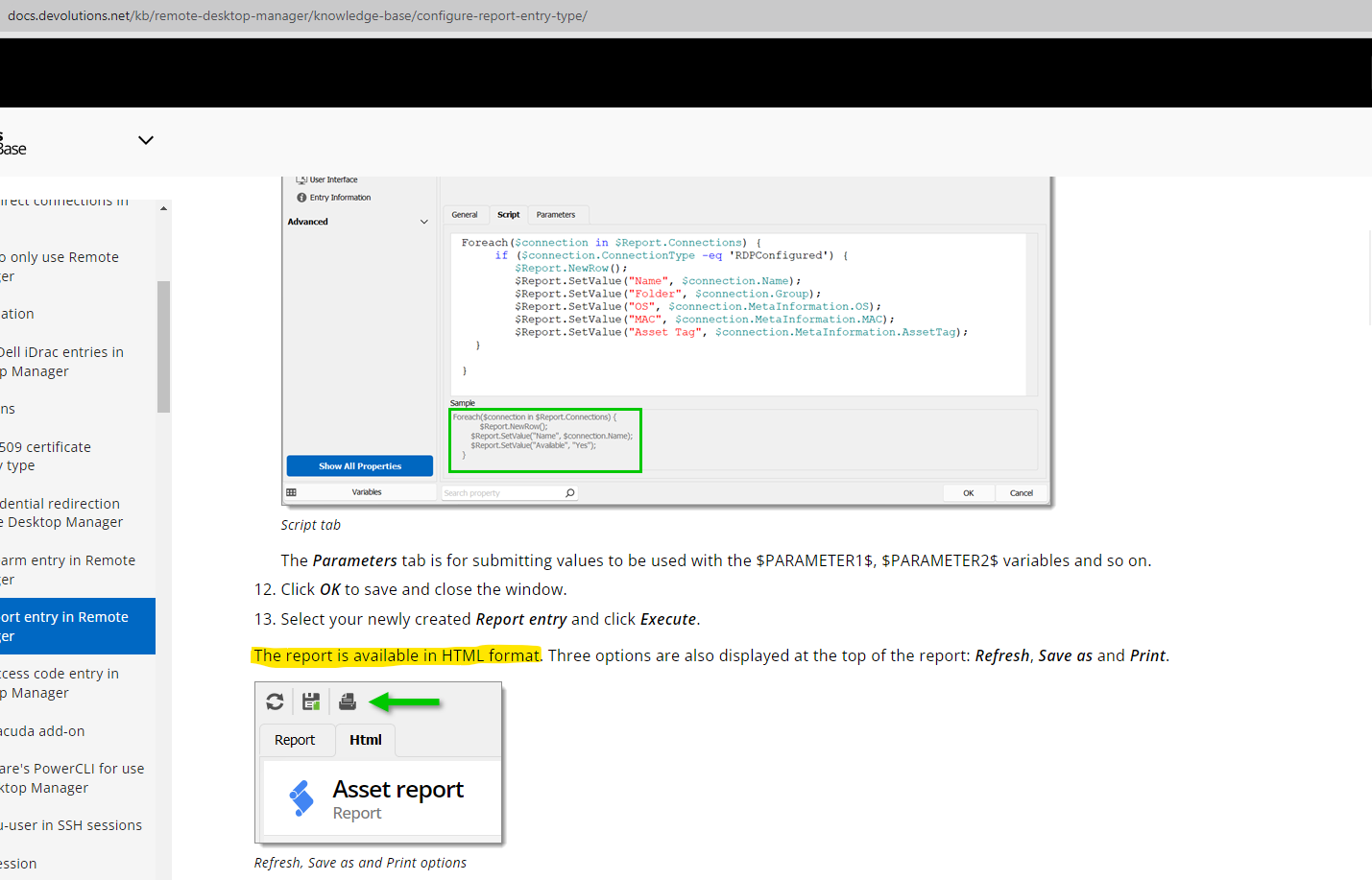
it is mentioned that the report can be read in HTML format ...
Need Assistance with PowerShell Script for Customizing Report in RDM
Hello RDM Community,
I'm trying to customize a report in RDM, specifically changing the text color for certain columns,add logo ect... I'm using PowerShell for scripting.
After Creating Report (Custom), I generated this script to add the required information.
Current Script:
```powershell
foreach ($connection in $Report.Connections) {
# Check if the connection is under the specified folder
if ($connection.Group -eq '#folder Path' -and $connection.Name -ne 'lizenzen') {
$Report.NewRow();
$Report.SetValue("Name", $connection.Name);
$Report.SetValue("Lizenzanzahl", $connection.DataEntry.SoftwareLicenseCount);
$Report.SetValue("läuft ab am", $connection.DataEntry.SoftwareExpiration);
}
}
Is there a way to customize the report with HTML code or add a template?
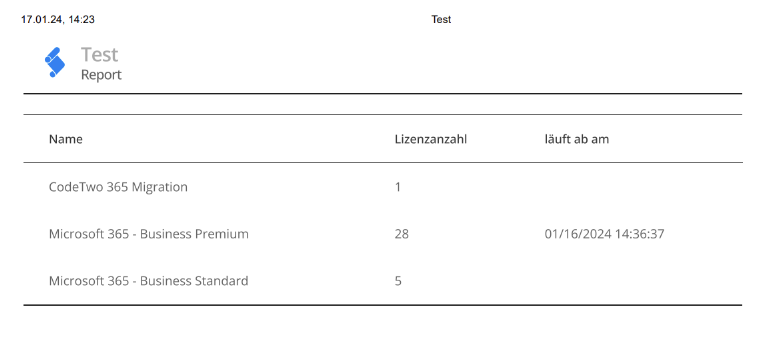
Thank you
Scripting Help: Retrieving License Information in Report
I found where the error is , actually the variable names are right but the line was missing something :
$Report.SetValue("LicenseCount", $connection.SoftwareLicenseCount);
$Report.SetValue("läuft ab am", $connection.SoftwareExpiration);
-
$Report.SetValue("Lizenzanzahl", $connection.DataEntry.SoftwareLicenseCount);
$Report.SetValue("läuft ab am", $connection.DataEntry.SoftwareExpiration);
This Post can be closed .
Thank you Erica for your Help !
Scripting Help: Retrieving License Information in Report
Hello Erica,
Thank you for your reply.
I think I've found the variable names:
<SoftwareLicenseCount>28</SoftwareLicenseCount>
<SoftwareExpiration>2024-01-16T13:36:37.5135532+00:00</SoftwareExpiration>
Updated Skript :
foreach ($connection in $Report.Connections) {
# Check if the connection is under the specified folder
if ($connection.Group -eq 'documentus Deutschland GmbH\lizenzen' -and $connection.Name -ne 'lizenzen') {
$Report.NewRow();
$Report.SetValue("Name", $connection.Name);
$Report.SetValue("LicenseCount", $connection.SoftwareLicenseCount);
$Report.SetValue("läuft ab am", $connection.SoftwareExpiration);
}
}
->Unfortunately, I'm still not getting any results.
Scripting Help: Retrieving License Information in Report
Hello RDM Community,
I'm working on a script under a report in Remote Desktop Manager, and I'm trying to retrieve three variables for each connection:
1. License Name
2. License Count
3. Expiration Date
All these parameters are stored under "Software License" for each connection.
Here's the script I've come up with:
```powershell
foreach ($connection in $Report.Connections) {
# Check if the connection is under the specified folder
if ($connection.Group -eq '#folder Path' -and $connection.Name -ne 'lizenzen') {
$Report.NewRow();
$Report.SetValue("Name", $connection.Name);
##These two lines are wrong because I wrote the wrong variables.
$Report.SetValue("LicenseCount", $connection.GetCustomProperty("LicenseCount"));
$Report.SetValue("ExpirationDate", $connection.GetCustomProperty("ExpirationDate"));
}
}
Thank you.