Philipp
Missing option to disable "youbikey" option via GPO or Registry
Thank you very much!
Missing option to disable "youbikey" option via GPO or Registry
Hello Devolutions Team,
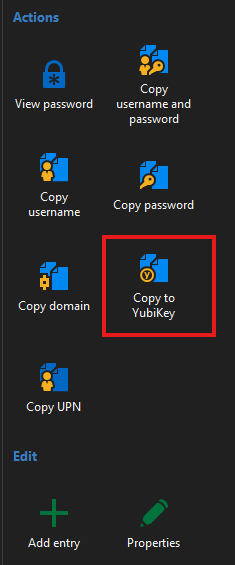
I just want to ask if there is an option to disable the "copy to yubikey" button from the "credential management" template via Group policy or Registry key. GPO would be preffered.
Thank you in advance.
Philipp
Teamviewer - Password permanently visible (No hide option)
Hello guys,
thank you for fixing that so quickly!
This issue is solved in version 2025.3.29.0.
Teamviewer - Password permanently visible (No hide option)
Hi Devolution Support,
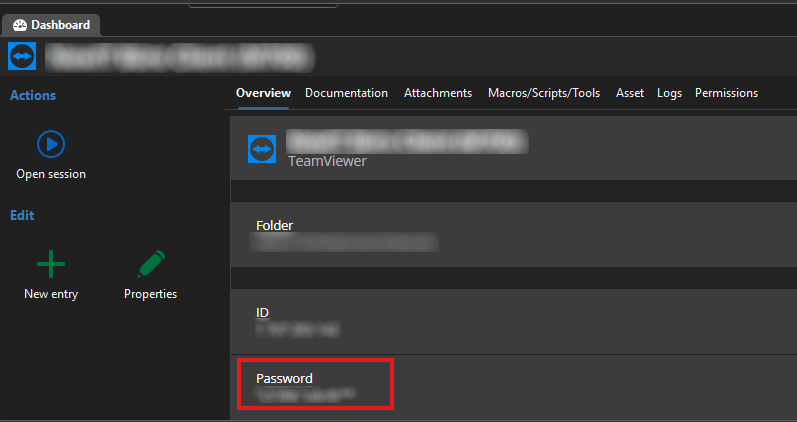
currently there is no option to hide passwords for the Teamviewer template.Is there an option I have missed?
Thank you in advance.
Cheers,
Philipp
How to change TLS compatibility level to 1.3 in RDM?
Hello
What's your client OS? TLS 1.3 isn't supported and/or enabled by default on all versions of Windows.
Best regards,
Hello Riichard,
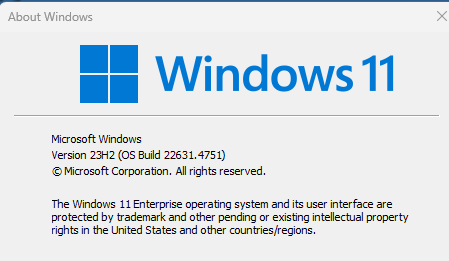
I have W11 installed.
I already found that TLS can be adjusted with specific registry keys. TLS seems not to be enabled by default. I guess RDM TLS compatibility also depends on the OS settings and is not dedicated to RDM config only.
Cheers,
Philipp
How to change TLS compatibility level to 1.3 in RDM?
Hello Philipp,
Thank you for getting in touch with us. To better assist you, could you kindly provide us with the following information:
Are you able to connect to SQL Server Management Studio?
The current version of your RDM.
Once we have this information, we will be better equipped to diagnose and resolve the issue.
Best regards,
Hello Maxim,
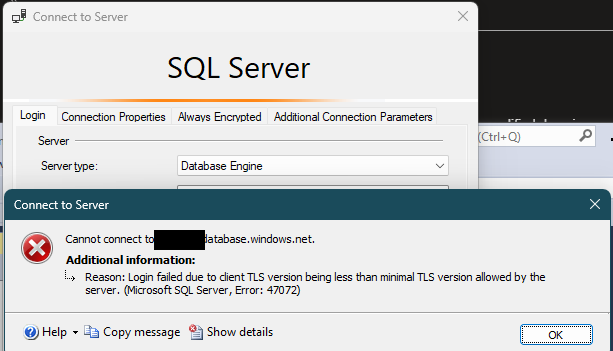
uh, nope I cannot connect using SSMS. Same error, so I guess this is a OS related issue I need to adjust?
The current RDM version is the latest published till today.
Thank you.
How to change TLS compatibility level to 1.3 in RDM?
Hello everyone,
I have our RDM DataSource stored on a Microsoft Azure SQL Server.
I would like to increase TLS compatibility to version 1.3.
When I increase TLS version on Azure SQL end, I'm getting this message when trying to connect via RDM.
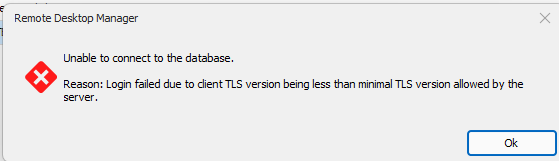
How can I adjust TLS settings withing RDM?
Thank you in advance.
Philipp
Embed Windows Sandbox in RDM
Hello David,
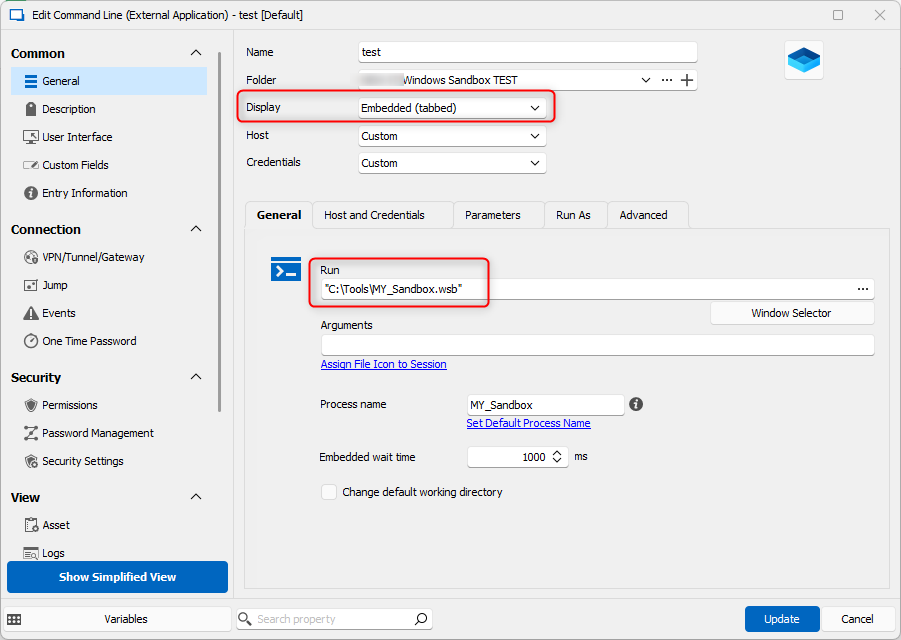
I already tried the command line option for external application but it's still running in an separate window.
Maybe there is something I missed.
Thank you in advance.
Embed Windows Sandbox in RDM
Hi Devolutions support team,
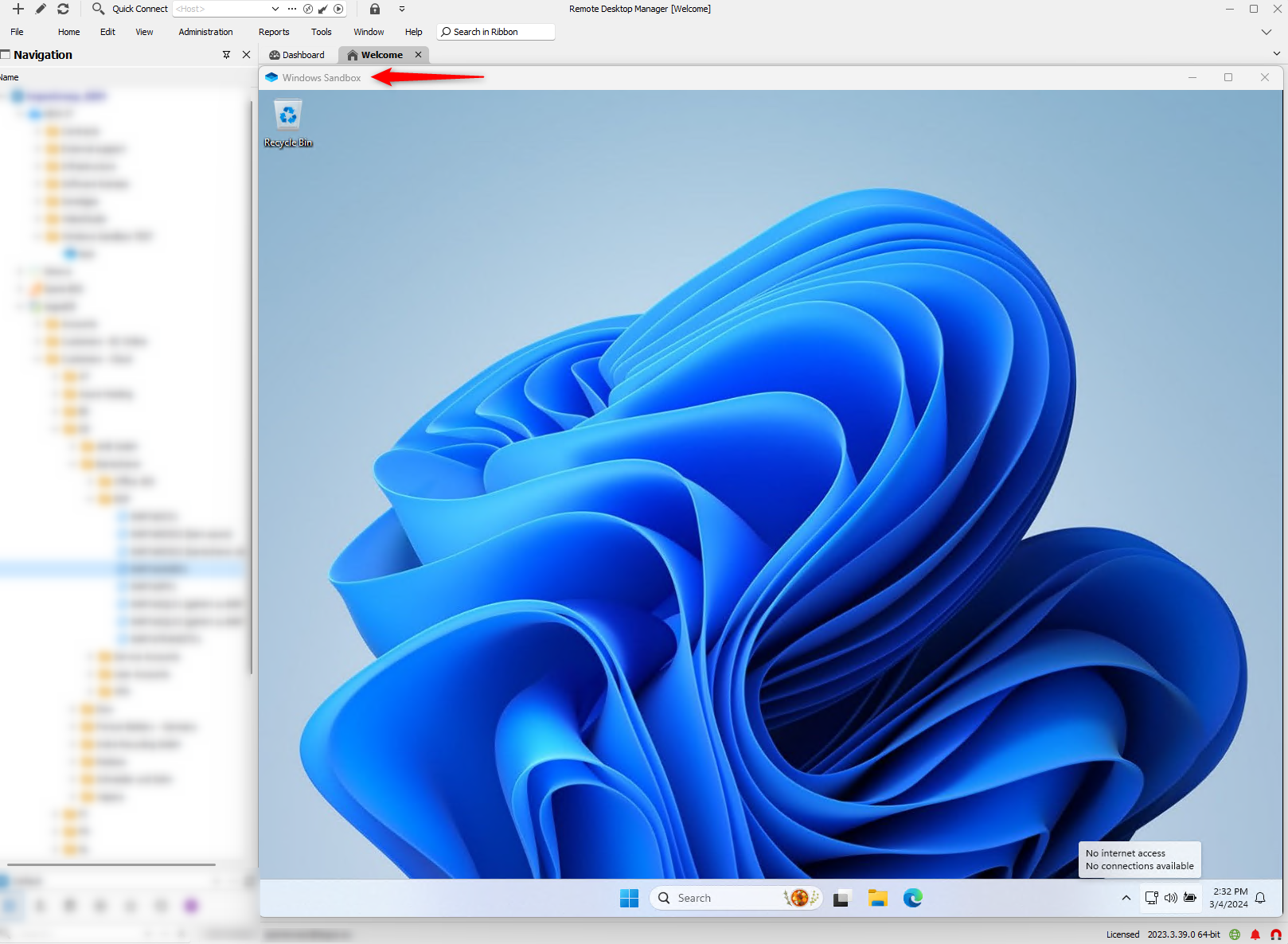
I would like to ask if it is possible to start “Windows Sandbox” within RDM as nested/embedded?
Below an example of how it could look like.
2FA prompts and Azure SQL
Hello Devolutions Team,
for RDM we use Azure SQL DB with 2FA/SSO, so for this it is desired that the
user needs to satisfy the SSO/2FA authentication against the Azure resource.
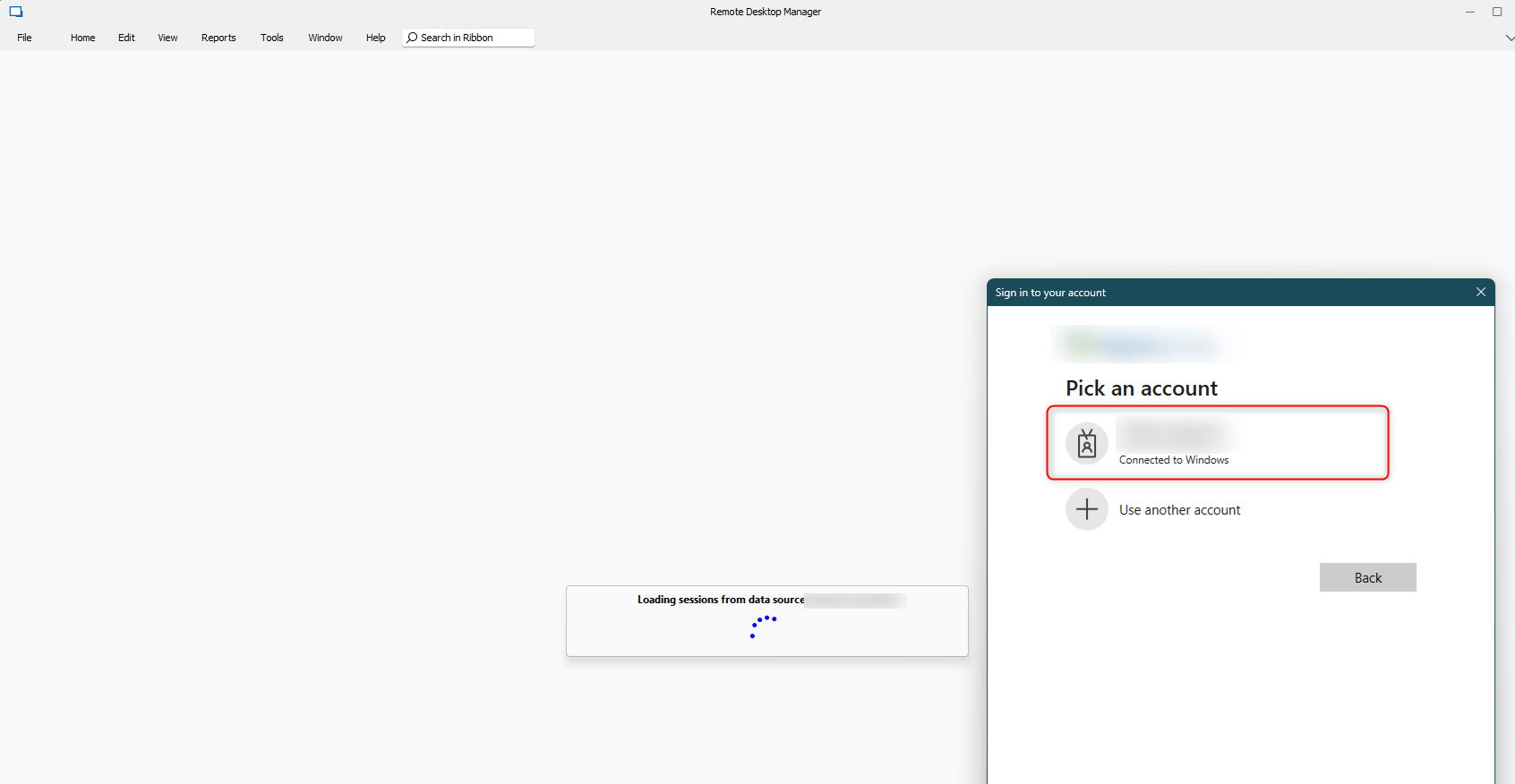
But the user is getting prompted each time when starting RDM.
Is there an option to reduce the number of prompts? Because from my perspective as long as the authentication token, stored on the windows client, is valid then there is no need to prompt. Only in case of reauthentication the 2FA token RDM should prompt for validation.
Is it possible to implement a function to adjust the 2FA prompts? Or can RDM use the Windows default settings (Like auth. against Office 365) for 2FA token authentication?