
ckelly
Cisco break command not working in 2025.3.32.0 64 bit Free
Remembered that I have an idle laptop with RDM on it that has been sitting "a while". Fired it up, worked through the missing updates for local things like Teams and such. Updated RDM first to 2025.3.32.0 64 bit. The Cisco break didn't work at all. Then updated to 2026.1.18.0 64 bit. I see the same thing on it - break works one time, does not work after that.
Cisco break command not working in 2025.3.32.0 64 bit Free
This is a desktop use of RDM. I did some testing here, and the only thing that seems consistent is that 1) I get one shot then it's not passing the command (usually three ctrl-shift-6). Opening other tabs on other switches after the "one works" also fail, the B6 thing in the tab is the only thing that happens. Exit RDM for about 20 minutes, go back in - works one time. I restarted this Win11 box a couple of times to try and make sure it was running clean and nothing was hanging things up. Weird behavior for sure. Will keep poking at it to see if I learn anything more substantial.
Cisco break command not working in 2025.3.32.0 64 bit Free
Well, this is fun - start RDM, log into a Cisco switch, start a traceroute. Break sequence works. Yea! Wait...try it again - Fails. Goes back to the [B6] coming and going in the tab.
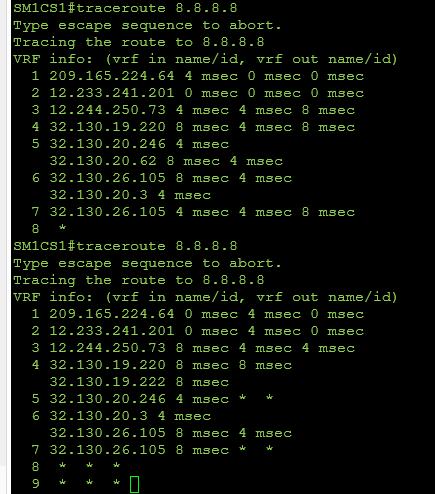
EDIT - if you exit RDM for "a while - 30 minutes or so" and then open it up and go back into a switch, it again works one (1) time.
Cisco break command not working in 2025.3.32.0 64 bit Free
Trying to install the 2026.1.16 now to see if the problem has been corrected.
Cisco break command not working in 2025.3.32.0 64 bit Free
Per subject - the Cisco Shift+Ctrl+6 break does not seem to be working in the referenced version - 2025.3.32.0 64 bit Free. Tested to same Cisco device using Tera Term SSH and the sequence stops the traceroute. In a RDM SSH session, does not work. The only thing that seems to happen is that the tab shows [B6] after using the sequence. The sequence toggles to [B6} on and off. Keeps you occupied while waiting for the traceroute to die.
Error code displayed when exiting session with Dell N20xx switching
Ah - there it is. Thank you. While this seems a bit like "taping over the Check Engine light" - it works. Good 'nuff.
Error code displayed when exiting session with Dell N20xx switching
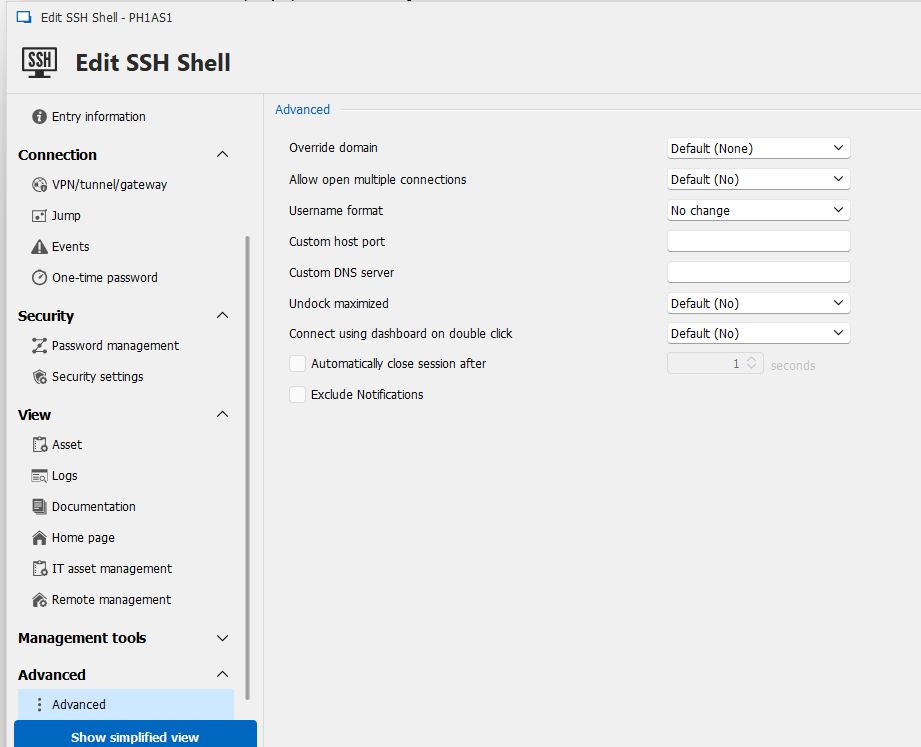
I don't see that option under Advanced.
Error code displayed when exiting session with Dell N20xx switching
Sorry for the delayed response - kinda got lost in the email blizzard of the last week. Current version is 2024.2.16.0 64-bit Data source shows to be "Connections.db"
Error code displayed when exiting session with Dell N20xx switching
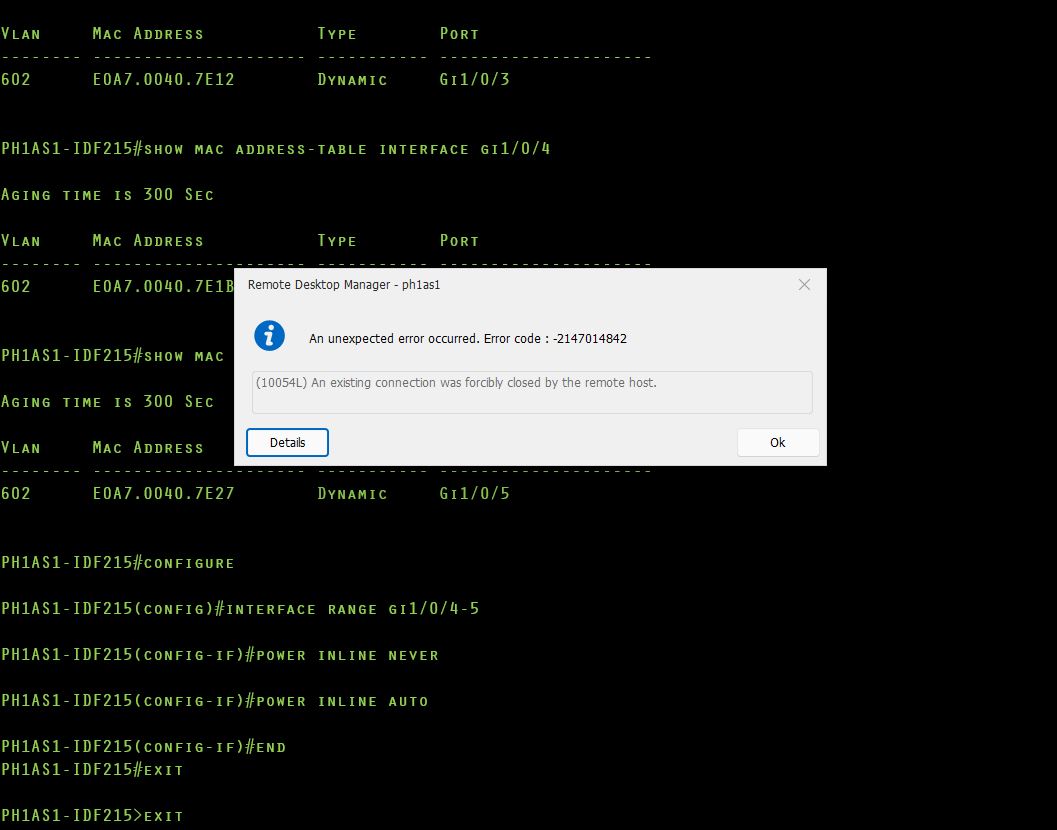
Curious what/why and if there's some configuration required to get rid of an annoying error - when exiting out of a Dell N20xx SSH CLI session, RDM displays "An unexpected error occurred. Error code : -2147014842". I just "OK" past it, it's not a big deal but it is irritating and none of my other switches display that error when closing out an SSH session in RDM. That includes Dell 55xx, Cisco, etc. Thinking maybe there's a setting somewhere that would clean up the exit process on these specific switches. Thanks!
"Invalid certificate" error when updating RDM
FYI - Once I got up tot 2023.2.39 using the "download with default browser", update went smoothly.
List of '$' variables available for use in scripts
Boom - thank you sir.
List of '$' variables available for use in scripts
Search-foo is failing me, looking for something that details what $ variables are available for use in scripting. Saw something with $HOST$, so assuming there's a bunch more. Found the {...} items in Typing Macros but nothing on the $. Thanks.