
zcvzcvz270507
How to fix migration window?
When you press skip button, do you see a confirmation windows that asks you if you really want to skip the migration?
I don't see a confirmation windows that asks me if I really want to skip the migration. Button "Skip" does not show any reaction. At the same time, the application doesn't freeze or crash.
Would you be willing to install a special custom version?
I would be willing to install a special custom version if it doesn't require root access.
and you are the first user to report such an issue.
I can test this scenario on Android Emulator to identify a similar problem.
Thank you for your work. I look forward to further support.
Best Regards,
Gleb Grebenchikov
How to fix migration window?
Hi,
This Phone is Honor 30i by Huawei. Android version is 10. Magic UI version is 3.1.0. Model NO: LRA-LX1.
Kernel version is 4.14.116
Could this affect the stable operation of the application?
Best Regards,
Gleb Grebenchikov
How to fix migration window?
Hi,
3- Send us a few screenshots of the logs.
Log box is empty:
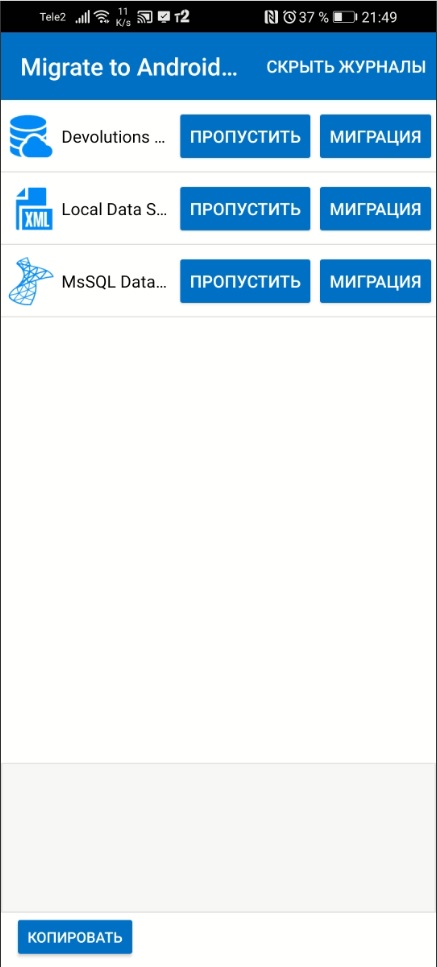
Buttons "Migrate" and "Skip" do not make any reaction. They is not working.
How to fix migration window?
Hi Nicolas,
Two of the data sources that you use are shared (MySQL and DODB) and you will not lose data from those
Yes, it is. Shared data sources are available, data is OK. However, we are experiencing difficulties in accessing the .xml source "Local data source". It is located in the "/data/user/0/com.devolutions.remotedesktopmanager" folder and we cannot access it even through adb.
Just keep the application on your device and we will get back to you tomorrow.
Thank you very much for your understanding. I will be happy to wait for your answer and will be very glad to help.
Best Regards,
Gleb Grebenchikov
How to fix migration window?
Hello!
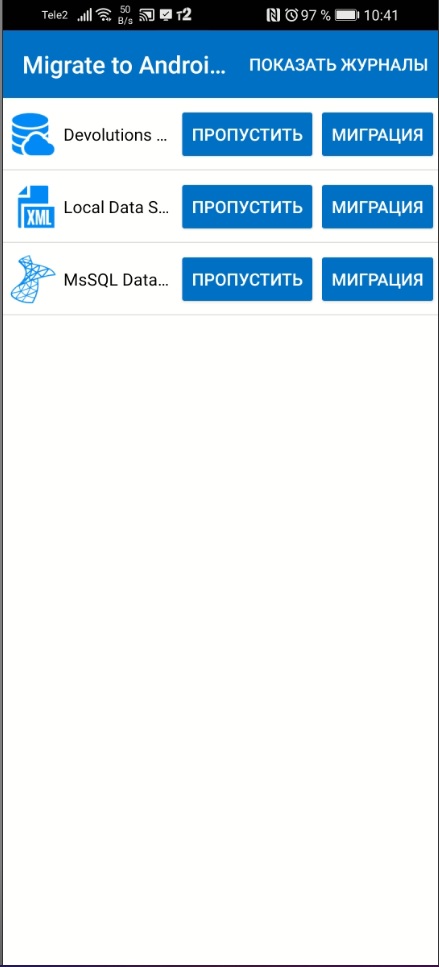
After updating the "Remote Desktop Manager" application on Android 10.0, the migration window began to appear at startup. The "Migration" and "Skip" buttons do not work.
How to fix the application without losing data?
How do I export data on Android version Devolutions Remote Desktop Manager?
Hi,
The export feature will be available in the next release.
It's clear. Thank you for your work! I will keep an eye on new releases of the program.
Best Regards,
Gleb
How do I export data on Android version Devolutions Remote Desktop Manager?
Hello!
The Windows version of Remote Desktop Manger has an "Export" button. You can export either one specific record or all records at once.
There is no "Export" button on Android version of Remote Desktop Manger. How can I export data from an Android device?
I am using "Local Data Source" as an .xml file!
How does a VPN over a Remote Desktop Gateway work?
Hello!
When creating a new telnet (or any other) connection in the VPN/SSH/Gateway tab, you can select RDGateway. It turns out that if the Remote Desktop Gateway policies allow connections to ports other than 3389, you can connect to any protocol and use the RDGateway proxy?! Or how does VPN over RDGateway work?!
Tell me, please!
Remote Desktop Manager Addons and Components?
Hi!
That is, it turns out that Remote Desktop Manager Windows, Remote Desktop Manager Linux and Remote Desktop Manager Android are not different applications, but one cross-platform application and connection data can be transferred between platforms.
If so, thanks for your answer.
Hi,
Although this application supports a lot of features, it doesn't support as many features as our main application (Remote Desktop Manager Windows). Sometimes, the features just aren't implemented yet and sometimes it's just not possible to implement them on mobile platforms (like opening VPNs automatically). Regarding VPNs, the corresponding apps (when available) need to be installed on your device and we simply cannot open them from our app. Our data can be shared across multiple platforms (RDM Windows, RDM Mac, RDM Linux, RDM Android, RDM IOS)/devices and that is why the VPN configuration is visible on RDM Android even if it cannot be automatically opened at the moment. We support many session types: RDP, ARD, VNC, SSH Tunnel, FTP, SCP, SSH, Google Drive, Microsoft One Drive, SSH Port Forward, Telnet, etc.... If you need to be connected to a VPN before you open a session, you will have to open it manually beforehand. As for SSH to automatically open before opening a session, it has not been implemented yet on RDM Android.
Best Regards
Remote Desktop Manager Addons and Components?
Hello!
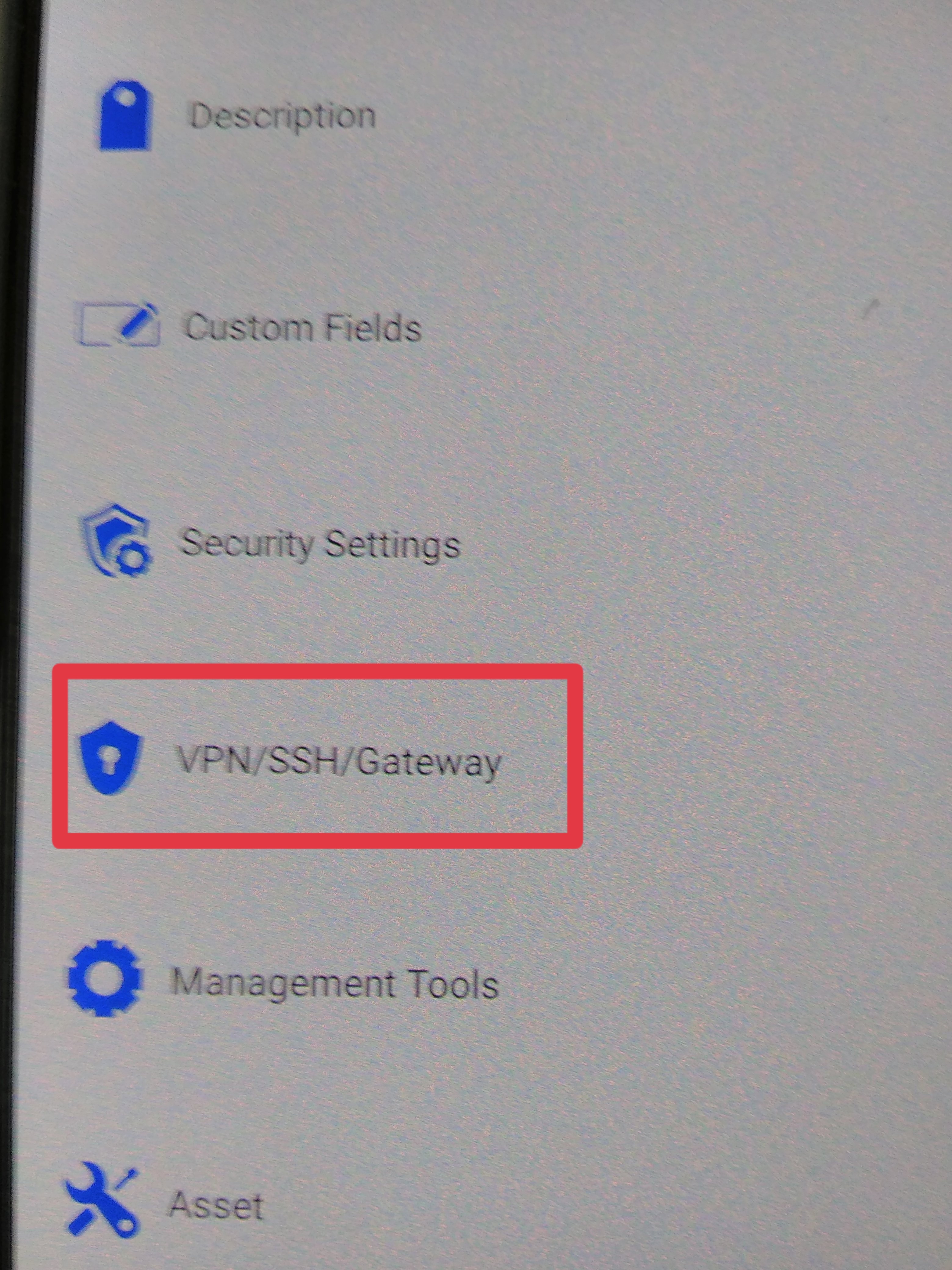
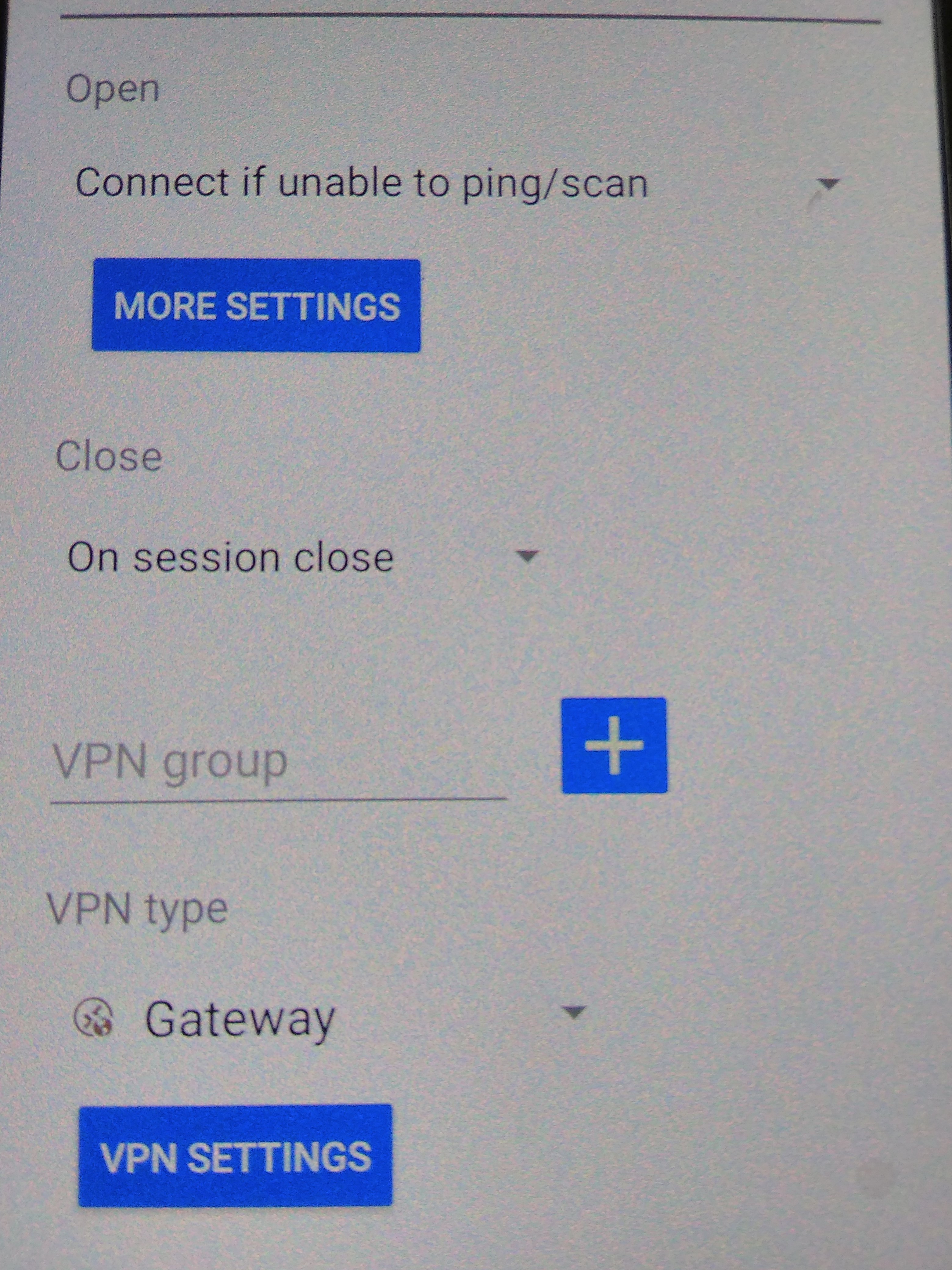
The Remote Desktop Manager application does not allow using Microsoft VPN, SSHTunnel and other types of connections when connecting (seen in the photo). At the same time, I installed the entire application from the developer Devolutions from the Play Market, but the application still gives an error: This mode is not supported. How to install modules to support these modes ?! What should be done?!
Tell me please!


P.S: OS Android 10.0