How does a VPN over a Remote Desktop Gateway work?

Hello!
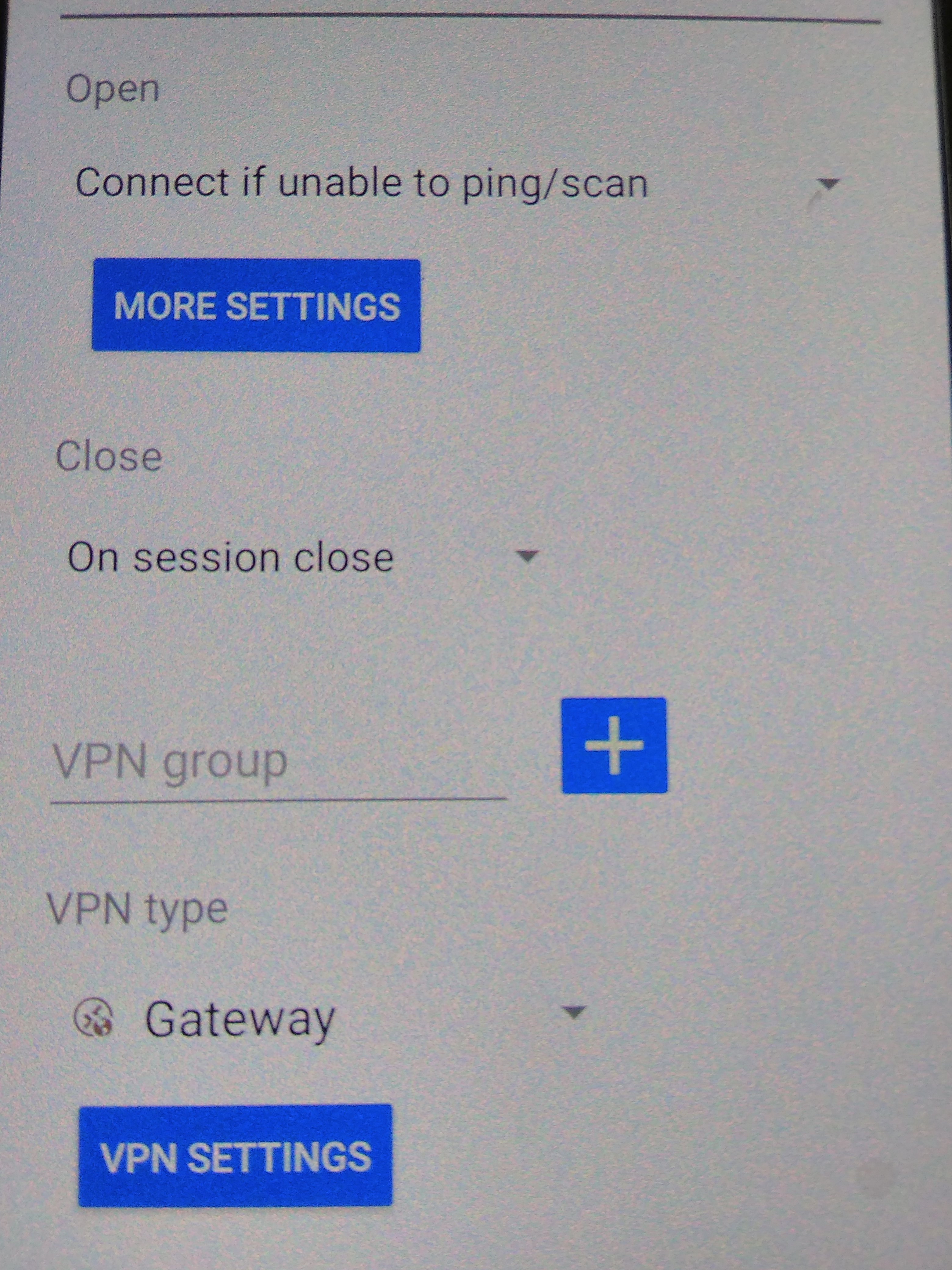
When creating a new telnet (or any other) connection in the VPN/SSH/Gateway tab, you can select RDGateway. It turns out that if the Remote Desktop Gateway policies allow connections to ports other than 3389, you can connect to any protocol and use the RDGateway proxy?! Or how does VPN over RDGateway work?!
Tell me, please! 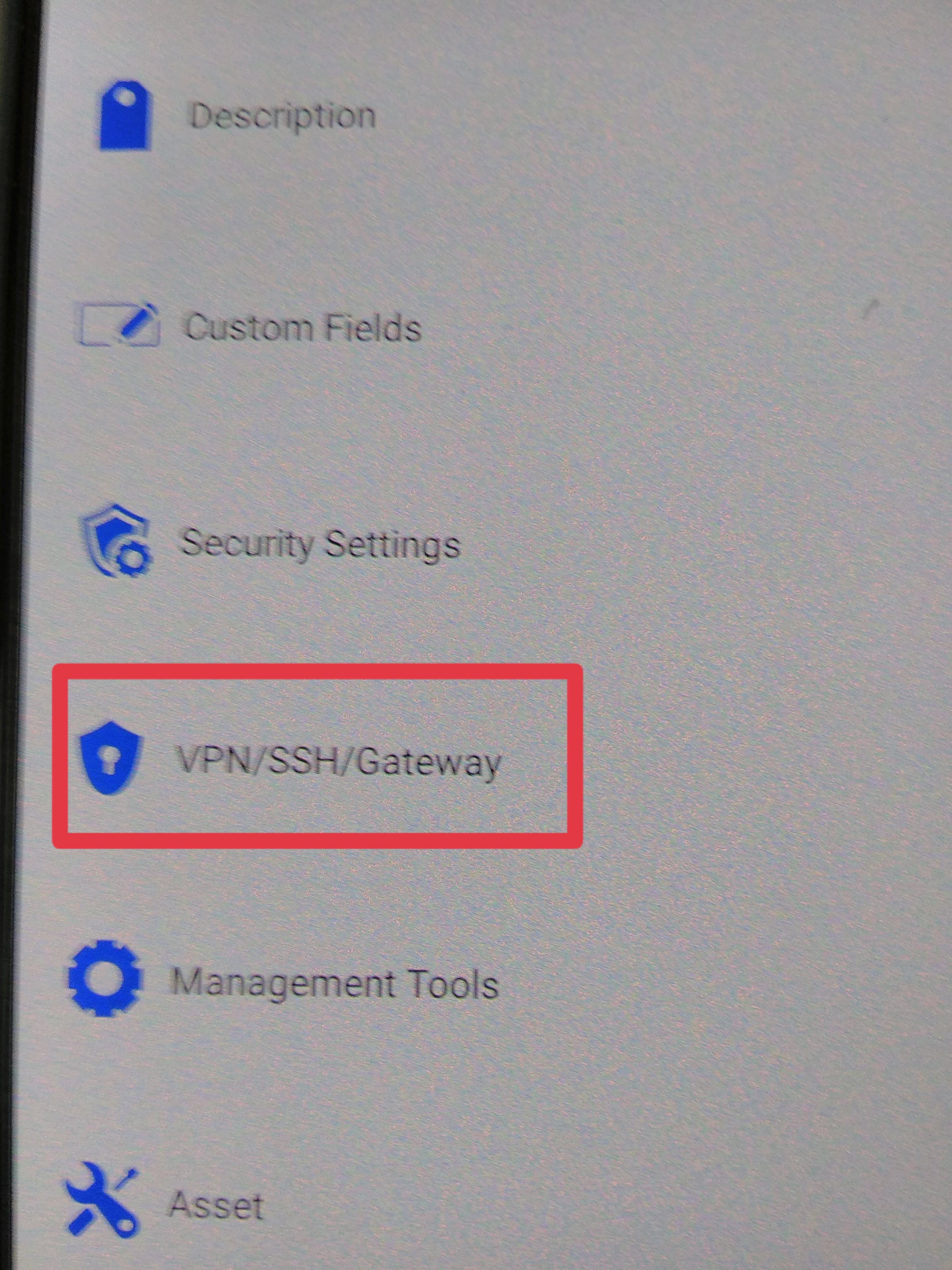
IMG_20201122_104655.jpg
IMG_20201122_105307.jpg
All Comments (1)
Hi,
The VPN/SSH/Gateway section is available for all session types. However, the Gateway VPN type (which is a RDP Gateway) can only be use by session of type Microsoft Remote Desktop. A Remote Desktop Gateway will have to be installed in your environment. You will then create a session on type Microsoft RDP Gateway and in that session's configuration you will enter the DNS or the IP address of your gateway server. You then create a RDP session and in the VPN/SSH/Gateway section you will select the VPN type: Gateway. A VPN settings button will be displayed, select the button and a window will appear from which you can select the gateway that you've previously configured. When you open your session on RDM Windows, it will automatically go through your gateway server to connect to your RDP Server. This should work on RDM Windows and on RDM Android.
Best Regards,
Nicolas Dufour