
stevenkosyra1
RDM dashboard information is not updated or frozen
Hi Erica,
this issue is definitely related to the dvls server problem we currently have. I was clicking the RDM connection multiple times before realizing something wen wrong. It took some minutes before RDM started the session multiple times. I have booked an appointment with Maxim Robert, we will see what comes of it
regards,
Steven
RDM dashboard information is not updated or frozen
Hi Erica,
I would appreciate it if we could do a support session. because the week started with a new problem that I had never had before we switched to DVLS.
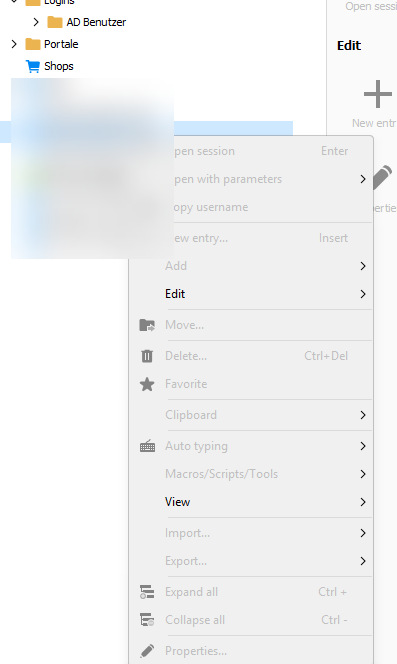
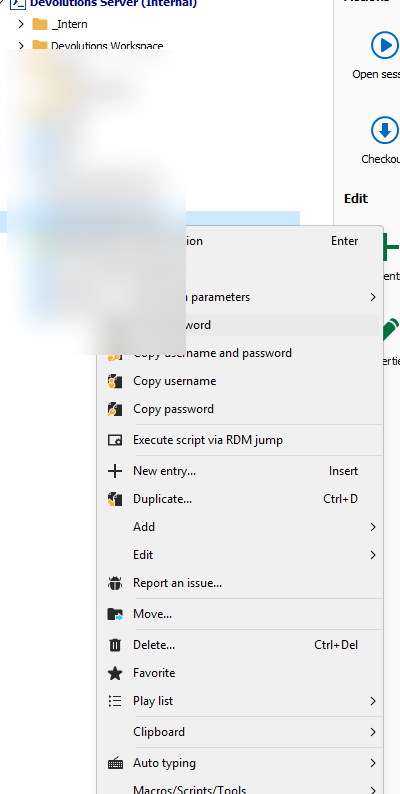
Since yesterday, RDM has been freezing every now and then. Not completely, but parts of the RDM are not updated when you click on another entry. As you can see, the right side and the context menu are updated. There is no "open session" within the context which makes me suspect that there hasn't been an update there either, that I'm no longer on the credentials entry but on a remote desktop entry
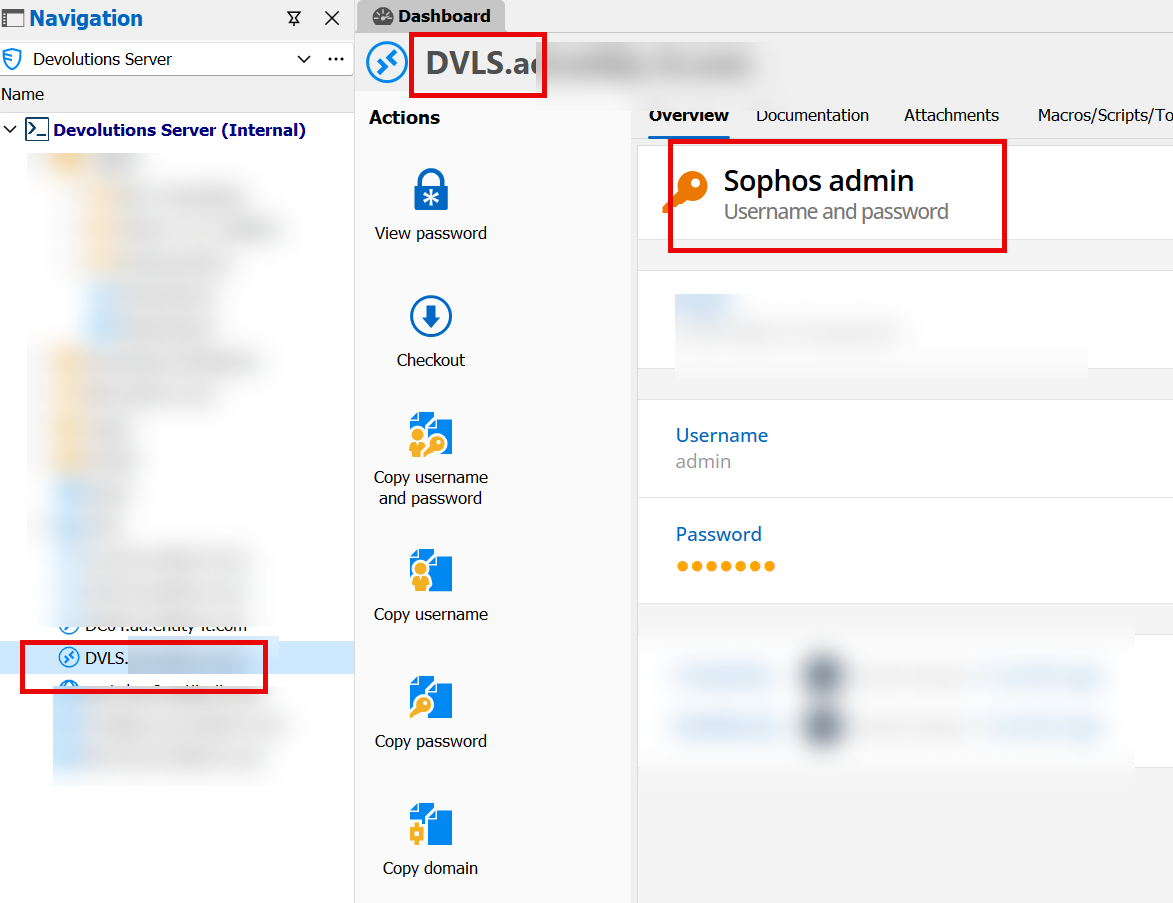
There is no "open session" within the context which makes me suspect that there hasn't been an update there either, that I'm no longer on the credentials entry but on a remote desktop entry.
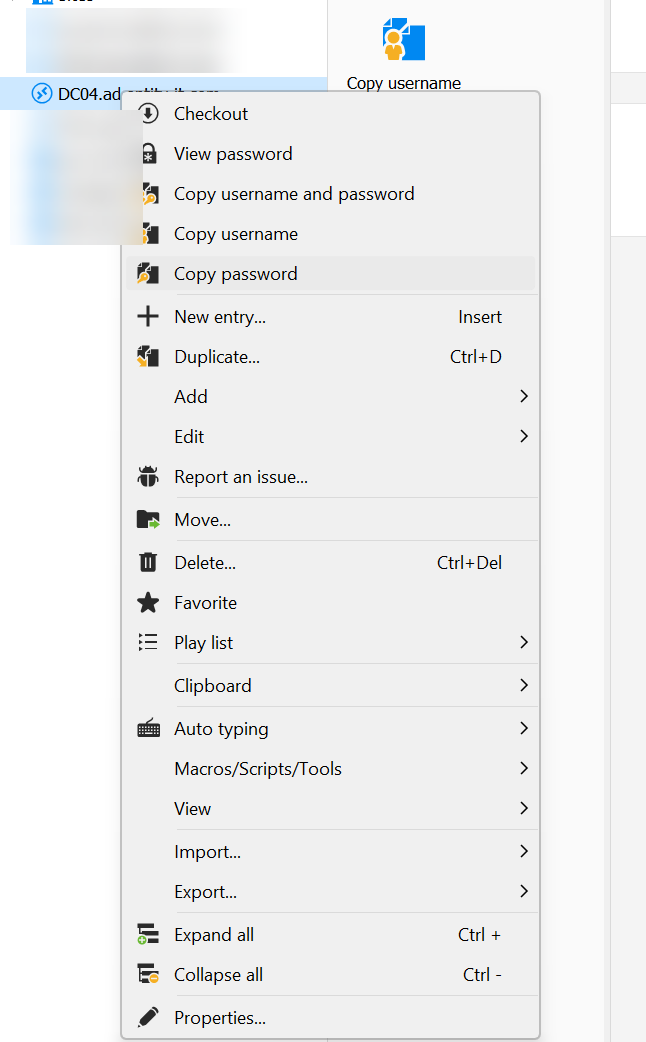
After some minutes of waiting everything is working fine again.
//Add
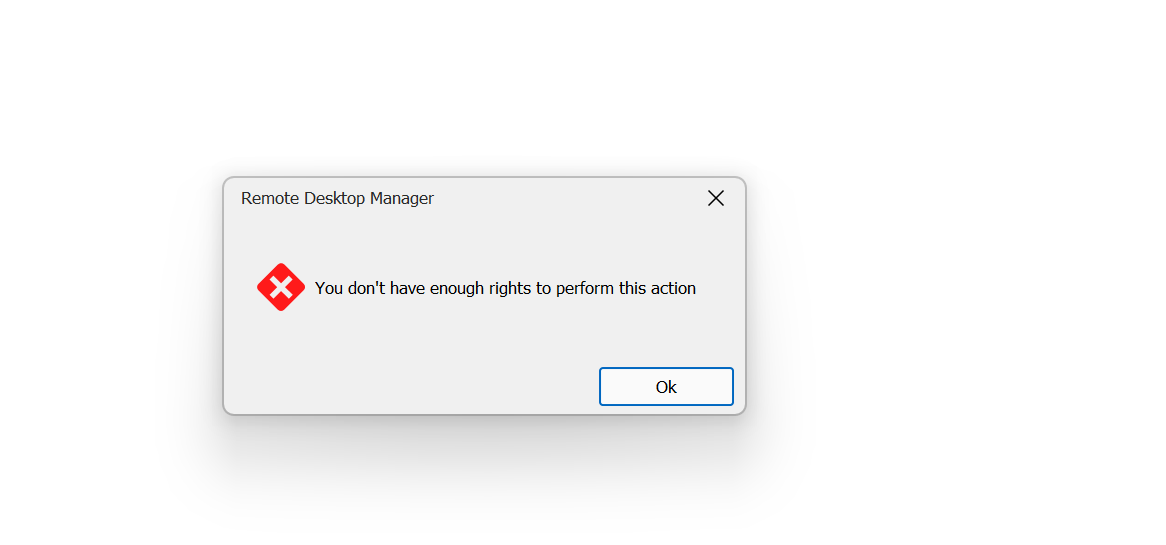
and once again I have no permissions even though I have been actively working in RDM the whole time. Now I have to manually press "file" "refresh". Then watch the progress bar for 5 seconds before I can continue working
regards,
Steven
RDM Connection fails with Entra App Proxy
Hi Erica,
sorry to say but since around two weeks after a weekend starting on a monday morning we recieve "{"errorMessage":"Unexpected exception. Please see server logs for details.","result":0}" while trying to use webinterface. also mobile apps aren't working anymore. Honestly currently i dont want to deal with it anymore and thinking about going back to Azure SQL.
btw. i still dont get any notifications about ne posts. I even check exchange message Trace logs, there is no mail from forum
RDM Connection fails with Entra App Proxy
Hi Érica,
sorry for late reply, due too holidays and vacation it took some time.
After setting the User only the tokenID for authentication it was let's call it okay. Now after some weeks of vacation its back to almost unusable. RDM is getting its timeout or whatever the problem is pretty much every time i go and get a cup of coffee. I just came back from an offline meeting,my notebook fans where on absolut maximum speed. i unlocked the screen and saw this again

For some tasks we have to switch between multiple customers, however, the problem does not depend on it. This also happens by just browsing and trying to get login data from workspace. it's really frustrating to visit a website and workspace says "there are no login details for this site" only to find out that I have to open the RDM, press refresh, log in to 365 and then click workspace refresh to finally have the login details
regards,
Steven
RDM Connection fails with Entra App Proxy
Hi Érica,
I think I expressed myself incorrectly here. as mentioned in one of my first posting we just switched over from Azure SQL to DVLS with an local SQL. I was just trying to describe what it fells like and was trying to compare it with our previous datasource. We have no more azure sql. We are two users having the same issues but only me is using RDM on regular basis.
Nevertheless since i set "use only the tokenID for authencation" as requested the amount of disconnects / timeouts/ reconnect whatever you call it seems to has reduced to maybe 3-4 a day which is okay. not perfect and we never had such problems when we were using azure sql but we and especially me can live with it.
regards,
Steven
RDM Connection fails with Entra App Proxy
HI Erica,
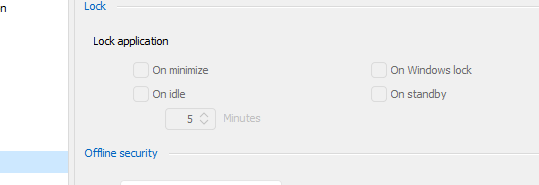
not on DVLS and not possible on RDM since Locking is disabled. To be honest I have never used locking in around 7 years of using RDM since locking Windows is fine for us. The current behaviour RDM is showing is more likely using azure sql as datasource and disconnect from internet without switching to offline mode. its more likely an timeout instead of an planed function. Since we came from three years Azure SQL to DVLS i can compare this behavior very well
regards,
Steven
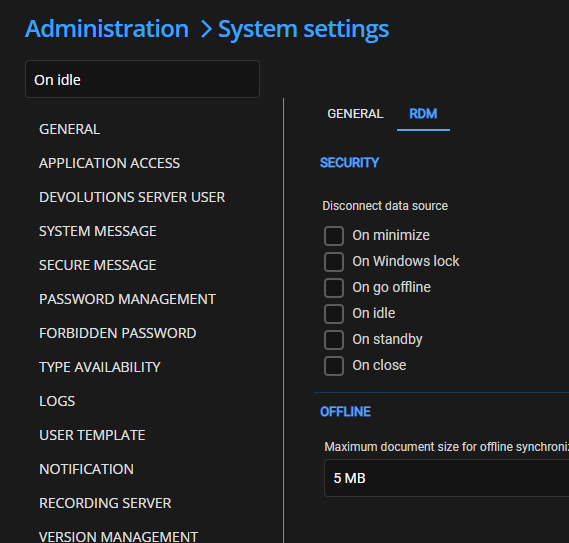
/add
was around 20 minutes away from screen, came back to this :/

RDM Connection fails with Entra App Proxy
Hi Erica,
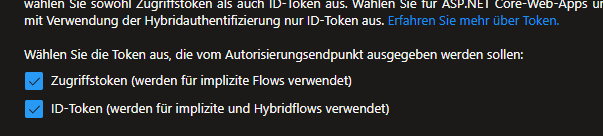
can confirm, both options are enabled. As i said, in general its working so i dont think its an configration issue in authentication itself. its more like an timeout as soon as i dont use RDM for some minutes.
// add
oops didnt read your post correctly. "use only the tokenID for authencation" was indeed disabled . i have enabled this now

regards,
Steven
RDM Connection fails with Entra App Proxy
Hi Erica,
the logs have just been sent. Feel free to contact me if you have any questions. May answer my mail since it seems i dont receive any notifications from forum itself.
regards,
Steven
RDM Connection fails with Entra App Proxy
Hi Erica,
just left a teams meeting on 10:05 am (local time) discovered RDM was timed out which result in this error while trying to open any connection
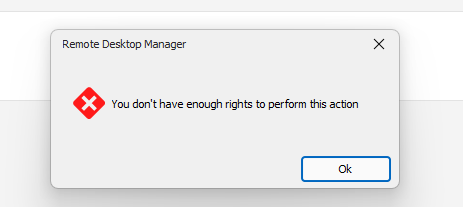
if have to manually refresh using the menu bar (may f5 is working too, i didnt try) which result in waiting for authentication screen
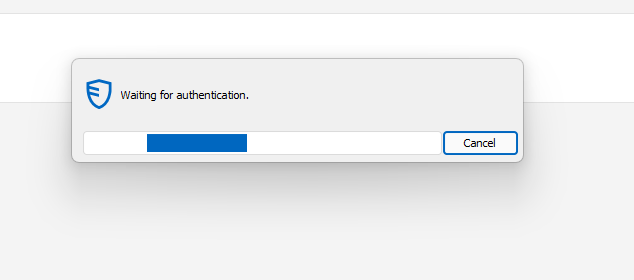
after around 5-10 seconds of waiting RDM is fully working again as expected
DVLS Data source logs just showing the authentication process which was started manually by myself

RDM Connection fails with Entra App Proxy
Hi Erica,
sorry for late response it seems like i didnt get any notification so i missed your reply. Sure i will check for logs asap and send over requested files.
Just for your information, we updated to v2024.3.9.0 in order to may fix the problem unfortunately it doesnt and even worse since the update the authentication using direct connection fails.
just give me some hours so get the logs.
Thanks in advance
regards,
Steven
//add
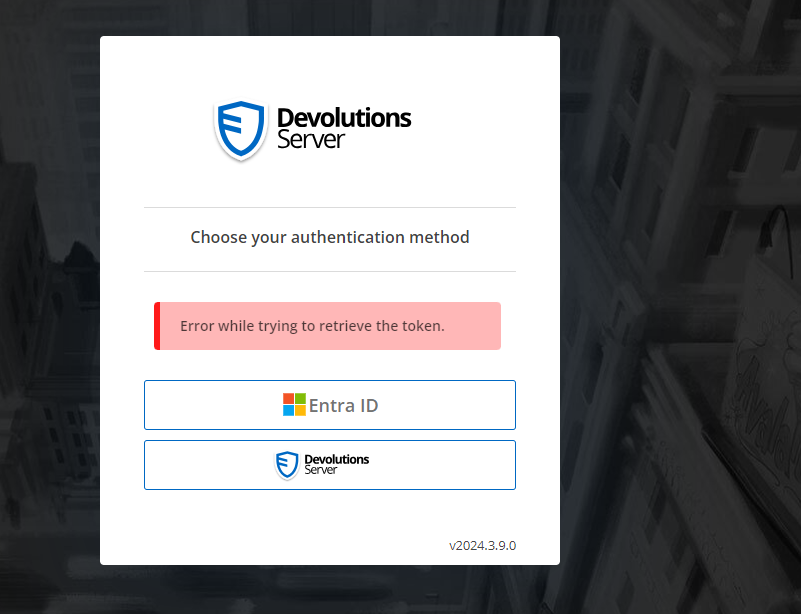
while trying to access DVLS Webinterface i discovered following error. Which is interessting since authentication using RDM is working fine.....
RDM Connection fails with Entra App Proxy
Hi all,
we are switched over to DVLS recently so we have no comparison to old versions but we have the same problem in our setup using Entra APP proxy.
RDM 2024.3.14.0 64-bit
DVLS 2024.3.2.0
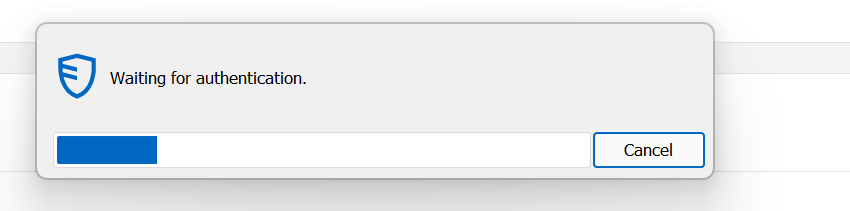
Starting RDM and authenticate is working fine so there should be no configuration issue. But becomes unusable after a few minutes showing "Waiting for authentication" in virtually every action. Switching vaults -> reauthenticate
Closing a session -> reauthenticate
If you don't use the RDM for a while and then take it out of the tray again, almost all functions are disabled until you manually press refersh, which causes a new login and only then can you work with the RDM again.
Using devolutions Workspace Browser plugin is practically impossible, because if RDM gets the timeout which you don't notice, the plugin claims that no access data is stored.
for testing we will also switch over to direct connection to verify its an app proxy related issue
//add
while using direct conncection to dvls server there was not a single authentication issue within 4 hours
[solved] once again password lost after Update / 2024.1.12.0
Hi David,
thanks for the link. I can confirm the password is back again.
Thanks for your assistance. Unfortunately i didnt realize there is already a new version after installing the Update just yesterday.
regards,
Steven
[solved] once again password lost after Update / 2024.1.12.0
Hi all,
once again it seems like RDM lost a password stored within an Session. This time the problem appears after upgrading to latest Version 2024.1.12
as you can See Credentials are set to "username and password" username is still stored but the password is lost.
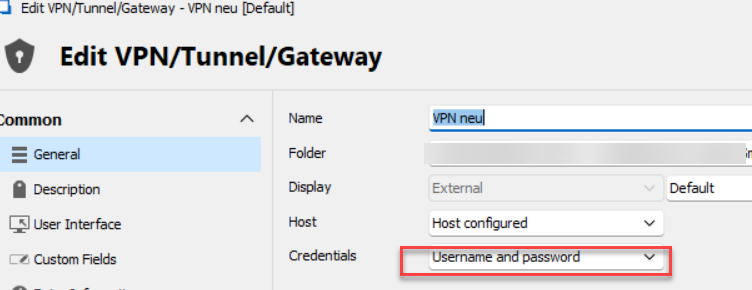
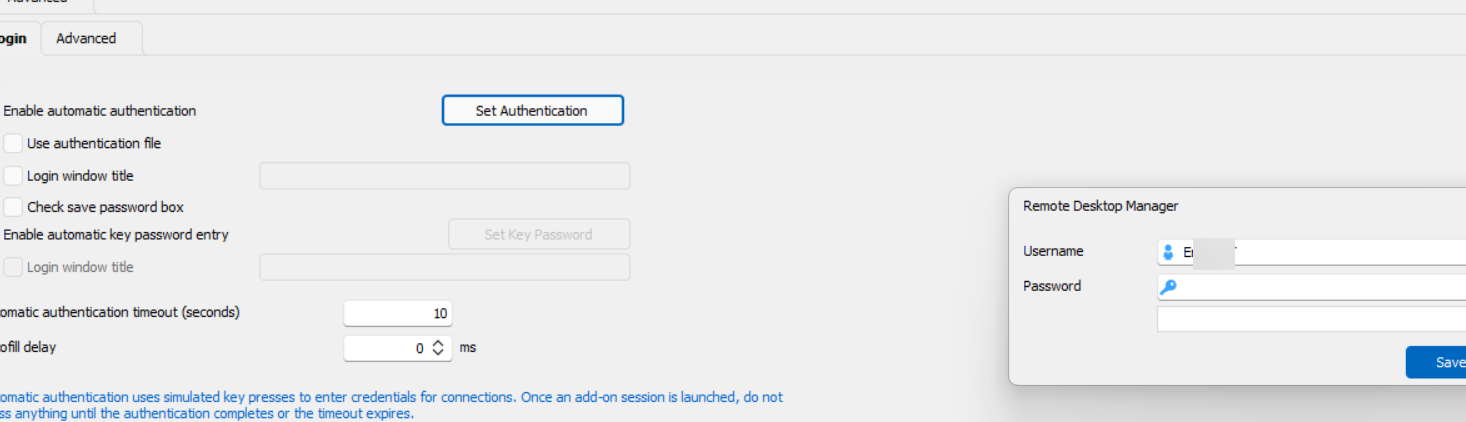
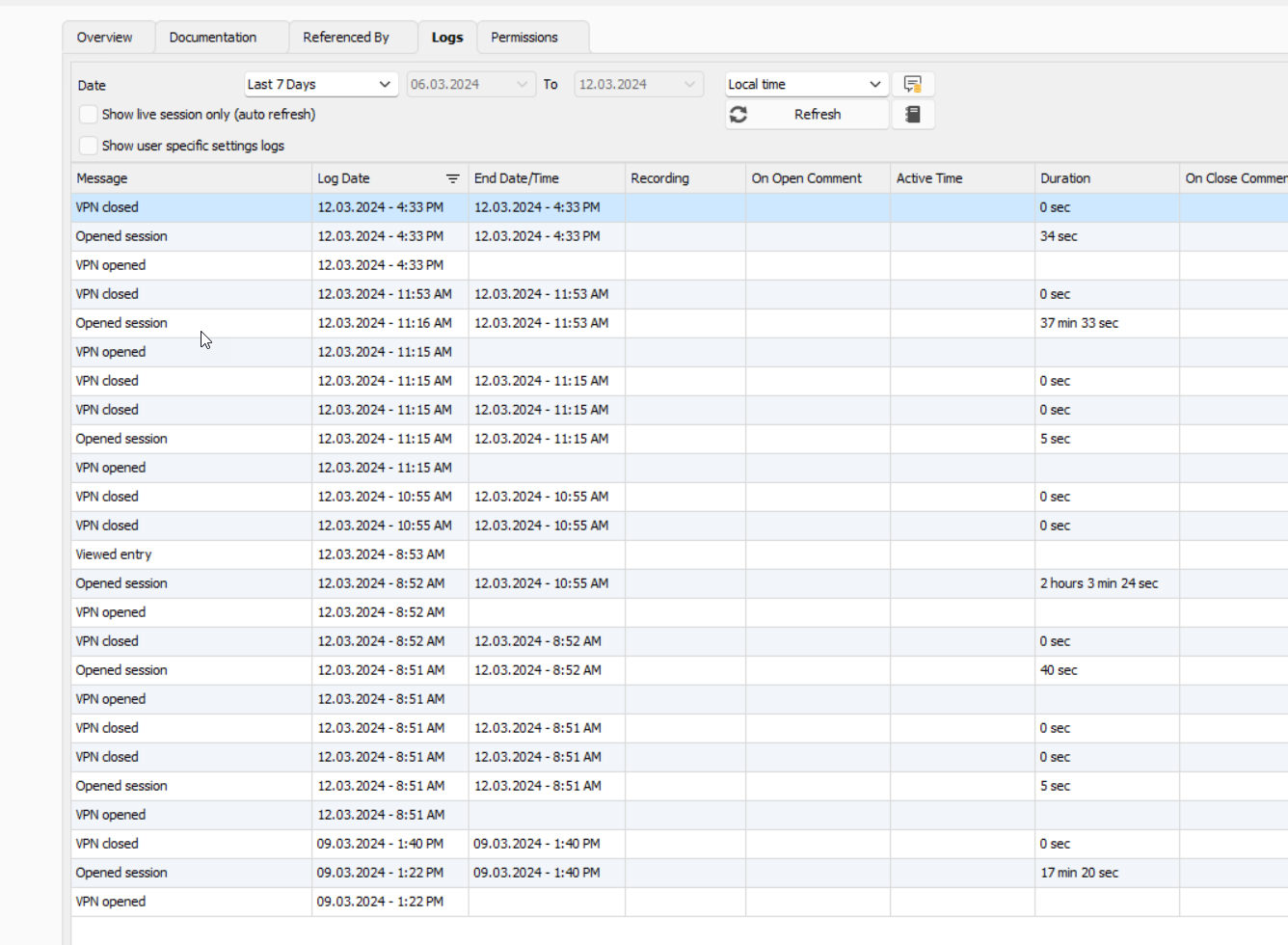
as you can see there was definitly no changes made to this VPN entry
last change was in June 2023 when password was stored to Session
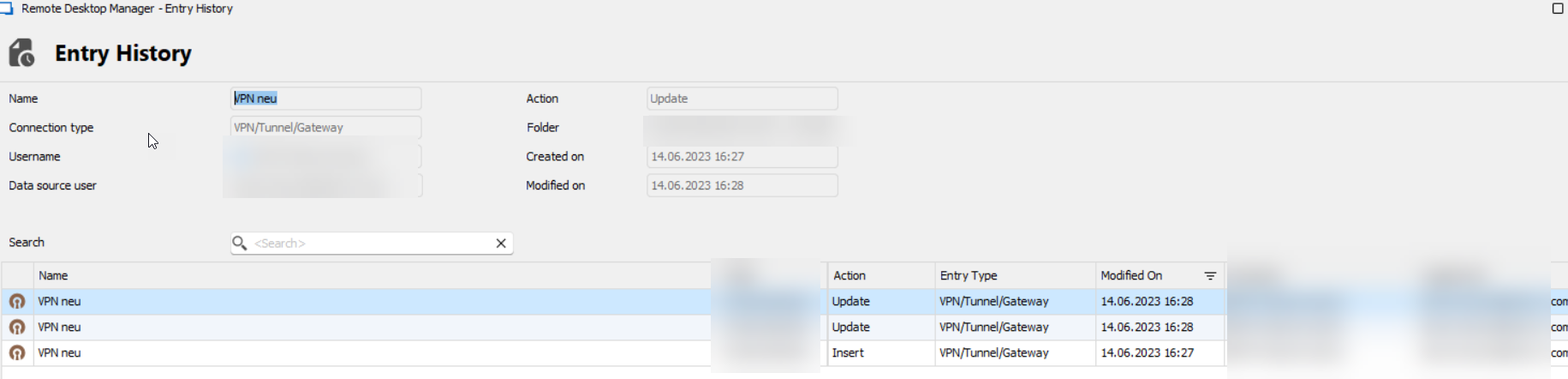
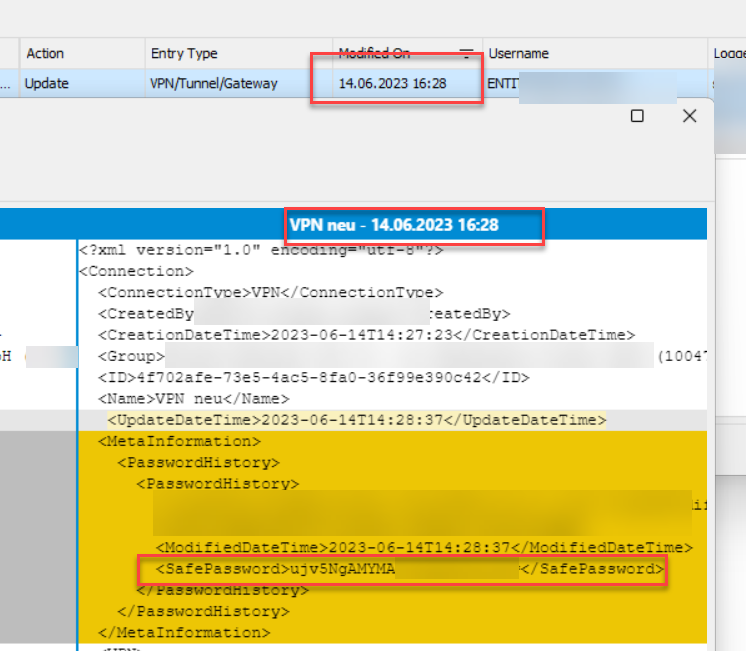
As you can see, I use this entry regularly, So i can surely say the password was lost after the latest upgrade of RDM
any else have such Problem?
regards,
Steven
when switching to SSH session, ESC key is stuck
Hi all,
we also have been having problems with the SSH connection for a few days. SSH Sesions just freeze or unable to use for example using backspace isn't working or using arrows results in random chars.
For example i was just writing "pip" result in following

This bug still exists in latest version 2023.2.32.0 64-bit
We have this for every SSH session, no matter which system Linux (Ubuntu, Debian) or BSD
regards,
Steven
RDM is losing data, once again
Just had an remote session with the guys from devolutions. There was no data lost, just moved by magic....
Thanks again for your help and support as well as the nice conversation !
PS: Password is changed now, this was necessary anyway because it was a temporary password (since 11 months .... :D )
regards from Germany,
Steven
RDM is losing data, once again
Hi Stéfane,
we can go into investigation mid of next week because of our current workload. Feel free to contact me by mail or DM
regards,
Steven
RDM is losing data, once again
Hi Stéfane,
sorry for late response didnt realized your response. Attached you find the results of the requests. Blurred entries are different customers.
regards,
Steven


RDM is losing data, once again
HI all,
sorry for late response. Unfortunatelly we just have 7 days backups and i already checked the latest backup as soon i found out that the entry is missing.
So there is no way get the entry id. The VPN connection belongs to one of our first customers and it was definitly there on 30.5.
we moved from on premise sql to azure sql around 8 months ago, since then the entry was existing.
unfortunately its not the first time RDM is losing data without any traces (check my previuous threads where RDM was losing credentials by just move entries between folder). I will check sql database manually, for the missing entry and get back to you later
treid to search database by installing management studio searching connections table

regards,
Steven
RDM is losing data, once again
Hi James,
sure delete the entry within the sql directly would explain why the entry is lost without any trace. However only two user using this datasource, i am the owner of the company and my colleague is currently at holiday. I can't imagine my colleague wanting to annoy me within his holiday also since the notebook is still in the office ;)
We dont use multi vaults and i also restored the entry yesterday (to a different path to prevent from any issues while troubleshooting) which is the only one i found by using the multi vault search
reagrds
Steven
RDM is losing data, once again
Hi James,
i already mentioned that there is no deleted entry "also the entry is not withing the "deleted entries" which would allow to restore the entry. "
I was running 2022.1.25.0 till i realized the problem, then i updated to 2022.1.27.0 this morning but didnt help, VPN entry is lost. Datasource is azure sql database
regards,
Steven

RDM is losing data, once again
Hi all,
once again RDM is losing data which are not recoverable in any way.
Today i discovered that there is a empty folder which contained an openvpn connection before. We use this VPN Connection regulary but no more logs for this folder exists.There is no action stored within the activity logs for this entry also the entry is not withing the "deleted entries" which would allow to restore the entry.
its the second time where i discover that rdm is losing data randomly. how can it be that such critical issues exists in this software. Please get in contact with me to solve this problem.

scaling problem while switching 1080p to 4k display
Hi,
after disable hdpli scaling by editing config file. At least on my notebook resolution seems to be fine. I will test switching between full-hd and 4k tomorrow.
regards,
Steven
scaling problem while switching 1080p to 4k display
Hi all,
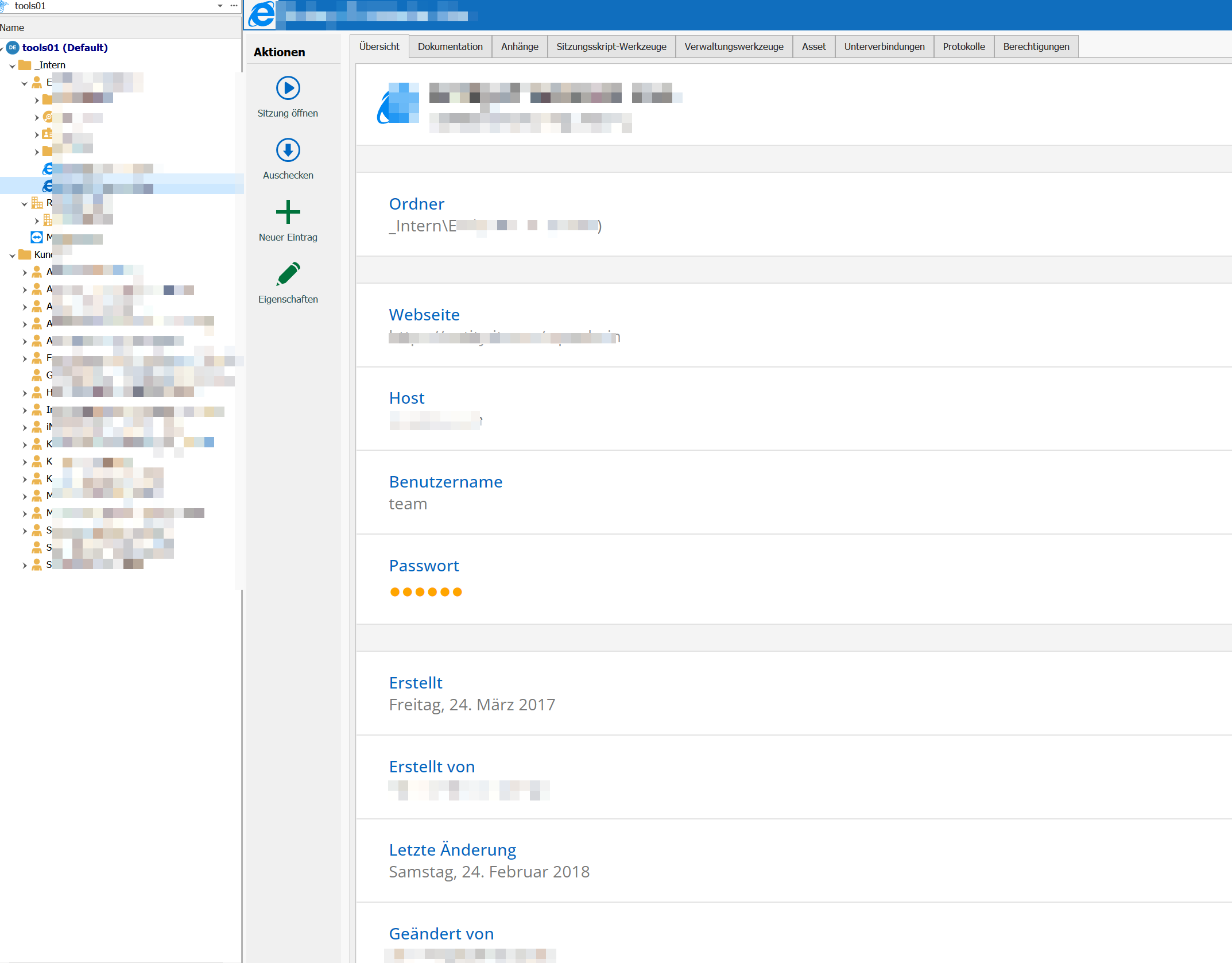
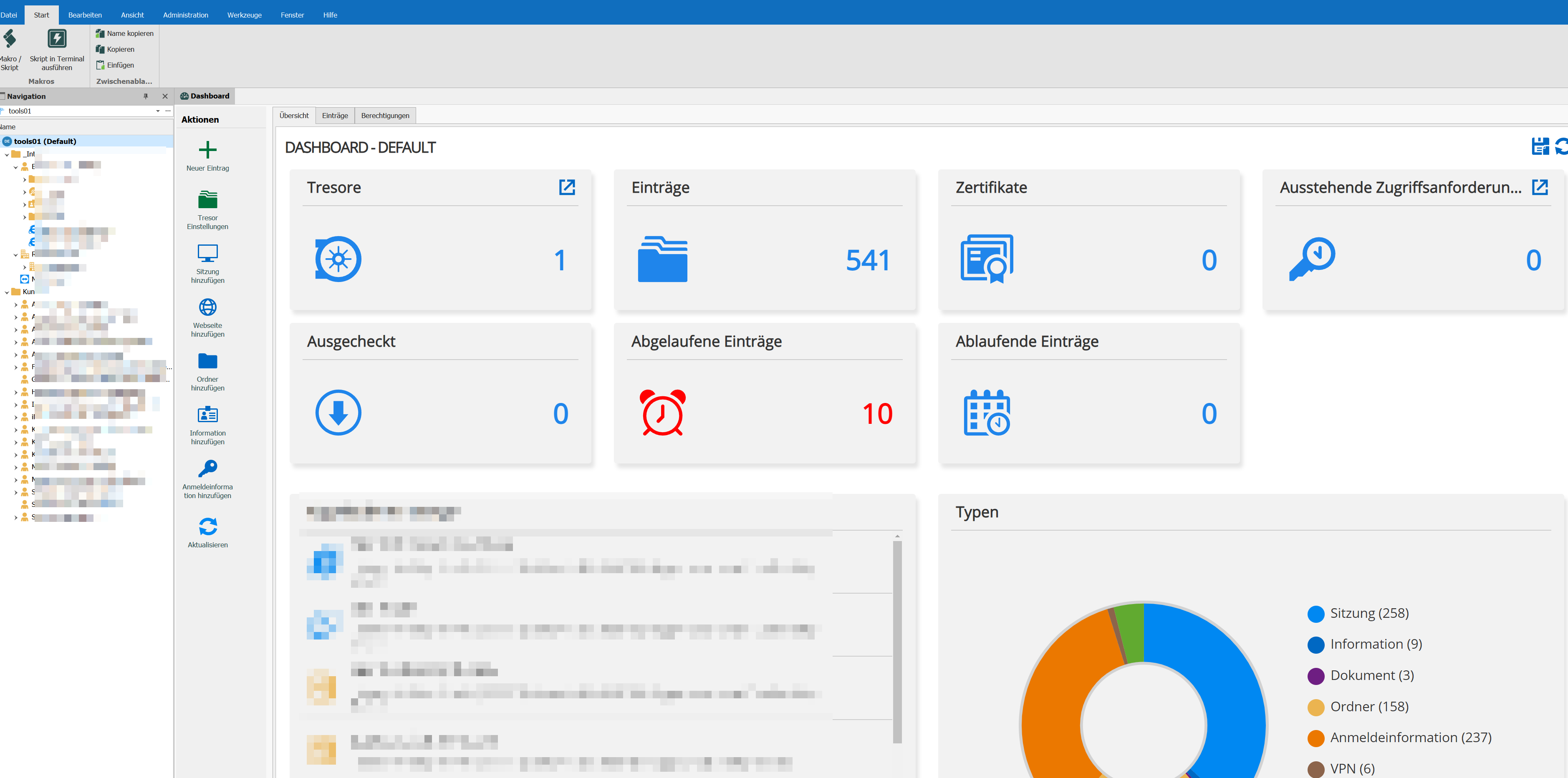
we have several scaling issues while switching between 1080p notebook display to 4k Desktop monitor. This Problem even exists if we disable notebook screen and restart RDM so there are just 4k displays left over connected to notebook. I mean this bug isnt that critical but as ong as i have realy good eyes i dont need this information that size :)
Also sometimes fonts are getting little bit blurred while resize windows size on a 4k display
RDM Version 2021.2.27.0 64Bit
Windows 11 21H2
Missing Credentials after moving folder
Hi Etienne,
the problem just came back. I am now able to reproduce it and it always happens when you move entries while the RDM is in offline mode.
If I am in offline mode and move a folder, the credentials are still saved. When I go online and accept the changes, the credentials disappear.
Im using Version 2020.2.17 with Microsoft SQL as Data Source
regards,
Steven
Missing Credentials after moving folder
Hi,
Credentials is set to default and credentials are stored in entry.
As i said i simply move the folder containing two entries by drag and drop which results in a los of credentials stored within the entries. I was able to reproduce this error by restoring entries to their orignal location and move them again.
After saving lost credentials within the entries when they were on their new location. I was able to move them by drag and drop without losing stored credentials.
With this fear we now have to check if credentials still saved after moving entries or folders containing entries.
