
Kroontje
How to hide/disable the time-out window/message when opening a VPN connection
Hi Zachery,
Pity! But thanks for checking out and letting me know!
How to hide/disable the time-out window/message when opening a VPN connection
Hi Patrick!
Thanks for your reply.
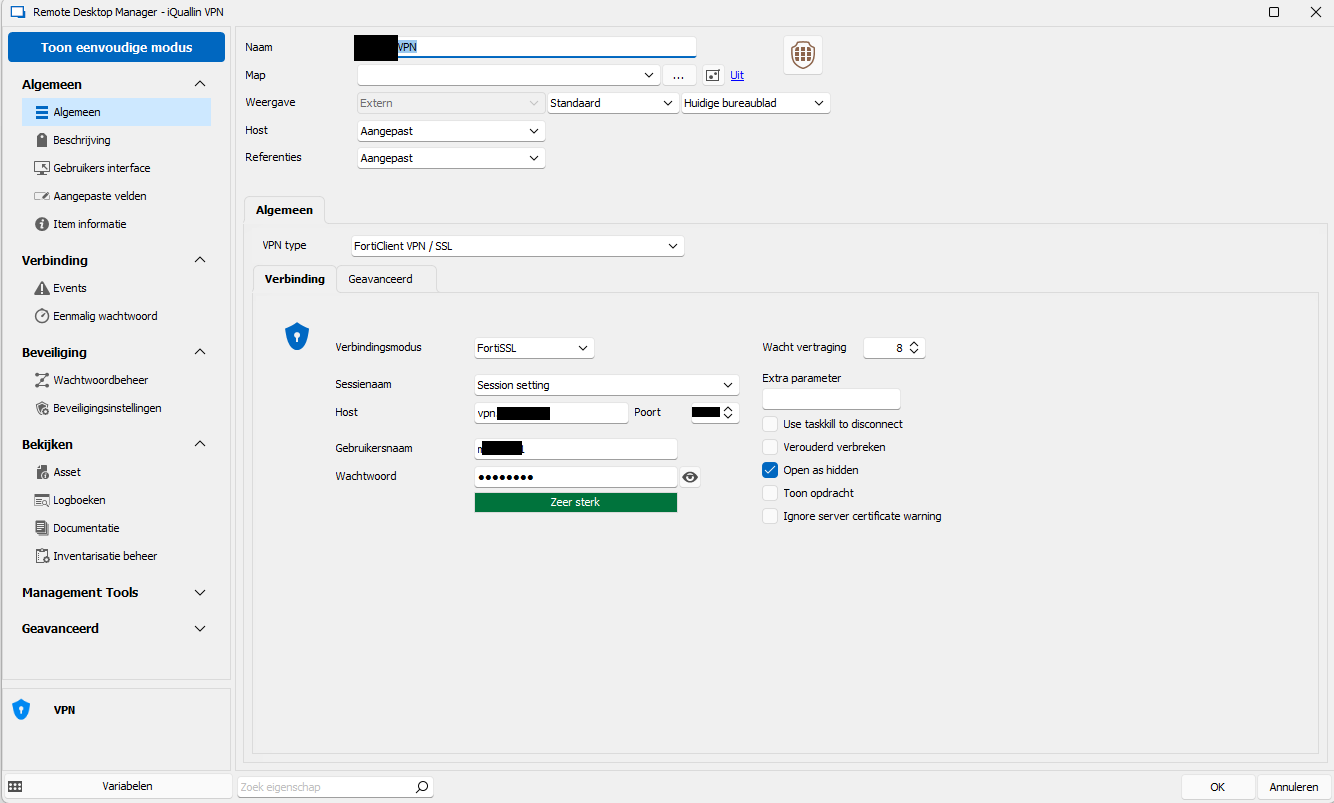
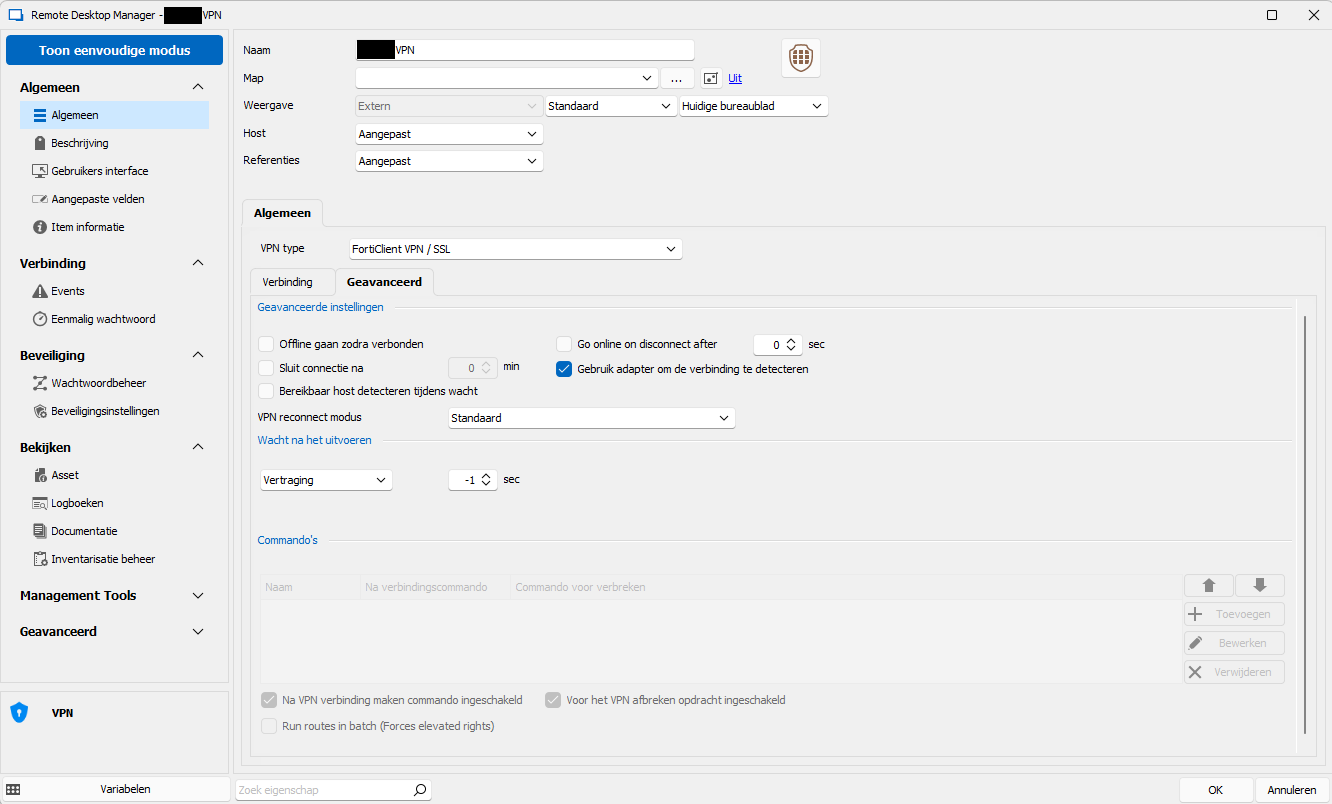
Here are the screenshots as requested.
How to hide/disable the time-out window/message when opening a VPN connection
I have setup a Fortinet (SSL) VPN connection within RDM, which works great.
I have the time-out set to 10 seconds but it would be great if I could hide/disable the time-out window.
Is there a way to hide or disable this window?
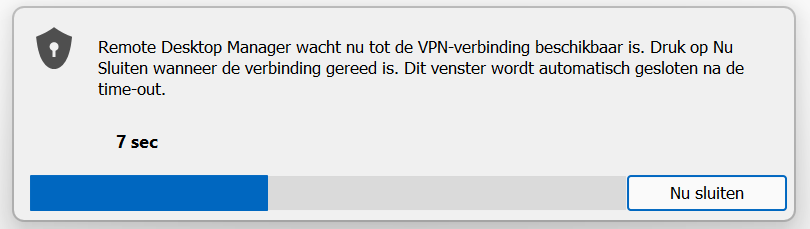
Already tried:
File -> Options -> User Interface and change the Wait progress mode for Status Bar or None
That didn't work...
[SOLVED] Auto hide navigation (MacOS)
Awesome! Thanks @Xavier
[SOLVED] Auto hide navigation (MacOS)
Just got a new MacBook and installed RDM. Coming from a Windows machine and using the auto-hide the navigation (left) bar.
I can not find this option anywhere on the Mac version. Is this just not possible or am I not seeing the option?
Is it possible to exclude (some) keyboard keys from passing to a remote (RDP) session?
Thanks Patrick, I'll have a look if I can tweak the keyboard a little.
Is it possible to exclude (some) keyboard keys from passing to a remote (RDP) session?
When I change it to "on the local computer" my key combo works.
Except (of course) my Windows key is not passed to the local machine.
Is there a way to have all keys passed to the RDP session except for a key I specify?
This way I can exclude my key combo to pass to the RDP session.
Is it possible to exclude (some) keyboard keys from passing to a remote (RDP) session?
I just did a reset and I now have the magnet in the lower status bar.
Though disabling or enabling does not make a difference. I cannot minimize RDM with my key-combo when connected to a RDP session.
Is it possible to exclude (some) keyboard keys from passing to a remote (RDP) session?
Hi Patrick,
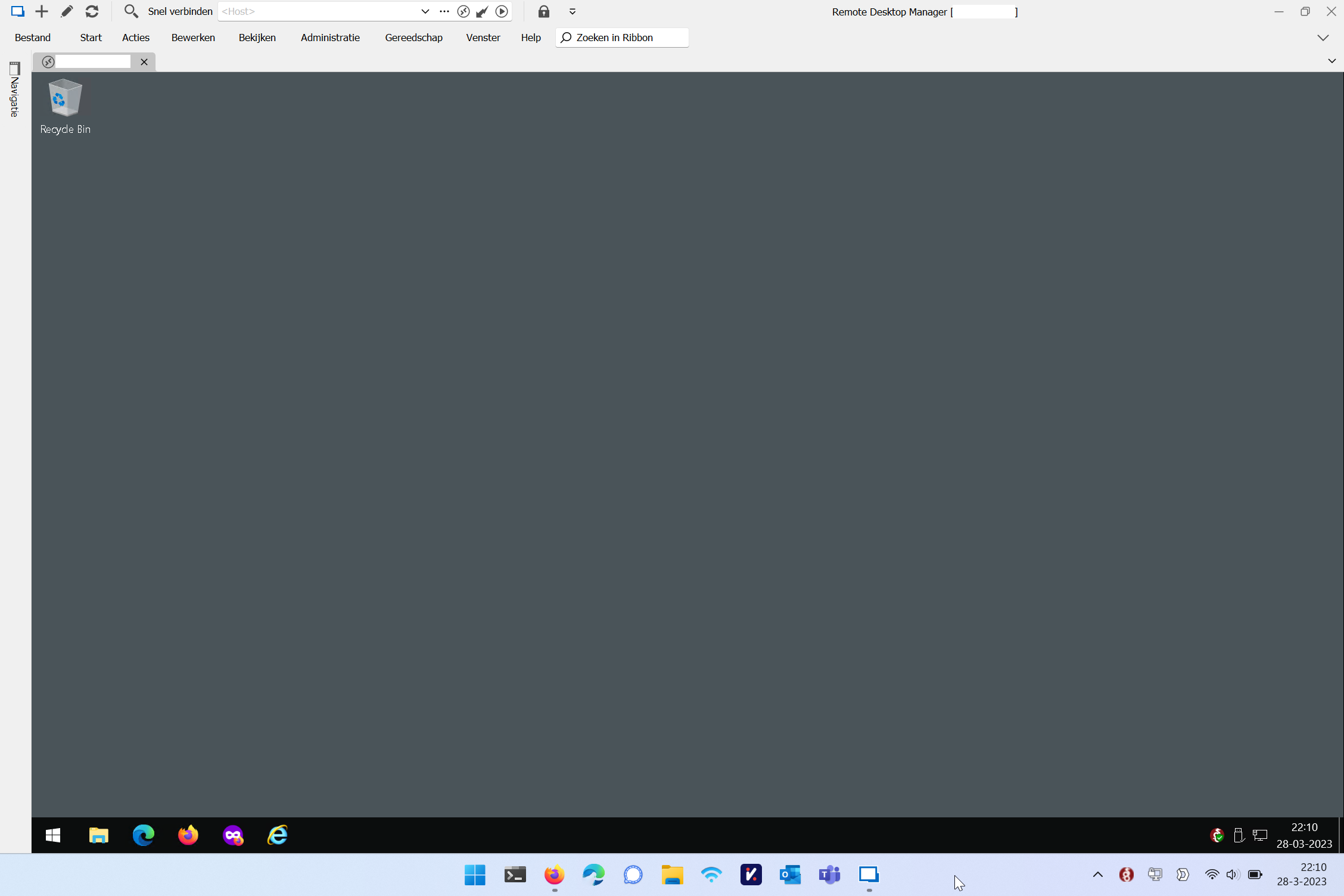
Here is a screenshot of my setup:
Is it possible to exclude (some) keyboard keys from passing to a remote (RDP) session?
Thanks for the reply!
I can't find the magnet icon on my install (Free version - 2023.1.14.0 64-bit).
Though I have a button named "Windows key on external computer". If I disable that it does work.
But... my Windows key (of course) is not passed to the RDP session.
Is it possible to exclude (some) keyboard keys from passing to a remote (RDP) session?
I have the application AutoHotKey installed and created a script to map the alt+f9 button to minimize my (active) windows.
This works with RDM open except when I'm connected to a RDP session. With a connected RDP session the key combo is passed to the RDP session and does not minimize the RDM window.
Is there a way around this? Can I for instance exclude the F9 key from passing to a RDP session?
Change in DPI scaling since (one of the) last update(s)?
Already found the culprit:
The box "Disable RDP scale factor (HDPI)" was ticked.
FIXED!
Change in DPI scaling since (one of the) last update(s)?
I'm running v2022.2.18.0 at the moment and have my laptop resolution at 2256x1504 and scaling set to 150%.
In the past I could connect to all my RDP servers without problems but since one of the latest updates all servers are not DPI aware I think. Everything is utterly small. Are there any changes made with regards to resolution/scaling/DPI in recent releases?
I have checked the change logs but could not find anything...
[update]
Already found the culprit:
The box "Disable RDP scale factor (HDPI)" was ticked.
FIXED!
[SOLVED!] Feature request: typ in multiple windows at once
@Richard
This is plain AWESOME!
Didn't know about this feature, should have looked in the KB first. ;-)
Many thanks!!
[SOLVED!] Feature request: typ in multiple windows at once
I'm using the embedded sessions a lot and use 4 SSH sessions at once. Works great!
What would be really awesome if you can typ in all 4 windows at the same time.
So for instance when I type "sudo apt update" it will run the command in all 4 windows at the same time.
Error message when doing a "sudo reboot" with a SSH connected Linux server
I'm getting an error when doing a "sudo reboot" with a SSH connected Linux server.
I've got this since I've updated to version 2020.2.19.0 (x64).
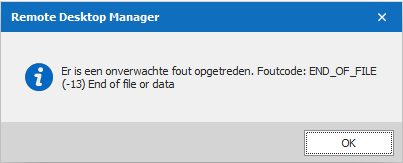
Attached is a screenshot of the error message
.
Scroll cursor in terminal/ssh
Wicked!
Thanks a lot @Hubert.
I'l be looking forward to the new release.
Scroll cursor in terminal/ssh
Thanks a lot! Appreciated.
Scroll cursor in terminal/ssh
Hi Denis,
Indeed that is what I'm talking about! Sorry for not being that clean. :-)
I'm mostly using nano, but vi and vim also.
Good to hear it was in RDM before, I though I was losing my mind. ;-)
Scroll cursor in terminal/ssh
With RoyalTSX (on my Mac) I can scroll through text files in Terminal/SSH with my mouse wheel. The cursor moves when scrolling.
I think this worked in RDM on my Windows machine before but it's not working atm.
Can someone enlighten?
Easy to use terminal commands
Many thanks for the detailed answer!
I will use the typing macro for now and hopefully in the near future we can have ssh command line entries. :-)
We're thinking of allowing a user to choose "favorite" macros like you were describing, accessible through either the terminal's context menu or its toolbar, for quicker access.
Sounds awesome!
Easy to use terminal commands
I'm a long time RoyalTSX user and recently switched to Windows.
With the switch to Windows I also tried RoyalTS and RemoteDesktopManager for Windows.
I favour RDM but what I miss are my frequently used terminal commands favourites.
With RoyalTSX I had a list of frequently used terminal commands (for instance: sudo apt update && sudo apt upgrade).
When I was connected to a Ubuntu server and double clicked such favourite command it executed on the open tab.
I can't seem to find something like this in RDM.
There is a SSH terminal command macro but when executing a command from such macro it opens a new tab instead of executing it in the current tab.
Any help is appreciated!