How to hide/disable the time-out window/message when opening a VPN connection
How to hide/disable the time-out window/message when opening a VPN connection

I have setup a Fortinet (SSL) VPN connection within RDM, which works great.
I have the time-out set to 10 seconds but it would be great if I could hide/disable the time-out window.
Is there a way to hide or disable this window?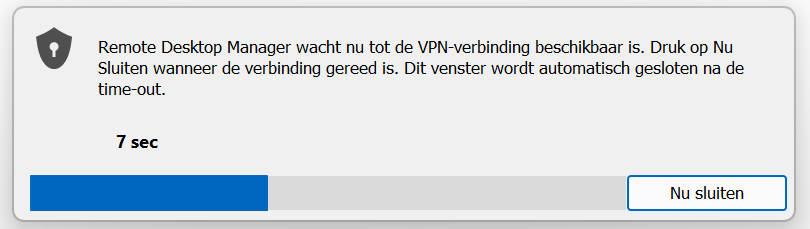
Already tried:
File -> Options -> User Interface and change the Wait progress mode for Status Bar or None
That didn't work...
Screenshot - 2023-06-28 at 18.55.48.png
All Comments (5)
Greetings Kroon,
Thank you for reaching out to us regarding this matter. I will conduct some tests in the upcoming days to determine if it is possible to hide this option.
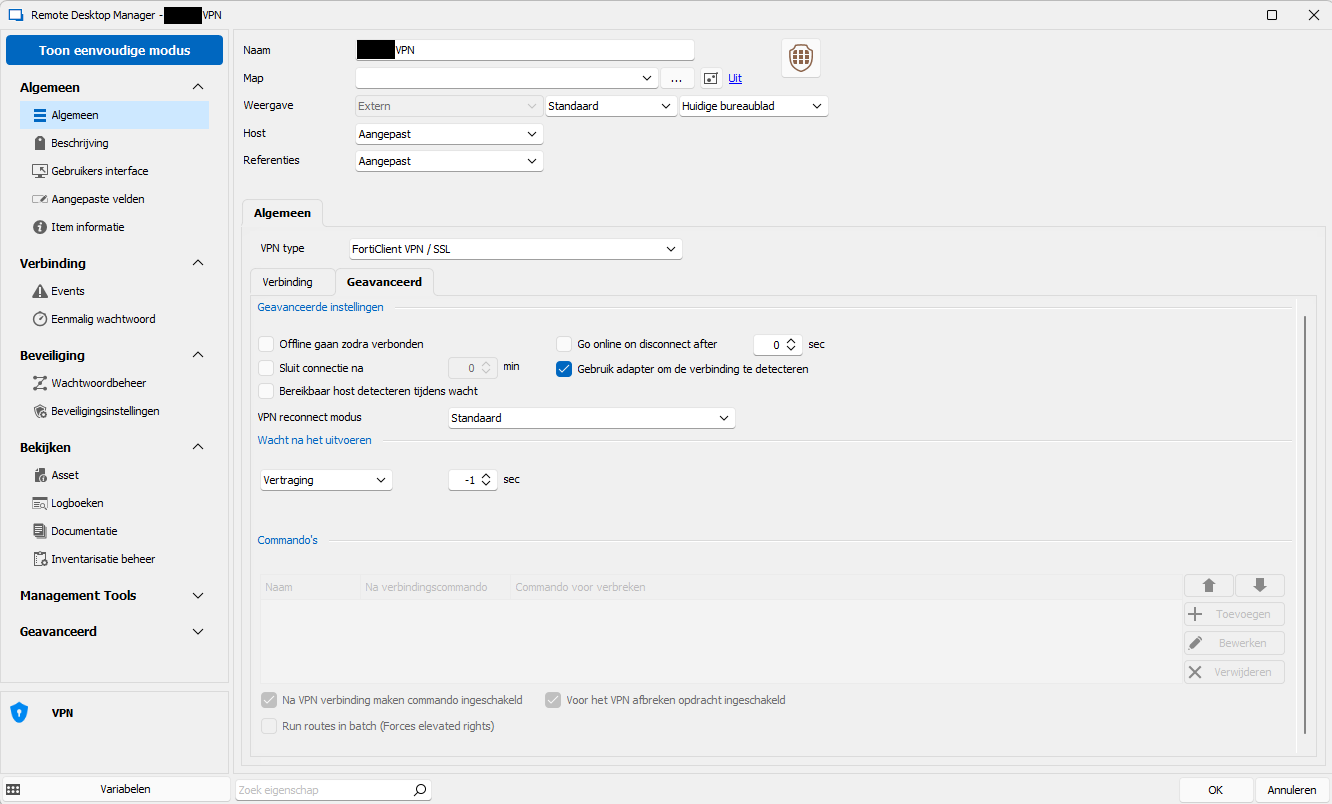
In the interim, could you kindly provide me with the properties of this entry? Please note that this information will be visible to the community, so I would recommend that any sensitive information be concealed.
Best regards,
Patrick Ouimet
Hi Patrick!
Thanks for your reply.
Here are the screenshots as requested.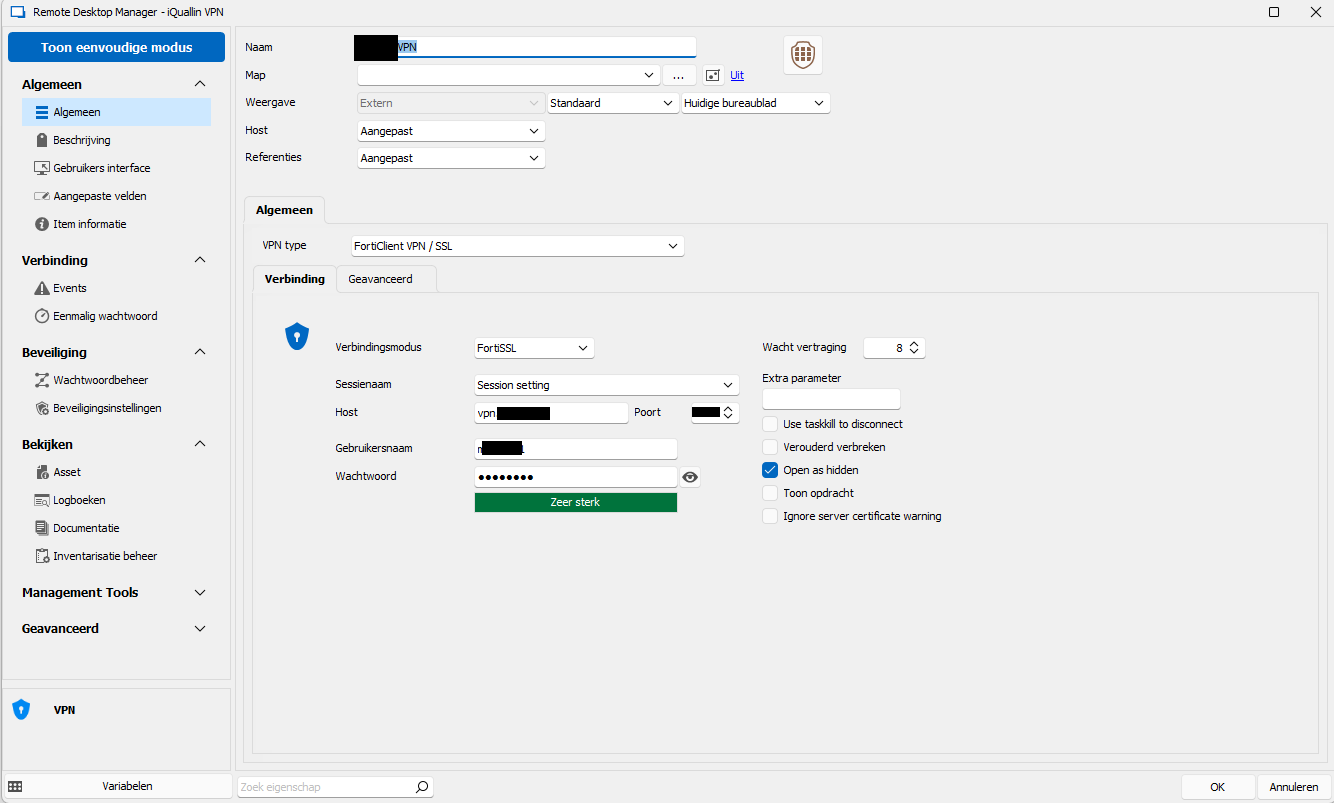
Screenshot - 2023-06-30 at 09.50.59.png
Screenshot - 2023-06-30 at 09.50.48.png
Hello,
Thank you for these screenshots, after looking through RDM and your related VPN entry properties, I don't believe that there's any way at the moment to hide or disable this VPN window.
To my knowledge, the "Status Bar" is not releated to the VPN window but rather the bar at the bottom of the application.
Best regards,
Hi Zachery,
Pity! But thanks for checking out and letting me know!
Hello,
just to be sure I understand, you can't set the wait to 0 because Fortinet has to initialize but you would like RDM to no show the wait dialog?
Regards
David Hervieux