
rferreira
Error screen flashes and then closes while attempting to RDP into server
Thank you for both your replies Jeff and Xavier.
As I said, I am not a paying user. However, if I were a user that paid for the product, I would not consider this answer satisfactory. Expecting a final user to go into application logs simply to find out which error message the RDP target server returned while attempting login is not acceptable for a product that does RDP connections. The act of connecting remotely to a machine implies that the user will be shown the reason why s/he was not able to login. With the error screen flashing like this it becomes impossible for final users to know what problem they are facing with their login, unless they go treasure hunting inside extensive log files. How does one even know what to look for? And no, thanks much, but I do not want to know what to look for. I am just too busy doing my job to bother, as I am sure you all are very busy as well. :-)
I really don't want to come across as rude or prissy, but I just think this would be a reason for me to dislike a paid version of the product enough for me to consider stop using it, and hence stop paying for the product. Again, please take this as constructive criticism and feedback. For the moment I am perfectly fine using Microsoft's RDP client for Mac whenever I need to see the error messages, but other paying customers may not... Just some food for thought. Best, Raphael.
Error screen flashes and then closes while attempting to RDP into server
Well, I can't complain, after all I use the free version and it does have plenty to like. But, I strongly suggest that is changed. There is no such thing as "It's not possible" in a case like this. The way I got around the problem was using the Mac version of Microsoft Remote Desktop, which DOES work properly in this case and I got the error message, which allowed me to identify the problem: The environment is a Disaster Recovery/Sandbox environment where the AD infrastructure had my previous password instead of my current password. I was prompted to reset my password and then I was able to use RDM again after the password reset in the sandbox environment. If RDM does not display the error message long enough I would never be able to login... It's a major flaw in my opinion.
Thank you. Best, Raphael.
Error screen flashes and then closes while attempting to RDP into server
Sometimes it happens that using RDM you encounter an error while logging in to a certain machine. If an error occurs, then the error is displayed very briefly and the tab closes immediately, without giving you a chance to read the error message. It's really fast. I can see the error, and then it's GONE! Is there a way to configure RDM so it does not close the window/tab automatically so I have time to read the error message and troubleshoot what is wrong that's preventing me from remote desktoping to the server? Help appreciated. Note: I'm running it on a Mac. So, it's on the Mac platform that I am experiencing this. TIA, Raphael
High DPI is present in the Windows version. How about the Mac version?
Yes, that's what I thought, and that is my plan as well (to use it selectively.) Thanks again, Raphael.
High DPI is present in the Windows version. How about the Mac version?
Thank you, I appreciate the efforts. It is working for some servers, not others. But I believe it is probably not your fault. I believe the servers I'm RDPing into are Windows Server 2008, and not 2012. That would probably explain the garbled graphics I am getting when RDPing into some servers. Thank you once more. Best, Raphael.
High DPI is present in the Windows version. How about the Mac version?
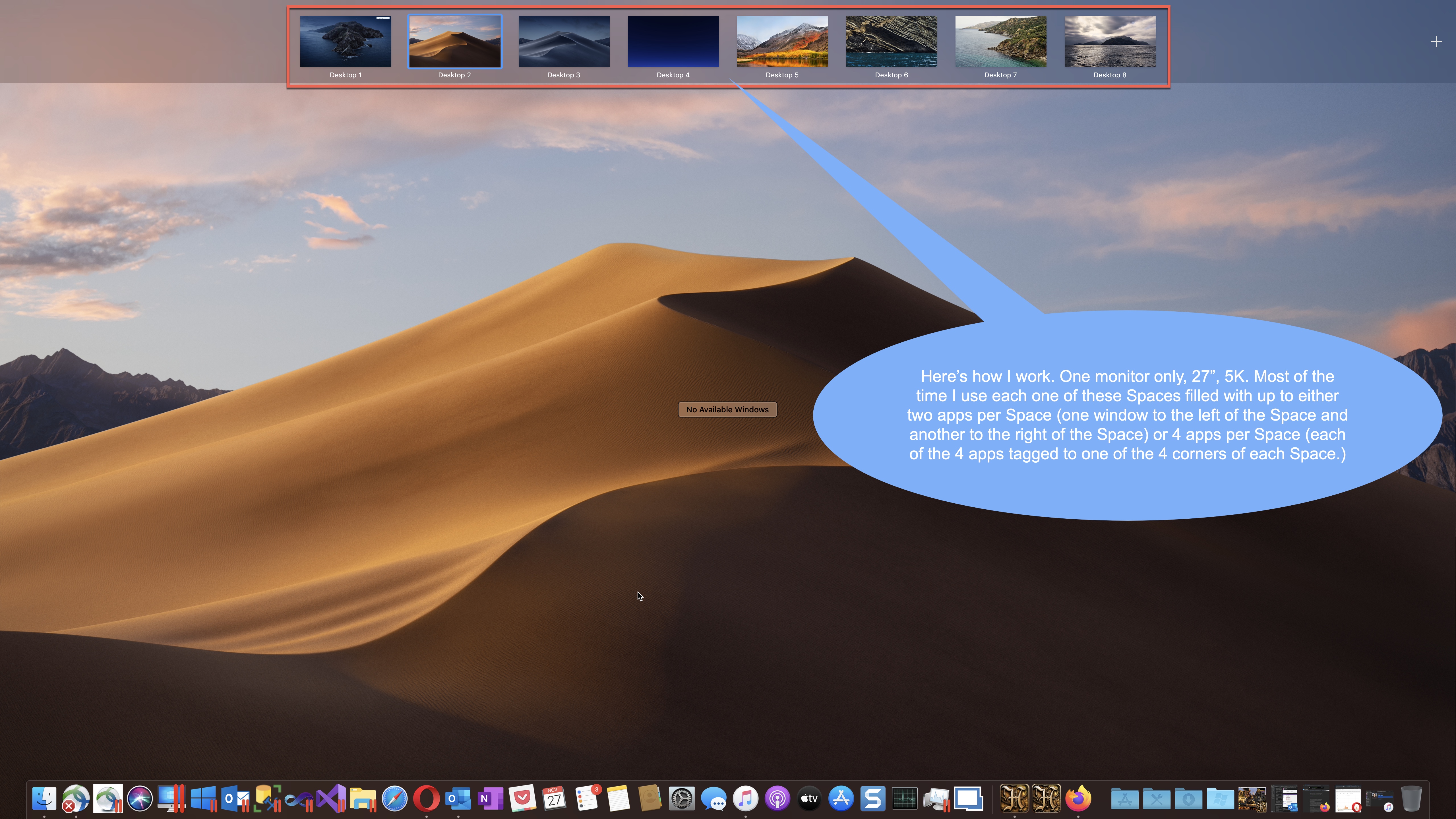
Here's what my workspace looks like across 8 separate Spaces, all using the same 5K 27" display:
Confirm on multiple sessions open option not available in Mac Version?
Awesome. Thank you much. Best, Raphael.
Confirm on multiple sessions open option not available in Mac Version?
Okie Dokie. Another quick question then: when is that slated for release please? And will that option be available in the free version, or only the paid version? TIA. Raphael
Confirm on multiple sessions open option not available in Mac Version?
I'd like to disable the confirmation for opening multiple sessions on the Mac version. Is that not possible? TIA, Raphael