
jasggomes
How to disable the smart zooming in SSH embedded window
Dear Team, I have no words for this.
A big thank you !!!
With my best regards and thanks.
Jorge Gomes
How to disable the smart zooming in SSH embedded window
Thank you so much Xavier for your kind support.
Regards.
JG
How to disable the smart zooming in SSH embedded window
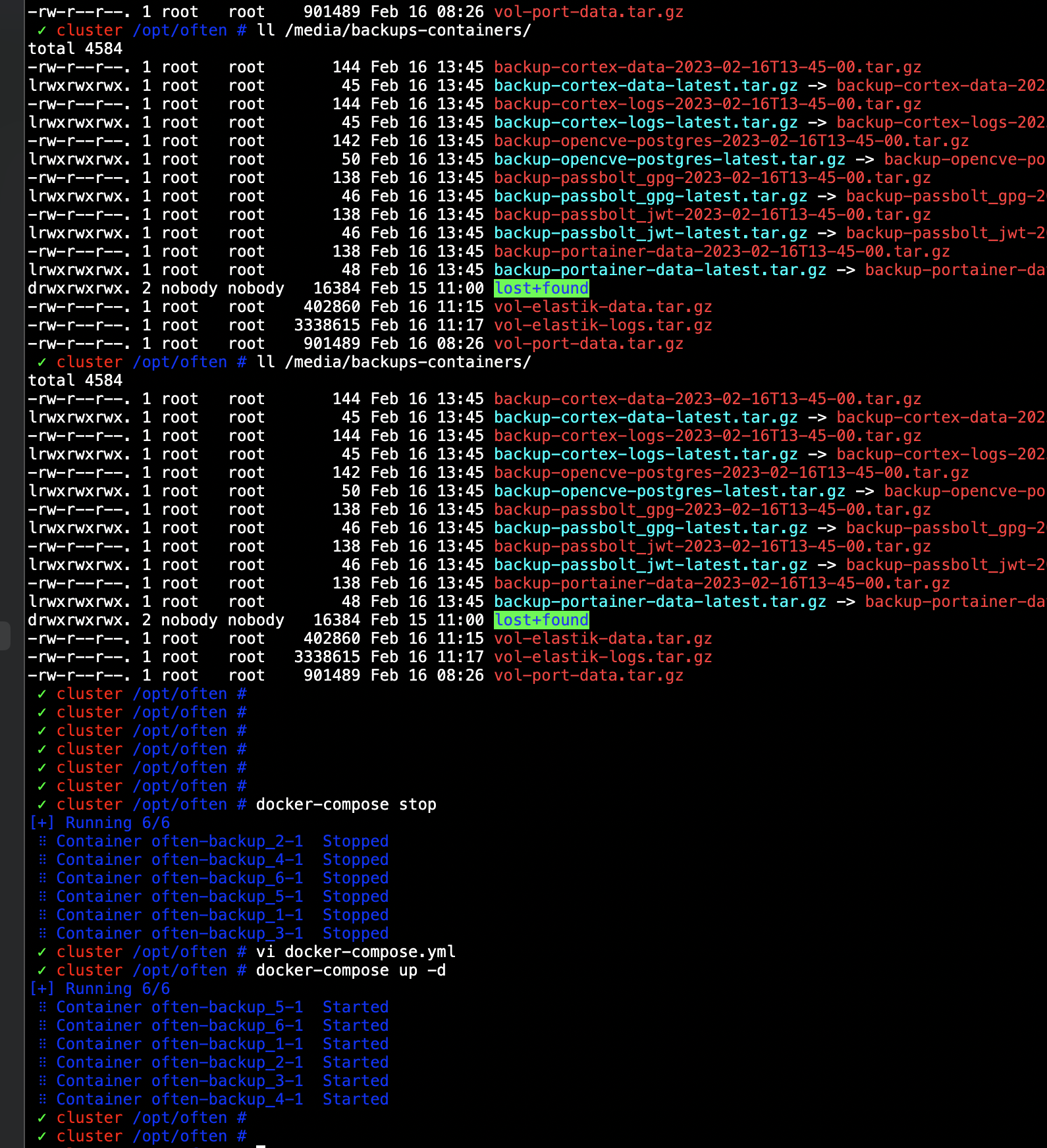
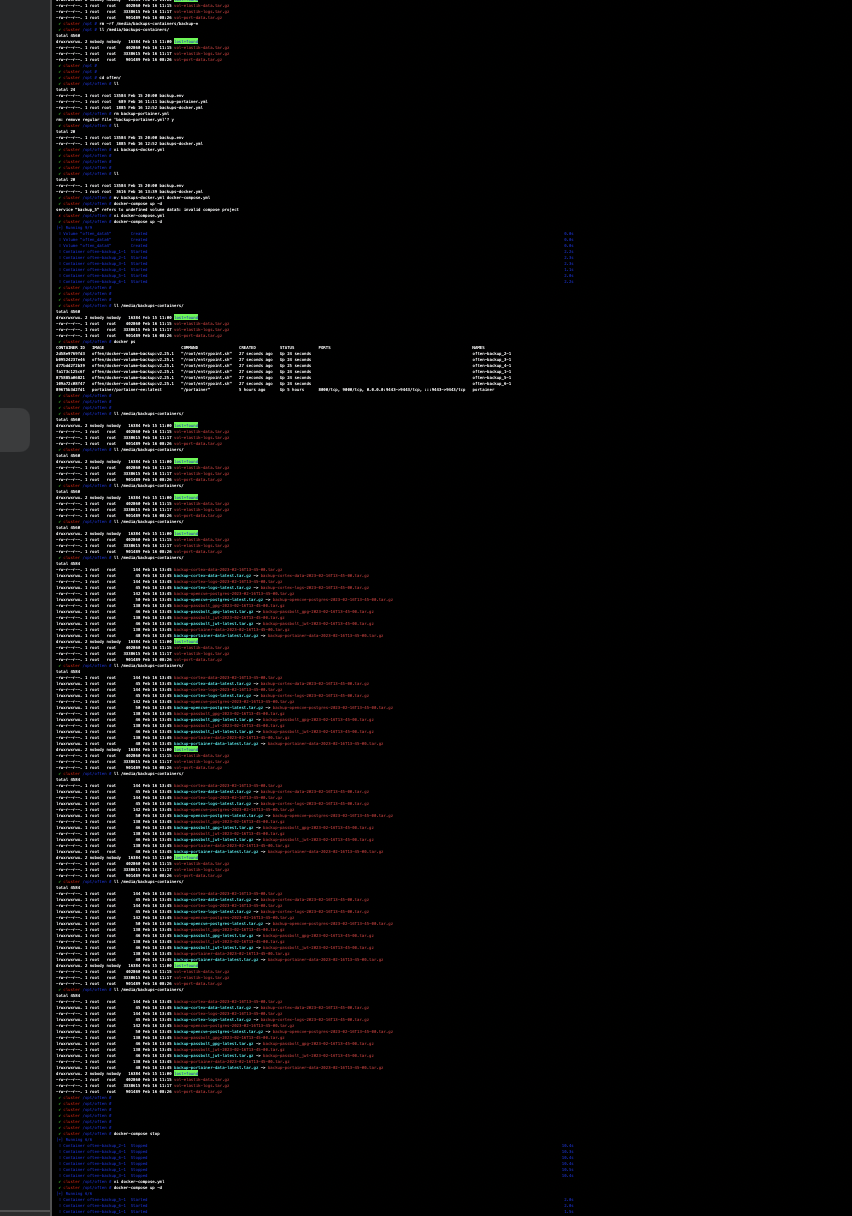
see the examples attached.
How to disable the smart zooming in SSH embedded window
Hi Xavier, yes, I used the 'scroll wheel' on the magic mouse to zoom,-in / zoom out in order to read the contents on the screen.
Sometimes, a lot, when on the terminal window of the SSH, it zooms out too. There is something causing this in combination with the mac option.
I just want to disable the zoom-in/zoom-out on the embedded terminal.
Thanks for the reply.
JG
How to disable the smart zooming in SSH embedded window
Hi, I'm a visually impaired user and use the zoom feature a lot to read the screen contents.
When I'm in an SSH terminal session, while using zoom for the screen, I keep zooming out the SSH session. very annoying and I need to keep zooming in the window using the cmd+ keys ...
How can I disable this in RDM?
Appreciated.
Regards.
JG
Question for deployment
Thank you Jonathan,
License, well, although in the past I used to pay (you can check usig my email address), I come to an situation where, for what I do with it I don't need a paid license. But yes, that's a huge problem for you, since you are paying the developers and so on.
I do think that for large organizations, this tool is a MUST HAVE, I tried to implement it on a large project in Germany and in Portugal, but left the company before decision was made, so I don't know if they have licensed it ...But as I said I 'm only using it for:
Remote accesses:
Nomachine --- Thank you so much for this .... I'm replacing my RDP's using this, with some special ports.
RDP -- Not so much nowadays ...
SSH- I have a LOT of Linux installations that I manage remotely, and this tool is a must for this. I think this is my primary use for the RDM.
Web bookmarking:
I also use it tho have some web accesses using browsers, instead of using the Bookmarks.
Considering to star use the VPN accesses, but no yet in use.
Hope this can help a bit, and let me know if more insights you need.
Regards.
JG
Question for deployment
Hi,
Thanks for reaching out.
To answer your question, yes we are focusing on Debian/Ubuntu flavored distro.
Offcially we tested on Ubuntu 18.04 and 19.10 but if your distro supports .deb files, there's a good chance it will work.
Regards
HI, just for the sake of understanding, since probably, and must certainly, there are others who prefer distros like CentOS / Fedora & etc, why only Debian/Ubuntu?
As I said, not for a discusion, but only to have an insight.
1st deployment::
I have deployed it on my remote Mint 19 machine, and it asked for an Ent License ... but it opened after an ESC.
I mainly use RDM for Nomachine / RDP / SSH accesses & Web services/pages, since I manage a lot of those.
Just let me know if you need more, those will be my main uses.
Regards.
JG
Question for deployment
Hello Team Support,
Thanks Derick for suppying the download link for the Linux Beta, but that also arose a question, tat he asked me to put it here, that makes sense of course, silly of me.
I asked Derick in which Linux distros you want me to test this, as I work with several, apart from MacOS.
Primarily I Use Ubuntu, also CentOS and Mint. SuSE not so much nowadays ...
But, today I noticed that the download link provided is a .deb package ... so I assume that there is only a Debian/Ubuntu flavor? , for now ..
Thanks & Regards.
Stay Safe.
JG
Nomachine Sessions Support on Mac version
Hi Jorge,
Yes, this is what I was looking for. This should be possible and work quite similarly as Windows. I've logged the feature request and increased it's priority.
We'll get back to you with any progress.
Best regards,
Hi Xavier & RDM Dev Team,
THANK YOU SO MUCH !!
Today, when I opened the RDP on my Mac I saw the update for NoMachine client, I Tested it with the NoMachine start option 'ProfileOnDisk', that is pretty much we discussed on this topic, and Voila !! it works very well.
No more NoMachine 'browse' sessions, so annoying those.
I'm so happy for this, THANK YOU !!
Best regards and keep the good work.
JG
OSX : Embedded iTerm Error
Hi, this is an old issue thread, but I can't use the ITERM option with an SSH key with a passphrase.
It asks for the passphrase with clear text input, but after that it does nothing after, it simple does not seam to establish te connection.
What can I do to solve this?
Thanks in advance.
JG
Nomachine Sessions Support on Mac version
Hi Jorge,
Yes, this is what I was looking for. This should be possible and work quite similarly as Windows. I've logged the feature request and increased it's priority.
We'll get back to you with any progress.
Best regards,
Thanks, I appreciate, since this is kinda time consuming to create, would be nice to have some 'input boxes' to add the NXS files, and not to have the terminal window to pop-up everytime I want to open a session.
I stoped using the Windows version years ago, so I dont know the working for it on that. Maybe I will try and see.
Cheers.
Nomachine Sessions Support on Mac version
Hi Jorge,
I've looked up what we're doing in Windows and it seems we're launching the NoMachine nxplayer.exe with arguments to launch the session. I've looked into the Mac app I found the same nxplayer executable in the app bundle. I think this should therefore be feasible.
Are you yourself familiar with the NoMachine.app in Mac? Does it support the same set of arguments as the Windows version?
Best regards,
Hi, and many thanks for your quick replies ...
Is this what you are referring to?
"/Applications/NoMachine.app/Contents/MacOS/nxplayer --session /Users/jogomes/ownCloud/NoMachine/GCF04DHZ.nxs"
Launching it as a terminal command, but this needs a login credential on the settings of the command line and launches a terminal window .
Regards
JG
Nomachine Sessions Support on Mac version
Hi, we use a lot of no NoMachine sessions, I can see that there is an Add-on for Windows for can't find one for MacOS.
Does anyone has a good idea how to setup such on RDM?
I tried, some time ago, to use a shell integration, but it doesn't work ...
Regards.
JG