
matheus.melo
New Portal Office365
Great! tks...
New Portal Office365
Hi, Tks Mark...
The macro works, but it inserts the text $PASSWORD$ instead of the password registered in the repository.
New Portal Office365
Hello,
Unfortunately, Websites like Office365, Gmail and others use a new form of authentication that our auto-filling mechanism cannot process.
You must use our Auto typing macro feature. Please have a look at these here;
https://help.remotedesktopmanager.com/settings_events_autotypingmacro.htm
https://help.remotedesktopmanager.com/howto_typingmacro.htm
Best regards,
Tks.
u have a video?
New Portal Office365
Hello,
After change the Microsoft Portal Login, i can't use RDM to auto login.
Now the portal have two steps and i can't resolve this problem.
Proxy on Web Browser
the problem is not the security alert. I allow the warning only appears to show the file it performs.
the problem is in Figure 03 where he quickly opens and closes the flap. without showing me access.
IE Embedded - Failed to open a pop-up
Failed to open a popup window that is required by SonicWall.
You can ensure that popup is not blocked?
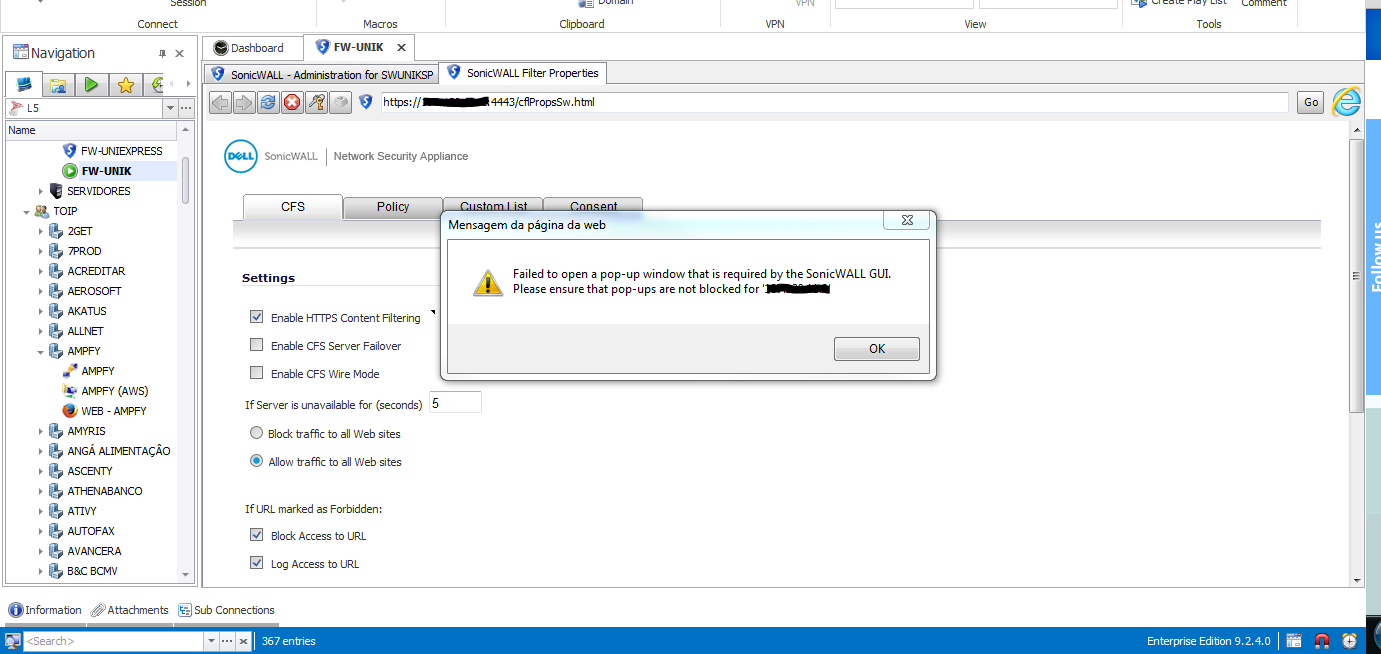
edited by matheus.melo on 4/3/2014
Proxy on Web Browser
After patch apply, the firefox embedded dont work.
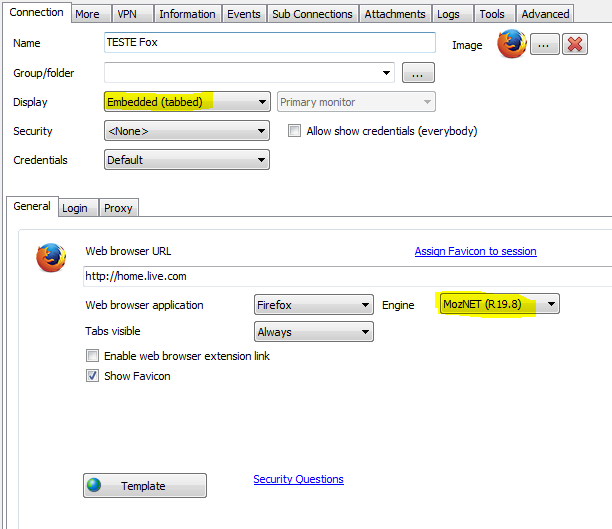
show this pic, but dont open.
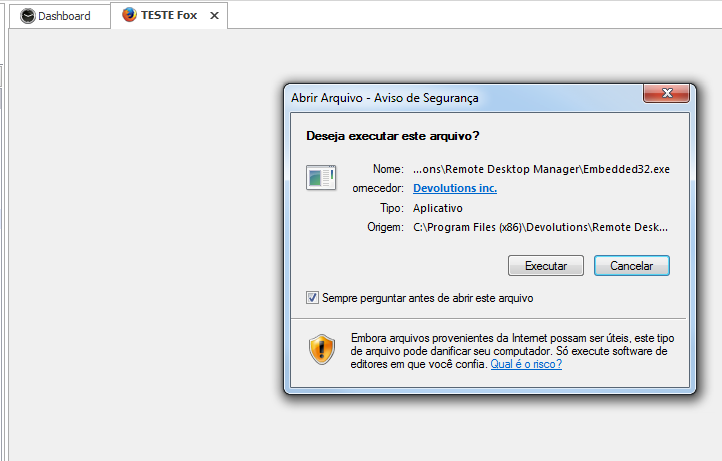
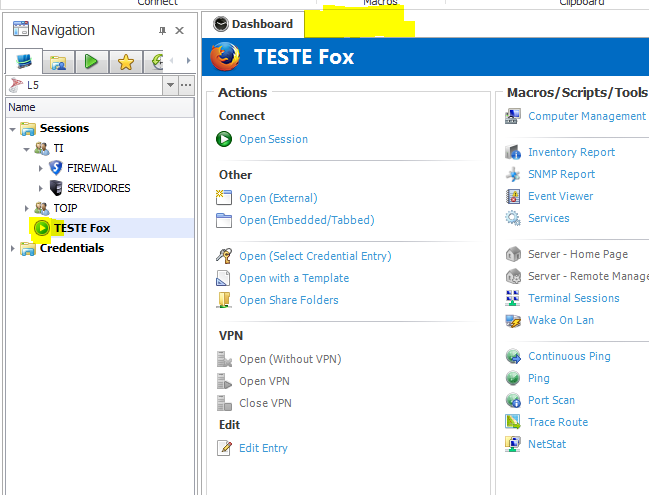
Proxy on Web Browser
yep! host and port.
Sorry my english. I'm brazilian.
Proxy on Web Browser
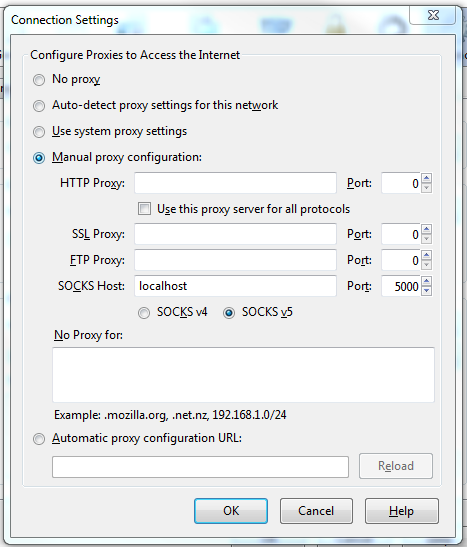
I need config a SOCKS Host. Like this pic. Is possible ?
Proxy on Web Browser
ok, I will test today.
Proxy on Web Browser
It looks like it's possible. I will added it to the Firefox (MozNet) as such (see image). Do you think this will work for you?
P.S. I'm going at it blind, since I don't have a proxy available for testing, once built please let me know if it actually works :-)
Regards,
Ok. I'm waiting to test :))
Proxy on Web Browser
Sorry Matheus, I missed David's email. My bad, I'm having a look at it now to see if it's possible.
Thanks Stéfane. If it's possible, i can convince the boss to approve the deployment tool.
:)
Proxy on Web Browser
David, any news ?
Proxy on Web Browser
I can configure the proxy in a Web browser session?
currently I open a tunnel in putty to access a web interface of my asterix server. then configure the proxy in Firefox browser to use the tunnel.
Alert if another user is logged
Hi,
Yes, this is possible. You just need to edit your session, select the Logs tab and check the option "Warn if already opened".
Tks Jean. :))
Alert if another user is logged
I wonder if it is possible to warn if a user tries to access a session that another user is logged. and where it is configured.
Tks
[]'s