jimmiesvensson
RDM 2026.3.13.0 - When opening the server from RDM and have it in "Work Area Size" it opens behind the main window
Thanks! This works as as i want, thanks a lot!
RDM 2026.3.13.0 - When opening the server from RDM and have it in "Work Area Size" it opens behind the main window
Hi
Thanks.
Absolutely
First, yes, its opened undocked, with "current work area size"
I have 3 monitors, where i open this on my main monitor.
When having it set to custom, it does not open beneath the window, it opens up over. And, i just set 1024x1024 to have a custom resolutio, but it still opened bigger. Ill send a video of that aswell
Yes, will send it
Ok, i will see when that arrive
/Jimmie
RDM 2026.3.13.0 - When opening the server from RDM and have it in "Work Area Size" it opens behind the main window
Thanks for a quick solution to my problem!
This worked as it should now.
There is one minor thing that isn´t like before, but it is not a big thing, but i want to mention it.
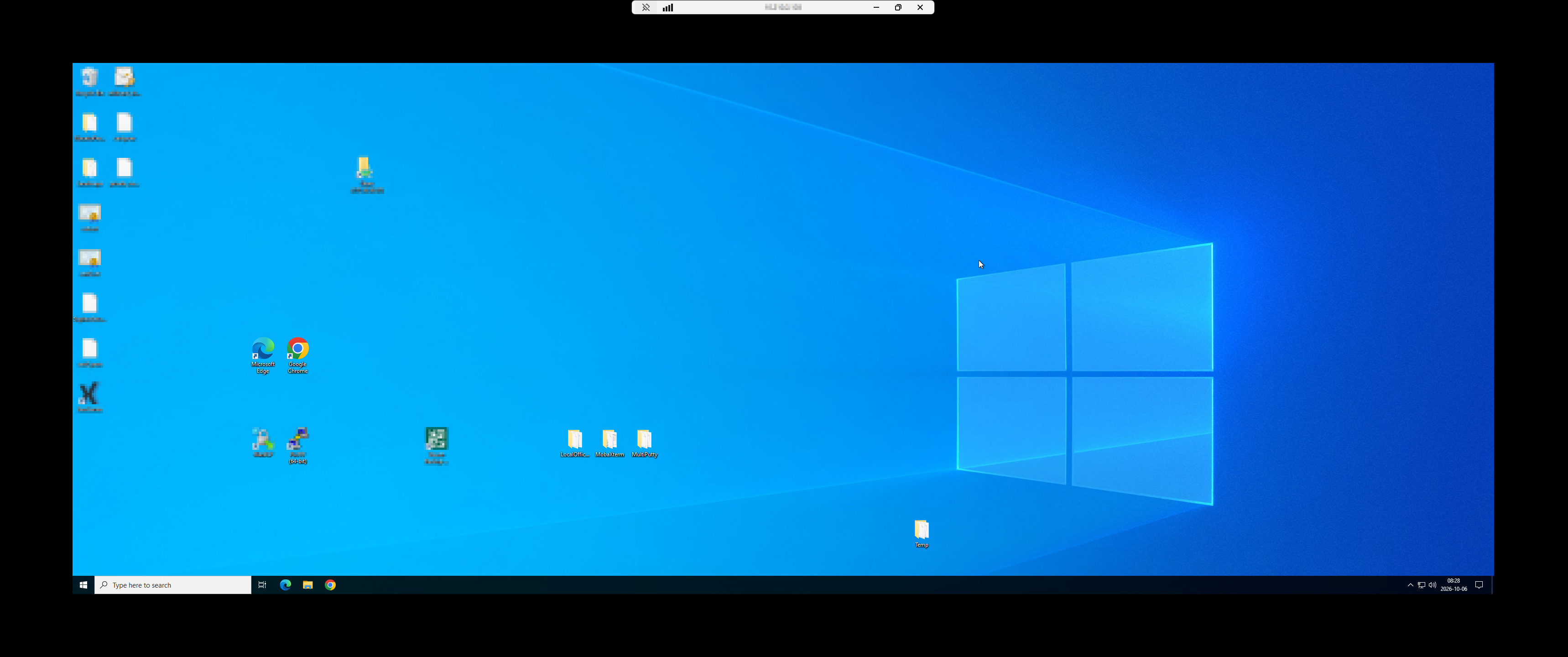
When opening the server from RDM and have it in "Work Area Size" it opens behind the main window, that wasnt the case before, it´s a minor thing as i said.
Thanks a lot
2026.3.12 - "Current work area size" opens a windowed area
Hi
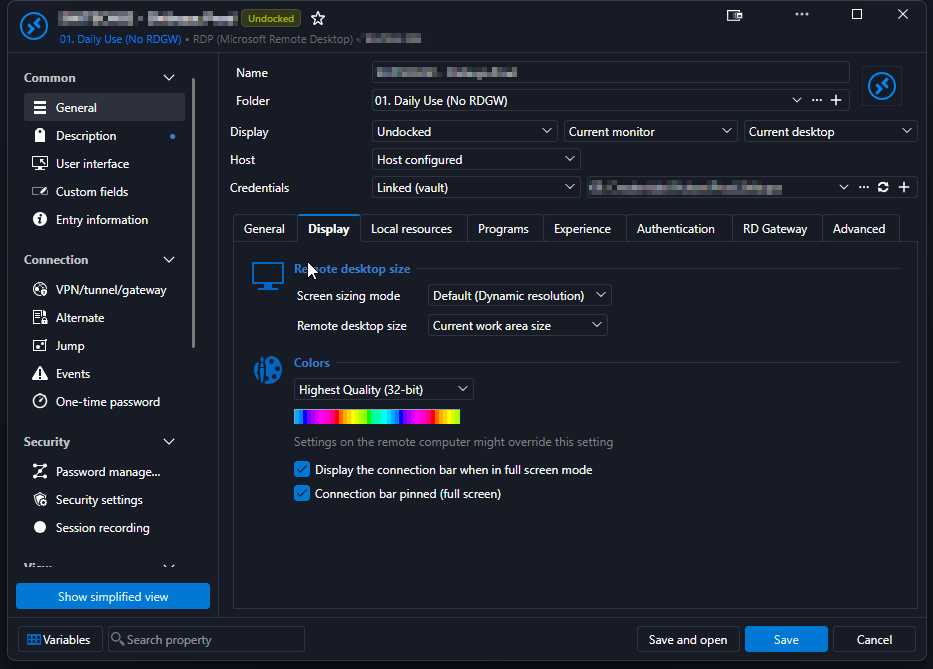
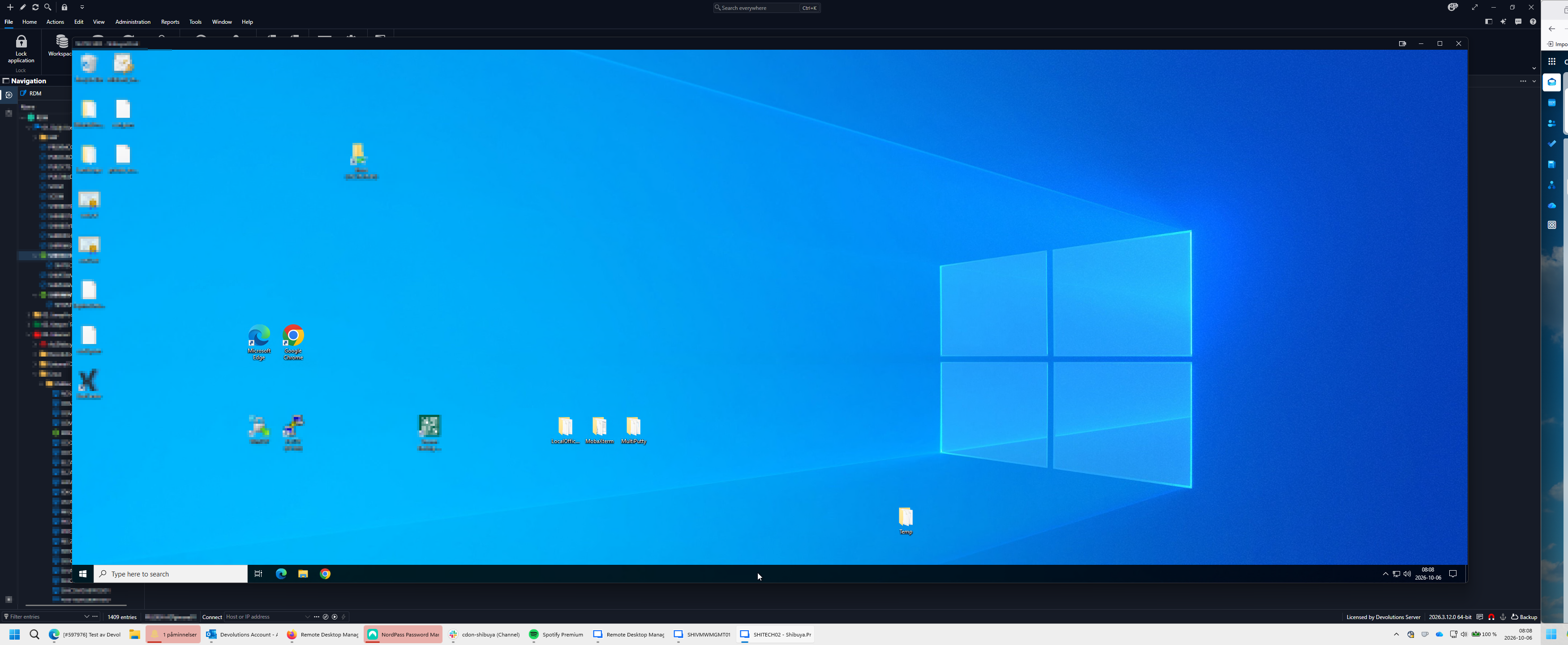
Since i updated yesterday from 2026.2 (cant remember exact version) the "Current work area size" (Screenshot 1 Settings) the window doesnt open in the work area, it opens in a smaller windows (Screenshot 2), about the size it would be embedded.
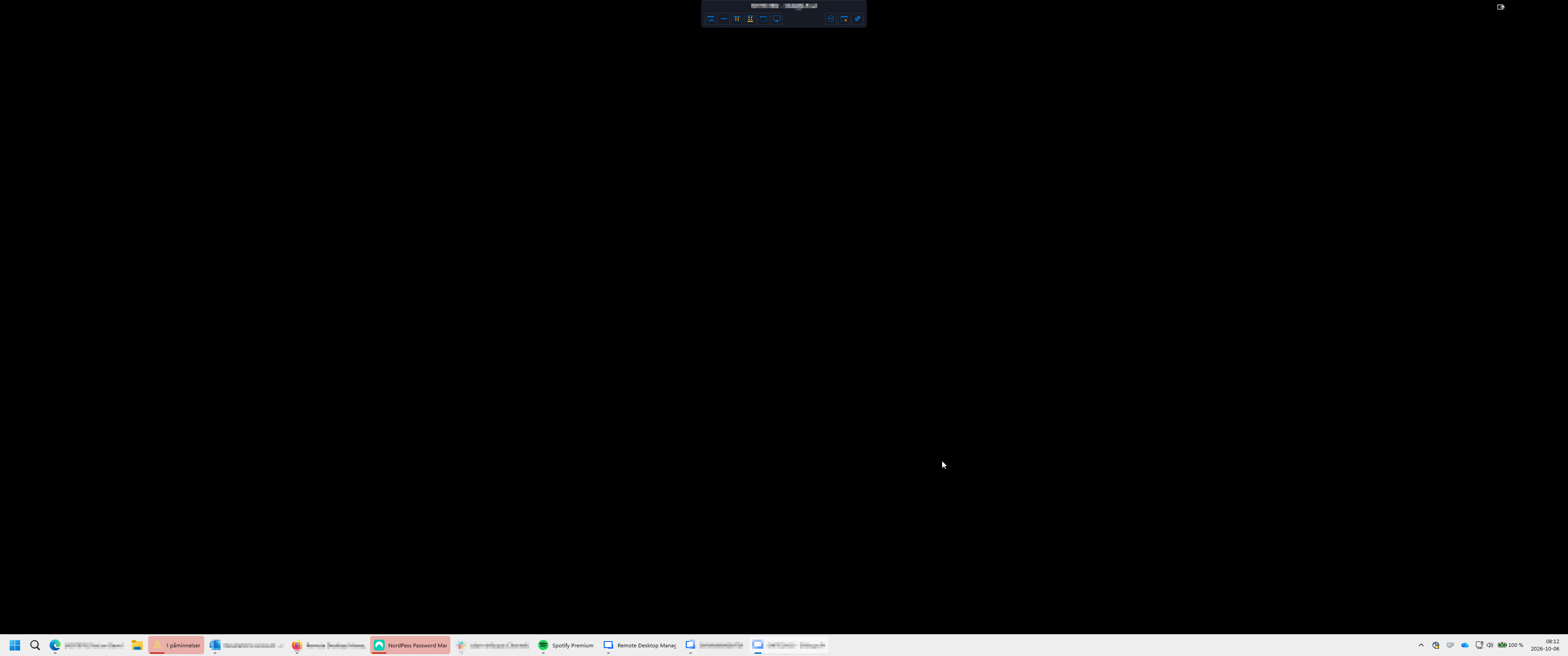
Then if i right click the top bar of the windows and choose "Work Area Screen" (Screenshot 3) it changes to what i want, but the screen goes black, and i wait for a few minutes, still black. (Screenshot 4)
Next if i click there again and chooses "embedded" (Screenshot 5) it goes back to being embedded and the screen shows again (Screenshot 6). i go "Full screen" it opens in full screen, but the size of the display doesnt change, it still the same size as the embedded display area. (Screenshot 7)
I found some over threads about similar problems in 26.3 but that it should be fixed in 26.3.8, and followed all of their tips and tricks, but it still is the same
Screenshot 1
Screenshot 2
Screenshot 3

Screenshot 4
Screenshot 5
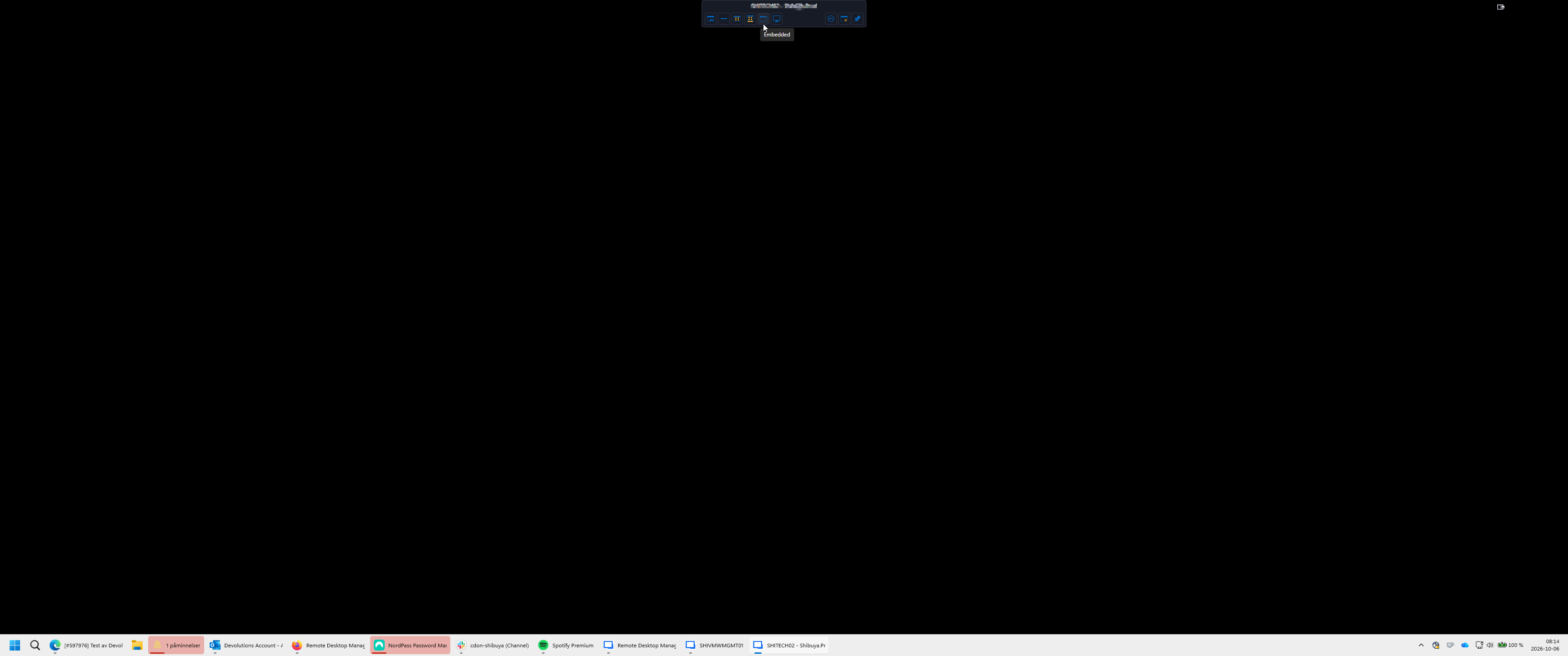
Screenshot 6
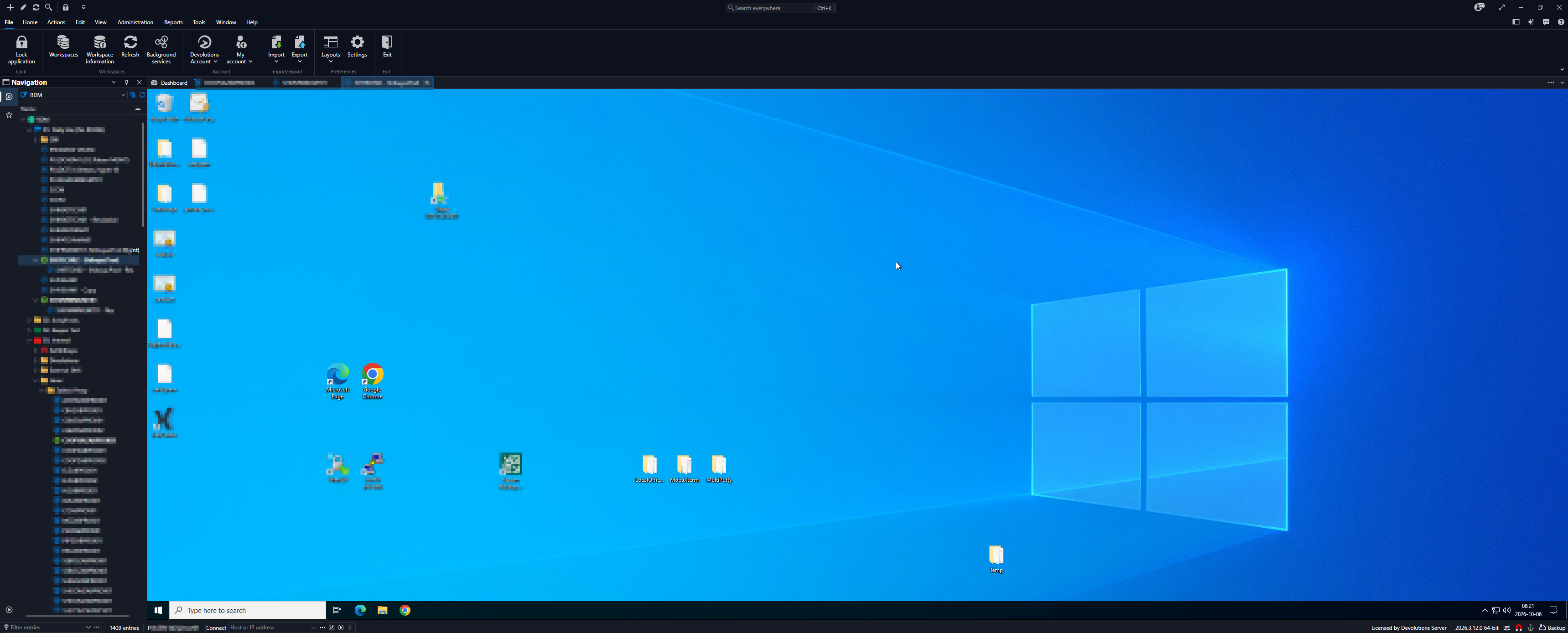
Screenshot 7