2026.3.12 - "Current work area size" opens a windowed area

Hi
Since i updated yesterday from 2026.2 (cant remember exact version) the "Current work area size" (Screenshot 1 Settings) the window doesnt open in the work area, it opens in a smaller windows (Screenshot 2), about the size it would be embedded.
Then if i right click the top bar of the windows and choose "Work Area Screen" (Screenshot 3) it changes to what i want, but the screen goes black, and i wait for a few minutes, still black. (Screenshot 4)
Next if i click there again and chooses "embedded" (Screenshot 5) it goes back to being embedded and the screen shows again (Screenshot 6). i go "Full screen" it opens in full screen, but the size of the display doesnt change, it still the same size as the embedded display area. (Screenshot 7)
I found some over threads about similar problems in 26.3 but that it should be fixed in 26.3.8, and followed all of their tips and tricks, but it still is the same
Screenshot 1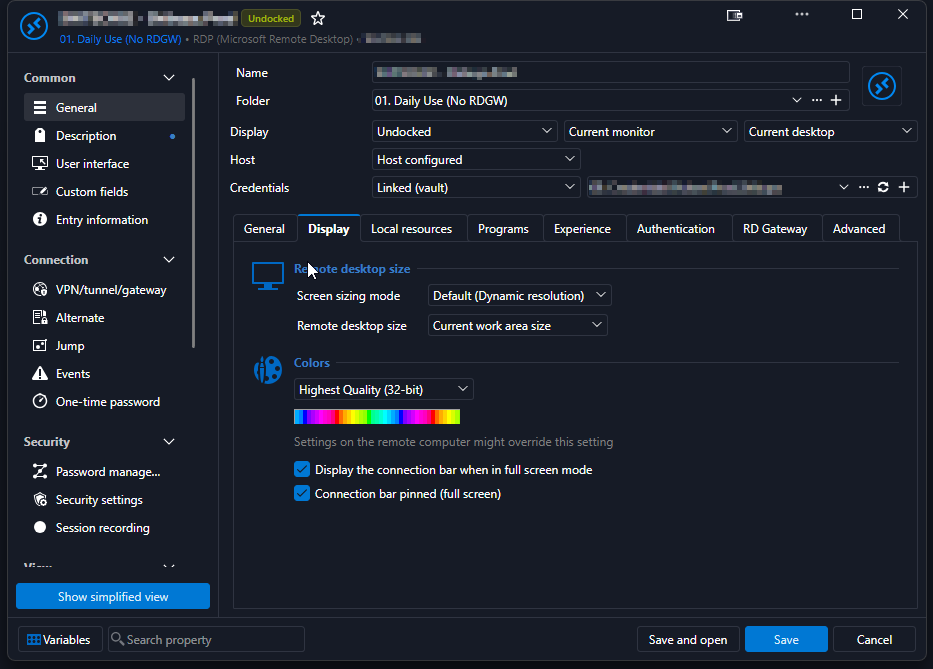
Screenshot 2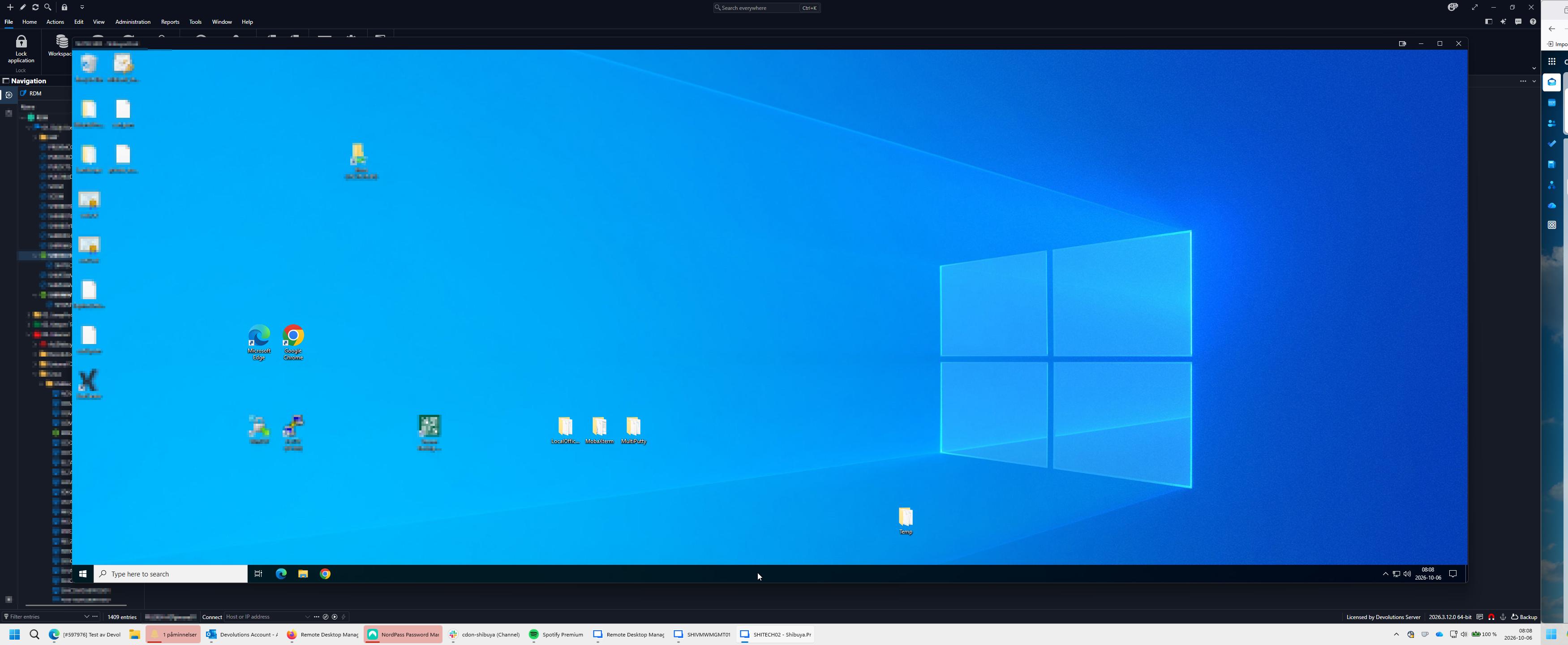
Screenshot 3
Screenshot 4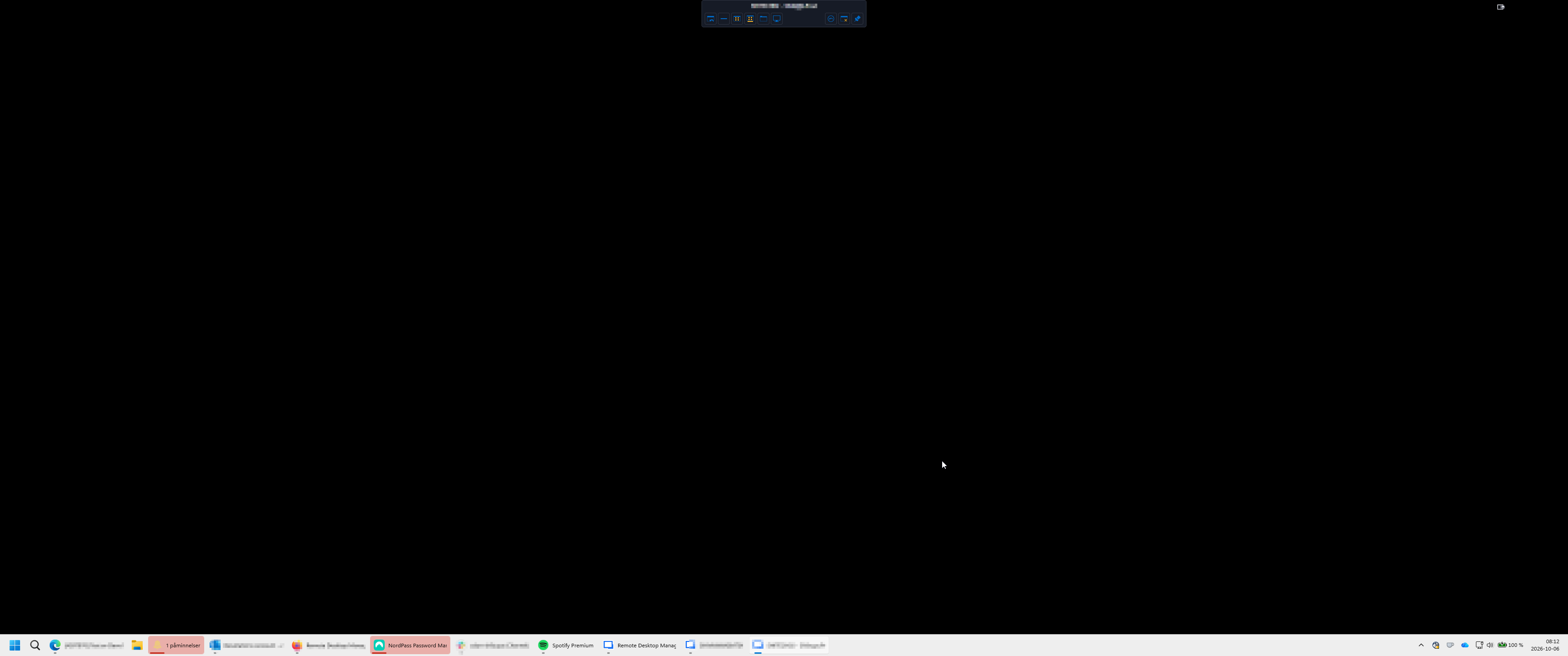
Screenshot 5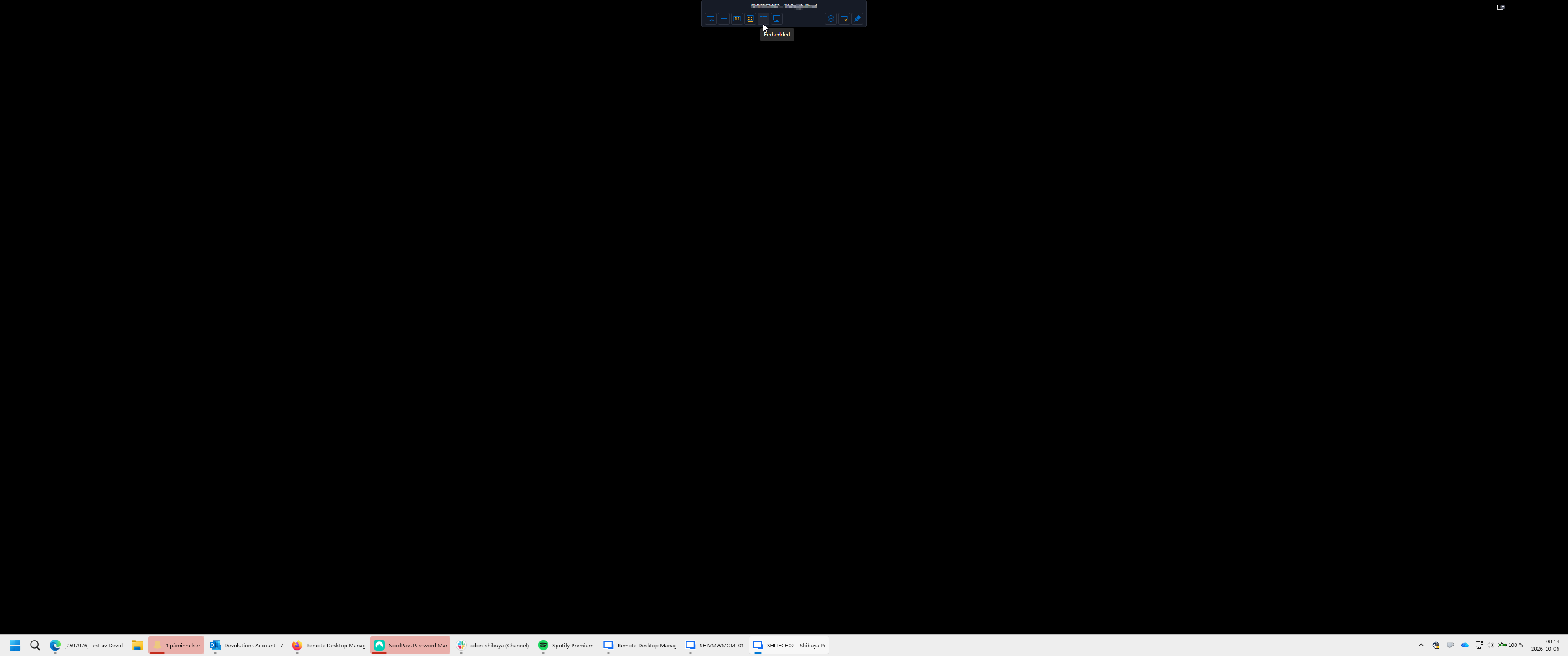
Screenshot 6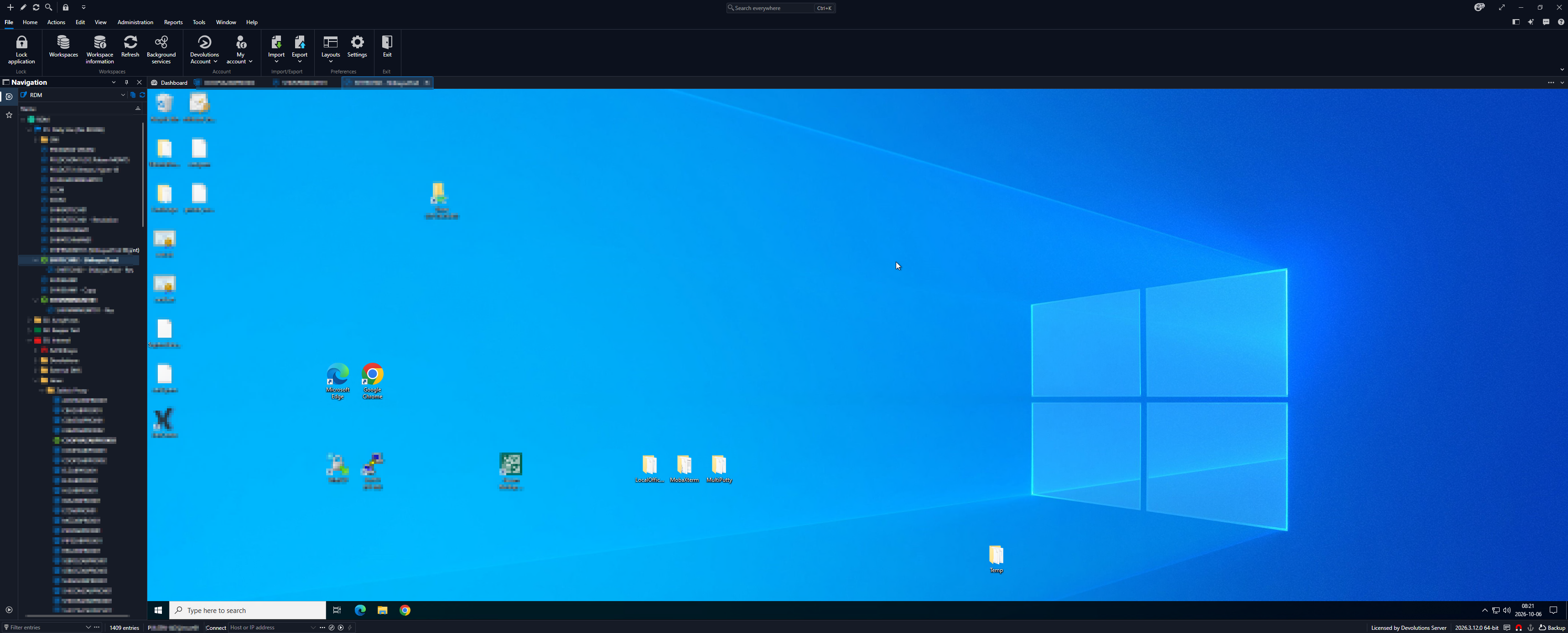
Screenshot 7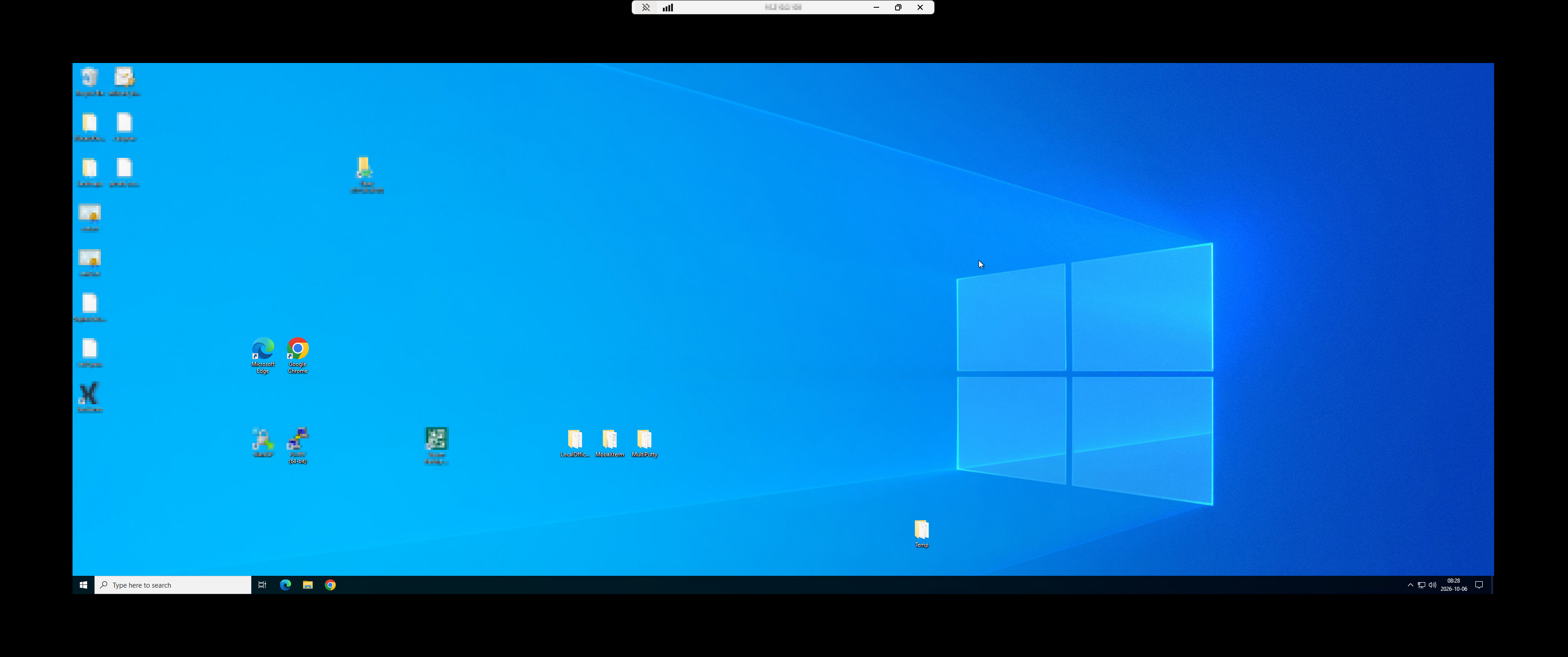
7.png
6.png
5.png
4.png
3.png
2.png
1.png
All Comments (2)
@jimmiesvensson Hello,
Thank you for the detailed report and the screenshots, they made this easy to follow.
We were able to reproduce the issue on our side with an undocked RDP session using Dynamic resolution and "Current work area size".
This turned out to be a known issue that our development team has already fixed.
The fix should be included in the next release of Remote Desktop Manager.
In the meantime, switching the session back to Embedded restores the display.
We will update this thread once the release is available.
Best regards,
Alexis Beauparlant
Hello,
Thank you for your patience while our team looked into the issue you reported.
I'm happy to let you know that the latest version of Remote Desktop Manager (2026.3.13.0) includes a fix for this problem. You can download it from our website here:
https://devolutions.net/remote-desktop-manager/download/
Once you have installed the update, could you please test it in your environment and confirm that everything now works as expected? If the issue persists, or if you notice anything unusual related to the same original problem, just reply to this email with a few details, and we will be glad to look into it further.
Thank you for your collaboration.
Best regards,
Érica Poirier