
tobiasroeder
Microsoft SQL Connection - Table Columns and Query Result Columns too small
Hi,
i got a problem with the column sizes in the MSSQL Connection.
Part 1: The Query Results:

The size is so small and cant fit the content of the result and is not resizeable.
Part 2: The direct Database Table View:
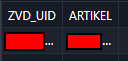
Here you could resize the columns, but you have to do it for EVERY column. Thats so anoying, that you won't use that tool implementation at all.
So my solution for this would be "Settings" for that column behavior. And please change the Query Result View to be like the direct Table View. So the Settings could be applied for both.
There is so much space for a button "Layout Settings" or something like that.

Kind regards,
Tobias
Improvement of AI Assitent Integration
Hi :)
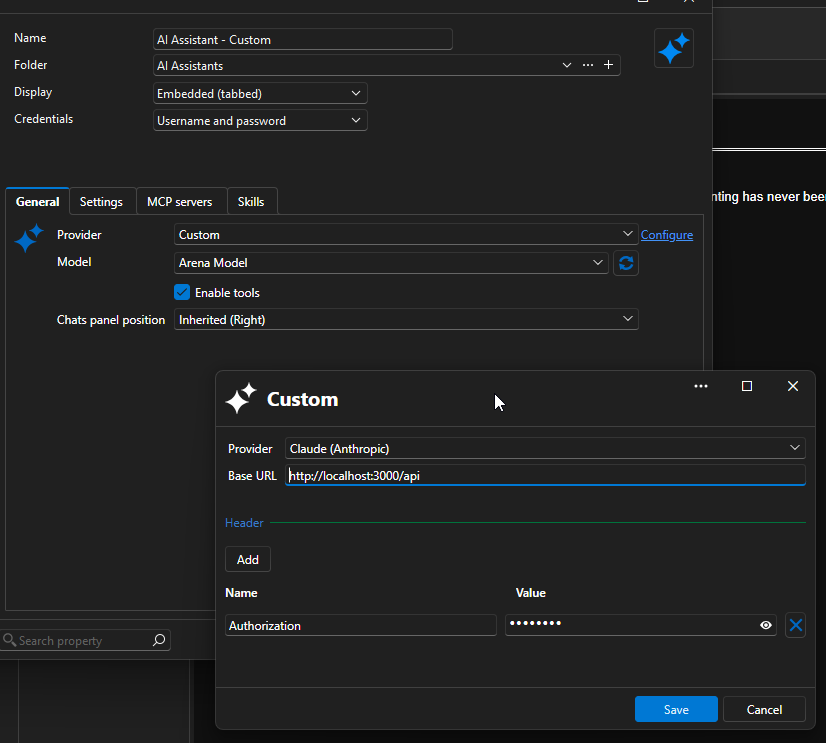
I updated the Client and got the AI-Assistent to work with my OpenWebUI through your new Customized Endpoint.
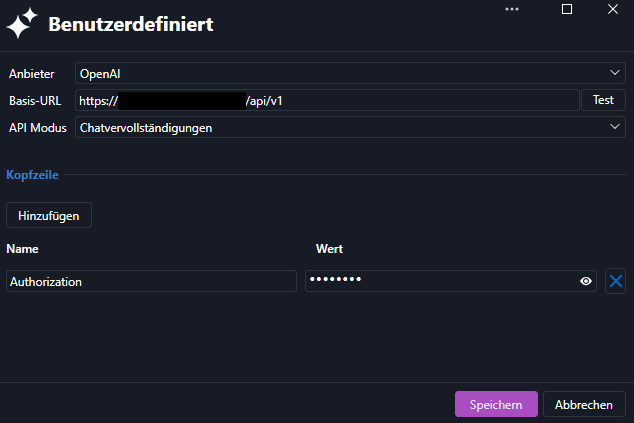
Here my config for anyone that might need help with that:
-> Add the Authorization Header and Enter your Token in the Value Field as Bearer. For example : "Bearer sk-abcd1235123" (The "Bearer" and the space between it and the API-Token is necessary)
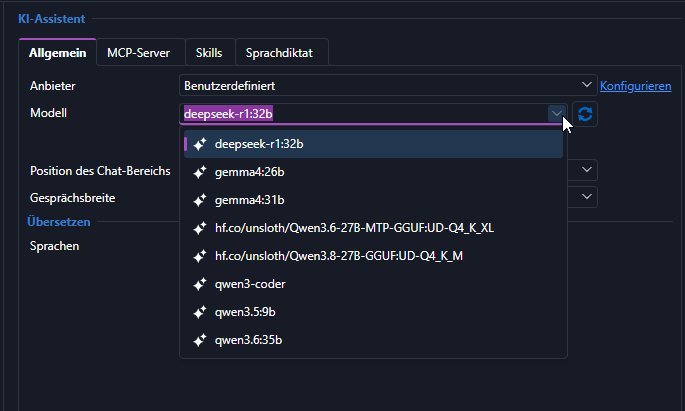
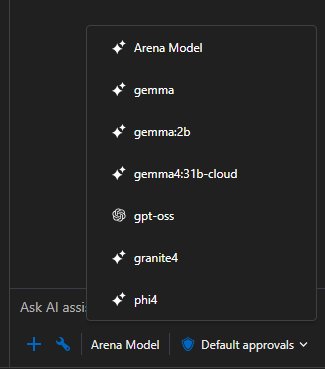
As you can see my models loaded perfect :)
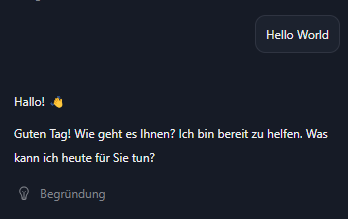
And the test response worked as well. Works like a charm.
Thanks @Maxime Forest & @Maxim Robert
Best regards,
Tobias
Improvement of AI Assitent Integration
Hi @tobiasroeder,
Quick update for you, since it's been 18 days since my last reply. I've got a working solution with Open WebUI running in Docker locally, as you can see from the following screenshots. I'll do my best to get it done and tested so it can go into the next release on Monday, August 3rd.
Best regards,
Hi @Maxime Forest,
that was pretty fast. Can't wait to test it :)
Thanks for the fast implementation!
Best regards,
Tobias
Improvement of AI Assitent Integration
Hello my fellow RDM Users and Adminstrators :)
I came across the AI Assistent integration with some problems. It is quite not flexible at all when it comes to Local LLM Hosting. And by that i dont mean a localhost Ollama. I mean bigger appliances for companies. We are hosting an Ollama behind a OpenwebUI that uses API Tokens but they cant be used in the "Ollama" configuration context. When i try to bind it via the OpenAI config context there are enforced models, so i also cant use them here. It would be great to get an universal useable configuration context for more complex Local AI Hosting systems.
Thank you in advance