
rolf
Zmodem upload broken
Hello,
In SSH sessions, the "Zmodem upload files" and function does not work. It shows an empty popup only, see screenshot attached.
Server: Ubuntu 24.04 with lrzsz installed.
App: 2026.3.0.21
Phone: Samsung Galaxy S24 Ultra, Android 16
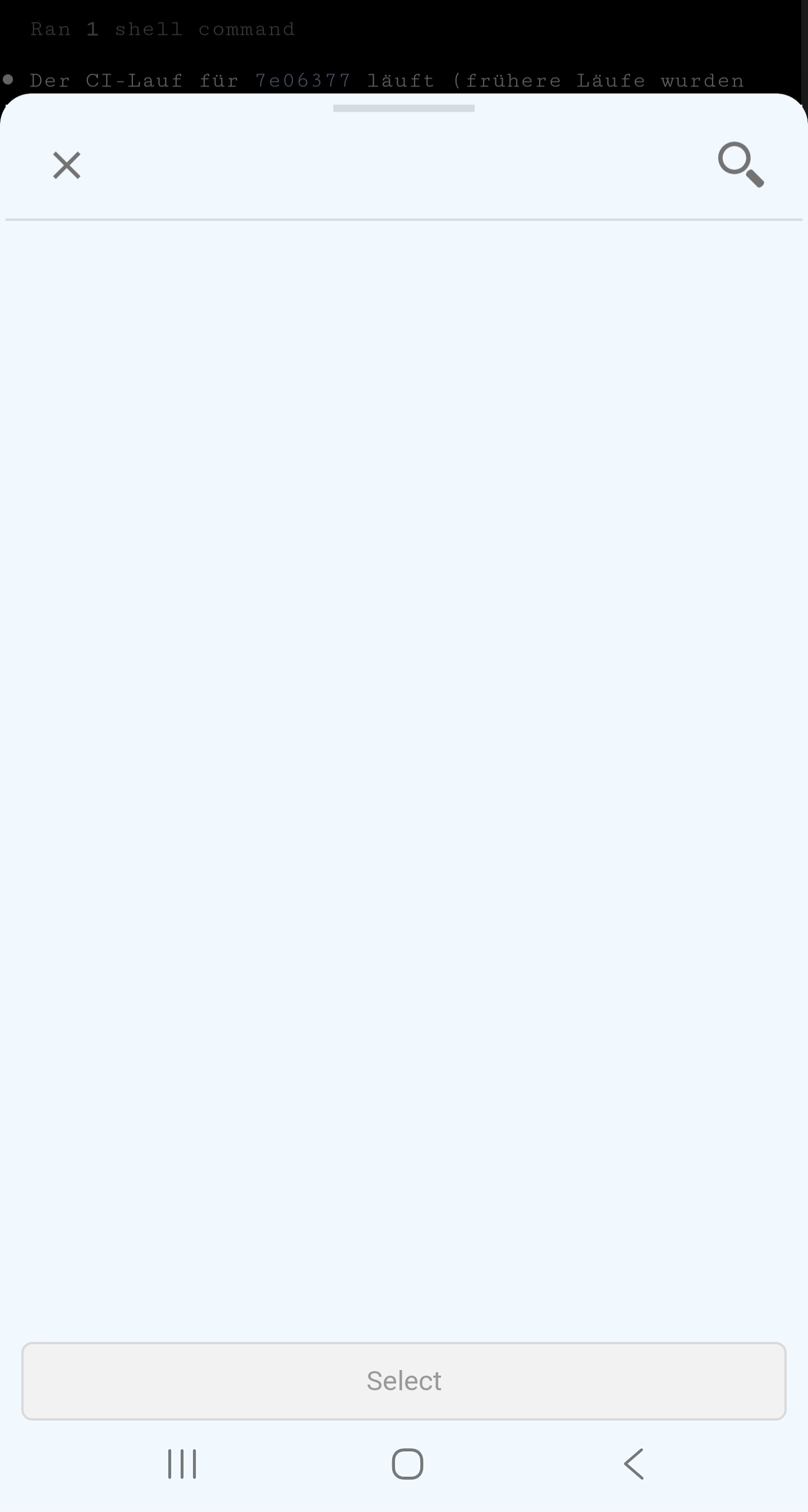
Samsung S Pen not working on RDP
Yes! With this setting it works! Thank you 🥳
Great support!
Samsung S Pen not working on RDP
Thanks for the hint. I installed version 2026.2.0.16 from Play Store. I regret to report that nothing has changed. The S Pen is not recognized in any mode for inputs.
Samsung S Pen not working on RDP
Hello,
First of all, apologies for the confusion, we missed the XRDP part of your question. Pen support is only available when the remote host is Windows. XRDP does not yet support the MS-RDPEI channel, which is what carries pen events from FreeRDP to the server. It may be added in the future, as this has been raised with the maintainers several times.
That said, one thing we could do on our side is add an option to forward pen input as touch input. In other words, the pen would behave the same way as a finger tap or drag. We'll open a ticket for that.
Best Regards,
Frederick Simard
@Frederick Simard
Hi Frederick,
That's exactly what I'd expect. Touch inputs with the pen should behave exactly like inputs made using my finger.
Cheers
Samsung S Pen not working on RDP
Hello,
We have made some improvements to the S Pen in RDP sessions. Could you please update to the latest version (2026.1.1.2) and let us know if this resolves your issue?
Best regards,
@Maxime Brousseau
Thanks for the notice. I just tested with 2026.1.1.2. No change, still no input possible via S Pen. I will try to find the time to take a video...
Samsung S Pen not working on RDP
I've been using RDM for more than a year but I didn't track what version I began with. Not sure if it ever worked with rdm.
My impression is thsg its
a general problem with captueing the input of the s pen g
i cannot .
Samsung S Pen not working on RDP
Hi Carl,
thanks for your reply. You wrote you're using a Stylus pen which works perfectly on your device. It's interesting that this pen works - but on a technical level they are very different things using very different kinds of hardware and software. I think that it's a general problem with the technique Samsung uses with their Galaxy pens.
Here's what I can provide to clarify it further:
The pen does not register any click/tap at all inside the RDP session.
The pen works perfectly normal outside the RDP session.
In a RDM SSH connection, I can use the pen to e. g. select text.
RDM Android Version 2025.3.3.4 (latest in Google Play Store)
I tried Touch Mode as well as Mouse Mode with and without the s pen: Normal expected behavior with my finger and no response whatsoever with the s pen.
The issue occurred on all RDP sessions on multiple hosts - all running with Ubuntu 24.04 and XFCE Desktop with XRDP 0.9.24
Samsung S Pen not working on RDP
Hi there, great app! I use it heavily.
However, there's a major usability issue for me. I am used to using the pen that is included with my Samsung Galaxy S24 Ultra. But I cannot use it with RDManager on RDP sessions.
Touch events by the pen are simply not recognized and have no effect. Mouse mode and touch mode usingy fingers work normally. I tried various settings without effect.
Samsung S24 Ultra, Android 16
I would love to see support for the S Pen :)
Thanks for considering!