
wandrey77
Psono
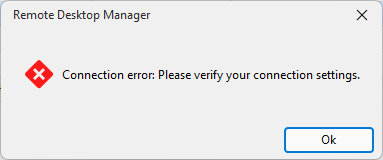
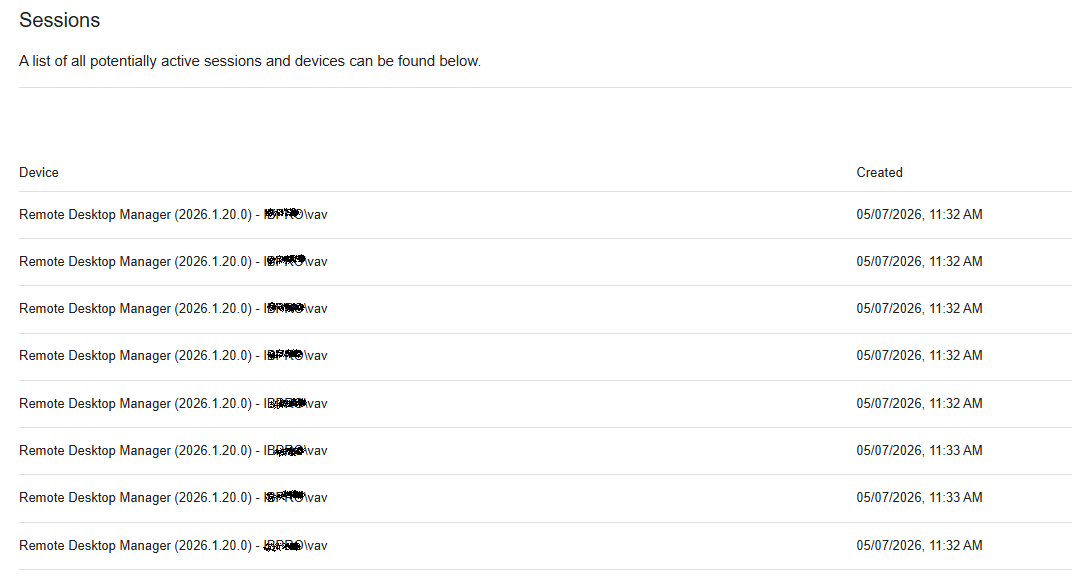
I have one more observation. Apparently, RDM establishes a new connection for every request made to Psono. If one works actively enough, RDM eventually throws a connection error, and that’s the end of it. After a while, the connections close, and it becomes possible to resume working... Restarting RDM does not help.
Psono
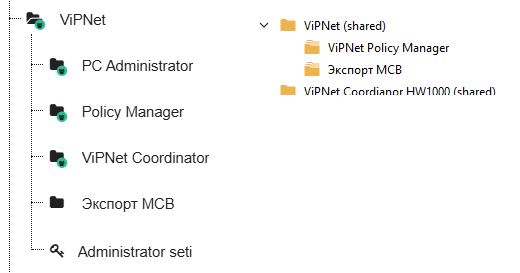
No, the folders don't pull out in full... Psono on the left, RDM on the right...
RDM WiFi Information
Hello. I needed to enter my Wi-Fi network information. I found the "Wi-Fi Information" component. I entered the data and expected to be able to generate a QR-code for connecting to the network based on the entered information. But no. It would be really cool if this component generated a QR-code for connecting to the network.
Psono
Hello. I checked, everything works as expected. But I have one issue. It turns out that the Psono folder was granted permissions, but none of the records within it were. The same error occurs with this folder. Please check this. Thank you.
Psono
If I searched for the entry '6ed55610...' in the Psono interface, the search led to an empty folder. After deleting this empty folder, the error in RDM disappeared.
Now, with the "Secrets Restriction" box unchecked, RDM shows secrets, but there's a problem with the tree. Many nested branches are displayed out of place :( You're clearly not properly handling entries with spaces in the name and with the same name in different places in the tree...
Psono
Psono
Can you tell me where I can see this setting?
Psono
Psono has been updated to version 5.4.0.
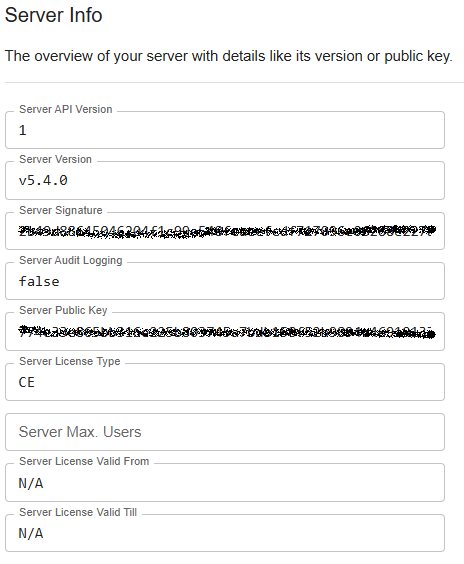
Without the "Secrets Restriction" checkbox checked:
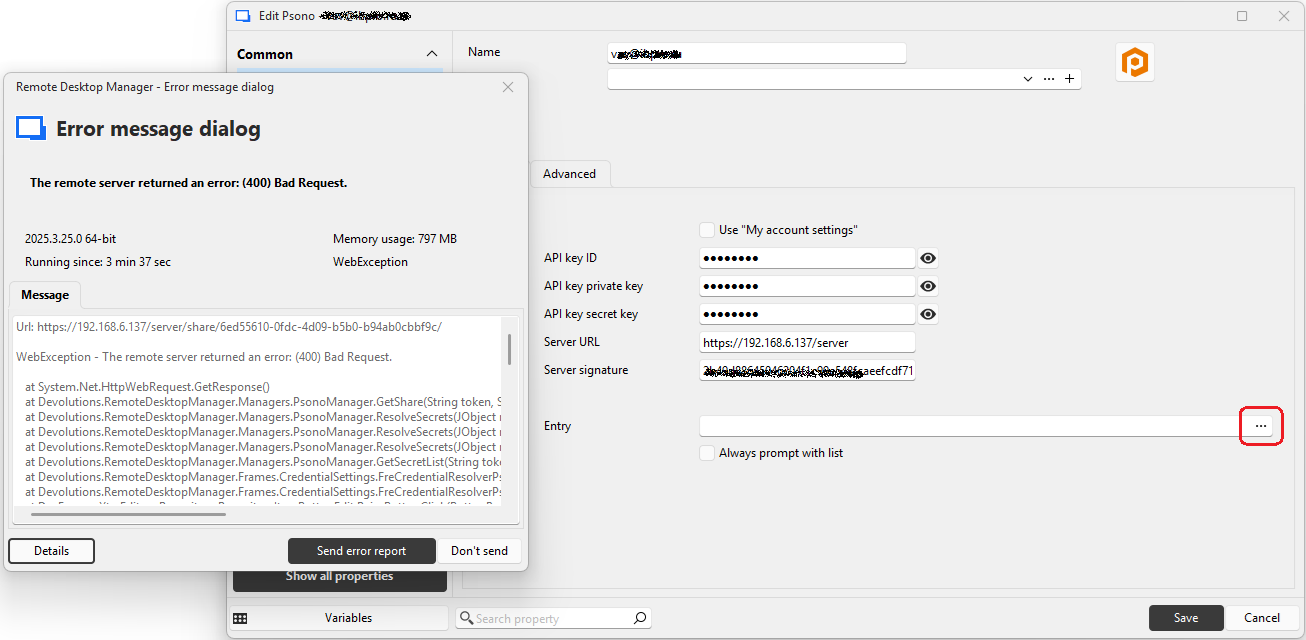
With the "Secrets Restriction" checkbox checked:
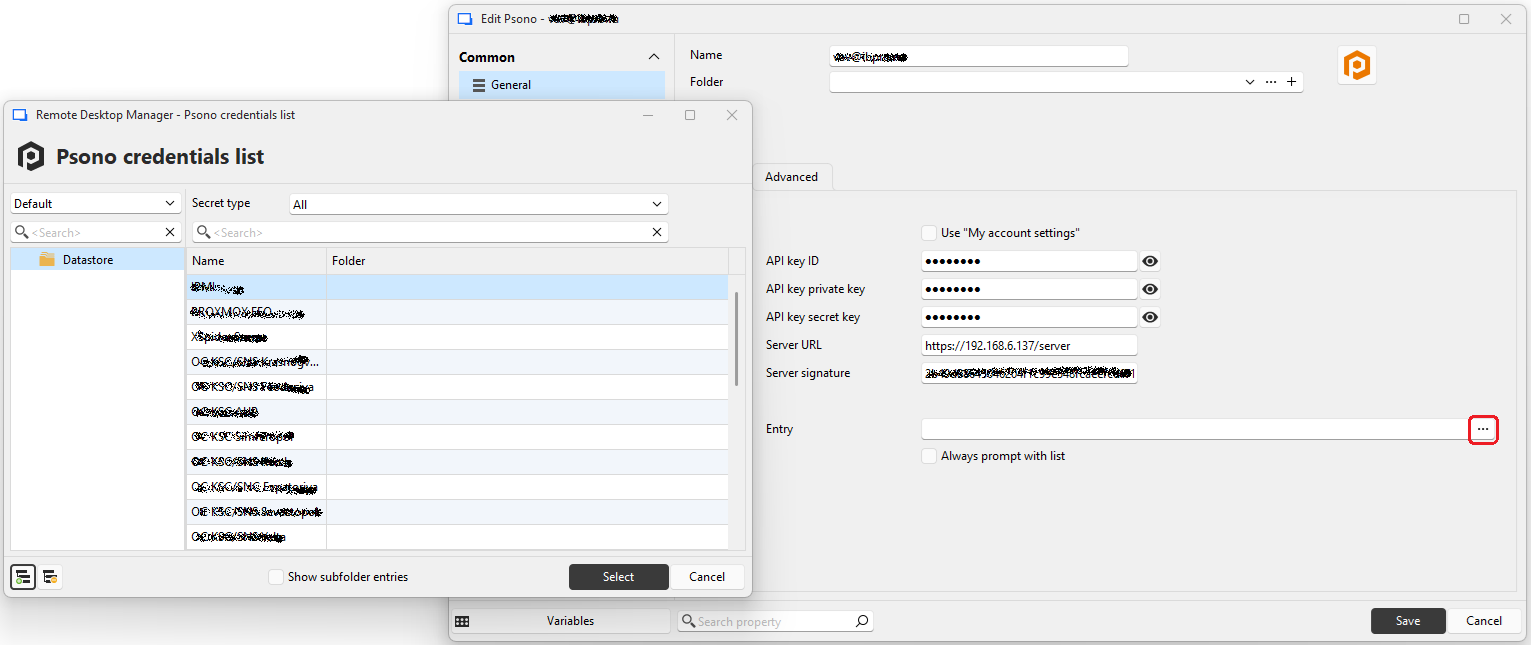
However, the folders where the credentials are located are not displayed.
Psono
Hi.
I checked. If secrets are restricted in the pson, everything works. If secrets aren't restricted, I get the same errors.
Psono
Hello.
All operations were performed with "Read Permission" enabled.
I also tried enabling "Write Permission" – the errors were the same.
Psono
Psono version 5.3.0
RDM version 2025.3.22.0 64-bit (JIT)
The Psono API is configured without secrets restrictions. When I try to view secrets (double-click on the psono Entry), I get an error.
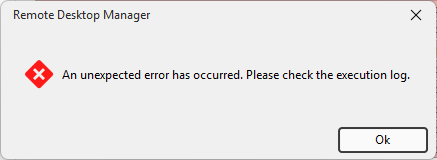
The Psono API is configured with restricted secrets. Secrets are visible.
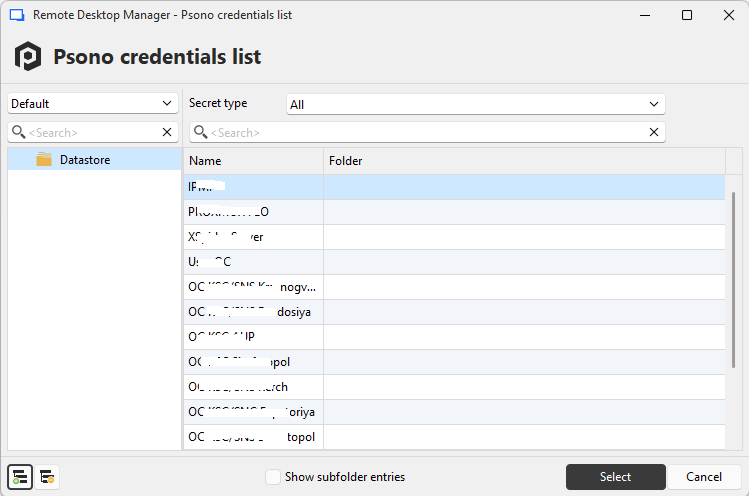
But I can't select a specific record ID - it's impossible to enter anything in the field.
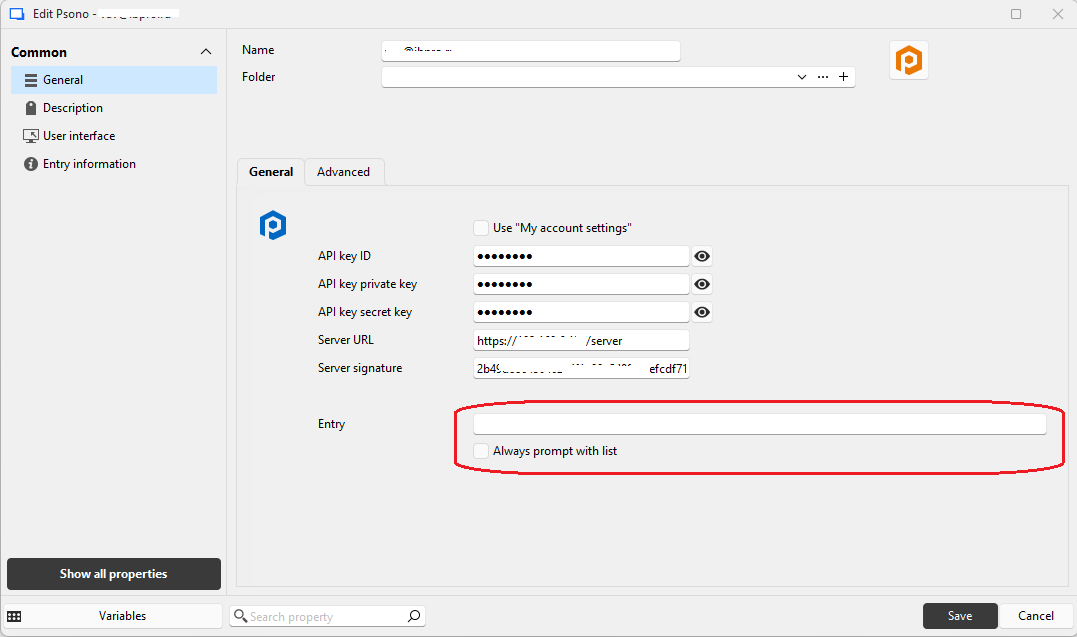
When choosing from the list I get an error.
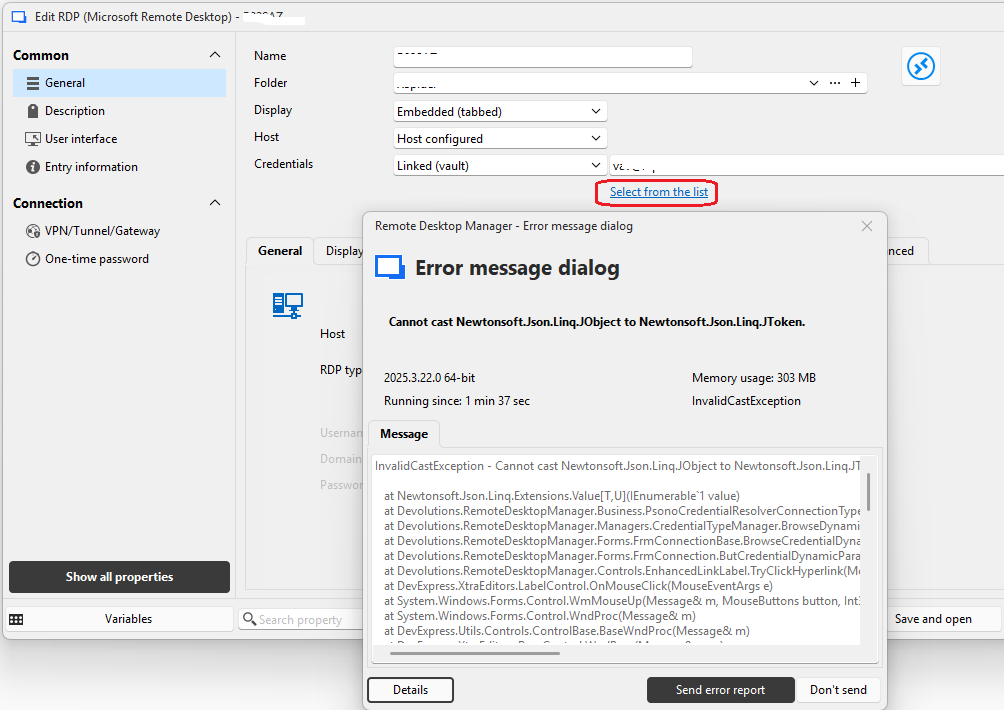
After exporting and importing the datasource, it is impossible to view the certificate.
We've found and fixed the issue with X.509 certificate entries. You should be able to export/import them correctly. Note that you will need to have both the attachments and the credentials included for this specific entry type to be exported correctly. You can expect these changes to take effect with the upcoming 2025.3.15 version
I tried the same thing in version 2025.3.15.0...
After importing, if I select "View Certificate" from the context menu in the navigation tree, everything works fine.
But if I click "View Certificate" from the Properties, I get an error...
Forgive my English, I'm using Google Translate.
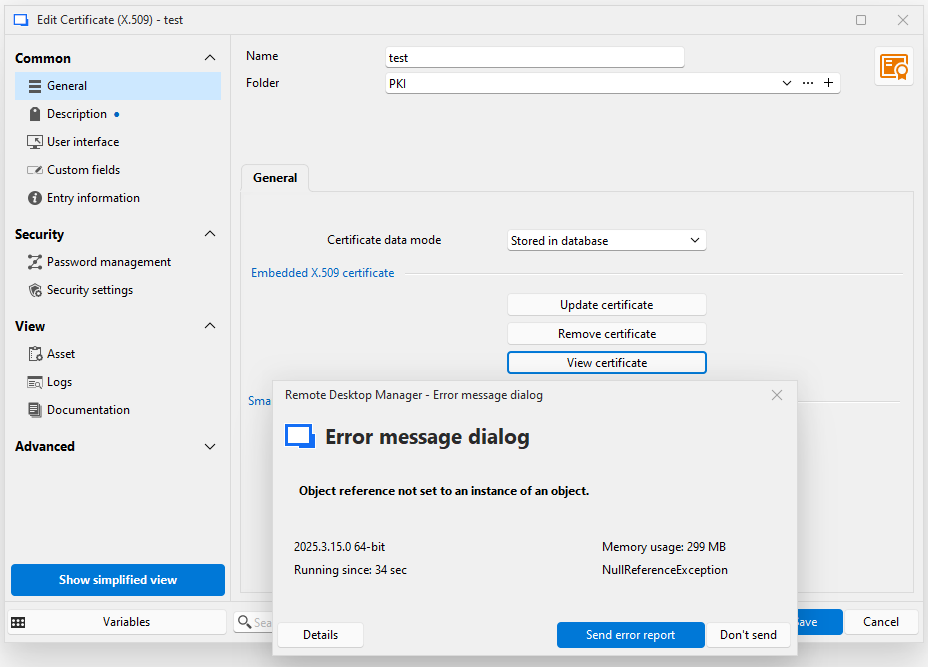
After exporting and importing the datasource, it is impossible to view the certificate.
RDM 2025.2.29.0 64-bit (JIT)
New entry...
Certificate (X.509) (Credentials)
Importing the certificate.
Right button on entry - View cetrificate...
Everything is fine.
File - Export - Export vault (.rdm)
Another PC (or the same one). All settings and data source are identical.
File - Import - Import into vault (.rdm)
Right button on entry - View cetrificate...
Nothing is happening...
Right button on entry - Properties... - View certificate
"Unable to display the document" error.
Forgive me for my English, I use Google Translate...