wosborn
Classic interface lacks access to File -> My Account settings on MacOS
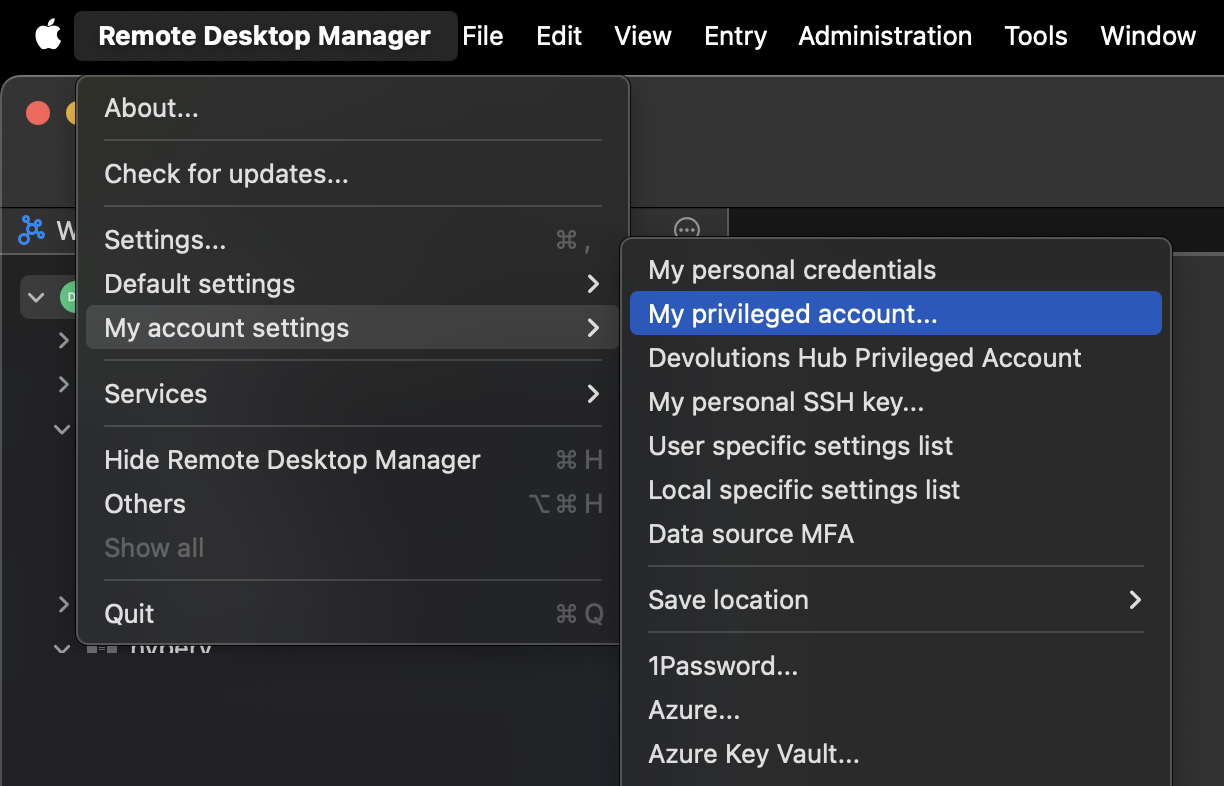
If you are in the Classic interface mode on MacOS, then the settings mentioned here are actually under the "preferences/settings" area under Remote Desktop Manager in the menu bar.
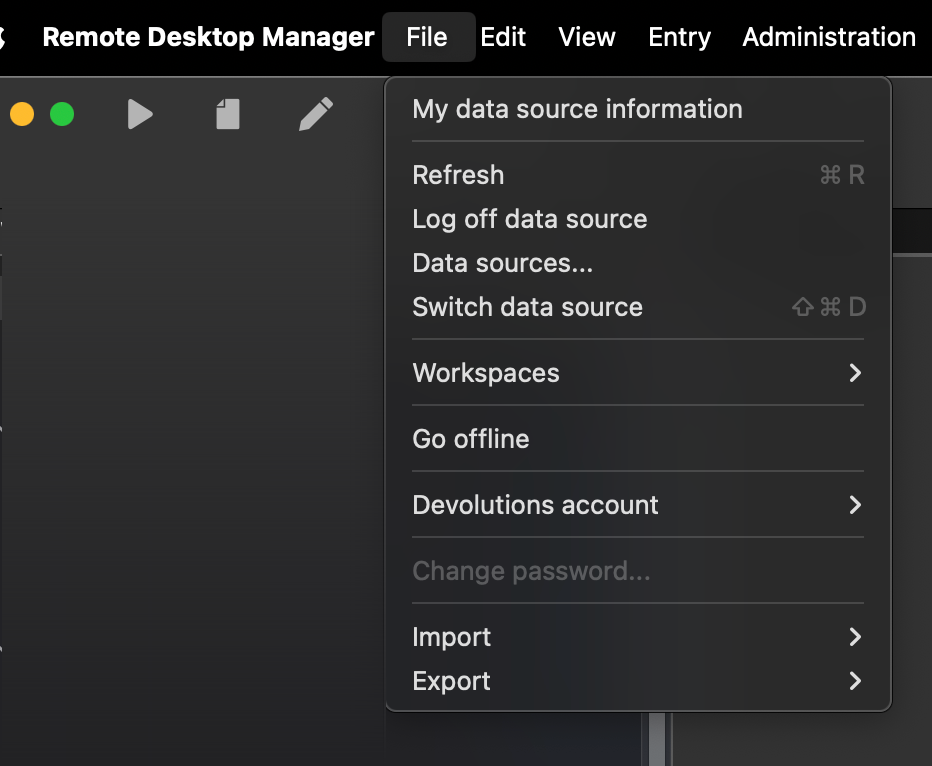
Persistence of the "Offline Edits" Dialog When Closing RDM
only user actions should lead to RDM going offline
I guess closing the laptop lid could be considered a user action. But I've never deliberately told the app to go into Offline mode on my M1 Macbook Pro and I would say it is in Offline mode about once every 36 hours. Happy to do some troubleshooting on that with support if there are recommendations on how to "catch it in action".
Persistence of the "Offline Edits" Dialog When Closing RDM
The whole offline behavior with Devolutions Hub is so weird. I can't tell you the number of times I've been like "Why won't this let me Edit/Duplicate" only to poke around for awhile to eventually realize I'm offline. I think it should be clearer that you are offline and offer an option that involves attempting to go online when you access an "online only" feature. I'd say this happens about 80% of the time because I've closed my laptop and the network has "fallen asleep".
Streamline updating My Privileged Account
For your personal credentials, there are three ... next to the entry that allows you to update the settings:
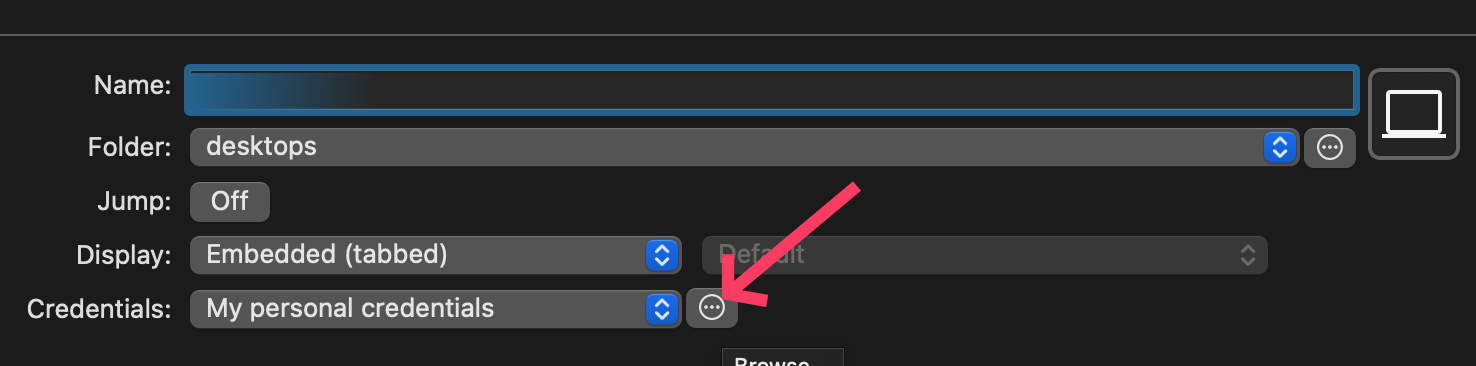
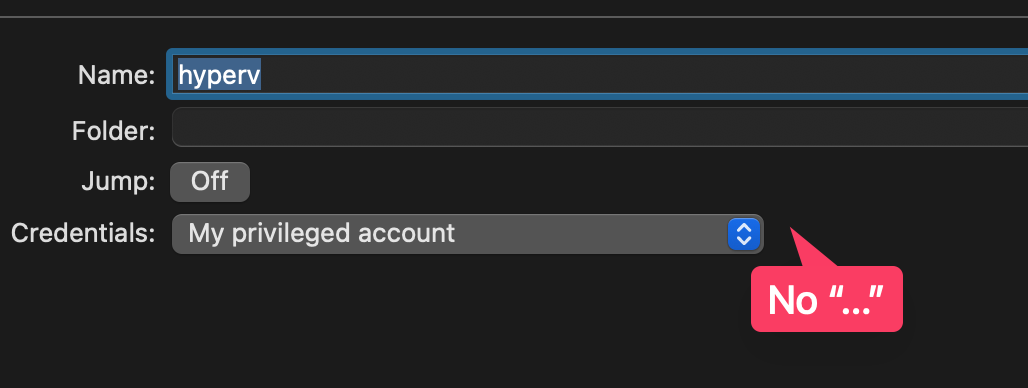
However, for your privileged account, that option is not there. And on the Mac you have to go into a not clearly documented option to make the update - adding the "..." would have saved me 45 minutes of digging the last time I had to rotate my password: