
felippe
interactive shell
interactive shell is like mxtrm that allows to save printable output, for when needed to connect to openshift or sqlplus...
if mxtrm is not a good example, think of vscode that can also connect remotely, but for a sysadmin, to make fast things like execute oracle scripts is kind of too much to load
or if vscode still is not a good example, think of a dba that could stay working only in RDM and need to go do ISE or simply cmd to connect
RDM miss an interactive shell that can submit a script and also save the printable output, without the need to specify a host to connect, because the person will connect inside the interactive shell
Offline mode doesn't allow Copy Login/Password/OTP
Thanks for the KB.
I tested but nothing happens when I copy being offline.
I click copy button (left click + copy option) and when I try to paste anywhere... Nothing is paste.
Offline mode doesn't allow Copy Login/Password/OTP
Hello and thank you for your response!
I did as you said:
Updated RDM to the latest version
No, it isn't greyed out, it's orange
Credential type: Username and Password
After I go offline and try to copy password, when I paste, I paste last thing I copied before RDM.
Still not working.
Offline mode doesn't allow Copy Login/Password/OTP
Hello,
I'm using Devolutions Remote Desktop Manager - Windows 11 Pro - Version 2024.2.20.0 64-bit, with HUB Personal Data Source.
I have only enabled the option to use it Offline, at HUB Preferences.
And it has been worked quite well!
But when I go Offline, RDM doesn't allow me to copy properties like Login and Password from my Credentials.
Does anyone know why or what do I have to do to solve it?
Offline Mode doesn't work like KB
Thank you! I was using the local data source and after I changed to hub data source, the option to go offline appeared!
Offline Mode doesn't work like KB
It does not appear in my RDM.
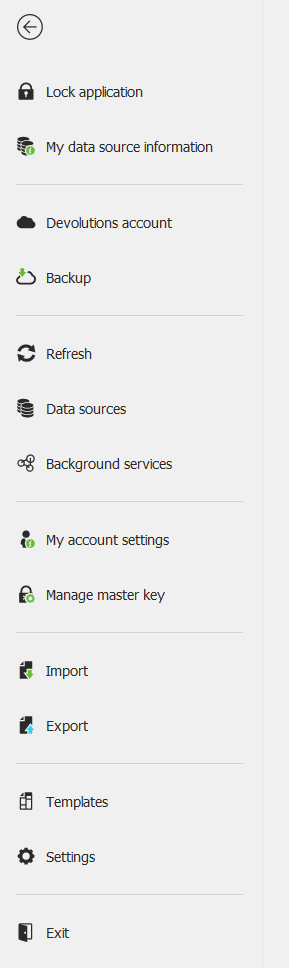
Offline Mode doesn't work like KB
Hi, thanks for your response!
I'm sorry I didn't specify.
I'm using Hub Personal.
Is it possible to achieve Offline Mode with Hub Personal?
Offline Mode doesn't work like KB
I am using Devolutions Remote Desktop Manager version 2024.2.20.0 64-bit and all the procedures described in the KB ( Enable Offline Mode to access data even when disconnected from datasource - RDM Pro Tip 009 (youtube.com) ) doesn't exists.
Please, can you explain me why or how do I reproduce it for my version?
I've tried this below, but no success:
- Hub Devolutions > "Click at Avatar Icon" > Settings > Preferences > General > Offline settings > "Check" Allow offline
- Settings > Application > Application startup > Startup online state: Automatically go offline
- Settings > Types > Sessions > Connection > "Check" Enable offline read/writes locks
- Settings > Advanced > General > "Check" Use Application directory for offline cache
- Settings > Advanced > User interface > "Check" Always show "Go Offline" button