sakibmas
Remove authenticator validation
Hi,
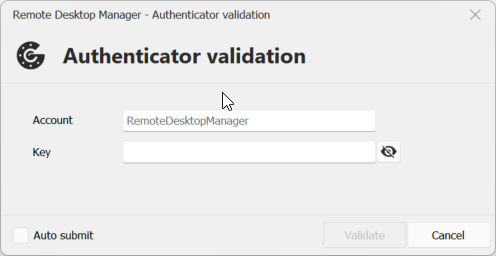
I need help removing "Authenticator Validation" as I lost the phone.
I uninstalled the "Remote Desktop Manager," cleaned up the registry using the "Wise Registry Cleaner," and reinstalled the latest program.
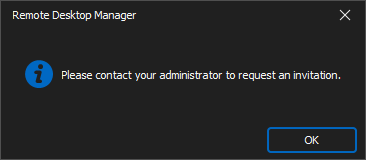
However, it is still asking for "Authenticator Validation". Please review the attached screenshot and guide to solve.
Contact your administrator to request an invitation
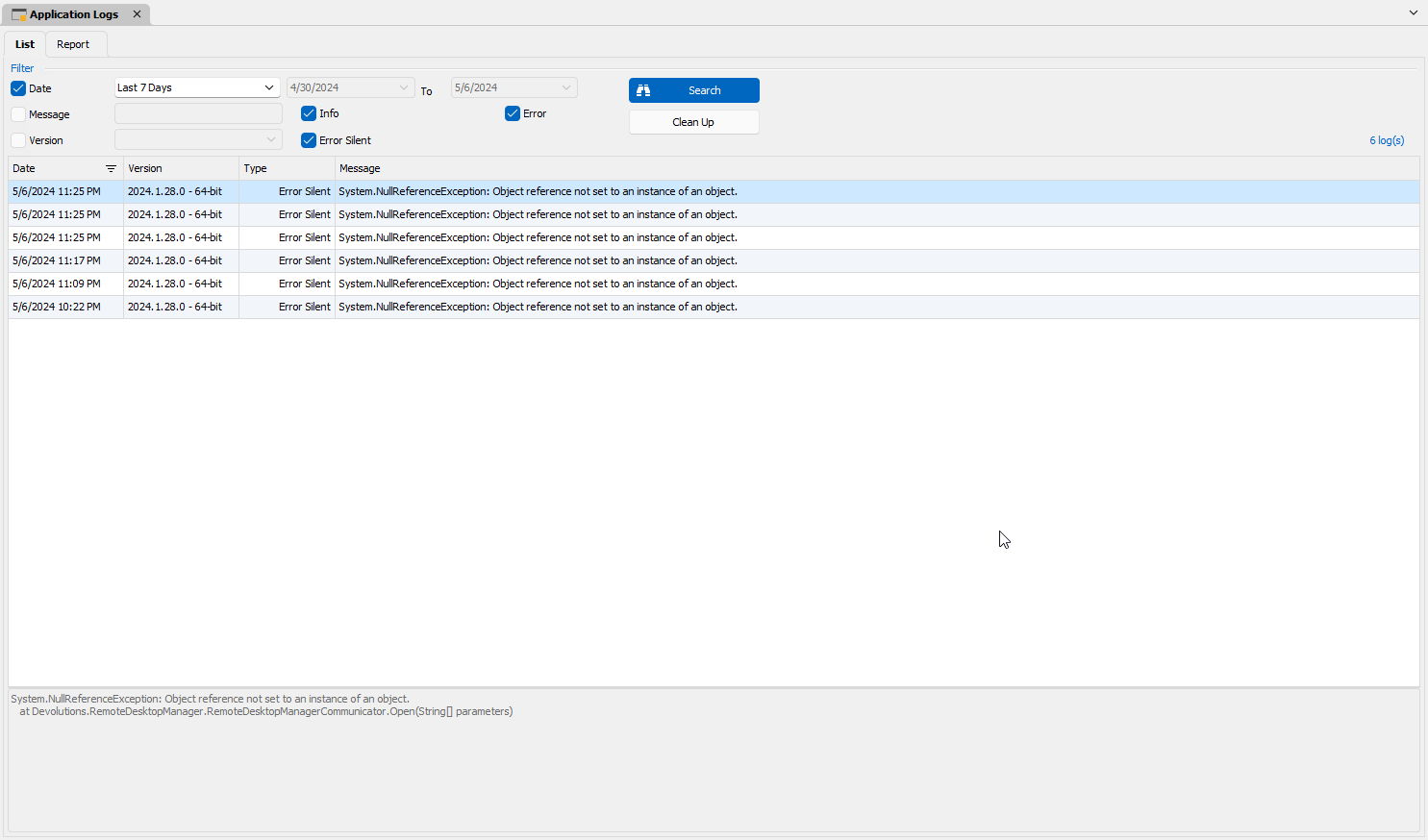
Here is the application log -
System.NullReferenceException: Object reference not set to an instance of an object.
at Devolutions.RemoteDesktopManager.RemoteDesktopManagerCommunicator.Open(String[] parameters)
Contact your administrator to request an invitation
My username is sakibmas@gmail.com
I can successfully log in to https://hub.devolutions.com/ in the browser.
I am using the 2024.1.28.0 64-bit version of Remote Desktop Manager on Windows 10 Professional. Whenever I try to log in from the apps, it throws "Please contact your administrator to request an invitation"