ianfsalgado
WatchGuard VPN/Tunnel/Gateway - AutoType Macro
{TAB} !!!..... that worked !
awesome thank you very much.
I had being trying {ENTER} & {BREAK} but they did not work
thank you very much !!
WatchGuard VPN/Tunnel/Gateway - AutoType Macro
Hi,
I have created a WatchGuard VPN/Tunnel/Gateway entry on RDM
If I launch the WatchGuard VPN/Tunnel/Gateway, the WatchGuard SSLVPN app starts up & i can type the password & the connection gets established. so this works great
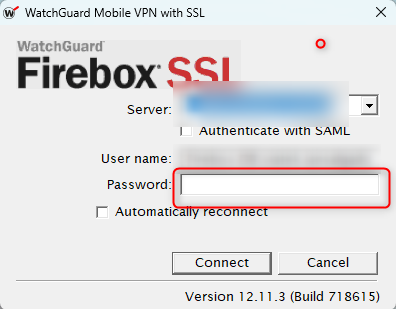
However, I wanted to add was a autotype macro, so that the macro can autotype the password on the WatchGuard SSLVPn windows (in red box on attached pic)
I have have configured an EVENTS & which should trigger "after opening" the connection (WatchGuard SSLVPN)
My scripts type the password is but in the wrong spot, ie: it type it on the SERVER area
But it needs to be in the PASSWORD area
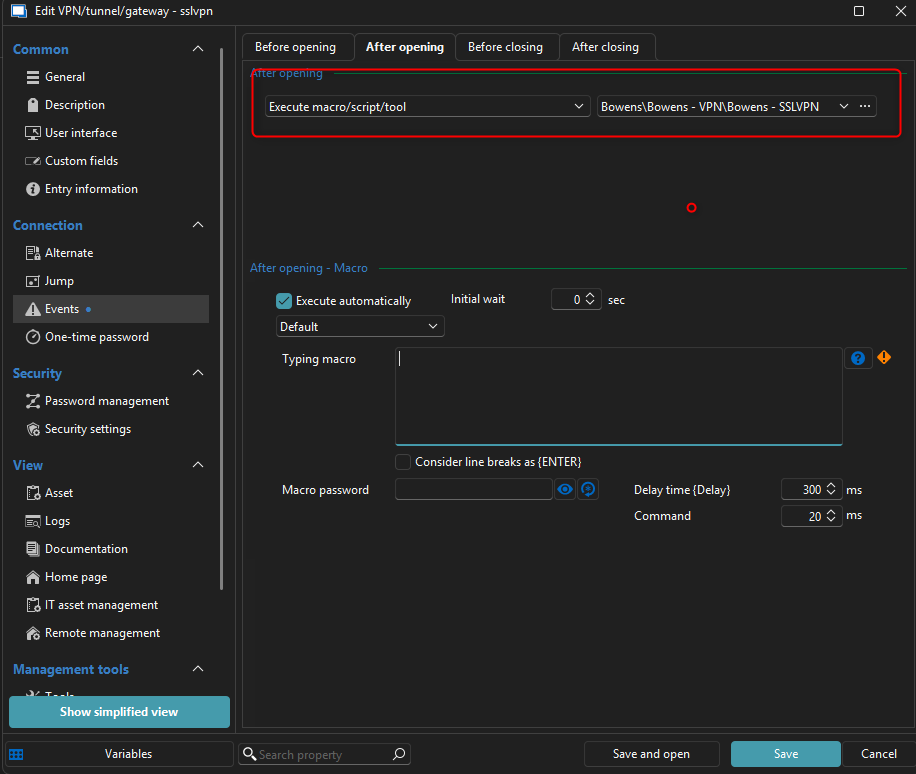
how do i do this ?
cheers
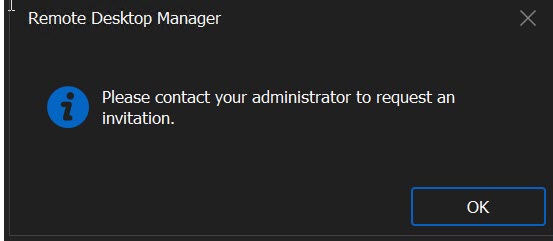
! Cannot access my vault - Please contact your administrator to request an invitation
the email address should be
xxxx@outlook.com = Hub Personal
to get around this, i created a new account under xxxx@gmail.com
i had previously saved all my rdp connections to a local file (*.rdm) which was lucky
my the new account, i got the emergency kit as well & save it in a safe place
I was able to restore the rdp session with the *.rdm file
I delete the previous data source from RDM (account should still be active)
cheers
! Cannot access my vault - Please contact your administrator to request an invitation
Hi Jeff,
this is the message