
mitchwiemans
Radmin - Automatically fill in credentials
Hi James,
Thanks for the update and information. We will just enter the credentials manually then :)
Kind Regards,
Mitch
Radmin - Automatically fill in credentials
Dear team,
we have a lot of Radmin sessions stored in RDM and attached credentials to the sessions. The sessions are working fine, but every time we are prompted with a login field if we want to use the session.
I checked the forum and found multiple topics asking the same question, however these are 10+ years old and I was wondering if anything has changed in all these years.
Topics found:
Our Radmin session looks as followed and when we right click the session and select "Show Password", we do see the correct information:


Has a fix been provided meanwhile or is there a work around to login using Radmin without having to fill out the credentials manually?
We are running Remote Desktop version 2022.3.24.0
Kind Regards,
Mitch
UltraVNC - Unable to scroll
Hi Richard,
Just for your information. Today we updated to version 2022.2.20.0 and the UltraVNC scroll is now working :)
Thanks a lot for the help and support!
Kind Regards,
Mitch
Difference between SSH SHELL and Putty SSH
Hi Hubert,
thank you very much. Today we update to version 2022.2.20.0 and tested the SSH shell. It seems to be working fine now with the build in shell.
Kind Regards,
Mitch
Difference between SSH SHELL and Putty SSH
Thank you Etienne,
the recorded sessions has been send to you.
Kind Regards,
Mitch
Difference between SSH SHELL and Putty SSH
Hi Etienne,
Enterprise
Difference between SSH SHELL and Putty SSH
Dear team,
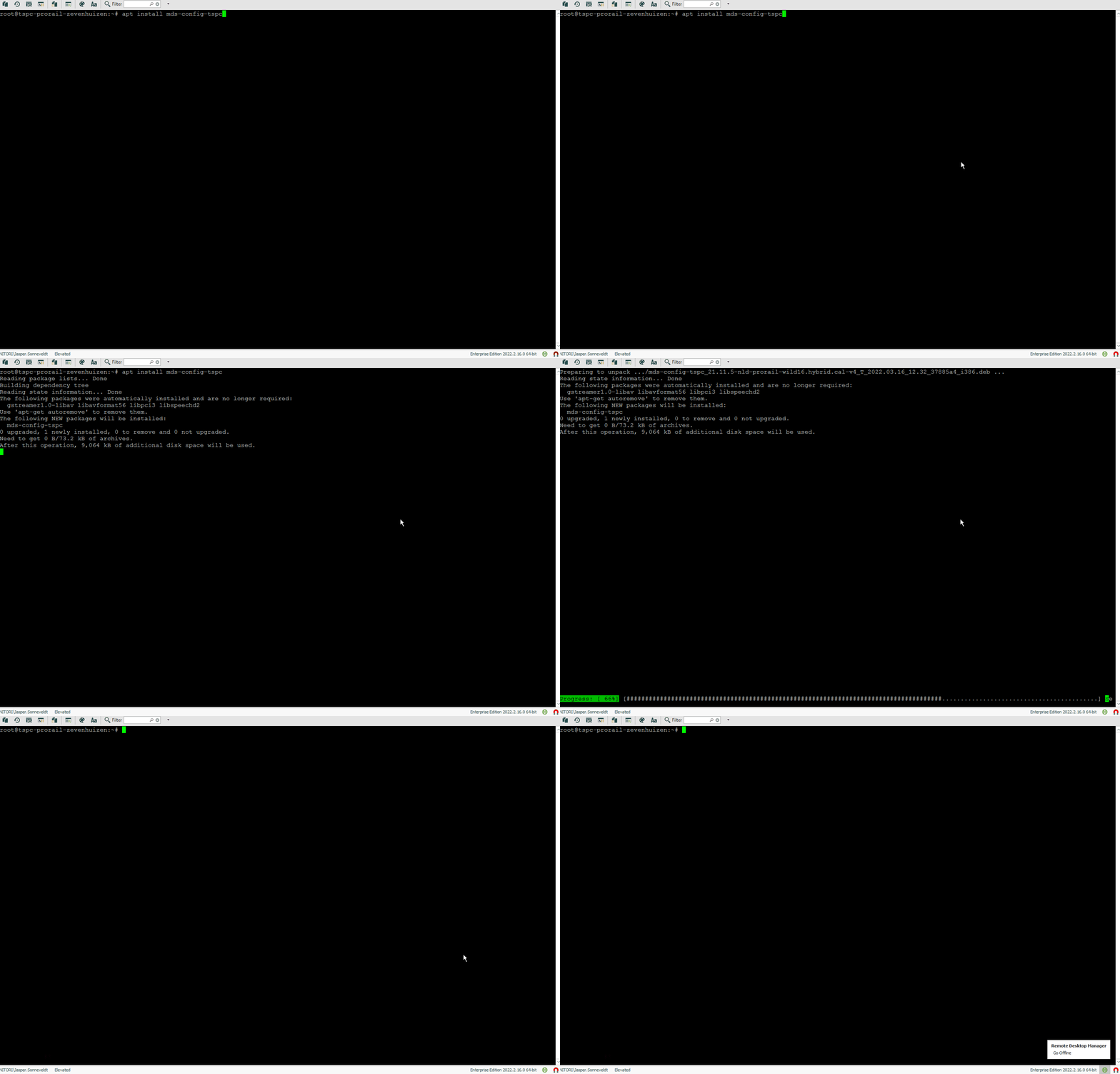
we might have found a bug in the default SSH shell of Remote Desktop Manager. When performing specific own written updates, only the last line is being updated and other lines disappear. At the end, the screen is cleared.
I have attached a .gif file where you can see what happens. We do not have this problem when using the ssh connection via PUTTY.
Do you know if this is a known issue or something new?
System where we SSH to and more information:
Linux Debian 8 - Jessie
SSH SHELL - Embedded (tabbed)
Terminal settings - all default
Devolutions Remote Desktop Manager version 2022.2.16.0
Kind Regards,
Mitch
Transfer Files using script + SSH
Dear team,
I'm bumping this request because I was curious if this has been rolled out yet or fixed in a different way.
We would like to be able to send files from our central server (Where Remote Desktop Manager is configured) to our other systems. We also would like to be able to remotely execute scripts and get a return message with success or fail or something like that.
Short summary of how this process would look like our way:
Send files to (multiple) system(s) (.bat file and .xml files)
Once the files are received on the client side, we remotely execute the .bat file which will update (For example replace a config) the system.
Once done, we get a message like "Success" or "Failed".
Is this possible in RDM and if so, how?
We are currently on RDM version 2022.2.16.0
Kind Regards,
Mitch
UltraVNC - Unable to scroll
Thank you very much Richard.
I'm happy that you were able to reproduce and fix the issue. We will wait for an update and I keep an eye out for the release notes.
Kind Regards,
Mitch
UltraVNC - Unable to scroll
Hi Richard,
I just did some tests as well and have the following results below.
We use UltraVNC viewer version 1.2.1.2. I also tried the latest version but this had the same results.
Test 1
________________________________________
Source Server = Windows Server 2012 R2
Destination Server = Windows 2000
________________________________________
UltraVNC - Embedded
Result: Not being able to scroll using the mouse wheel.
UltraVNC - Undocked
Result: Not being able to scroll using the mouse wheel.
UltraVNC - External
Result: Everything works (but we rather not use undocked for the visibility).
________________________________________
Test 2
________________________________________
Source Server = Windows Server 2012 R2
Destination Server = Windows 7
________________________________________
UltraVNC - Embedded
Result: Not being able to scroll using the mouse wheel.
UltraVNC - Undocked
Result: Not being able to scroll using the mouse wheel.
UltraVNC - External
Result: Everything works (but we rather not use undocked for the visibility).
UltraVNC - Unable to scroll
Thanks for your reply Richard, we are looking forward to an update :)
Kind Regards,
Mitch
UltraVNC - Unable to scroll
Dear team,
We have a lot of sessions which can be accessed via VNC. We access these sessions via Ultra VNC viewer and we noticed that when we run the session Embedded or Undocked, we are not able scroll up or down. When we run the session external, we are able to scroll. However, we would really like to run the session embedded since RDM will keep an nice and easy overview of the opened sessions which we really need.
We also tried the build-in VNC viewer of RDM (FreeVNC). This works fine embedded and we are able to scroll when the session is open. However, we are missing the "File Transfer" option.
Is there a possibility to get the File Transfer option in FreeVNC or is there a way to fix the "unable to scroll" problem in Ultra VNC when embedded/ undocked?
We are running RDM version 2022.2.14.0
Kind Regards,
Mitch