
mcooper
Web client - resolution change
I have recently come across this same issue and would like to see if there is an update on a fix outside of the workaround?
Devolutions Web Login - Autopopulate OTP
For this particular site, the ID isid="code_verification". Another site I use that doesn't auto-populate the OTP has no ID, but instead uses name="authenticatiion_code".
Devolutions Web Login - Autopopulate OTP
I am using Brave, which is based off Chromium. I tested Chrome as well, and the behavior is the same, which should be expected since they use the same extension.
Devolutions Web Login - Autopopulate OTP
I am on version 2022.1.3.1 and it is linked to Devolutions Server. Here are screenshots of my experience.
Web Login sees that I have saved credentials on the login page.
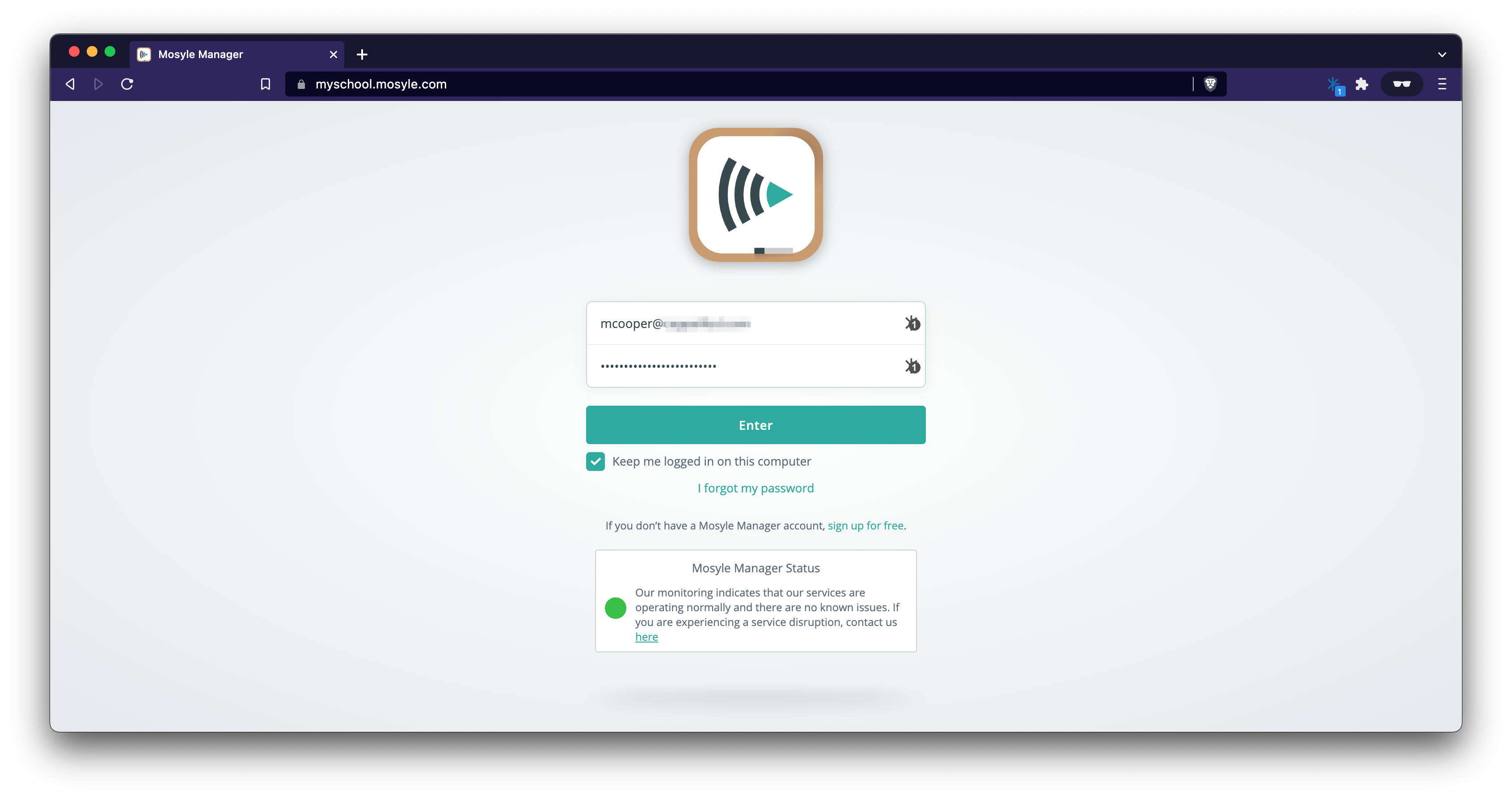
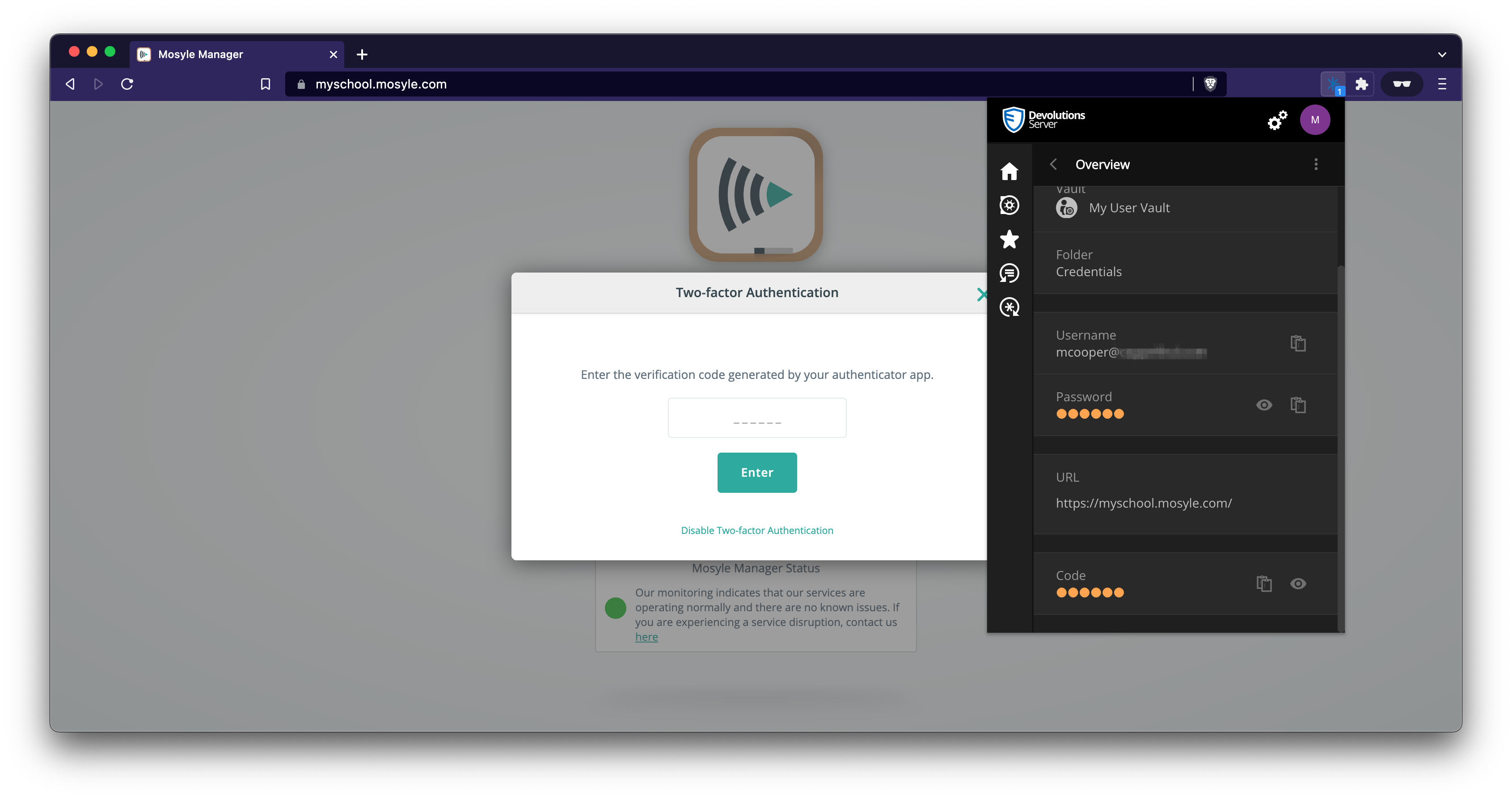
On the 2FA page, the Web Login icon doesn't appear in the entry field. If I open the extension and click view, I can scroll down and copy the Code, then paste it into the field.
Devolutions Web Login - Autopopulate OTP
+1
Today, username and password will autofill when going to a site, but when the site presents the OTP field the Web Login browser extension won't auto-fill the field. Instead, you have to open the extension, view the entry for the site, scroll to the bottom of the pop-up, then copy the OTP code to then manually paste into website.