Devolutions Web Login - Autopopulate OTP

111
All Comments (10)
Hello,
Thank you for contacting us regarding this,
If you go in the "Properties" of your entry you should have access to the "One Time Password" tab, from this section you can link your "OTP" entry to this 'Website" entry:
I'm wondering if this helps in your case?
Let me know,
Best regards,
Samuel Dery
+1
Today, username and password will autofill when going to a site, but when the site presents the OTP field the Web Login browser extension won't auto-fill the field. Instead, you have to open the extension, view the entry for the site, scroll to the bottom of the pop-up, then copy the OTP code to then manually paste into website.
Hello,
Sorry for the delay!
Could you confirm your Devolutions Web Login version, also, is it linked to Remote Desktop Manager, Hub (Personal or Business) or Devolutions Server?
Best Regards,
Etienne Lord
I am on version 2022.1.3.1 and it is linked to Devolutions Server. Here are screenshots of my experience.
Web Login sees that I have saved credentials on the login page. 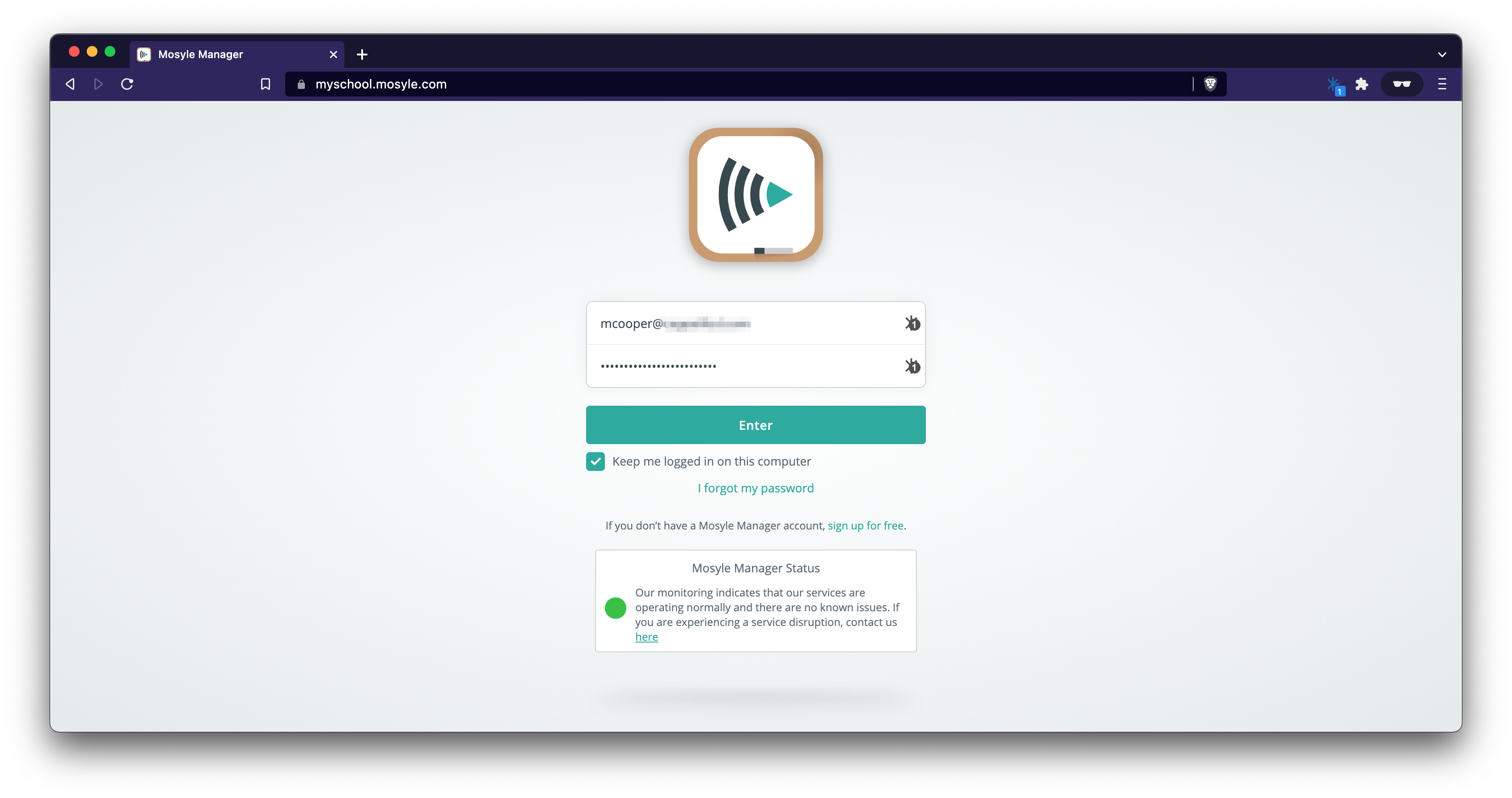
On the 2FA page, the Web Login icon doesn't appear in the entry field. If I open the extension and click view, I can scroll down and copy the Code, then paste it into the field.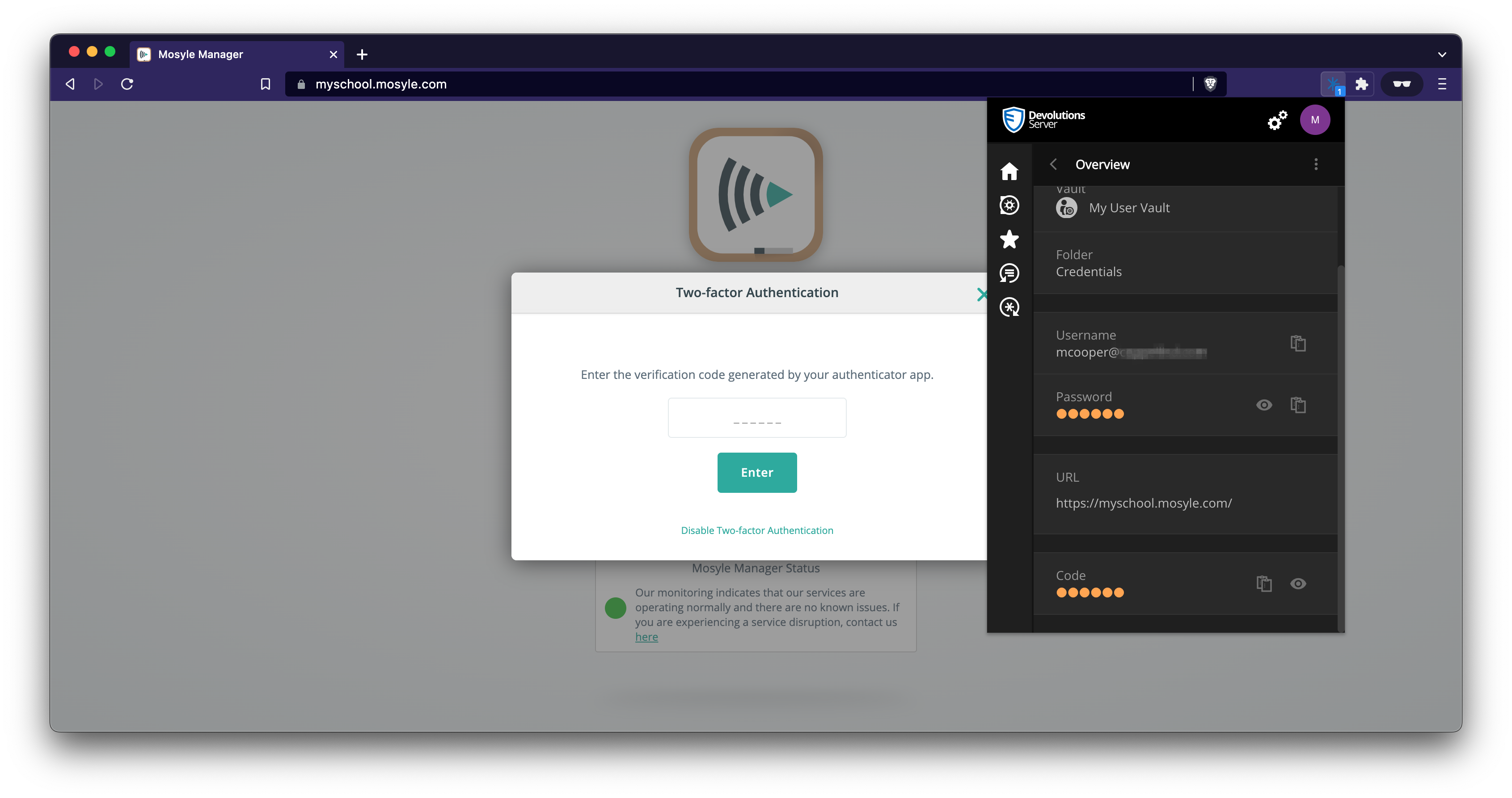
mosyle2FA.png
mosyle.png
Hello,
Thank you for the screenshot! Lastly, could you confirm your Web Browser engine?
Best Regards,
Etienne Lord
I am using Brave, which is based off Chromium. I tested Chrome as well, and the behavior is the same, which should be expected since they use the same extension.
Hello,
Thank you, I will look into it!
Best Regards,
Etienne Lord
Hello,
It doesn't seem like I was able to reproduce the issue on my side. If you make a right-click in the OTP Field -> Inspect, do you see an ID for the OTP Field?
Best Regards,
Etienne Lord
For this particular site, the ID isid="code_verification". Another site I use that doesn't auto-populate the OTP has no ID, but instead uses name="authenticatiion_code".
Hello,
I do not believe that sites without any ID will be able to auto-populate the OTP.
As for the sites with an ID, you can set that ID under the Html control ID section of your entry in Password Hub : 
Best Regards,
Etienne Lord